你的提示詞
將括號內的文字換成你的內容;選填項目可以省略。
/mega-sale-slam
Event name = 〔Event name — 最多 20 個字元〕
Discount = 〔Discount — 最多 4 個字元〕
Old price = 〔Old price — 最多 12 個字元〕
New price = 〔New price — 最多 7 個字元〕
Coupon 1 amount = 〔Coupon 1 amount — 最多 7 個字元〕
Coupon 1 condition = 〔Coupon 1 condition — 最多 13 個字元〕
Coupon 2 amount = 〔Coupon 2 amount — 最多 7 個字元〕
Coupon 2 condition = 〔Coupon 2 condition — 最多 13 個字元〕
Coupon 3 amount = 〔Coupon 3 amount — 最多 8 個字元〕
Coupon 3 condition = 〔Coupon 3 condition — 最多 13 個字元〕
Countdown start = 〔Countdown start — 最多 8 個字元〕
Line before the discount = 〔Line before the discount — 最多 22 個字元 — 選填〕
Word after the discount = 〔Word after the discount — 最多 4 個字元 — 選填〕
Price label = 〔Price label — 最多 18 個字元 — 選填〕
Countdown label = 〔Countdown label — 最多 9 個字元 — 選填〕
Button text = 〔Button text — 最多 8 個字元 — 選填〕
顏色 = 〔顏色 — blue / black / red — 選填〕
品牌色 = 〔品牌色 — 選填〕
影片解析度 = 〔影片解析度 — 1080p / 4K — 選填〕
不知道怎麼填?可以說:先做一個範例給我看
範例
/mega-sale-slam
Event name = Mid-Year Sale
Discount = 50%
Old price = $199
New price = $99
Coupon 1 amount = $30 off
Coupon 1 condition = Over $199
Coupon 2 amount = $50 off
Coupon 2 condition = Over $299
Coupon 3 amount = $100 off
Coupon 3 condition = Over $599
Countdown start = 00:59:59
Line before the discount = Everything up to
Word after the discount = OFF
Price label = Your price
Countdown label = Ends in
Button text = Shop now
顏色 = red
品牌色 = #1E3A8A
影片解析度 = 1080p
大促砸屏
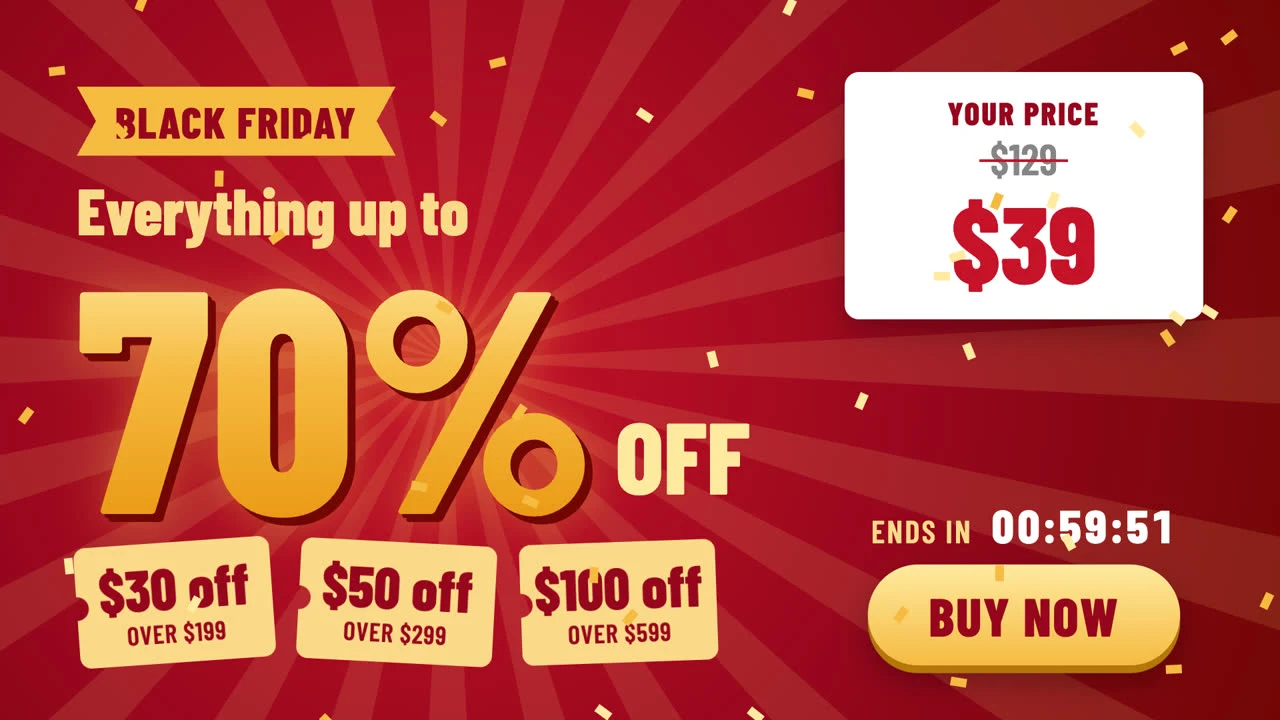
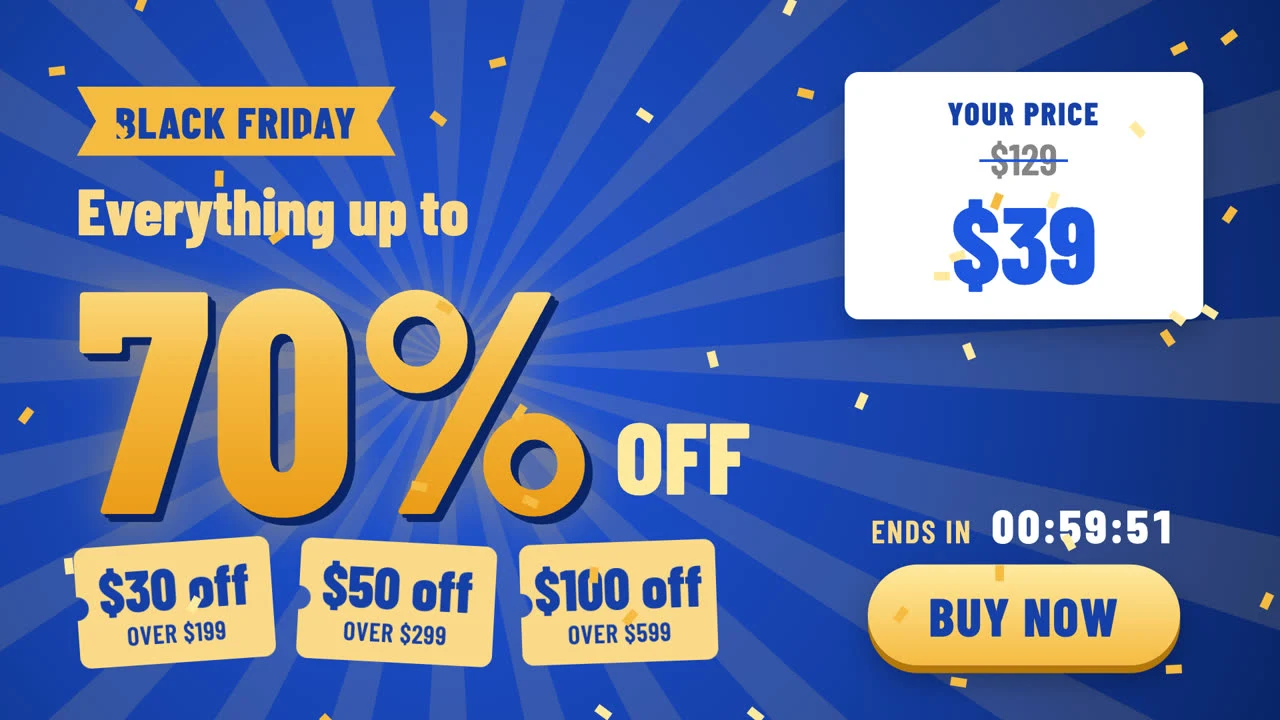
金色折扣數字砸進紅色放射光,價籤劃掉原價,三張優惠券依次飛入,倒數計時在彩紙裡跳動。 每一行字都能改,可選主題或品牌色,用自帶渲染器或 HyperFrames 在自己電腦上出 1080p / 4K MP4。
運作流程
- 安裝技能 · 安裝指南
- 執行你的需求 ·
/mega-sale-slam - 檢查成果
先閱讀 SKILL.md 的流程,再使用下方隨包提供的指令。
node -vnode scripts/check-setup.mjsnpx hyperframesnpx hyperframes rendernode scripts/render.mjs ./sale-scene --checknode scripts/render.mjs ./sale-scene --frames 1300,4500,8500
工作目錄
references/defaults.jsonreferences/fill-in.jsonreferences/project/index.htmlscripts/check-setup.mjsscripts/create.mjsscripts/hyperframes.mjsscripts/render.mjs
你會得到
- 一個可編輯的 9 秒 1920x1080 場景資料夾,其中包含您的文字和主題
- 來自內建算繪器或HyperFrames的1080p或4K算繪的MP4
- 在算繪之前自動檢查每條線是否適合
執行需求
- 必要 · Node.js 22 或更新版本
- 必要 · Google Chrome、Chromium 或 Microsoft Edge
- 必要 · FFmpeg
- 選用 · HyperFrames CLI (npx hyperframes)
使用建議
9 秒促銷短片:折扣數字砸在放射光上。
切換到鈷主題並以4K算繪。
在輸出中使用我的品牌顏色。
開始之前
| 你需要提供 |
|
|---|---|
| 相依項目 |
|
| 外部費用 | 無外部服務費用 |
| 最近更新 | v1.1.4 · |
功能範圍以隨包提供的流程為準。



























































































