你的提示詞
將括號內的文字換成你的內容;選填項目可以省略。
/tile-flip-mosaic
Brand name = 〔Brand name — 最多 22 個字元〕
Website = 〔Website — 最多 28 個字元 — 選填〕
Headline = 〔Headline — 最多 24 個字元〕
地點或主辦單位 = 〔地點或主辦單位 — 最多 48 個字元 — 選填〕
顏色 = 〔顏色 — bone (warm white tiles) / cobalt (blue tiles) / graphite (near-black tiles) / tangerine (orange tiles) — 選填〕
品牌色 = 〔品牌色 — 選填〕
Video shape = 〔Video shape — landscape 16:9 (YouTube, screens) / vertical 9:16 (Reels, Shorts, TikTok) / 4:3 / vertical 3:4 (feed posts) — 選填〕
Your photo = 〔Your photo〕
影片解析度 = 〔影片解析度 — 1080p / 4K — 選填〕
不知道怎麼填?可以說:先做一個範例給我看
範例
/tile-flip-mosaic
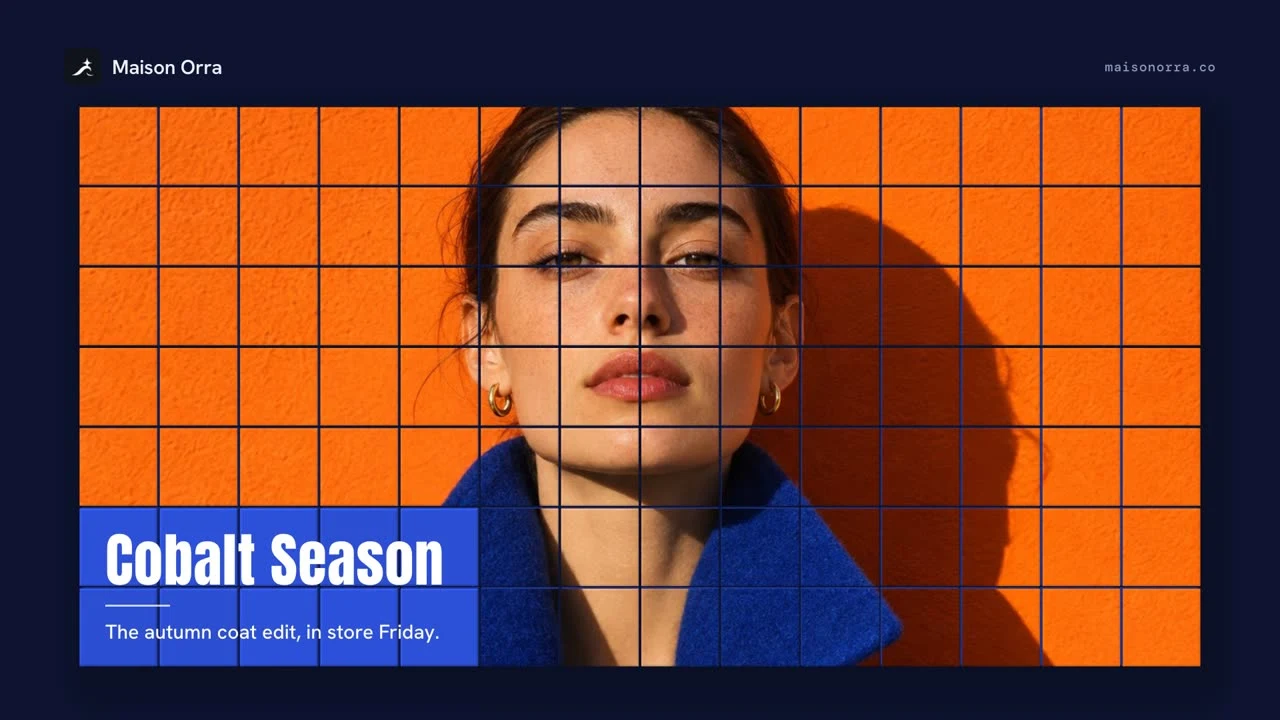
Brand name = Maison Orra
Website = maisonorra.co
Headline = Cobalt Season
地點或主辦單位 = The autumn coat edit, in store Friday.
顏色 = cobalt
品牌色 = #1E3A8A
Video shape = 16:9
Your photo = the sample photo in the pack
影片解析度 = 4k
方塊翻面拼圖
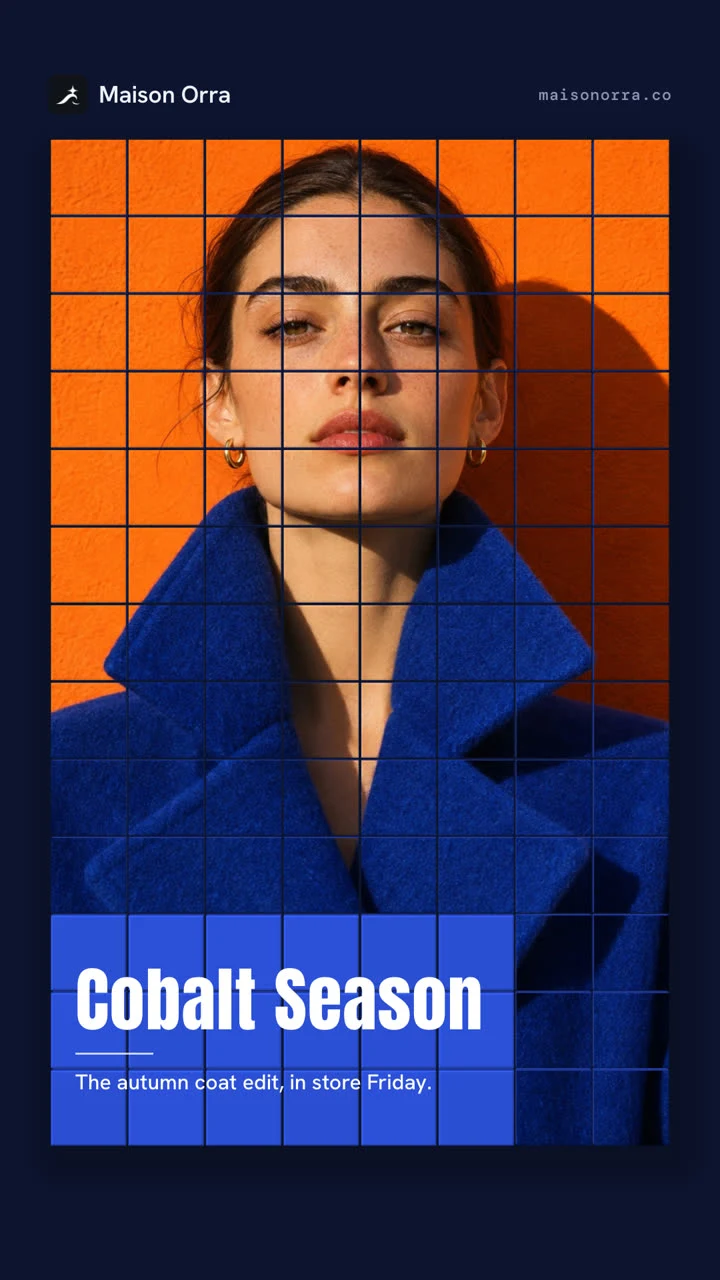
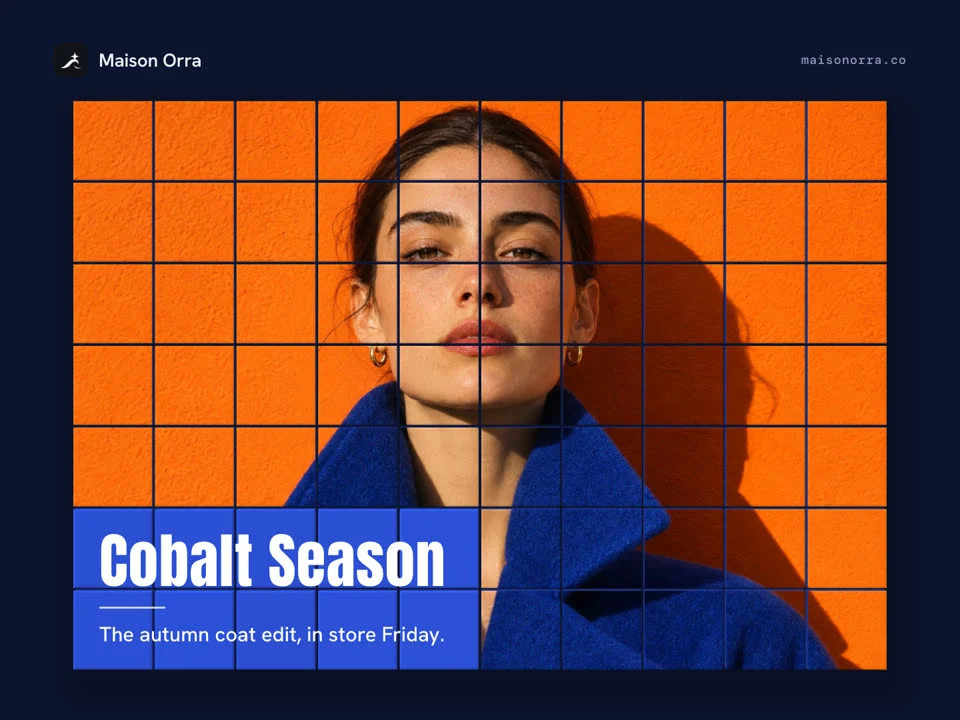
10 秒影片:滿版的立體方塊牆是你的品牌色,從左上角起一道斜向海浪逐塊翻面,背面拼出你的照片;整面牆推遠、轉一整圈後落定,左下角一組方塊翻回純色,標題從裡面升起。換照片、文字、配色或品牌色,本機輸出 16:9、9:16、4:3、3:4 的 4K 影片。
運作流程
- 安裝技能 · 安裝指南
- 執行你的需求 ·
/tile-flip-mosaic - 檢查成果
先閱讀 SKILL.md 的流程,再使用下方隨包提供的指令。
node -vnode scripts/check-setup.mjsnode scripts/create.mjs --out ./demonode scripts/render.mjs ./demo --output ./demo.mp4node scripts/studio.mjs --out .node scripts/create.mjs --out ./my-scene --brand brand/brand.json --data content.json --image photo=./photo.jpg --aspect 16:9 --theme cobalt
工作目錄
references/check.jsonreferences/defaults.jsonreferences/fill-in.jsonreferences/layout-rules.jsonreferences/studio.htmlreferences/project/index.htmlreferences/studio/shell.htmlscripts/check-output.mjs
你會得到
- 10 秒方塊翻面拼圖 4K MP4,支援四種比例 (16:9 / 9:16 / 4:3 / 3:4)
- 四套配色,也可使用品牌色
- 可編輯場景、本機 Studio,以及自動文字適配和版式檢查
執行需求
- 必要 · Node.js 22 或更新版本
- 必要 · Google Chrome、Chromium 或 Microsoft Edge
- 必要 · FFmpeg
使用建議
一整面立體方塊像海浪一樣逐塊翻面,背面拼出你的照片,再整面轉一圈。
用品牌色製作 9:16 的 Reels 版本。
換成我的文字和素材,保留原本的動畫節奏。
開始之前
| 你需要提供 |
|
|---|---|
| 相依項目 |
|
| 外部費用 | 無外部服務費用 |
| 最近更新 | v1.0.1 · |
功能範圍以隨包提供的流程為準。



























































































