내 프롬프트
괄호 안을 내 내용으로 바꾸세요. 선택 항목은 생략해도 됩니다.
/how-to-carousel-set
Use and size = 〔Use and size — portrait 4:5 cover / portrait 4:5 step 1 / portrait 4:5 step 2 / portrait 4:5 step 3 / square 1:1 cover / square 1:1 step 1 / square 1:1 step 2 / square 1:1 step 3 / story 9:16 cover / story 9:16 step 1 / story 9:16 step 2 / story 9:16 step 3 / 두 크기 모두 — 선택〕
Topic = 〔Topic — 최대 38자〕
상단 짧은 문구 = 〔상단 짧은 문구 — 최대 28자〕
Step 1 title = 〔Step 1 title — 최대 26자〕
Step 1 text = 〔Step 1 text — 최대 150자〕
Step 2 title = 〔Step 2 title — 최대 26자〕
Step 2 text = 〔Step 2 text — 최대 150자〕
Step 3 title = 〔Step 3 title — 최대 26자〕
Step 3 text = 〔Step 3 text — 최대 150자〕
Cover photo = 〔Cover photo〕
Step 1 photo = 〔Step 1 photo〕
Step 2 photo = 〔Step 2 photo〕
Step 3 photo = 〔Step 3 photo〕
Save line = 〔Save line — 최대 30자 — 선택〕
Script words = 〔Script words — 최대 12자 — 선택〕
Swipe pill = 〔Swipe pill — 최대 8자 — 선택〕
Next pill = 〔Next pill — 최대 8자 — 선택〕
색상 = 〔색상 — cream linen / tan clay / pale sage — 선택〕
브랜드 색상 = 〔브랜드 색상 — 선택〕
막막하다면: 먼저 예시를 보여 주세요
예시
/how-to-carousel-set
Use and size = all twelve
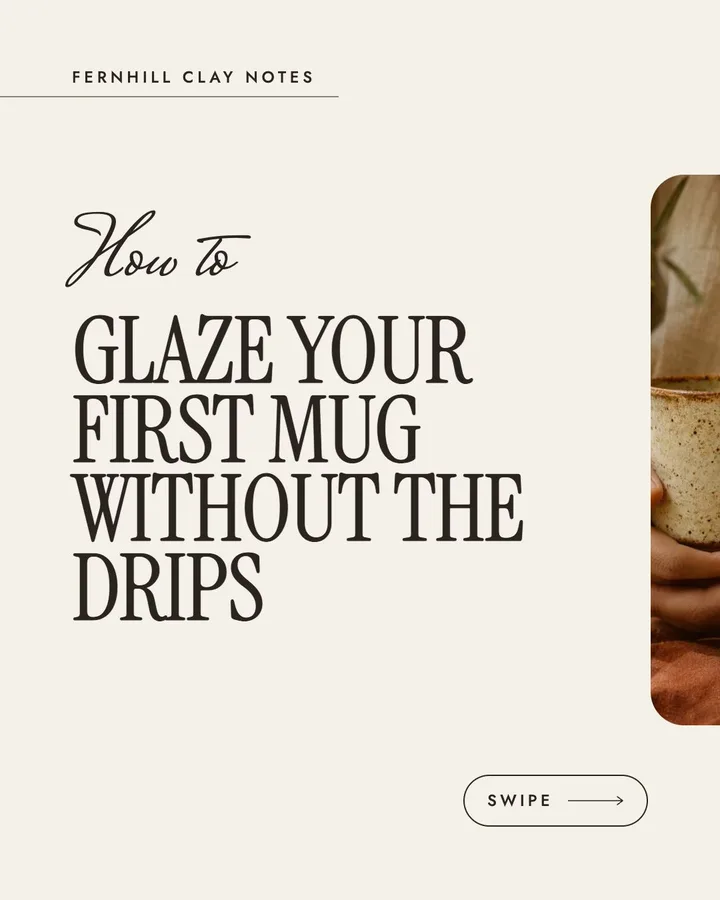
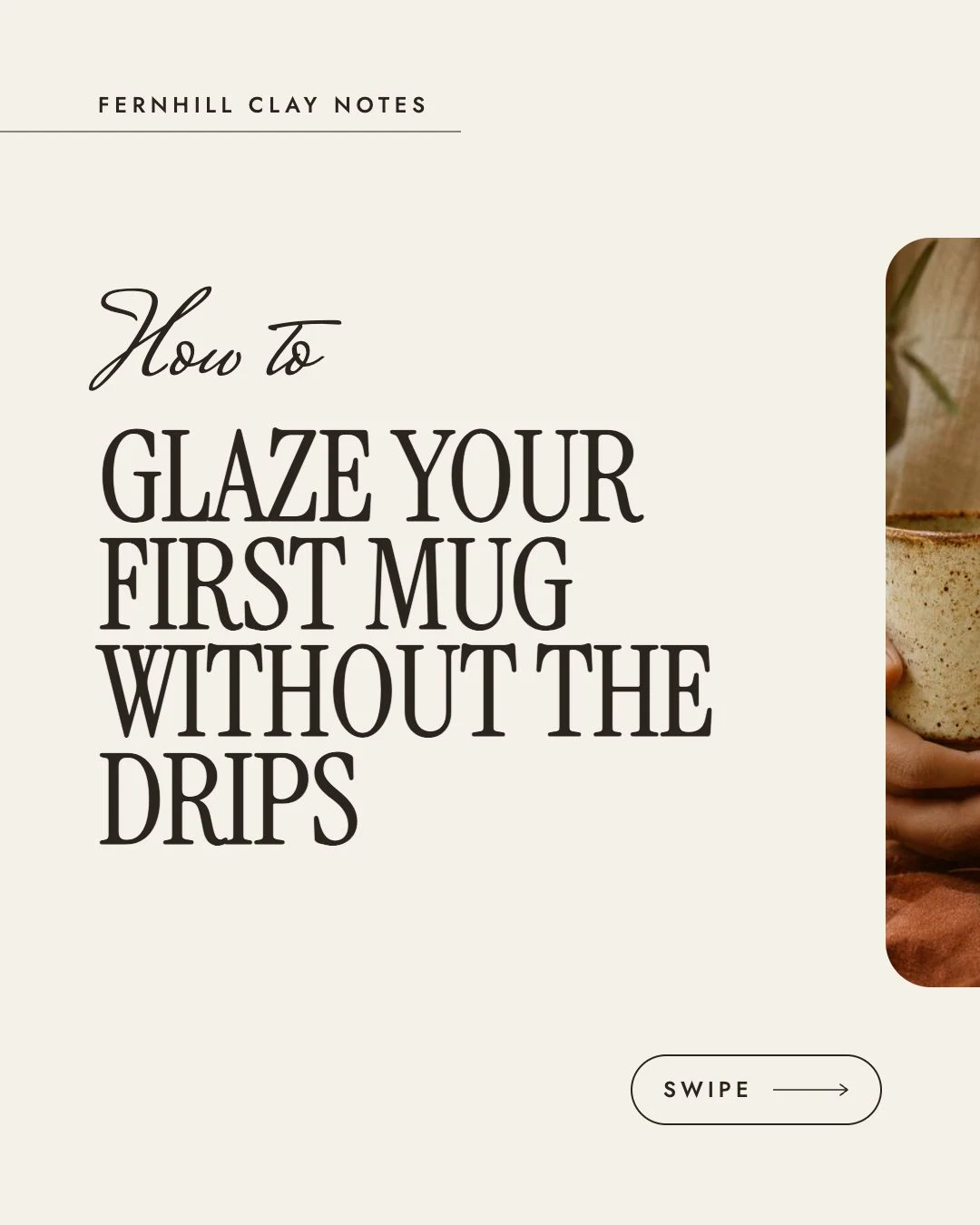
Topic = Glaze your first mug without the drips
상단 짧은 문구 = Fernhill Clay Notes
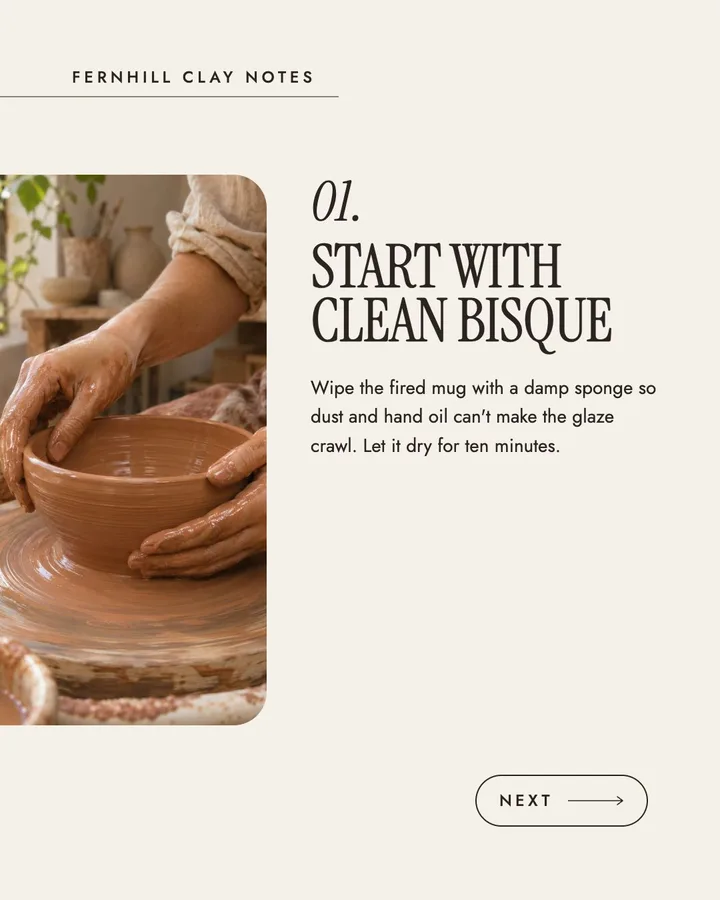
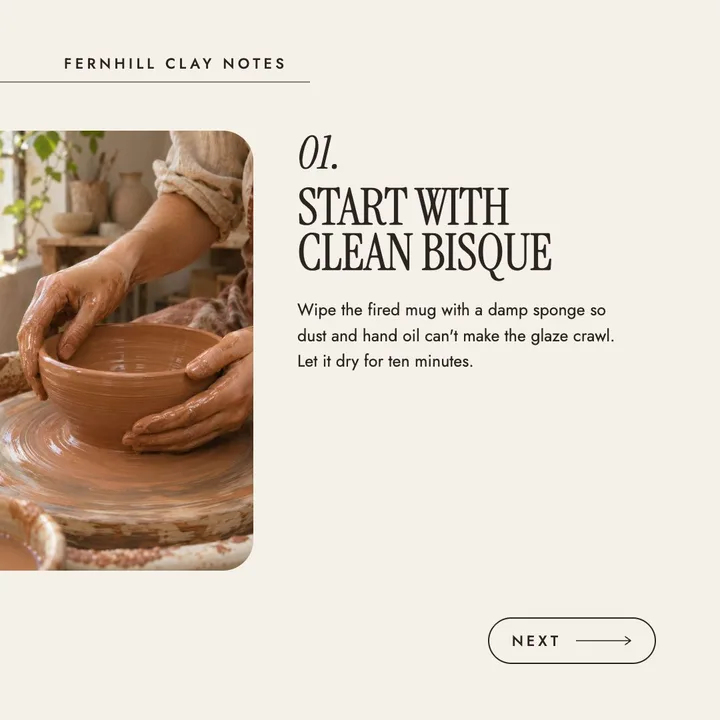
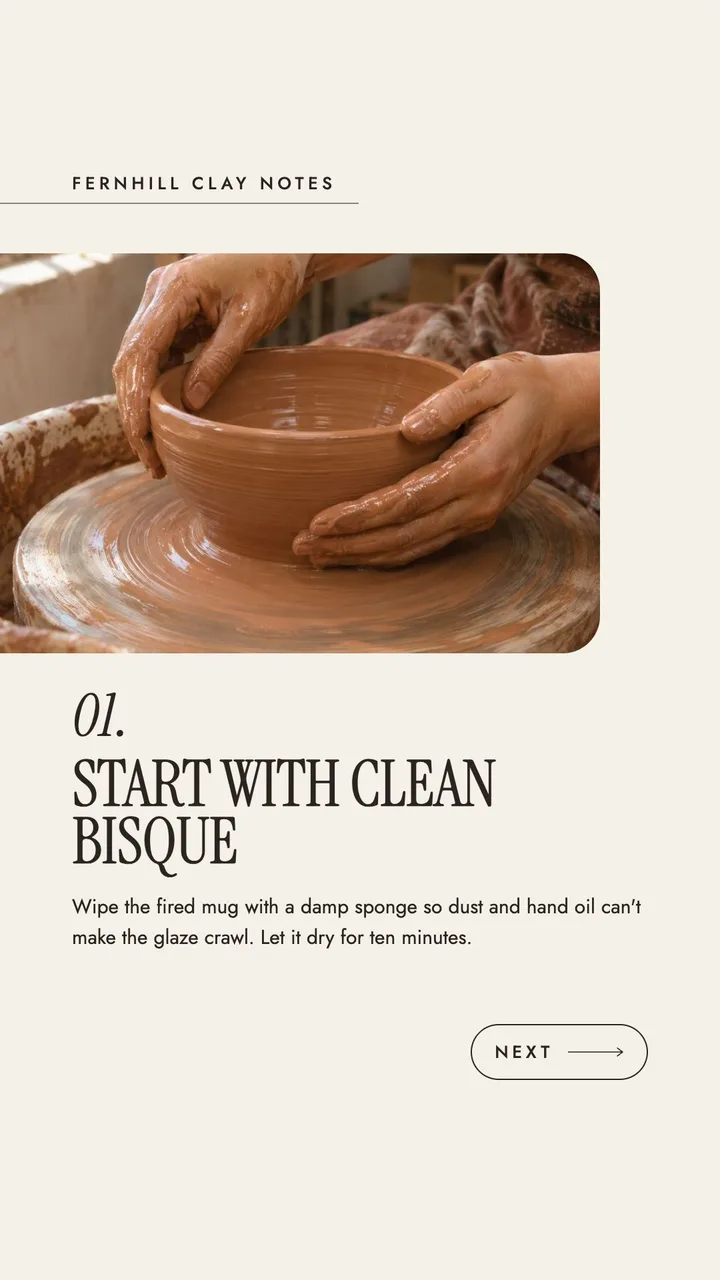
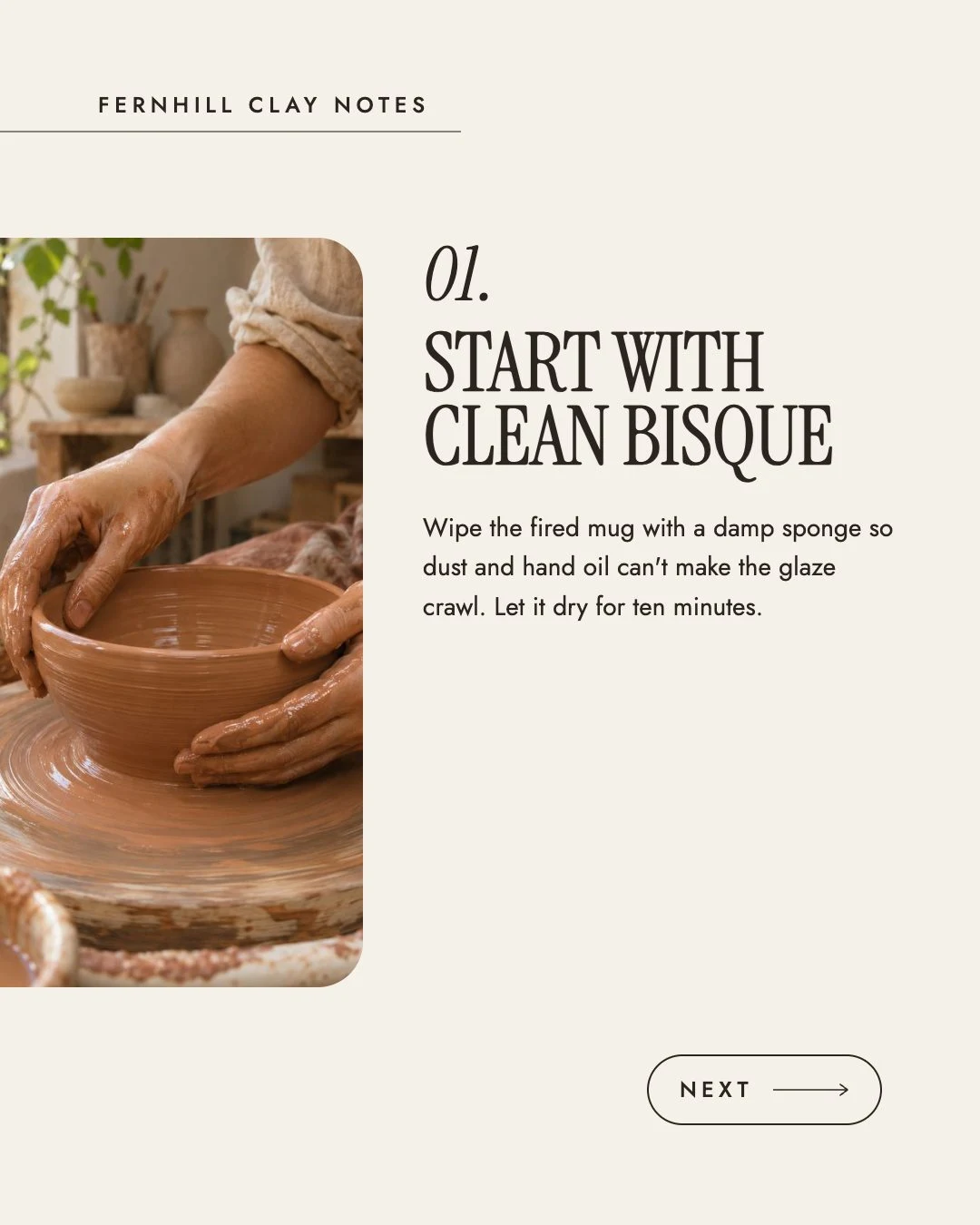
Step 1 title = Start with clean bisque
Step 1 text = Wipe the fired mug with a damp sponge so dust and hand oil can't make the glaze crawl. Let it dry for ten minutes.
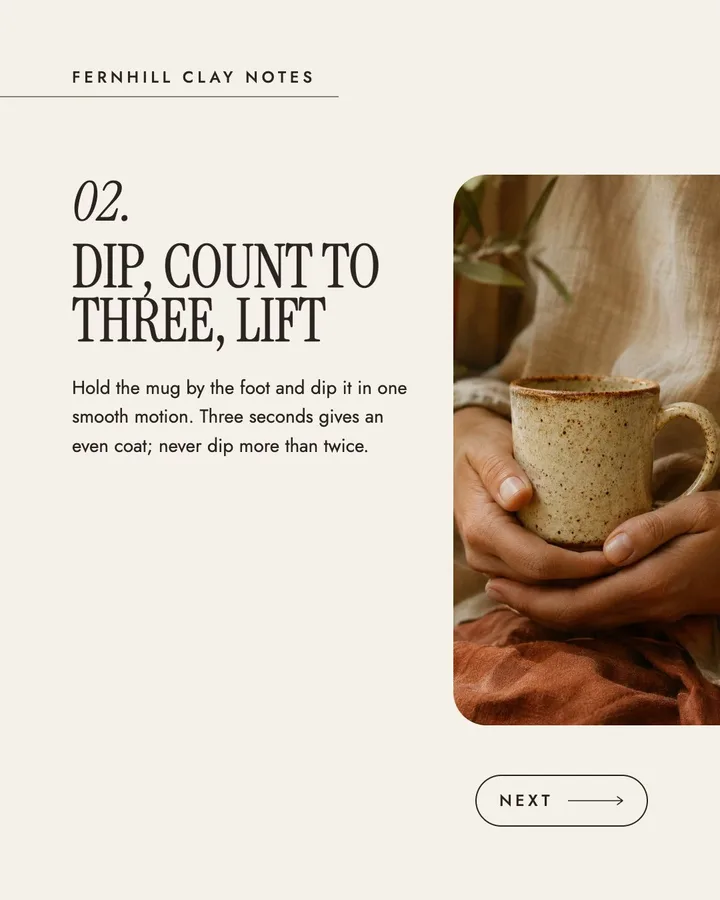
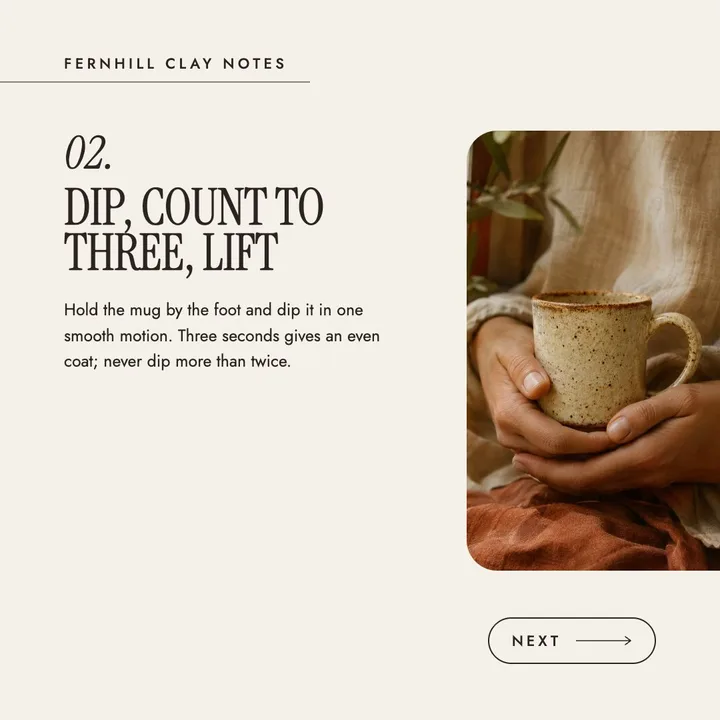
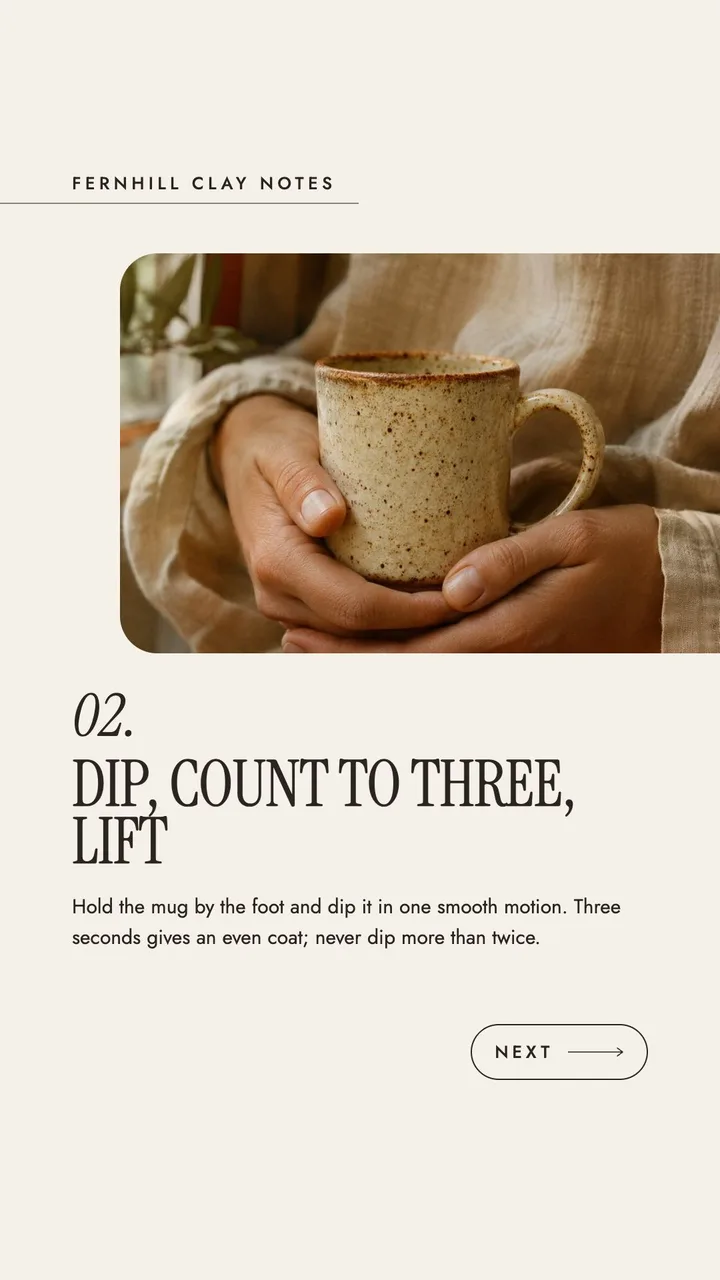
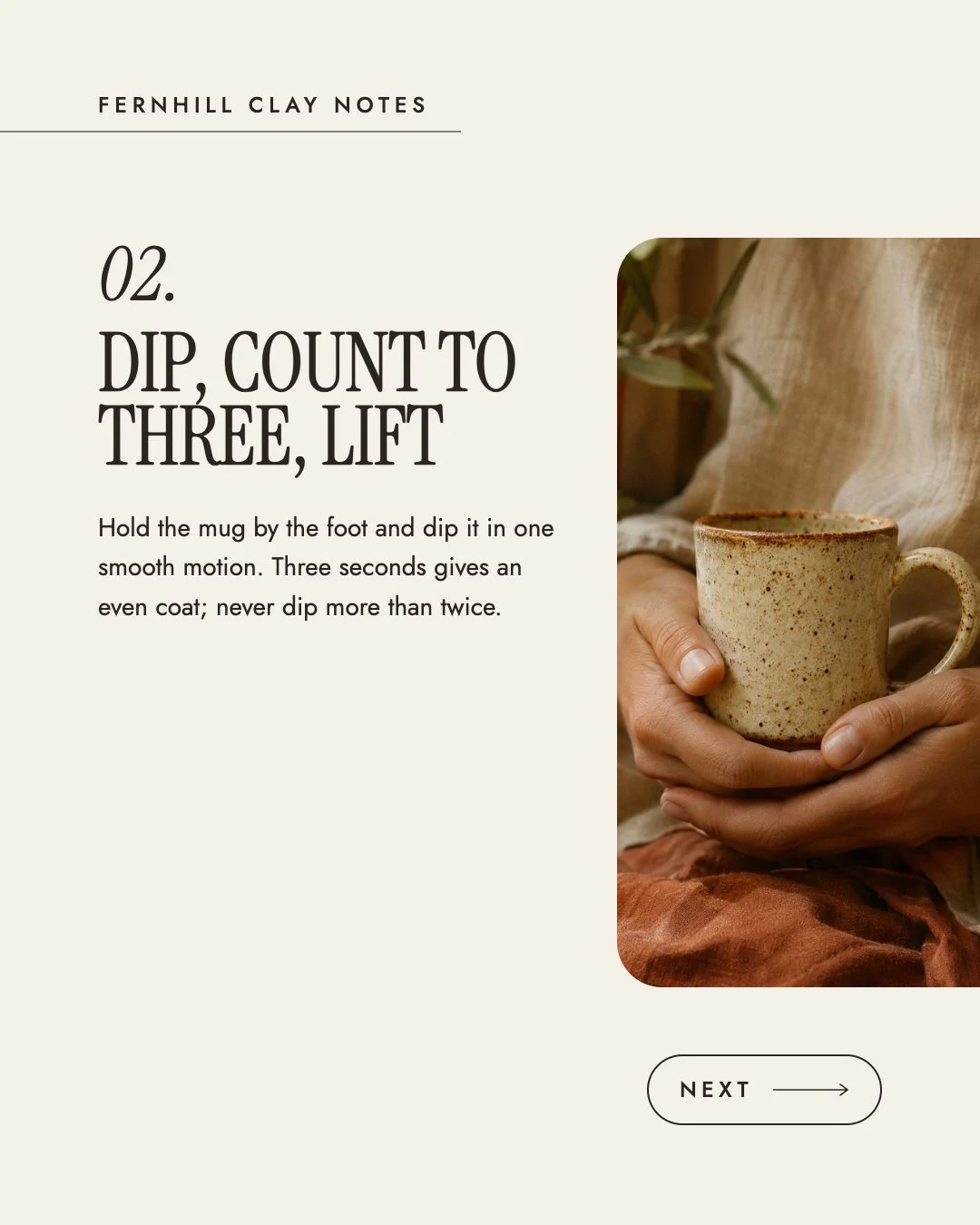
Step 2 title = Dip, count to three, lift
Step 2 text = Hold the mug by the foot and dip it in one smooth motion. Three seconds gives an even coat; never dip more than twice.
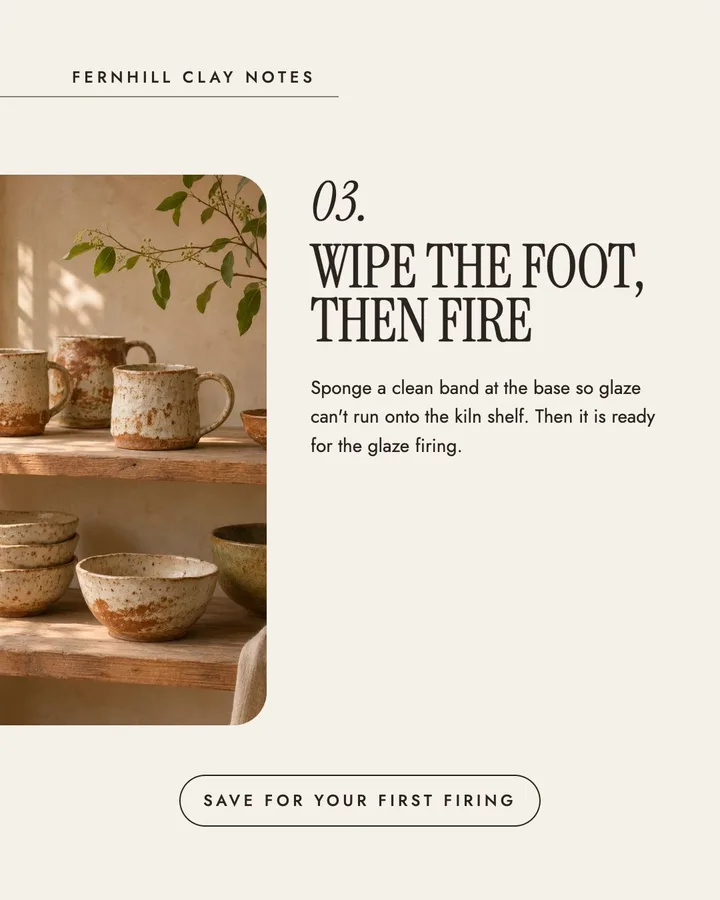
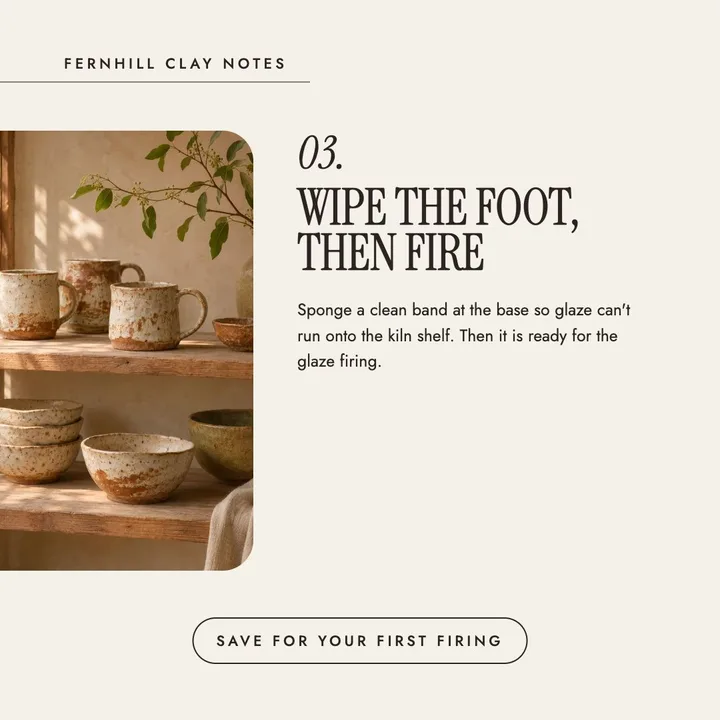
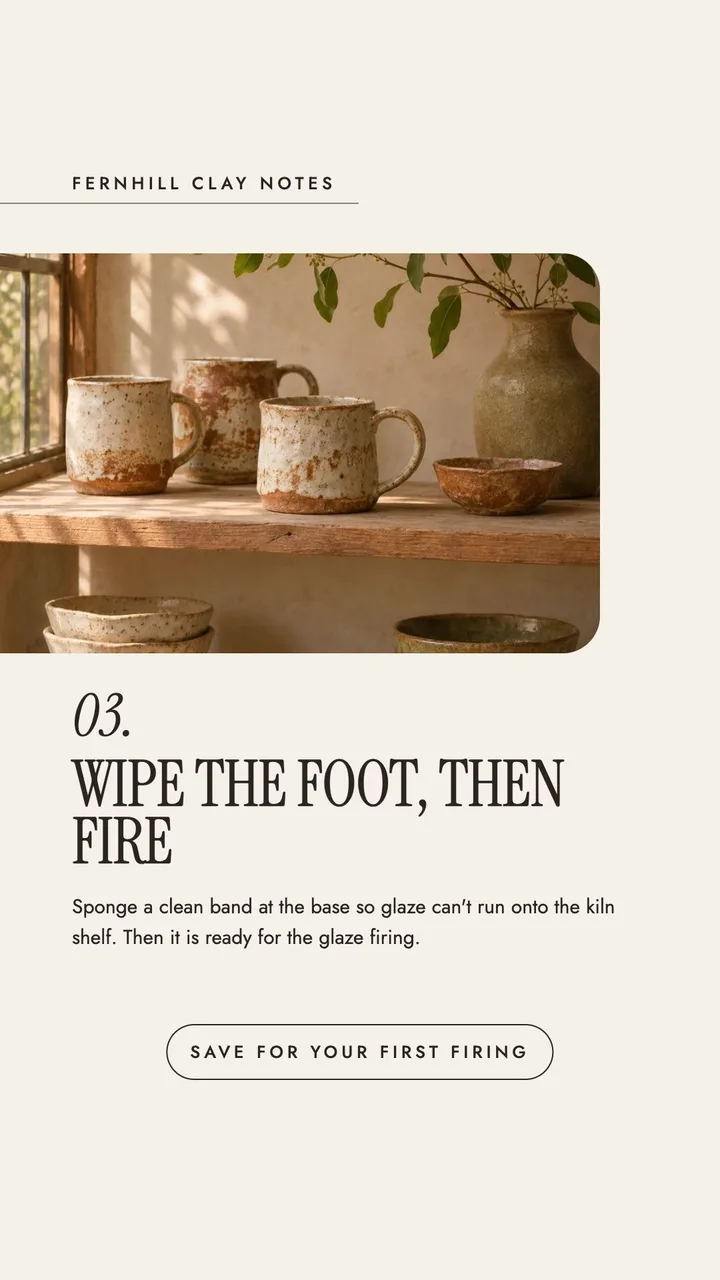
Step 3 title = Wipe the foot, then fire
Step 3 text = Sponge a clean band at the base so glaze can't run onto the kiln shelf. Then it is ready for the glaze firing.
Cover photo = the sample photo in the pack
Step 1 photo = the sample photo in the pack
Step 2 photo = the sample photo in the pack
Step 3 photo = the sample photo in the pack
Save line = Save for your first firing
Script words = How to
Swipe pill = Swipe
Next pill = Next
색상 = cream linen
브랜드 색상 = #1E3A8A
사용법 캐러셀 세트
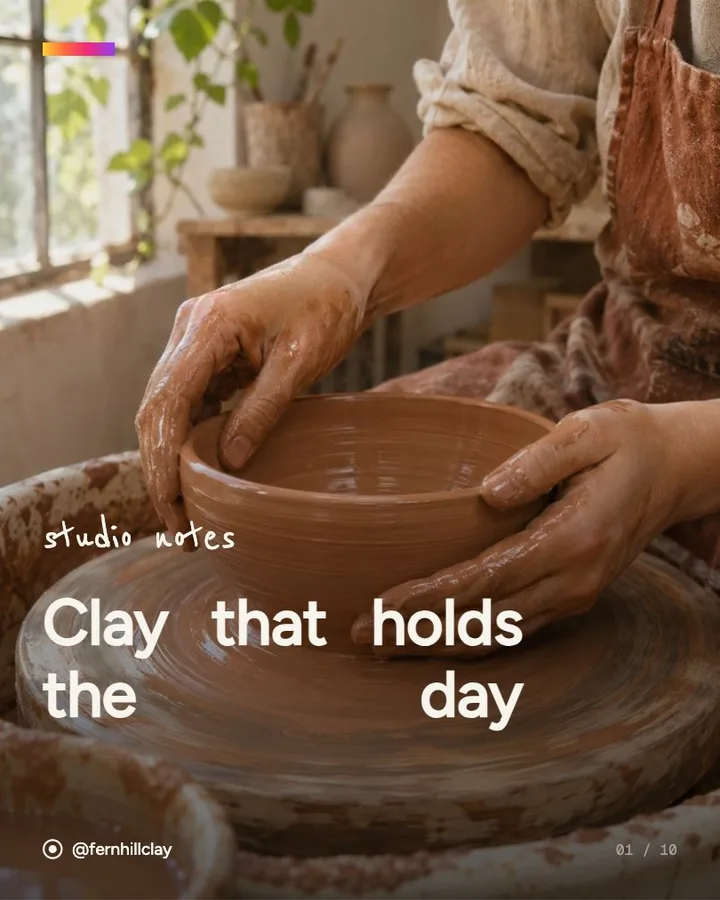
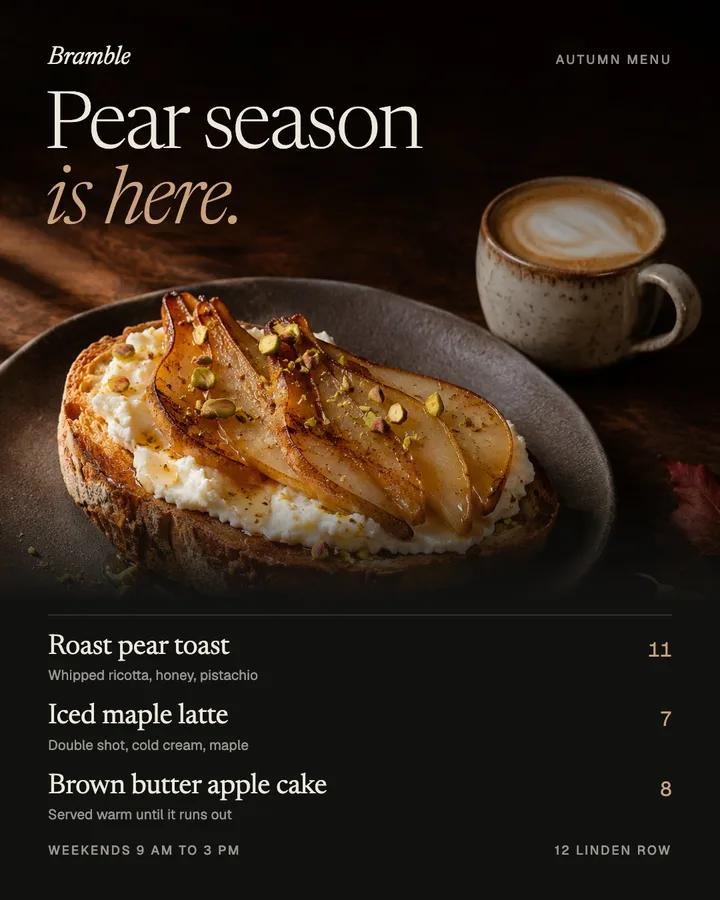
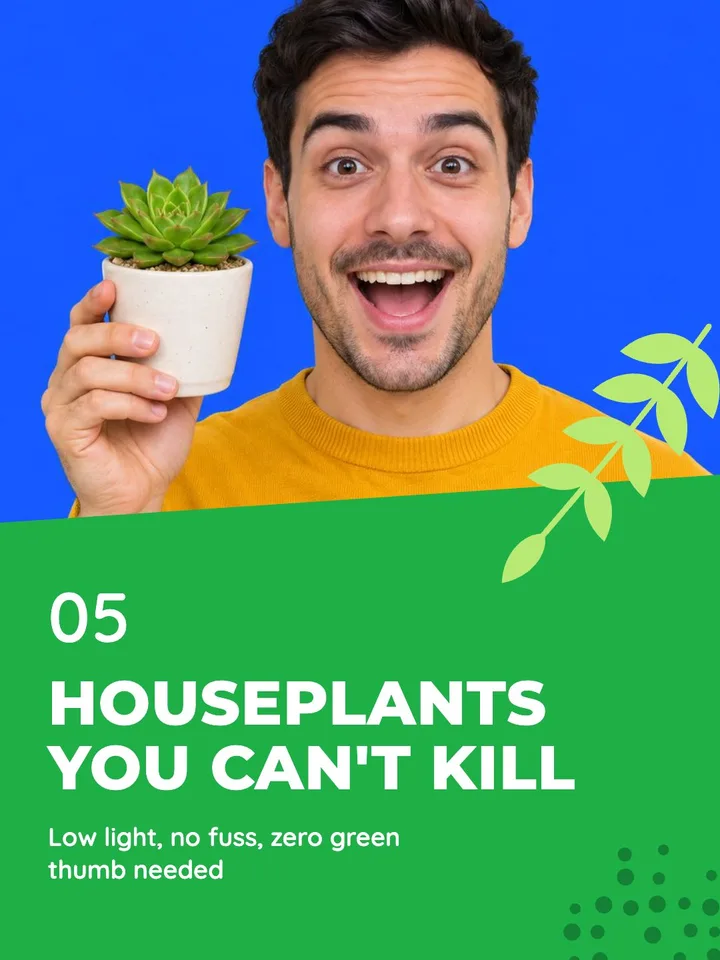
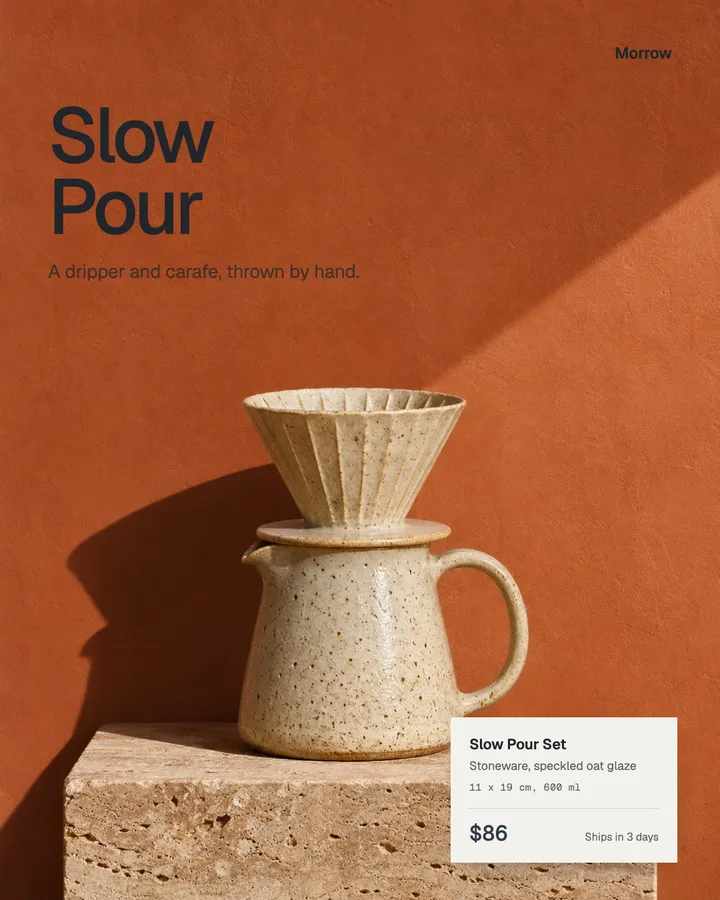
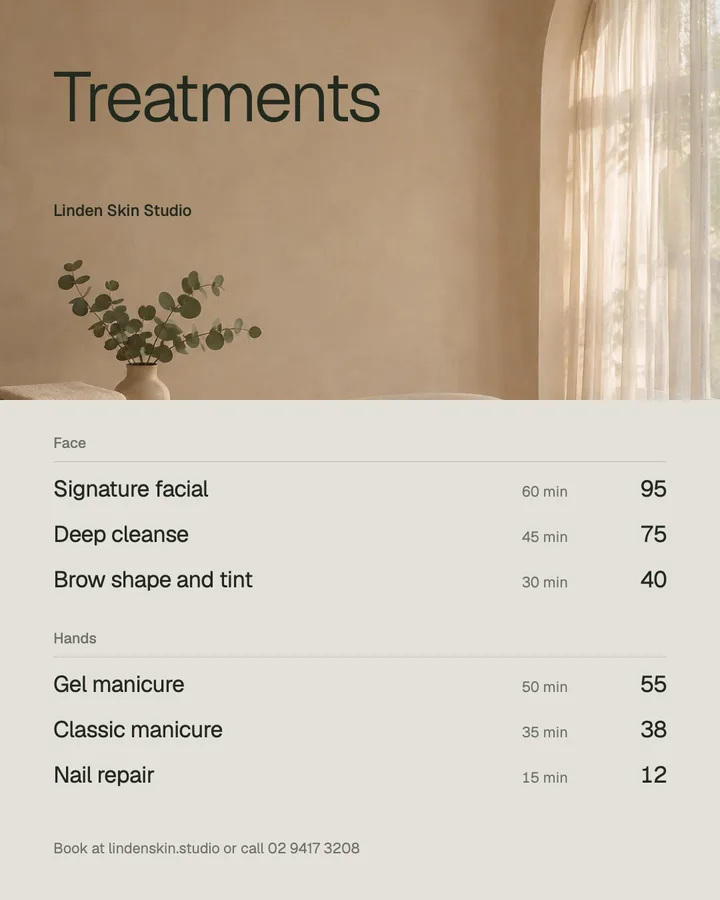
3단계 팁을 표지와 단계별 이미지 3장으로 바꿉니다. 따뜻한 크림색 종이에 손글씨 도입부, 좁은 세리프 대문자, 둥근 사진 패널을 배치해 1080x1080, 1080x1350, 1080x1920으로 제작합니다. 텍스트, 사진 4장과 자르기, 테마, 브랜드 색상을 바꾸며 검사기가 이미지 12장을 확인합니다.
작동 방식
- 스킬 설치 · 설치 가이드
- 요청 실행 ·
/how-to-carousel-set - 결과 확인
SKILL.md의 절차를 확인한 후 아래에 포함된 명령을 사용하세요.
node -vnode scripts/check-setup.mjsnode scripts/page.mjs slots references/template.htmlnode scripts/page.mjs fill references/template.html --content content.json --out out/index.htmlnode scripts/page.mjs check out/index.html --canvasnode scripts/page.mjs shoot out/index.html --canvas --out out/images
작업 폴더
references/fill-in.jsonreferences/template.htmlscripts/check-setup.mjsscripts/page.mjs
제공 항목
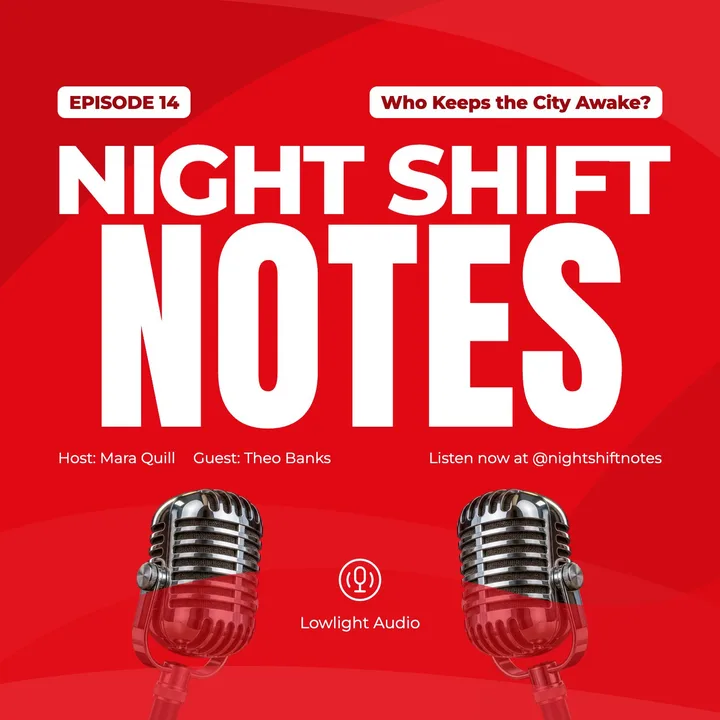
- 12개의 이미지 - 표지와 3단계 슬라이드(각각 1080x1080, 1080x1350 및 1080x1920)가 해당 크기에 맞게 배치됨
- 세 가지 테마(린넨, 클레이, 세이지)와 스크립트, 숫자 및 알약에 대한 브랜드 색상
- 사진별 자르기 제어 및 텍스트 제한, 겹침 및 스토리 앱 바 영역에 대한 검사기
실행 요구 사항
- 필수 · Node.js 22 이상
- 필수 · Google Chrome, Chromium 또는 엣지
도움말
하나의 기획으로 정사각형, 세로형, 스토리 규격의 차분한 4장 설명 이미지를 만듭니다.
제가 제공한 브랜드 컬러로 세이지 테마에서 동일한 캐러셀을 만들어보세요.
더 어두운 유약을 위해 2단계를 두 번 담그기로 변경하고 PNG개의 파일을 내보냅니다.
시작하기 전에
| 준비할 내용 |
|
|---|---|
| 의존성 |
|
| 외부 비용 | 외부 서비스 비용 없음 |
| 최근 업데이트 | v1.0.2 · |
제공된 워크플로 범위 안에서 사용하세요.