あなたのプロンプト
括弧内を自分の内容に置き換えてください。任意の項目は省略できます。
/how-to-carousel-set
Use and size = 〔Use and size — portrait 4:5 cover / portrait 4:5 step 1 / portrait 4:5 step 2 / portrait 4:5 step 3 / square 1:1 cover / square 1:1 step 1 / square 1:1 step 2 / square 1:1 step 3 / story 9:16 cover / story 9:16 step 1 / story 9:16 step 2 / story 9:16 step 3 / 両方 — 任意〕
Topic = 〔Topic — 最大 38 文字〕
上部の短い一文 = 〔上部の短い一文 — 最大 28 文字〕
Step 1 title = 〔Step 1 title — 最大 26 文字〕
Step 1 text = 〔Step 1 text — 最大 150 文字〕
Step 2 title = 〔Step 2 title — 最大 26 文字〕
Step 2 text = 〔Step 2 text — 最大 150 文字〕
Step 3 title = 〔Step 3 title — 最大 26 文字〕
Step 3 text = 〔Step 3 text — 最大 150 文字〕
Cover photo = 〔Cover photo〕
Step 1 photo = 〔Step 1 photo〕
Step 2 photo = 〔Step 2 photo〕
Step 3 photo = 〔Step 3 photo〕
Save line = 〔Save line — 最大 30 文字 — 任意〕
Script words = 〔Script words — 最大 12 文字 — 任意〕
Swipe pill = 〔Swipe pill — 最大 8 文字 — 任意〕
Next pill = 〔Next pill — 最大 8 文字 — 任意〕
色 = 〔色 — cream linen / tan clay / pale sage — 任意〕
ブランドカラー = 〔ブランドカラー — 任意〕
迷ったら「まず使用例を見せて」と伝えてください
使用例
/how-to-carousel-set
Use and size = all twelve
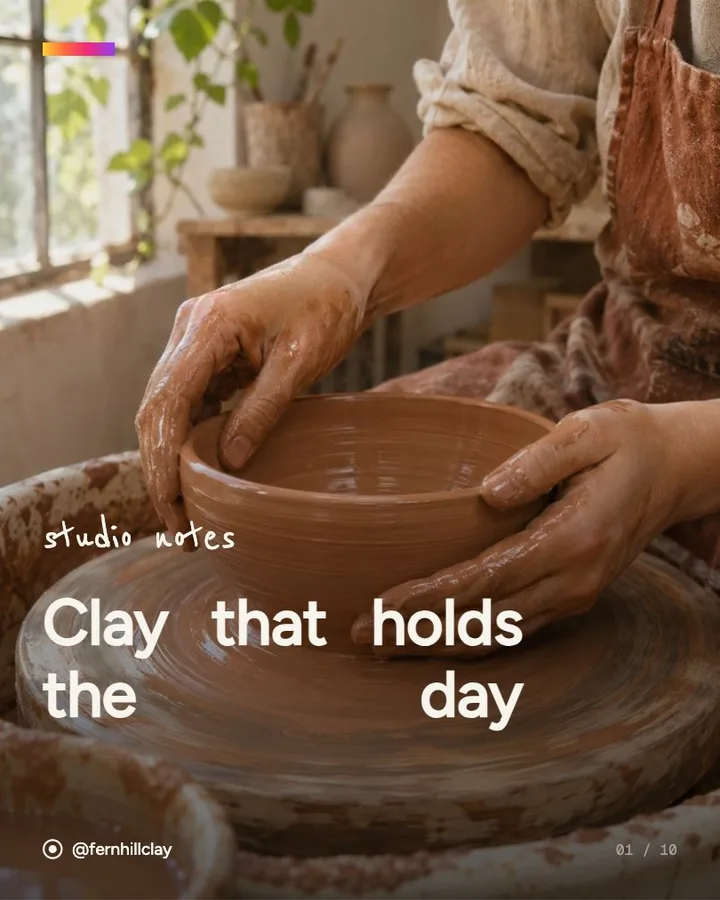
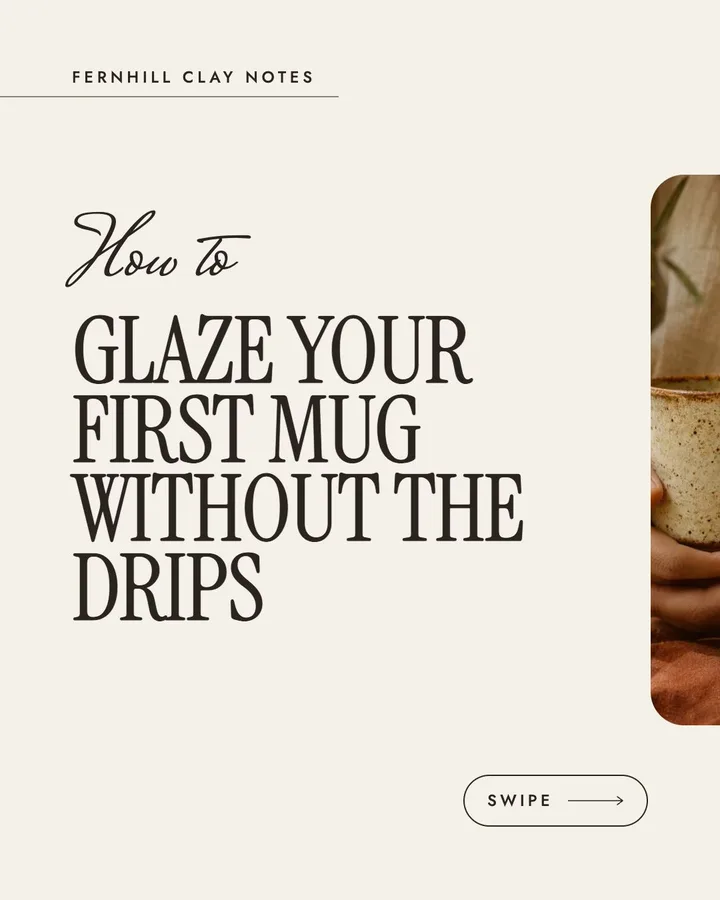
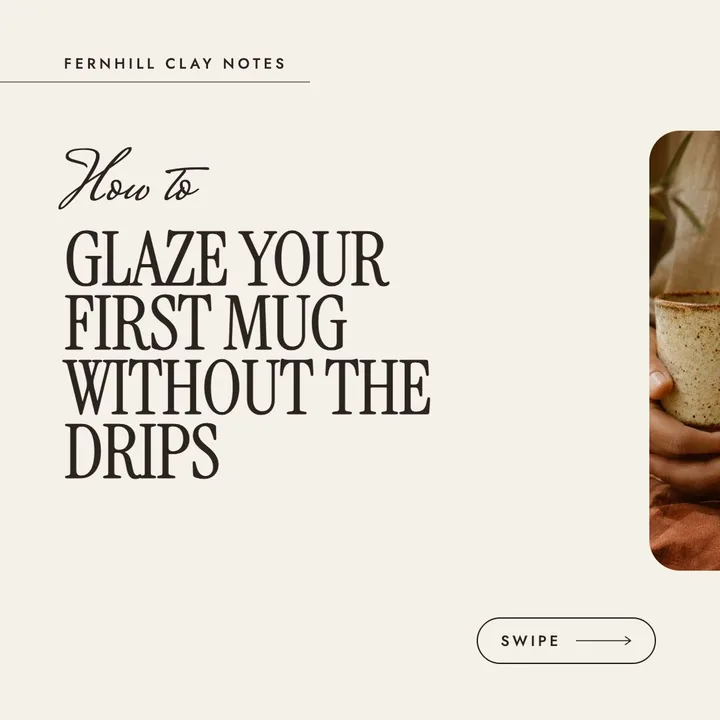
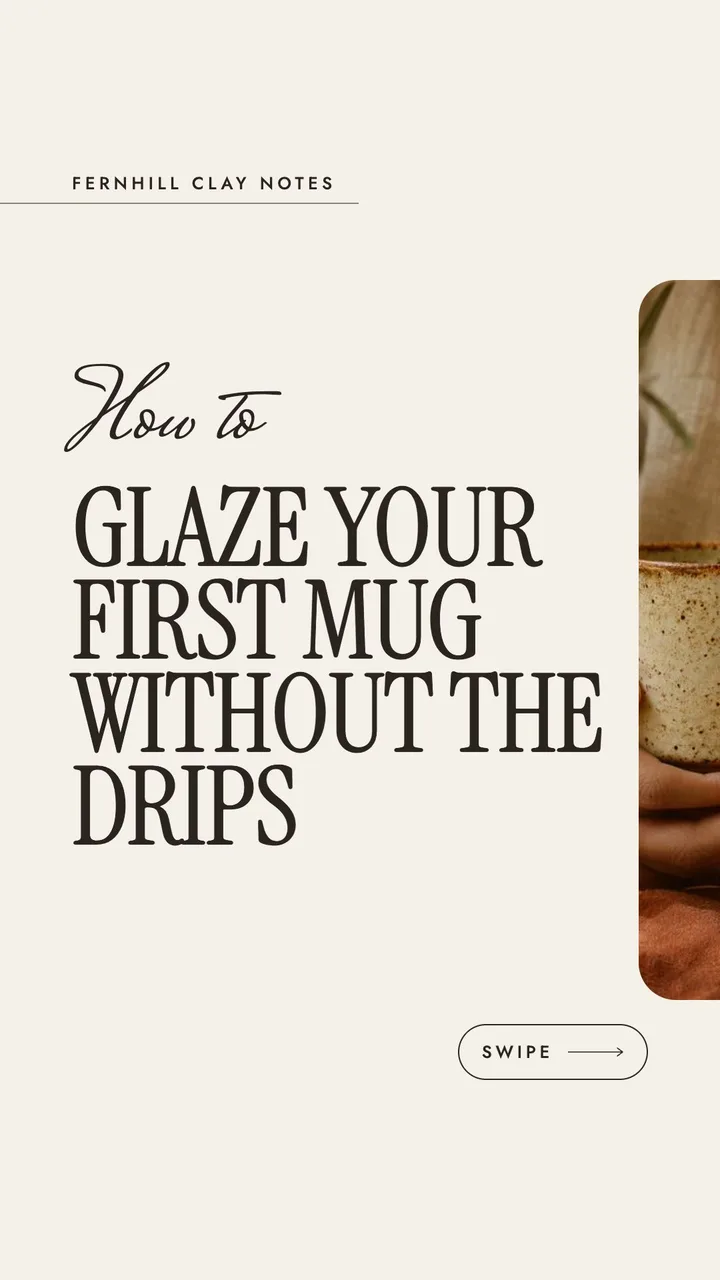
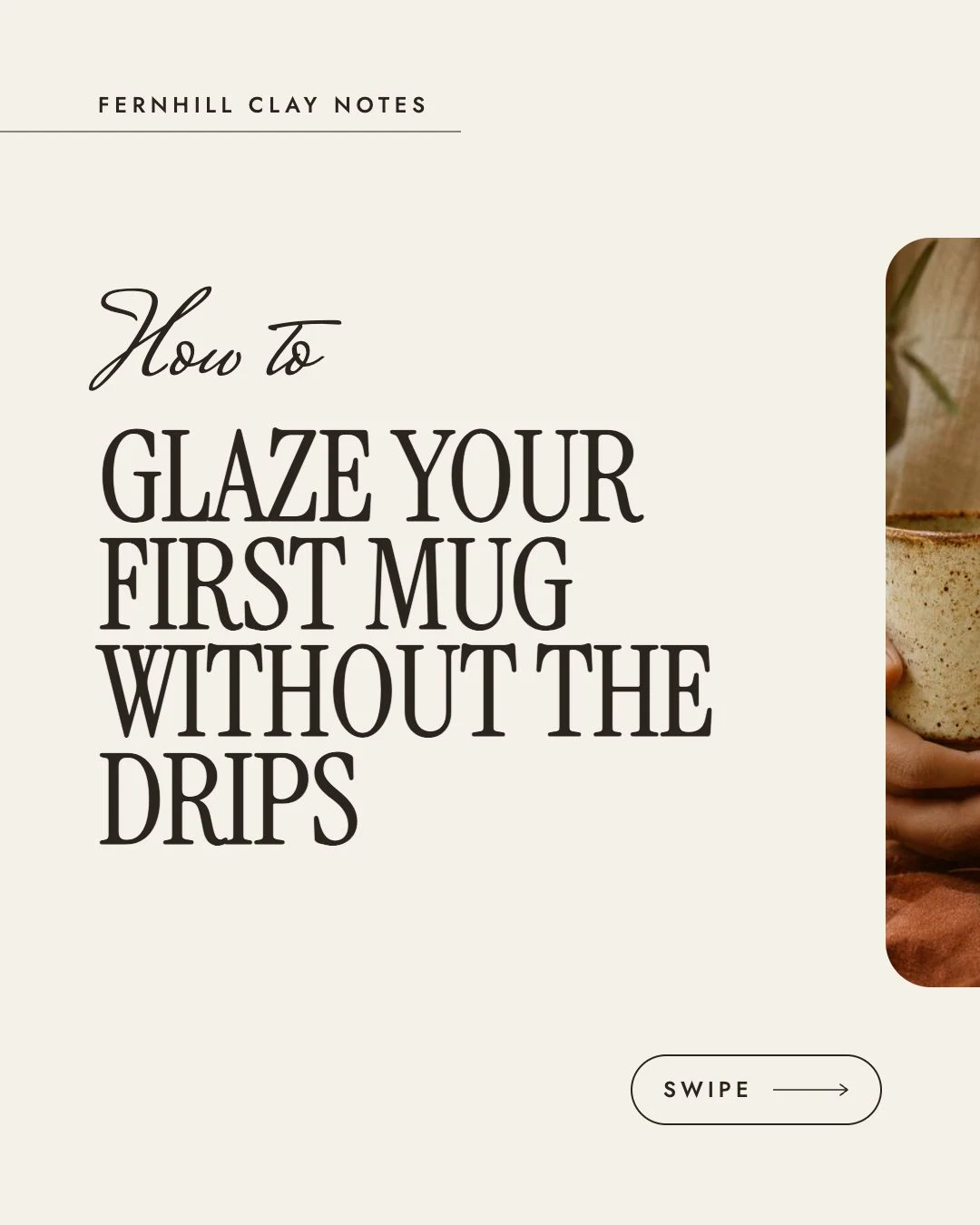
Topic = Glaze your first mug without the drips
上部の短い一文 = Fernhill Clay Notes
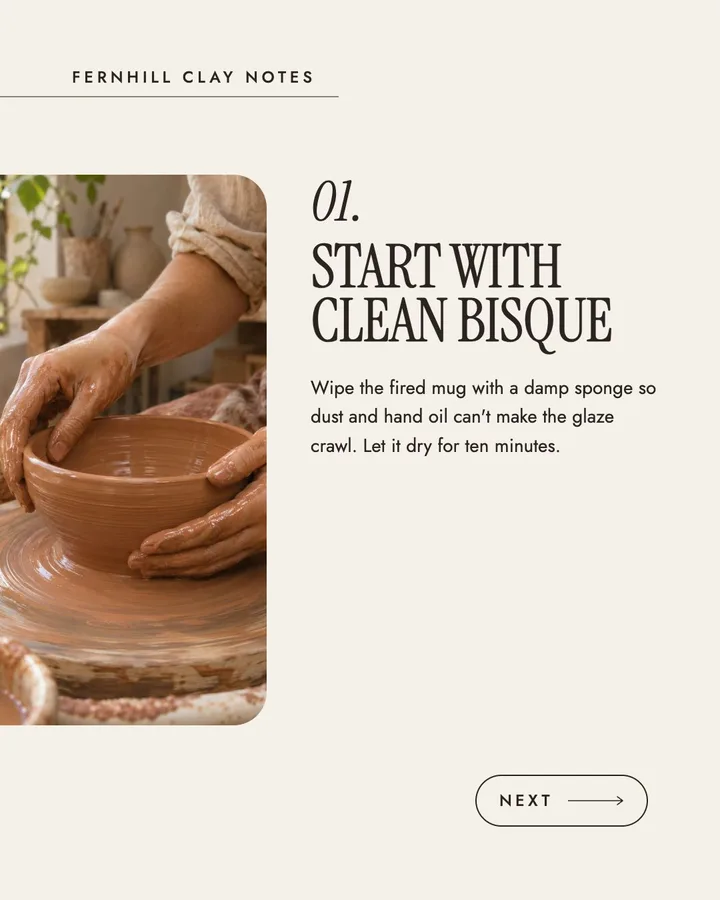
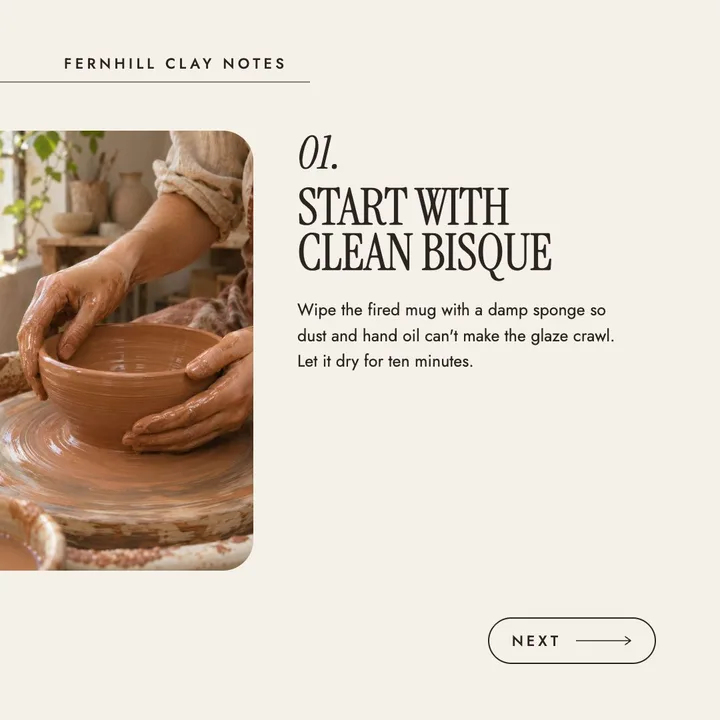
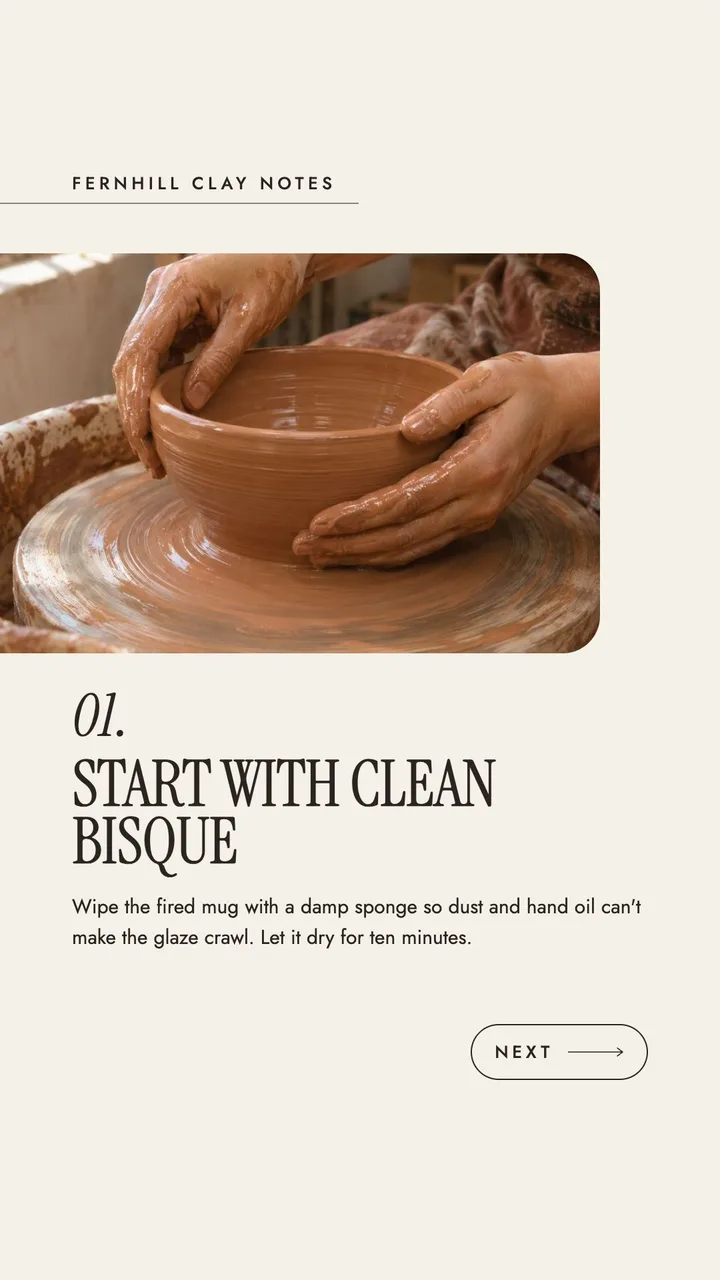
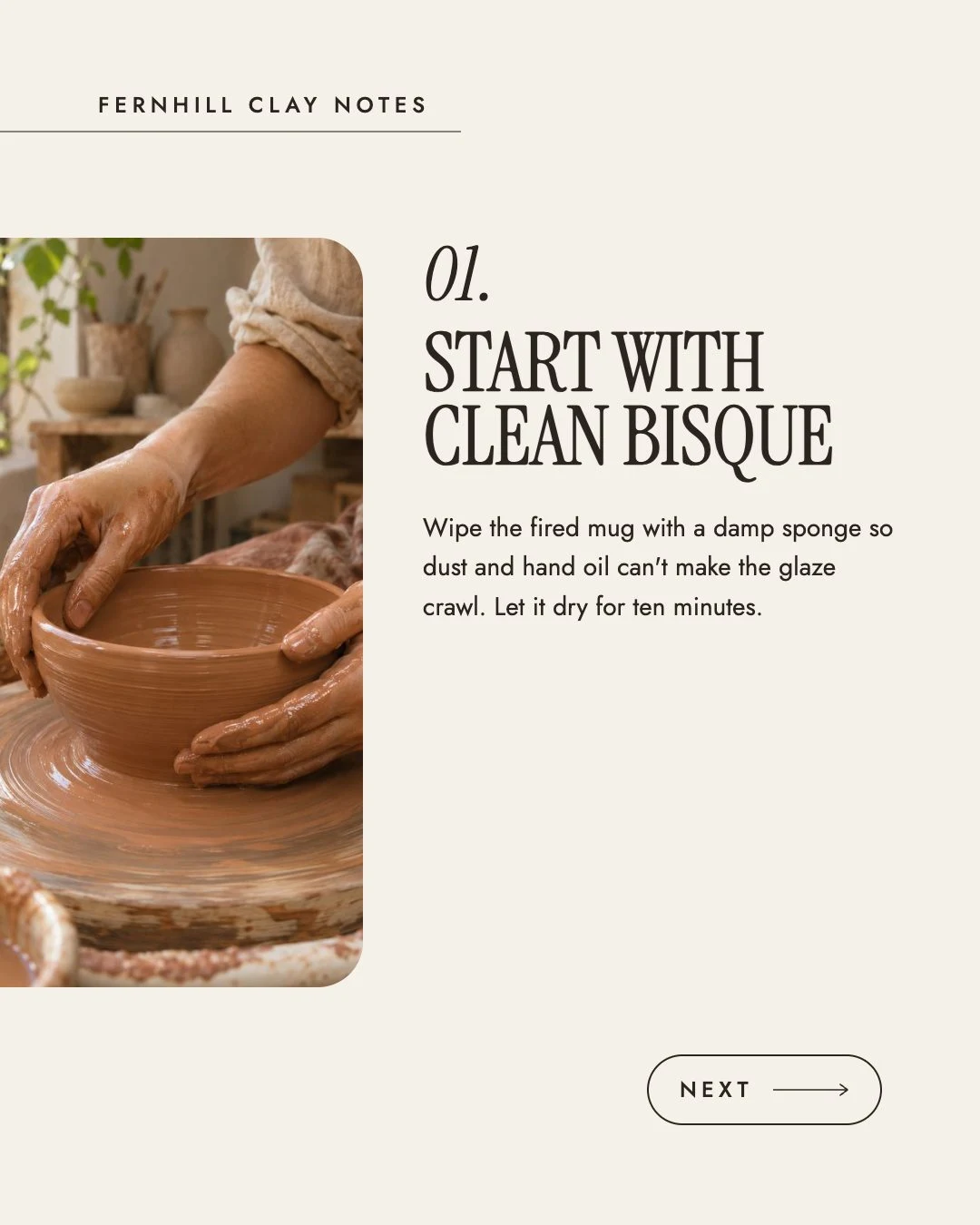
Step 1 title = Start with clean bisque
Step 1 text = Wipe the fired mug with a damp sponge so dust and hand oil can't make the glaze crawl. Let it dry for ten minutes.
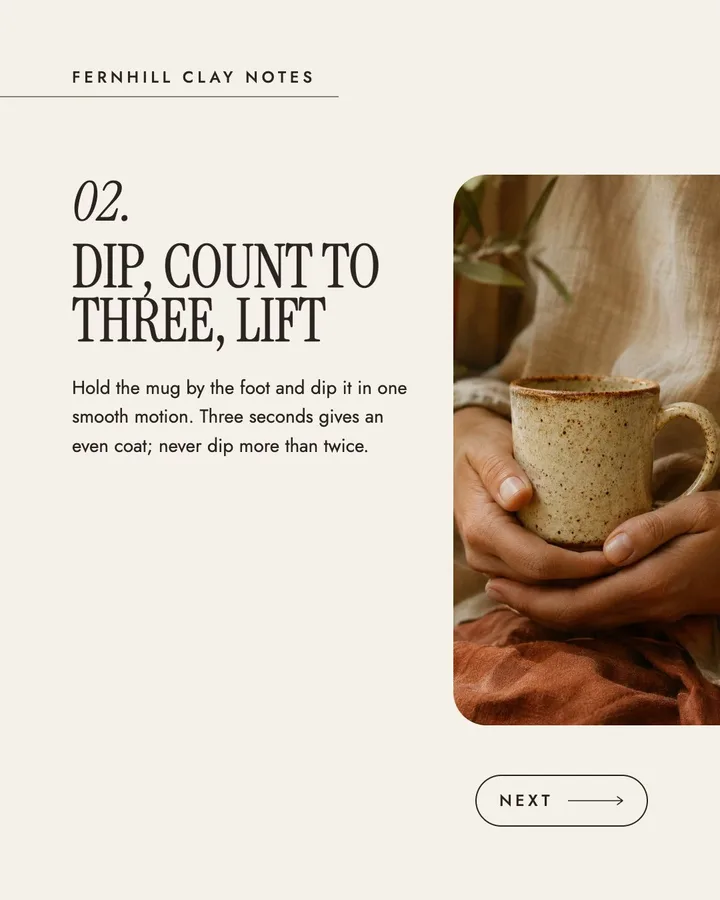
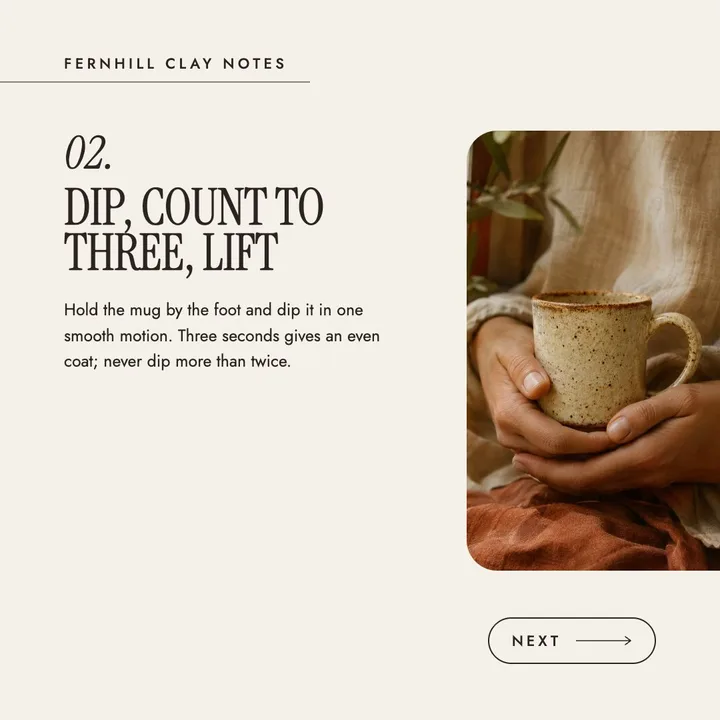
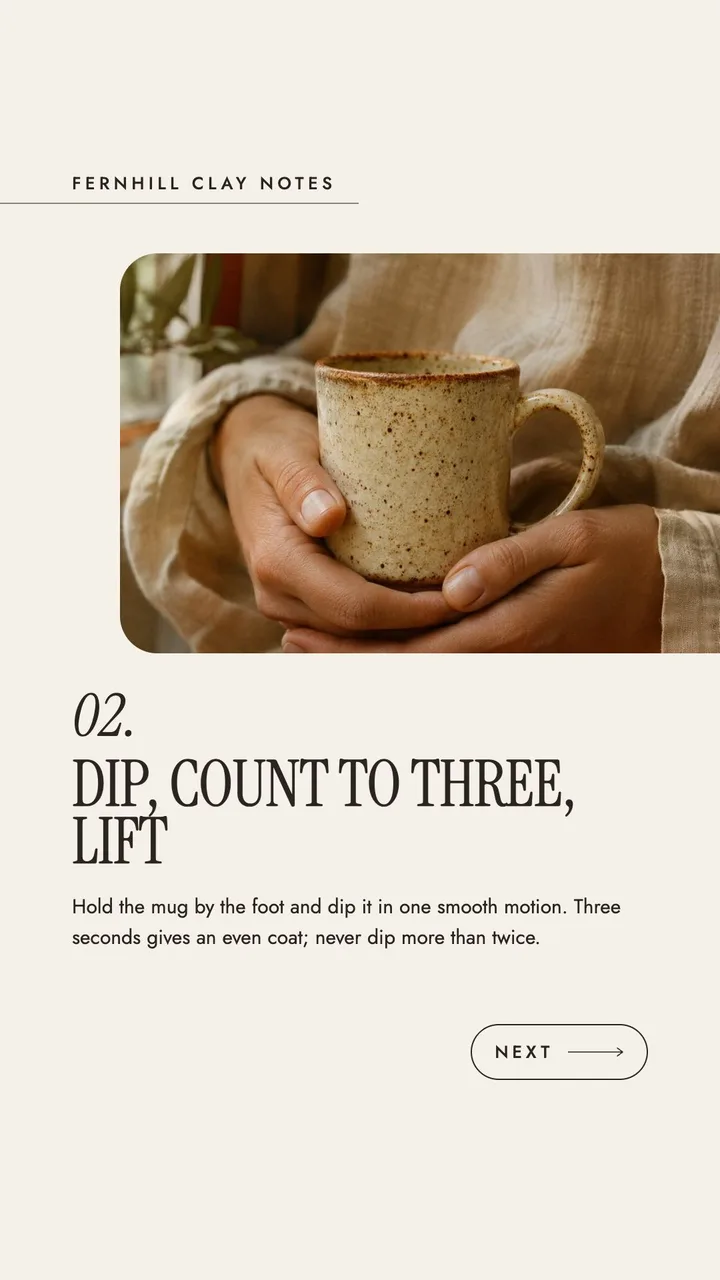
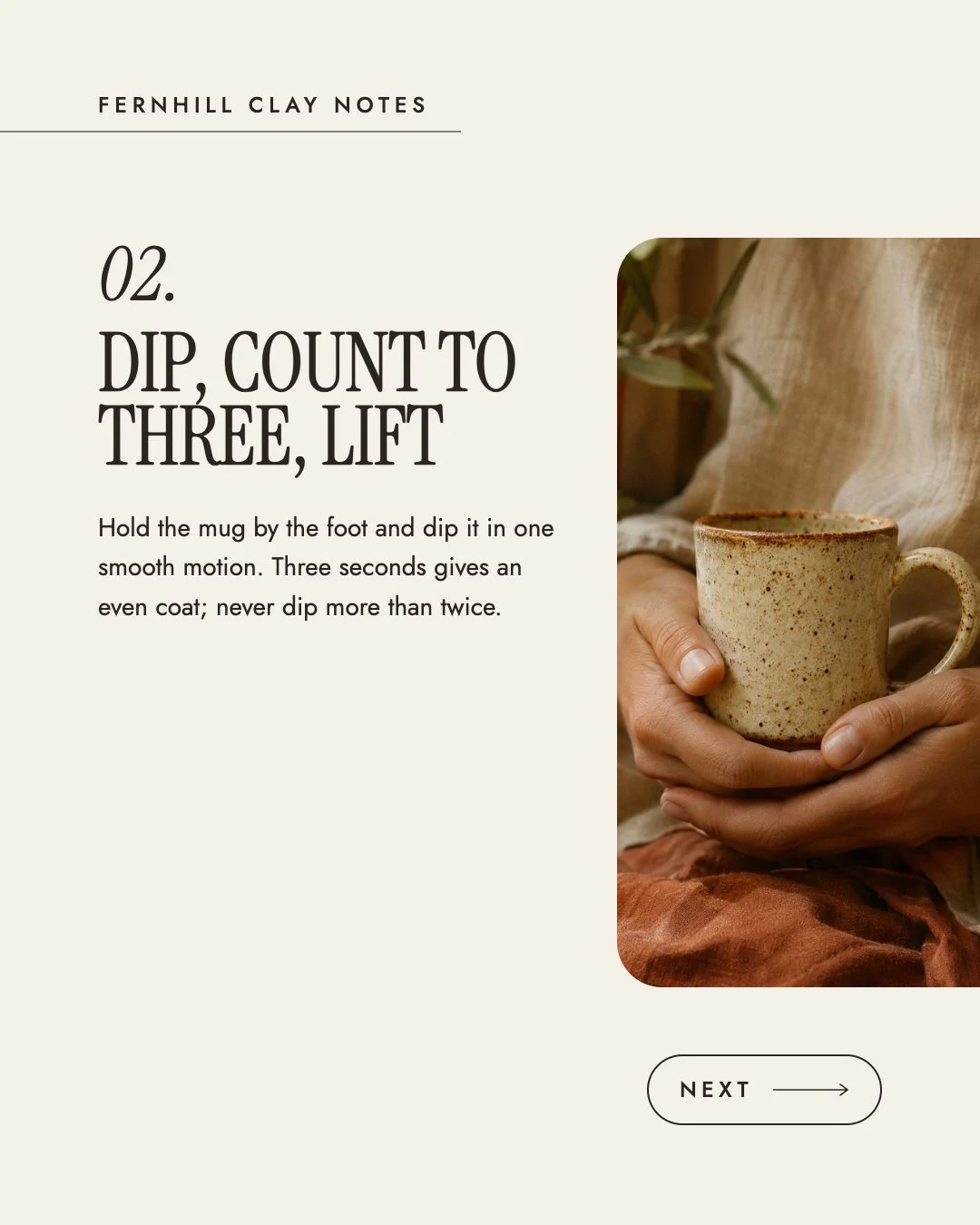
Step 2 title = Dip, count to three, lift
Step 2 text = Hold the mug by the foot and dip it in one smooth motion. Three seconds gives an even coat; never dip more than twice.
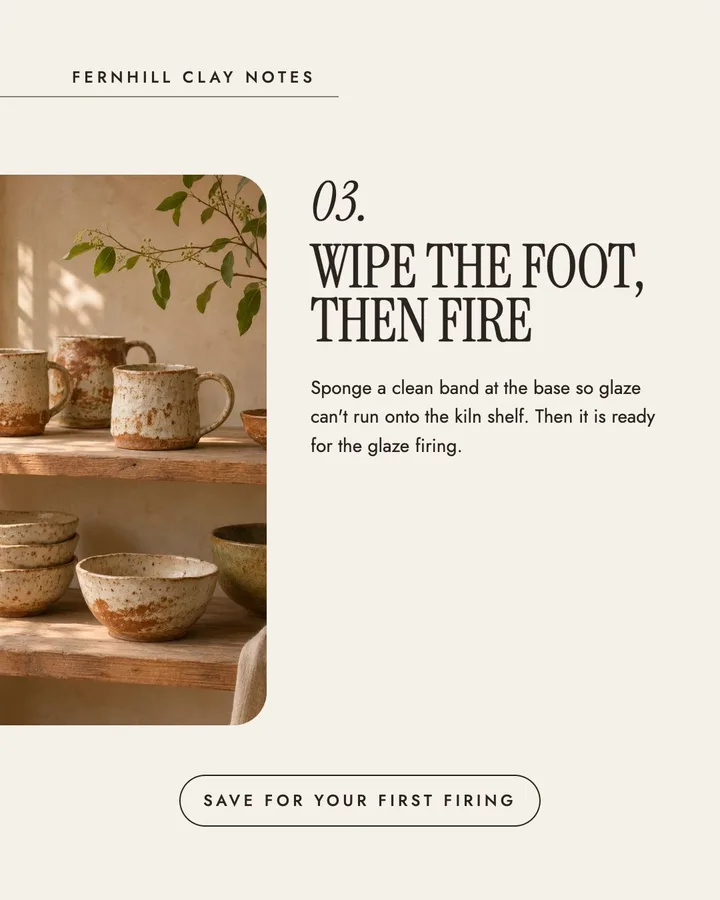
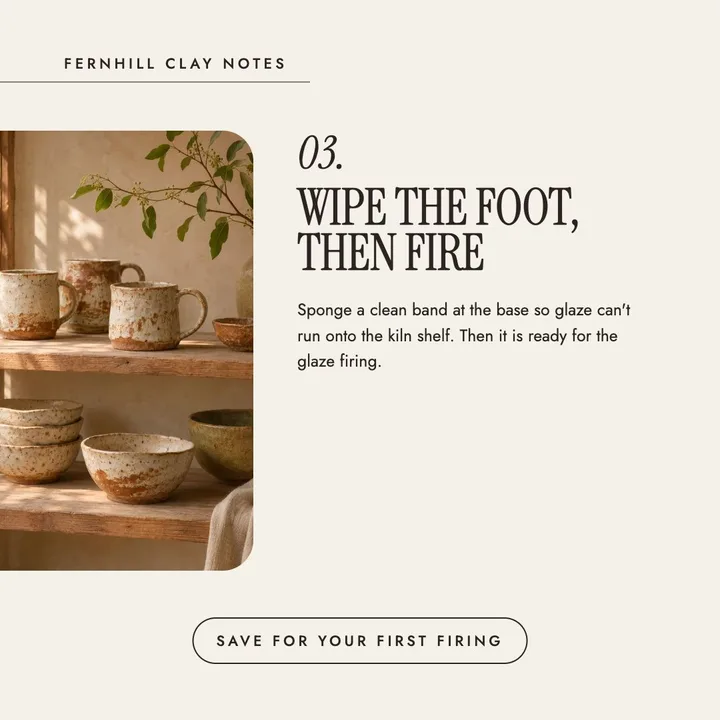
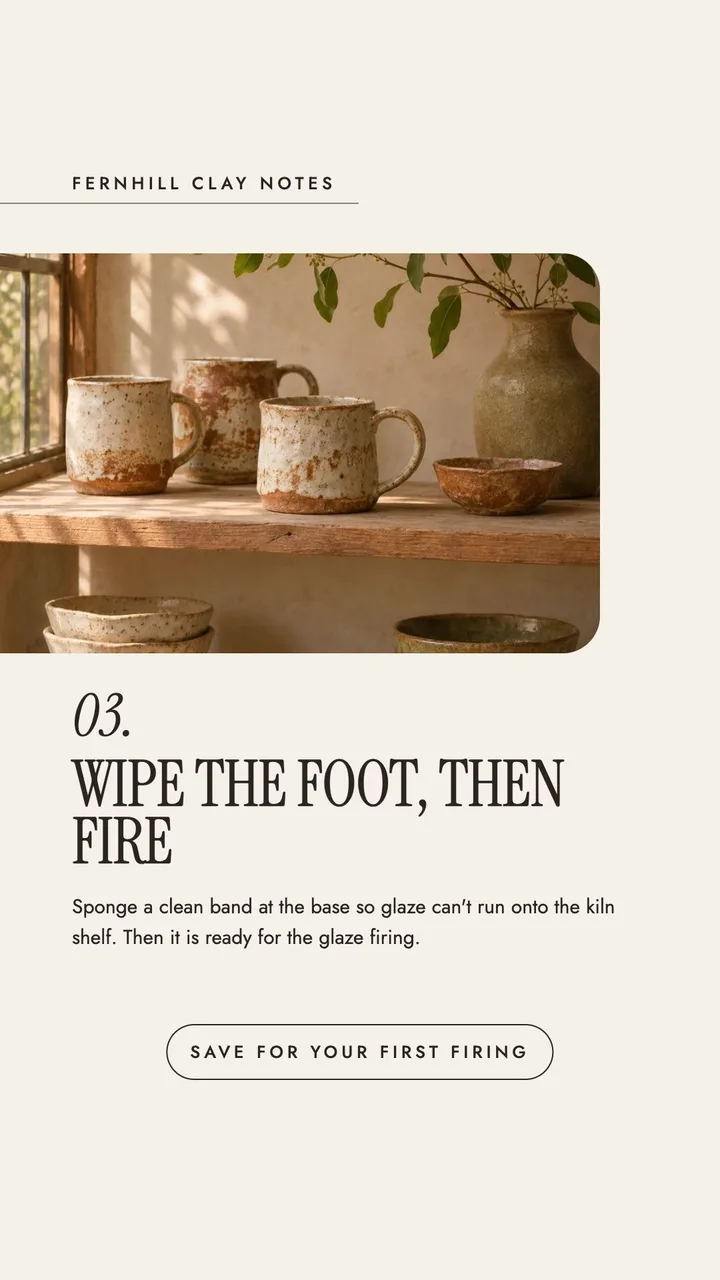
Step 3 title = Wipe the foot, then fire
Step 3 text = Sponge a clean band at the base so glaze can't run onto the kiln shelf. Then it is ready for the glaze firing.
Cover photo = the sample photo in the pack
Step 1 photo = the sample photo in the pack
Step 2 photo = the sample photo in the pack
Step 3 photo = the sample photo in the pack
Save line = Save for your first firing
Script words = How to
Swipe pill = Swipe
Next pill = Next
色 = cream linen
ブランドカラー = #1E3A8A
ハウツーカルーセルセット
3段階のヒントを表紙と3枚の手順画像に変換。温かなクリーム色の紙に筆記体の導入、細身のセリフ体大文字、角丸の写真枠を配置し、1080x1080、1080x1350、1080x1920で制作します。文字枠、4枚の写真と切り抜き、テーマ、ブランドカラーを変更でき、全12画像を検査します。
仕組み
- スキルをインストール · インストール手順
- リクエストを実行 ·
/how-to-carousel-set - 結果を確認
SKILL.mdの手順を確認し、同梱のコマンドを使用してください。
node -vnode scripts/check-setup.mjsnode scripts/page.mjs slots references/template.htmlnode scripts/page.mjs fill references/template.html --content content.json --out out/index.htmlnode scripts/page.mjs check out/index.html --canvasnode scripts/page.mjs shoot out/index.html --canvas --out out/images
作業フォルダー
references/fill-in.jsonreferences/template.htmlscripts/check-setup.mjsscripts/page.mjs
含まれるもの
- 12 枚の画像 - カバーと 3 つのステップ スライド、それぞれ 1080x1080、1080x1350、1080x1920 でそのサイズにレイアウト
- 3 つのテーマ (リネン、粘土、セージ) に加え、スクリプト、数字、錠剤のブランド カラーを追加
- 写真ごとのクロップコントロールとテキスト制限、オーバーラップ、ストーリーアプリバーゾーンのチェッカー
実行要件
- 必須 · Node.js 22以降
- 必須 · Google Chrome、Chromium またはエッジ
ヒント
1つの依頼から、正方形・縦長・ストーリー用の落ち着いた4枚組解説画像を作成。
提供されたブランドカラーを使用して、sage テーマで同じカルーセルを作成します。
手順 2 を 2 回浸して釉薬を濃くし、PNG ファイルをエクスポートするように変更します。
始める前に
| 用意するもの |
|
|---|---|
| 依存関係 |
|
| 外部費用 | 外部サービス費用なし |
| 最終更新 | v1.0.2 · |
機能は同梱のワークフローの範囲に限られます。