내 프롬프트
괄호 안을 내 내용으로 바꾸세요. 선택 항목은 생략해도 됩니다.
/google-io-2026-gradient-icon-launch-graphic-style
Use and size = 〔Use and size — link preview / wide post 16:9 / square overview / feature card 1 / feature card 2 / feature card 3 / 두 크기 모두 — 선택〕
Mark = 〔Mark — 최대 3자〕
Brand = 〔Brand — 최대 24자〕
Headline = 〔Headline — 최대 34자〕
Sentence = 〔Sentence — 최대 70자〕
상단 짧은 문구 = 〔상단 짧은 문구 — 최대 28자〕
Feature 1 title = 〔Feature 1 title — 최대 22자〕
Feature 1 line = 〔Feature 1 line — 최대 60자〕
Feature 2 title = 〔Feature 2 title — 최대 22자〕
Feature 2 line = 〔Feature 2 line — 최대 60자〕
Feature 3 title = 〔Feature 3 title — 최대 22자〕
Feature 3 line = 〔Feature 3 line — 최대 60자〕
Button = 〔Button — 최대 22자 — 선택〕
Square headline = 〔Square headline — 최대 40자 — 선택〕
색상 = 〔색상 — prism / dusk / mono blue — 선택〕
브랜드 색상 = 〔브랜드 색상 — 선택〕
막막하다면: 먼저 예시를 보여 주세요
예시
/google-io-2026-gradient-icon-launch-graphic-style
Use and size = all six
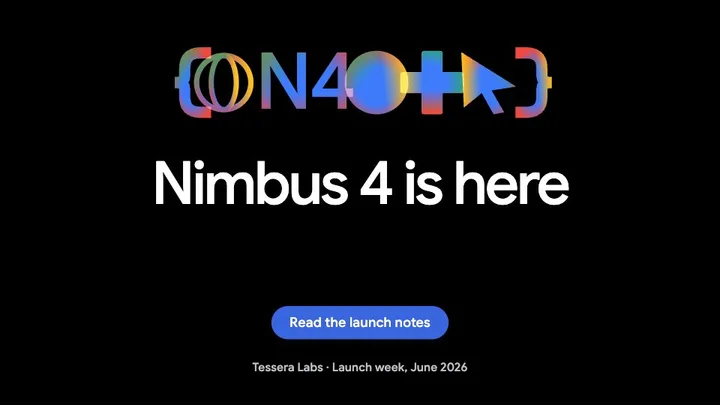
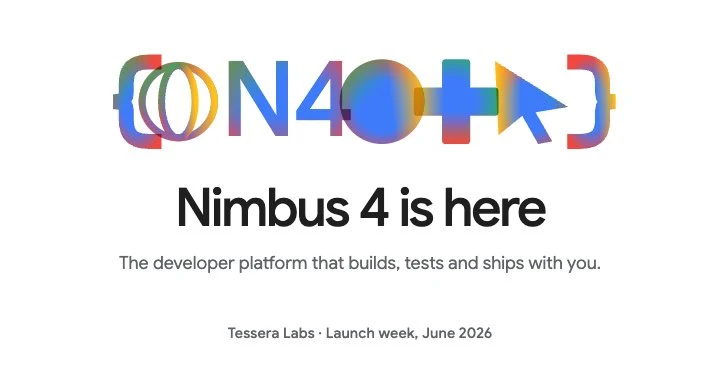
Mark = N4
Brand = Tessera Labs
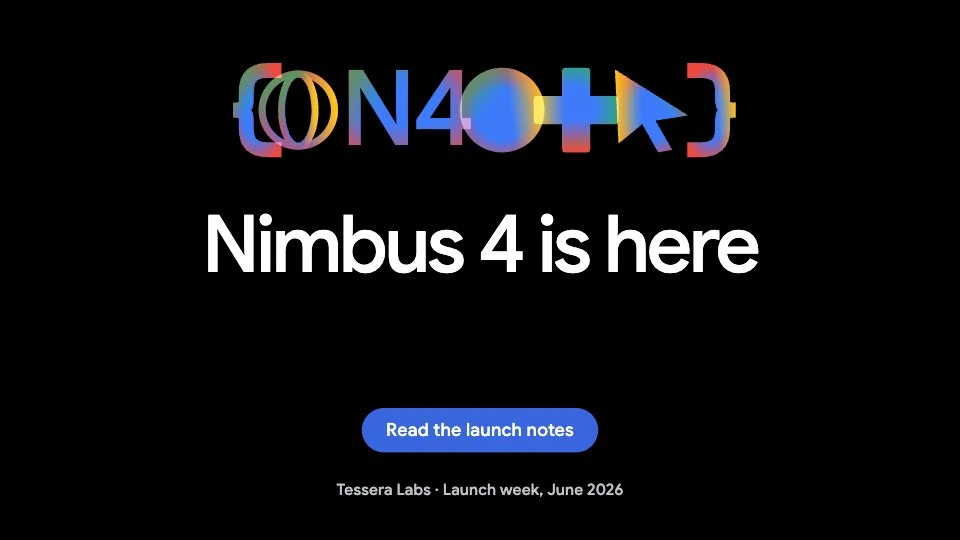
Headline = Nimbus 4 is here
Sentence = The developer platform that builds, tests and ships with you.
상단 짧은 문구 = Launch week, June 2026
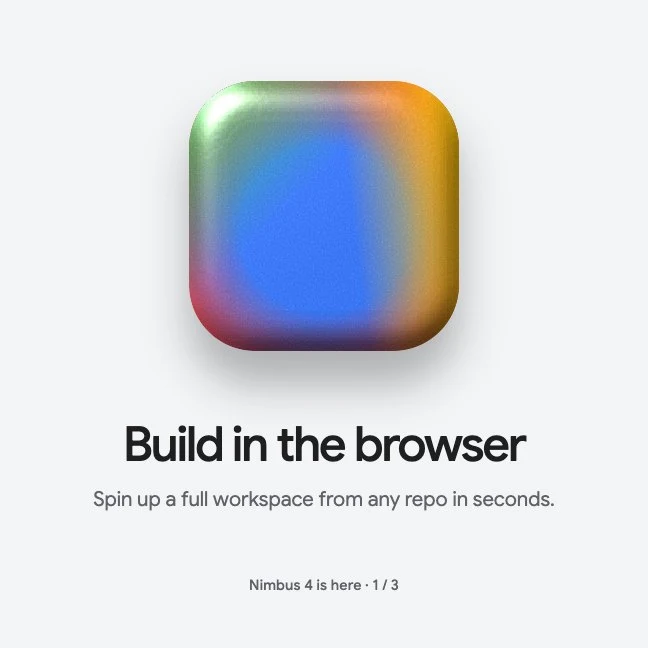
Feature 1 title = Build in the browser
Feature 1 line = Spin up a full workspace from any repo in seconds.
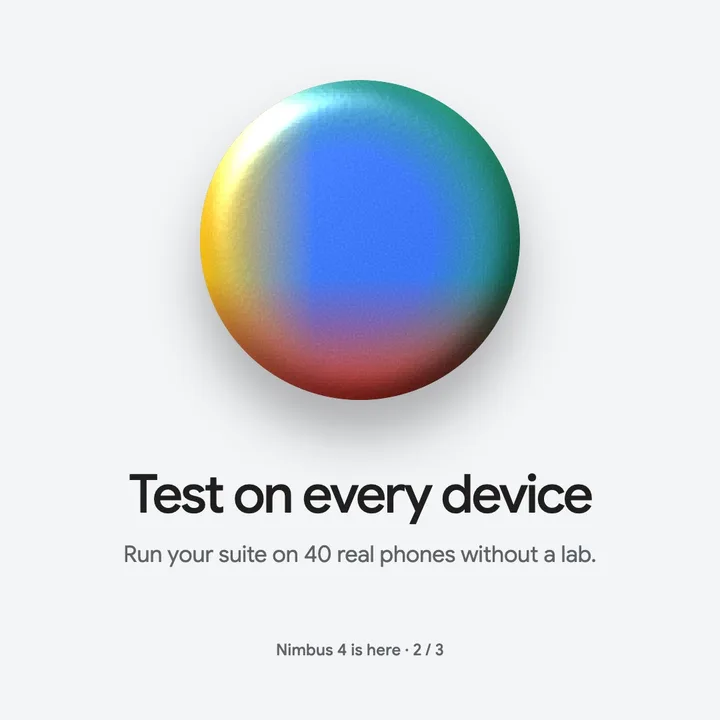
Feature 2 title = Test on every device
Feature 2 line = Run your suite on 40 real phones without a lab.
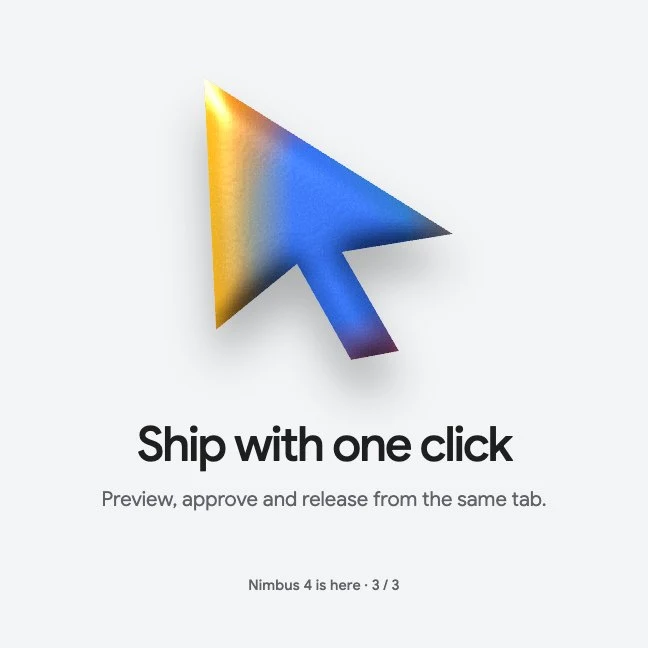
Feature 3 title = Ship with one click
Feature 3 line = Preview, approve and release from the same tab.
Button = Read the launch notes
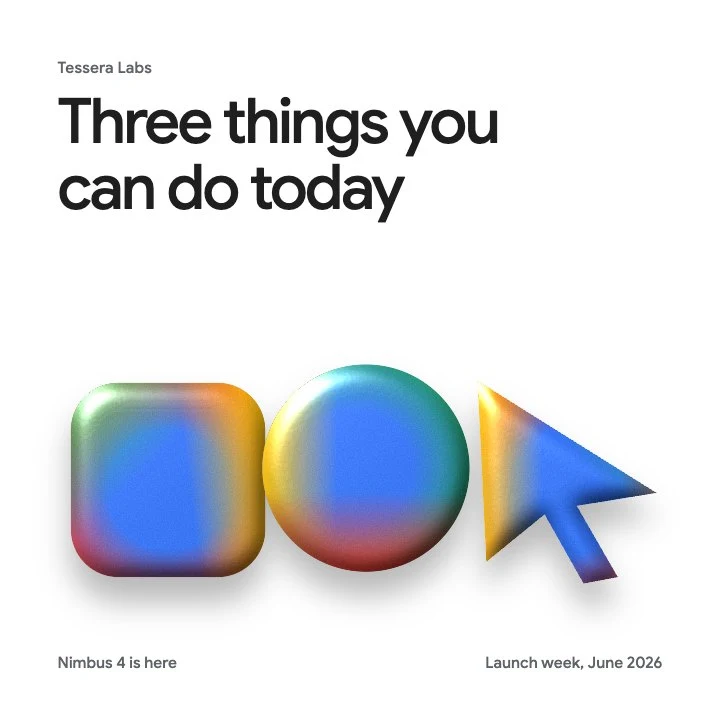
Square headline = Three things you can do today
색상 = prism
브랜드 색상 = #1E3A8A
Google I/O 2026 그라디언트 아이콘 런칭 그래픽 스타일
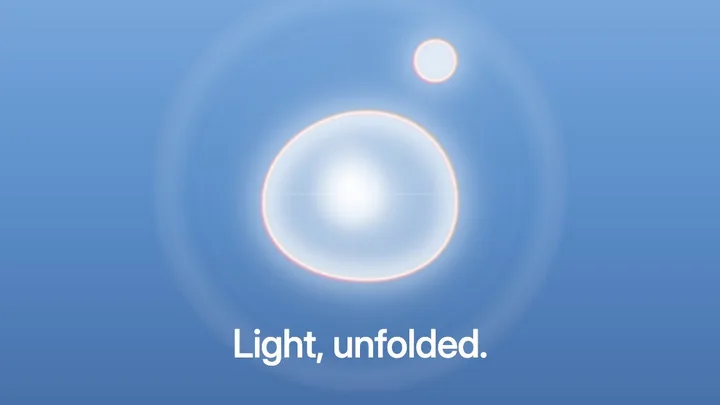
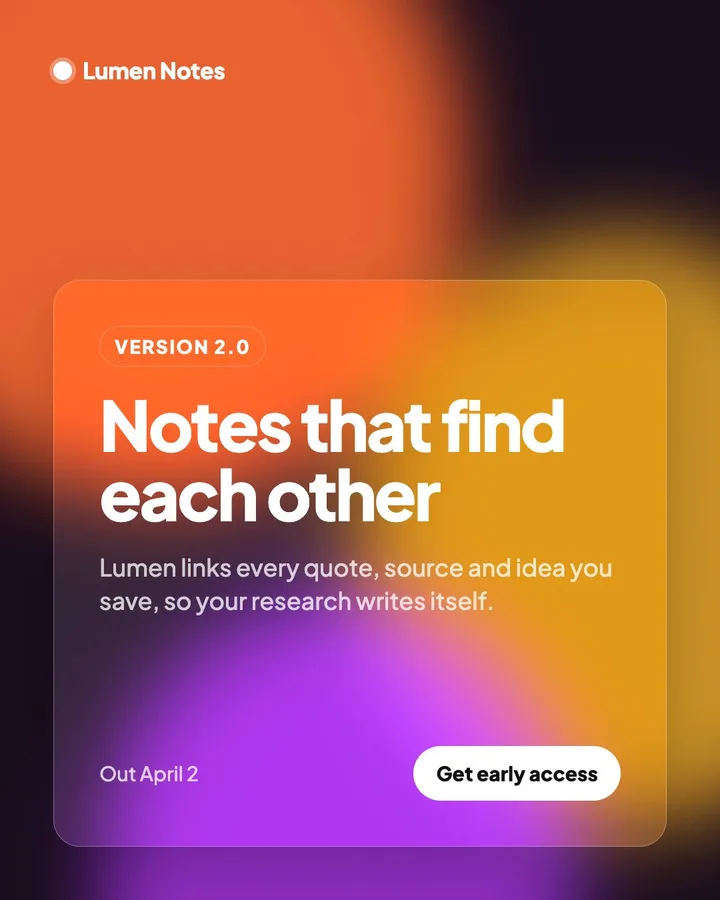
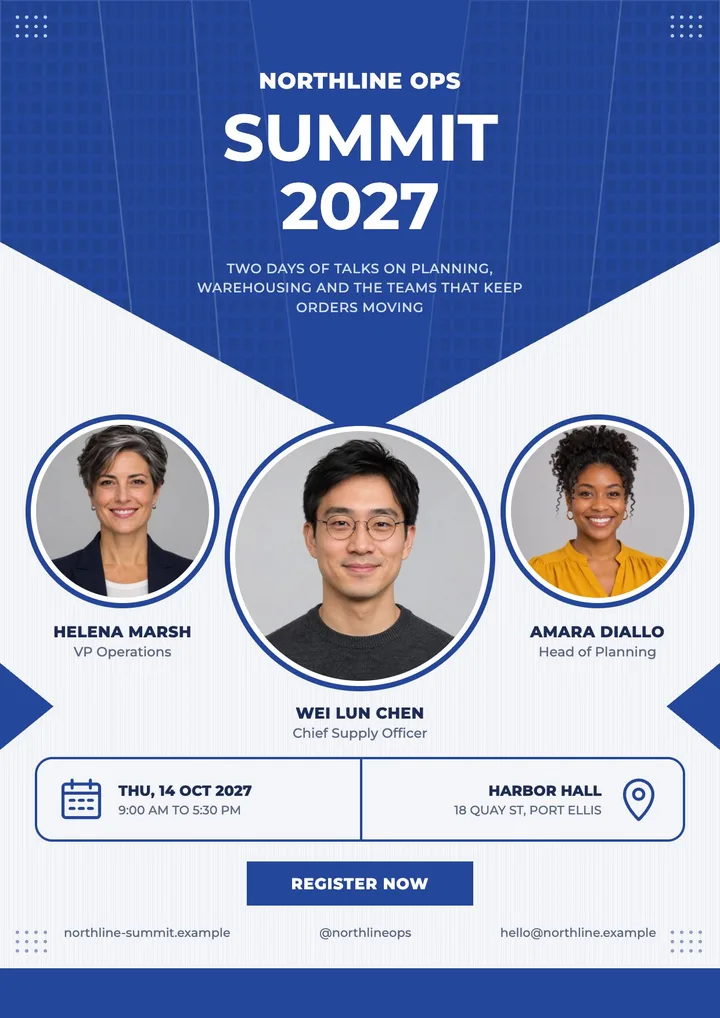
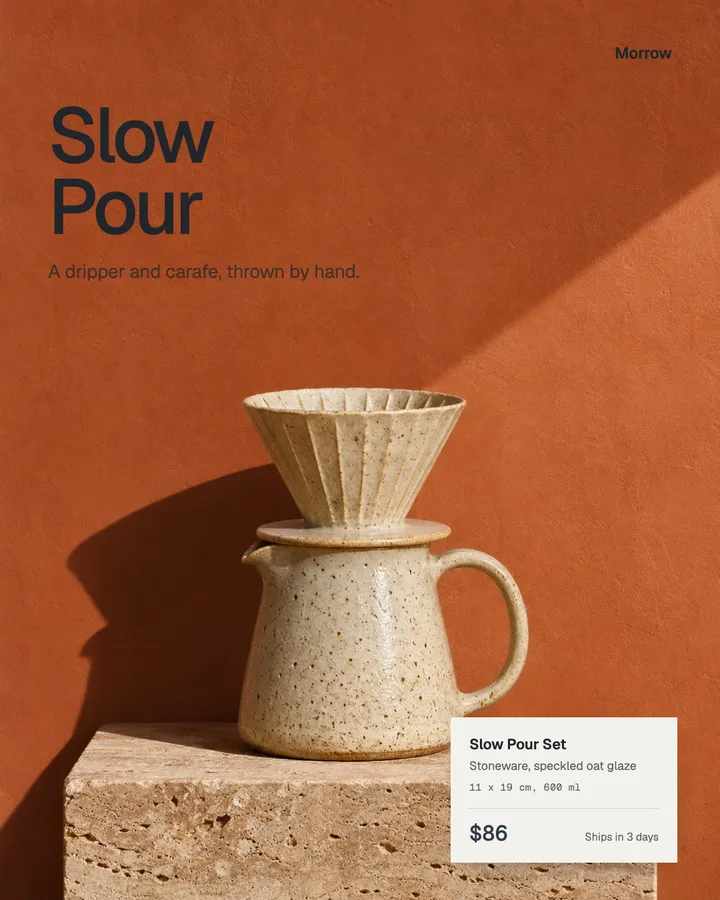
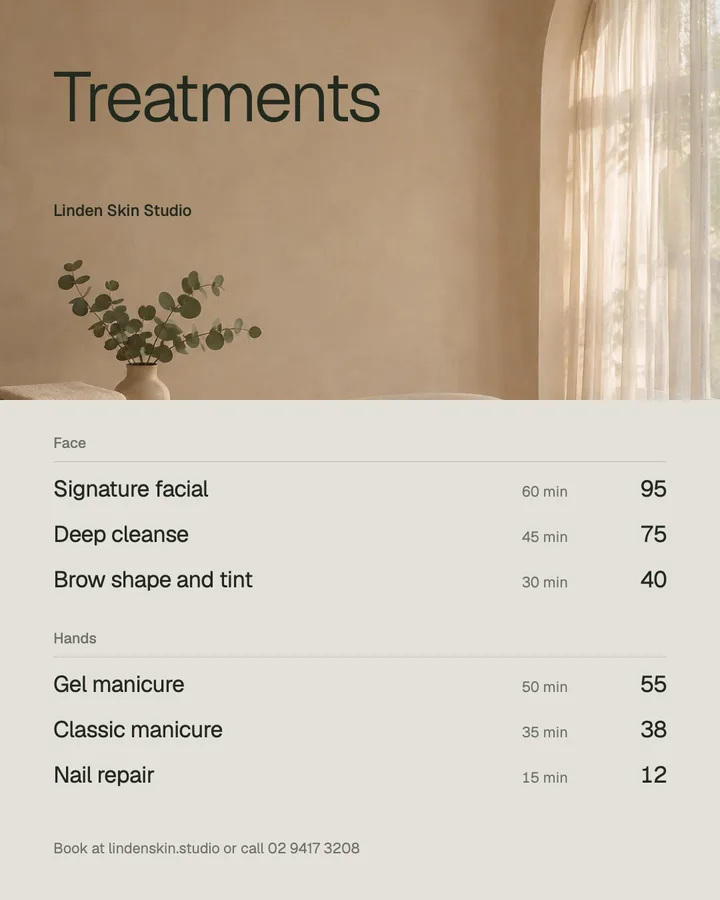
런칭 이미지 6장: 1200 x 630 링크 미리보기, 1600 x 900 X 게시물, 1200 x 1200 LinkedIn 정사각형, 1080 x 1080 기능 카드 3장. 제품 마크가 겹쳐진 4색 그라디언트 글리프 줄에 들어가고 평면 글리프는 질감 있는 3D 아이콘이 됩니다. Google과 무관한 독립 스타일 연구입니다. Independent style study, not affiliated with or endorsed by Google.
작동 방식
- 스킬 설치 · 설치 가이드
- 요청 실행 ·
/google-io-2026-gradient-icon-launch-graphic-style - 결과 확인
SKILL.md의 절차를 확인한 후 아래에 포함된 명령을 사용하세요.
node -vnode scripts/check-setup.mjsnode scripts/page.mjs fill references/template.html --out out/index.htmlnode scripts/page.mjs shoot out/index.html --canvas --out out/imagesnode scripts/page.mjs fill references/template.html --content content.json --out out/index.htmlnode scripts/page.mjs check out/index.html --canvas
작업 폴더
references/fill-in.jsonreferences/template.htmlscripts/check-setup.mjsscripts/page.mjs
제공 항목
- 코드로 그려진 1200 x 630 링크 미리보기, 1600 x 900 X 게시물 및 1200 x 1200 LinkedIn 정사각형
- 3개의 1080 x 1080 기능 카드(각각 질감이 있는 3D 아이콘 포함)
- 세 가지 색상 테마(프리즘, 황혼, 모노), 버튼 색상 옵션 및 텍스트 제한 검사기
실행 요구 사항
- 필수 · Node.js 22 이상
- 필수 · Google Chrome, Chromium 또는 엣지
도움말
4색 그라디언트 글리프가 맞물리고 평면 아이콘이 질감 있는 3D로 바뀌는 런칭 이미지.
황혼 테마로 전환하고 버튼을 만듭니다.
표시를 v2로 변경하고 모바일 SDK용 기능 카드 3개를 다시 작성합니다.
시작하기 전에
| 준비할 내용 |
|
|---|---|
| 의존성 |
|
| 외부 비용 | 외부 서비스 비용 없음 |
| 최근 업데이트 | v1.0.2 · |
제공된 워크플로 범위 안에서 사용하세요.