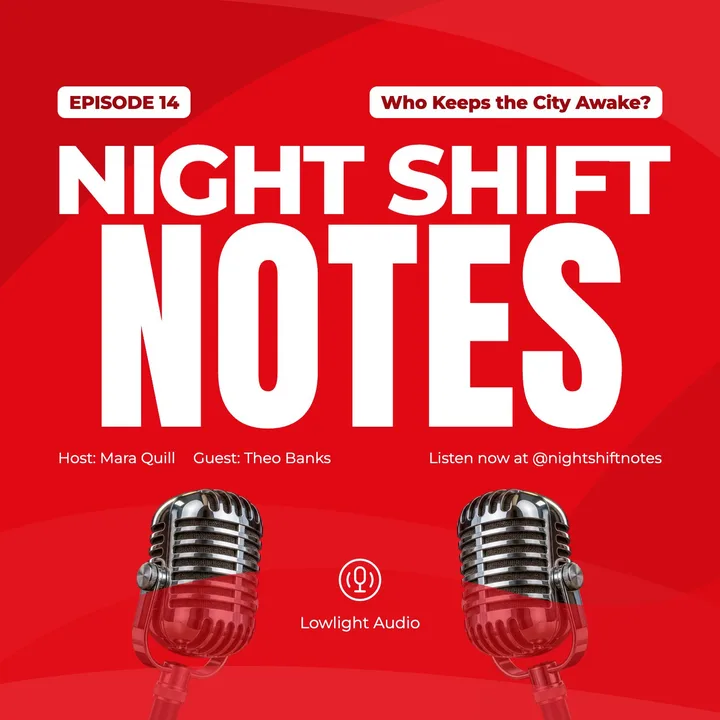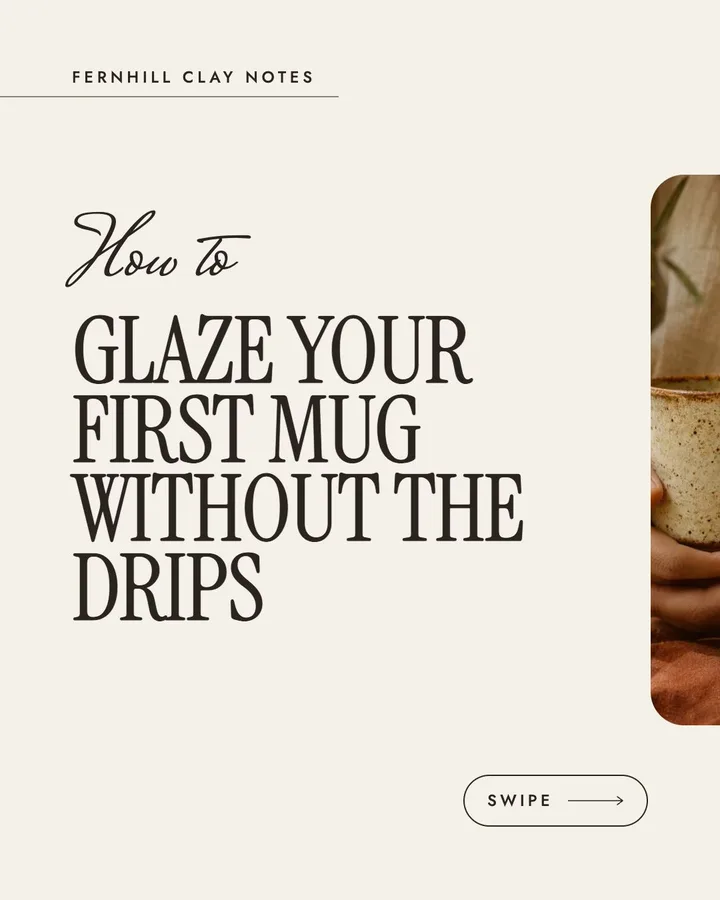
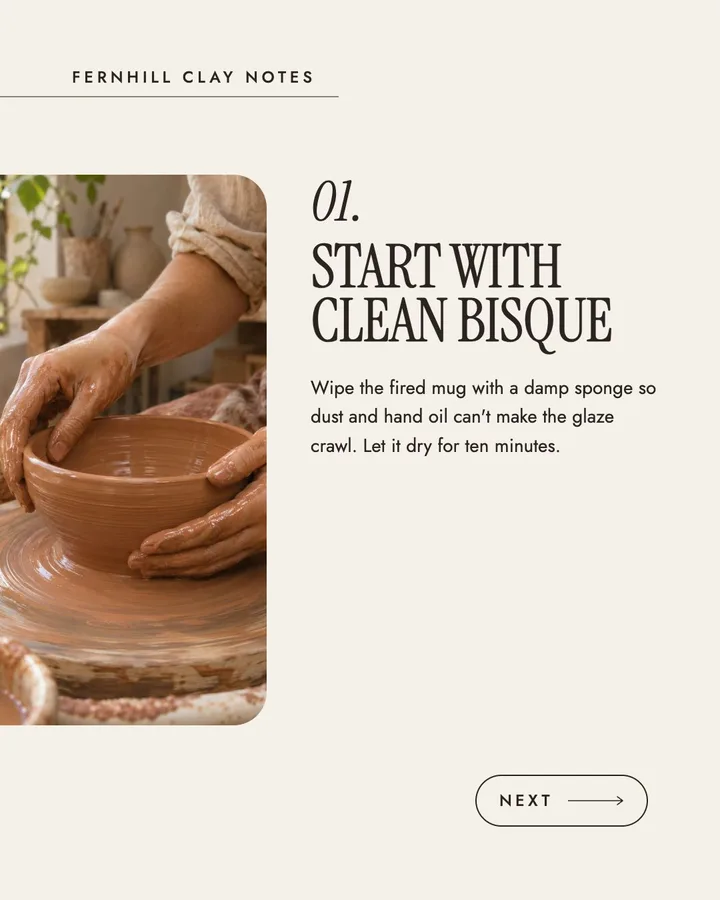
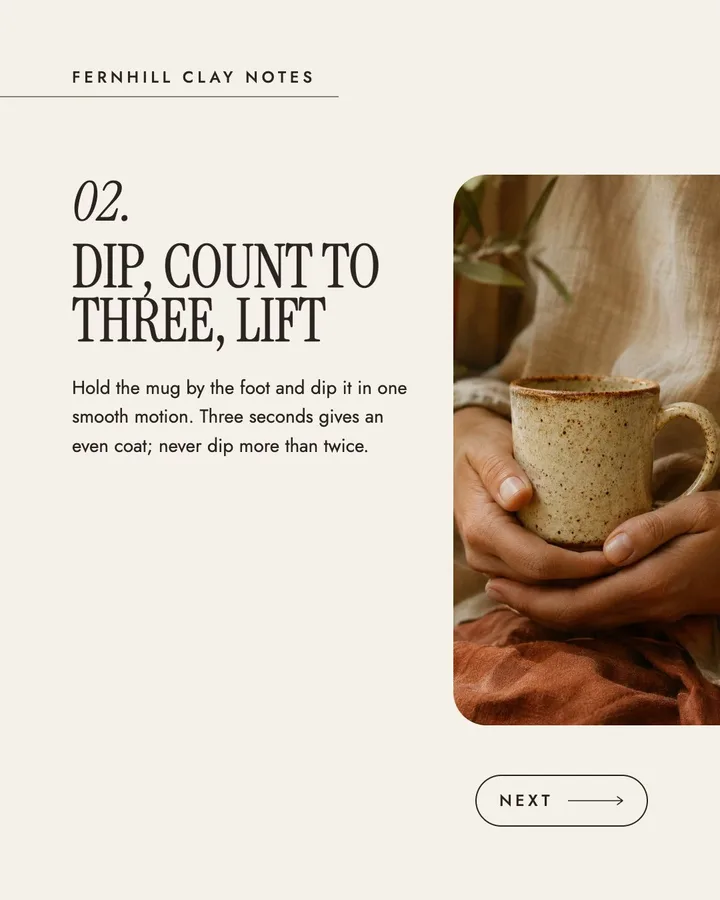
你的提示詞
將括號內的文字換成你的內容;選填項目可以省略。
/how-to-carousel-set
Use and size = 〔Use and size — portrait 4:5 cover / portrait 4:5 step 1 / portrait 4:5 step 2 / portrait 4:5 step 3 / square 1:1 cover / square 1:1 step 1 / square 1:1 step 2 / square 1:1 step 3 / story 9:16 cover / story 9:16 step 1 / story 9:16 step 2 / story 9:16 step 3 / 兩種尺寸 — 選填〕
Topic = 〔Topic — 最多 38 個字元〕
上方小字 = 〔上方小字 — 最多 28 個字元〕
Step 1 title = 〔Step 1 title — 最多 26 個字元〕
Step 1 text = 〔Step 1 text — 最多 150 個字元〕
Step 2 title = 〔Step 2 title — 最多 26 個字元〕
Step 2 text = 〔Step 2 text — 最多 150 個字元〕
Step 3 title = 〔Step 3 title — 最多 26 個字元〕
Step 3 text = 〔Step 3 text — 最多 150 個字元〕
Cover photo = 〔Cover photo〕
Step 1 photo = 〔Step 1 photo〕
Step 2 photo = 〔Step 2 photo〕
Step 3 photo = 〔Step 3 photo〕
Save line = 〔Save line — 最多 30 個字元 — 選填〕
Script words = 〔Script words — 最多 12 個字元 — 選填〕
Swipe pill = 〔Swipe pill — 最多 8 個字元 — 選填〕
Next pill = 〔Next pill — 最多 8 個字元 — 選填〕
顏色 = 〔顏色 — cream linen / tan clay / pale sage — 選填〕
品牌色 = 〔品牌色 — 選填〕
不知道怎麼填?可以說:先做一個範例給我看
範例
/how-to-carousel-set
Use and size = all twelve
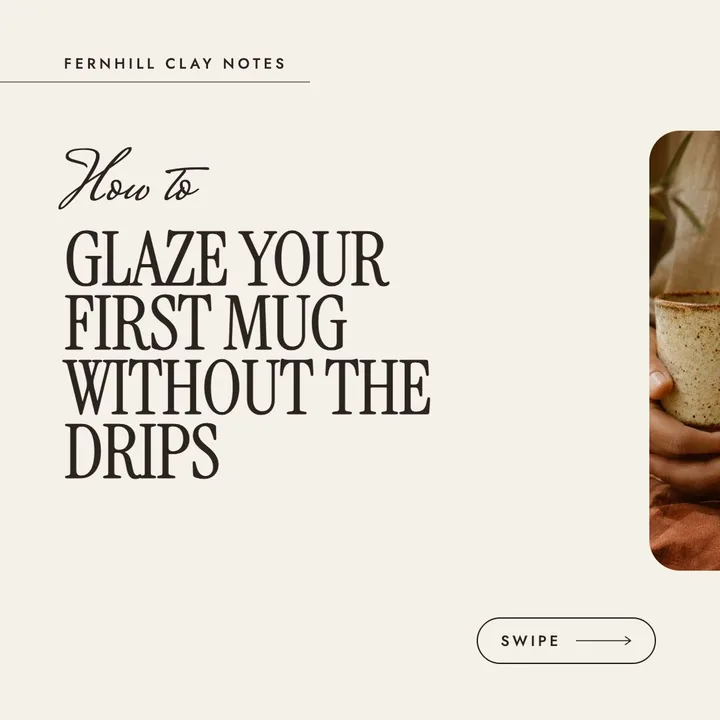
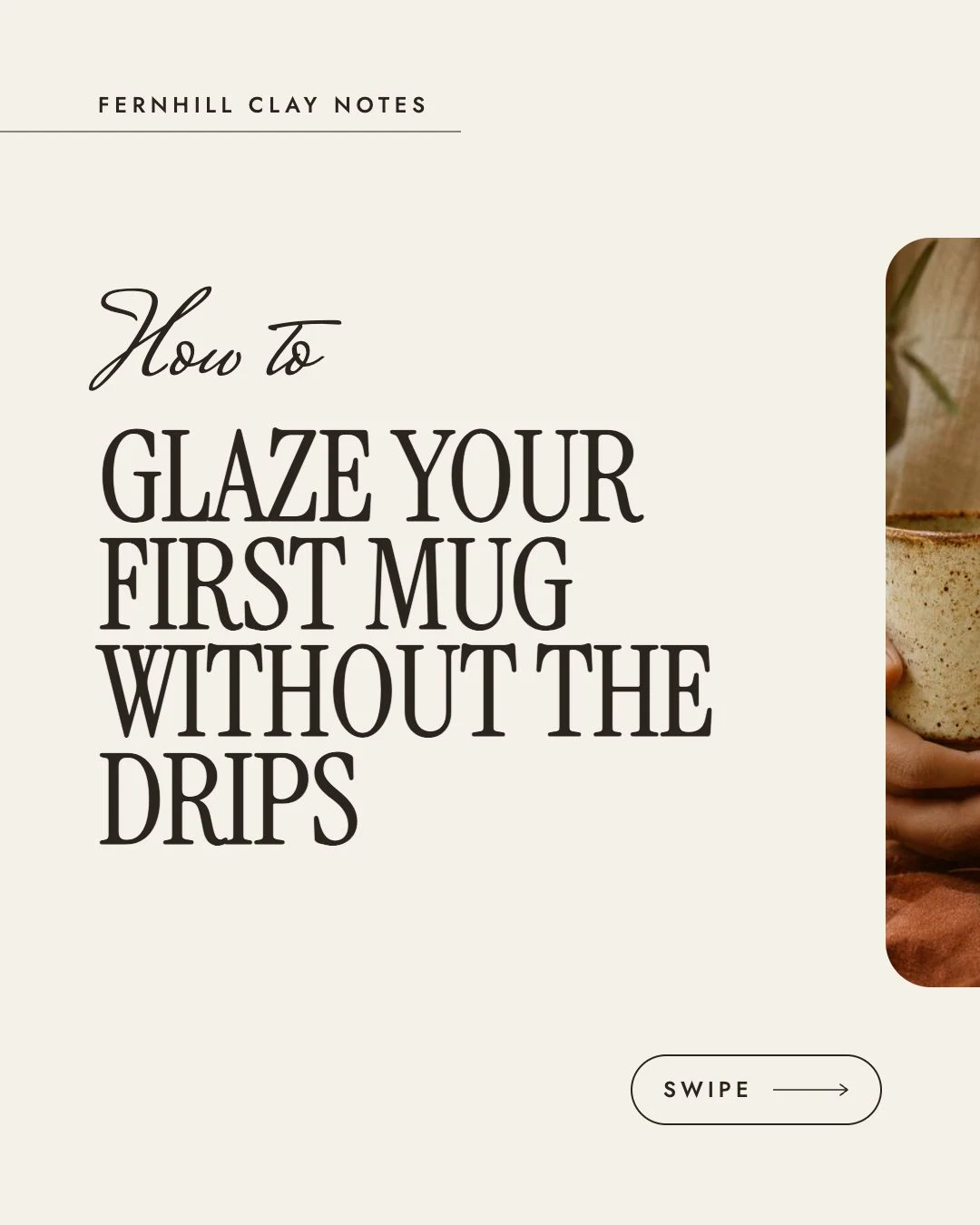
Topic = Glaze your first mug without the drips
上方小字 = Fernhill Clay Notes
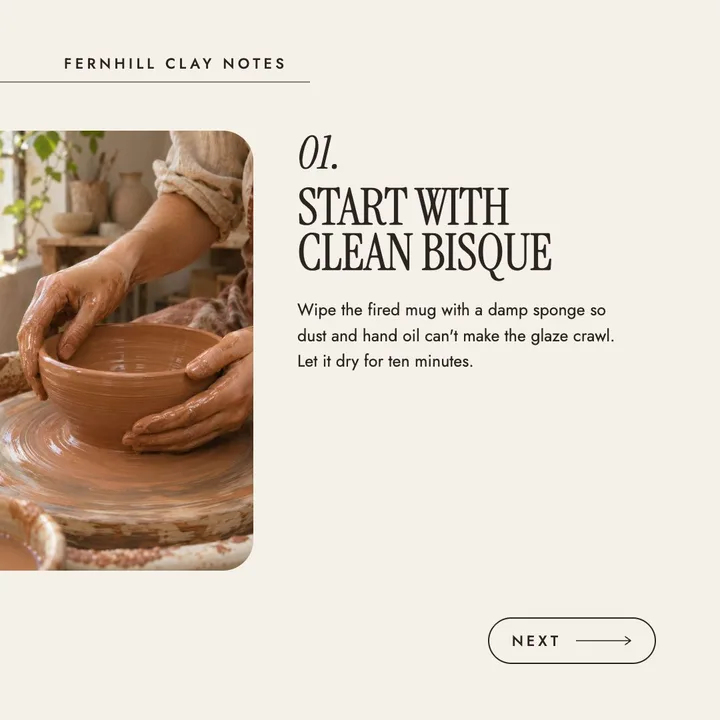
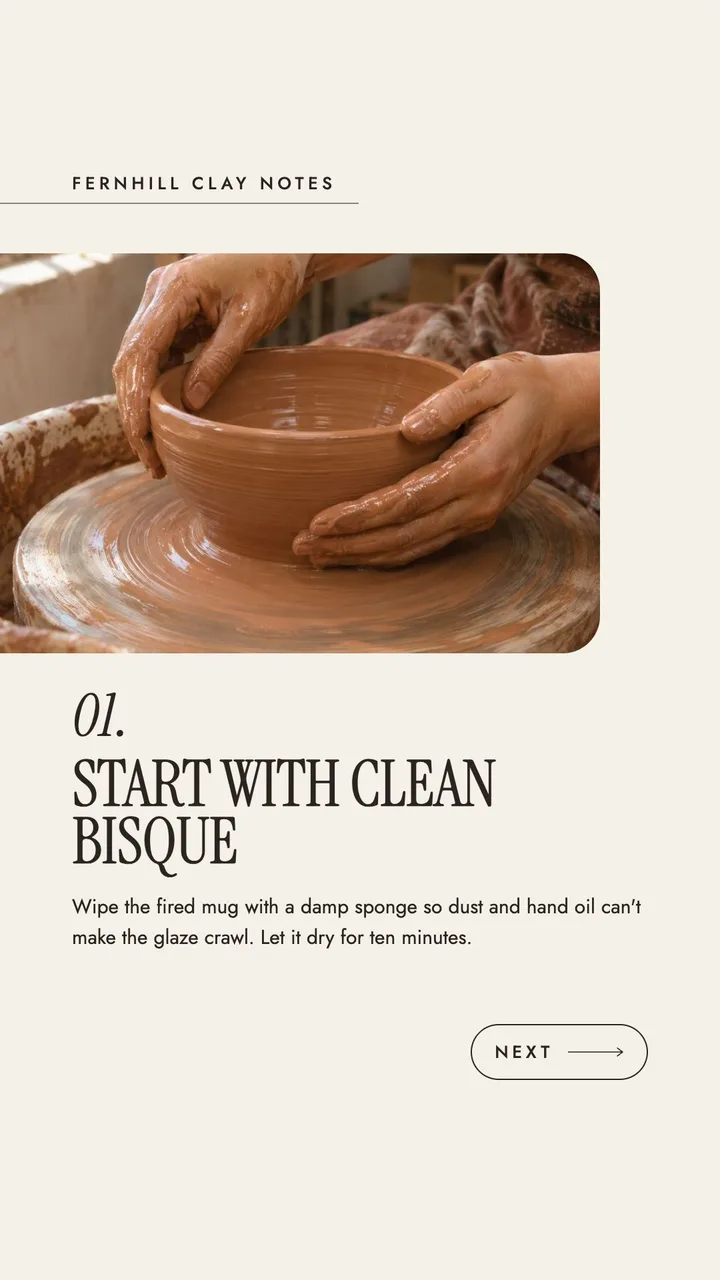
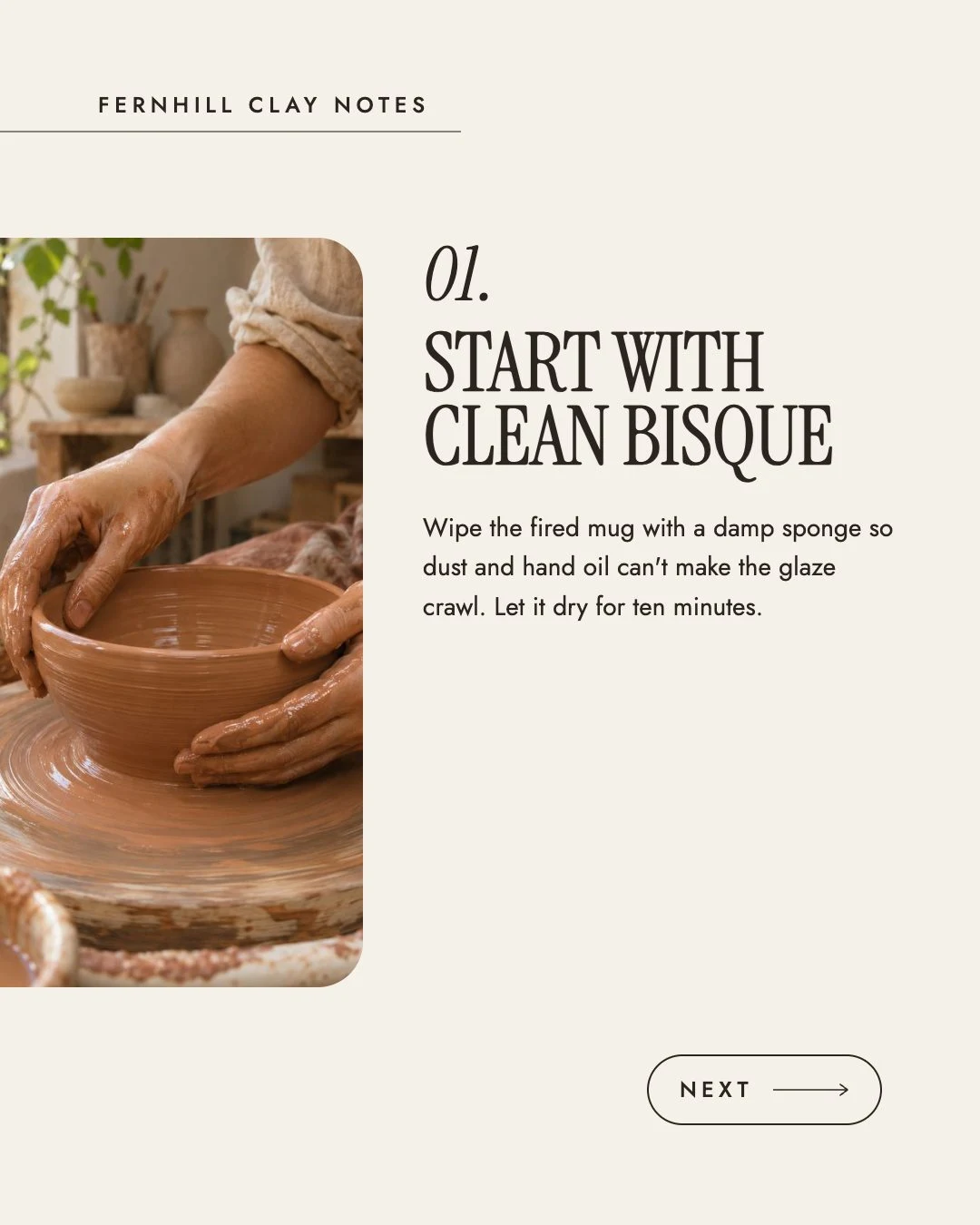
Step 1 title = Start with clean bisque
Step 1 text = Wipe the fired mug with a damp sponge so dust and hand oil can't make the glaze crawl. Let it dry for ten minutes.
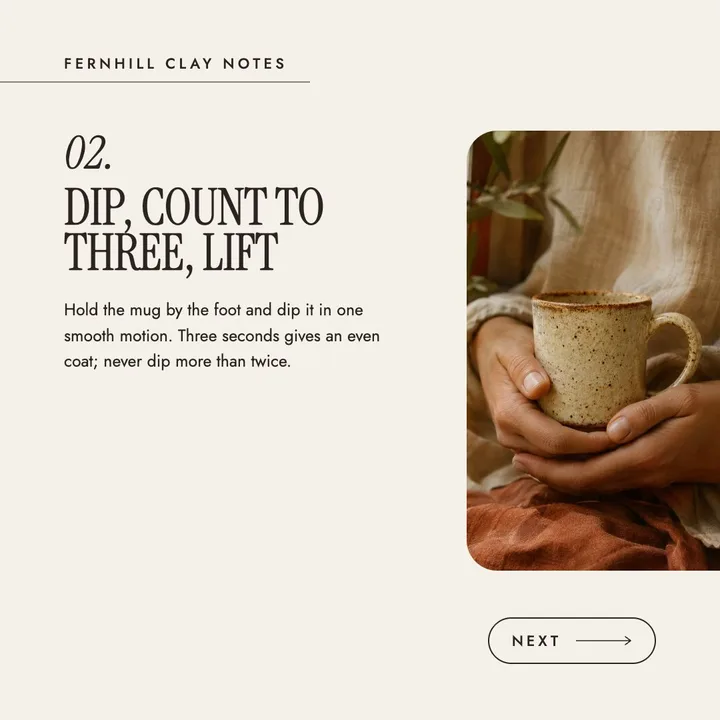
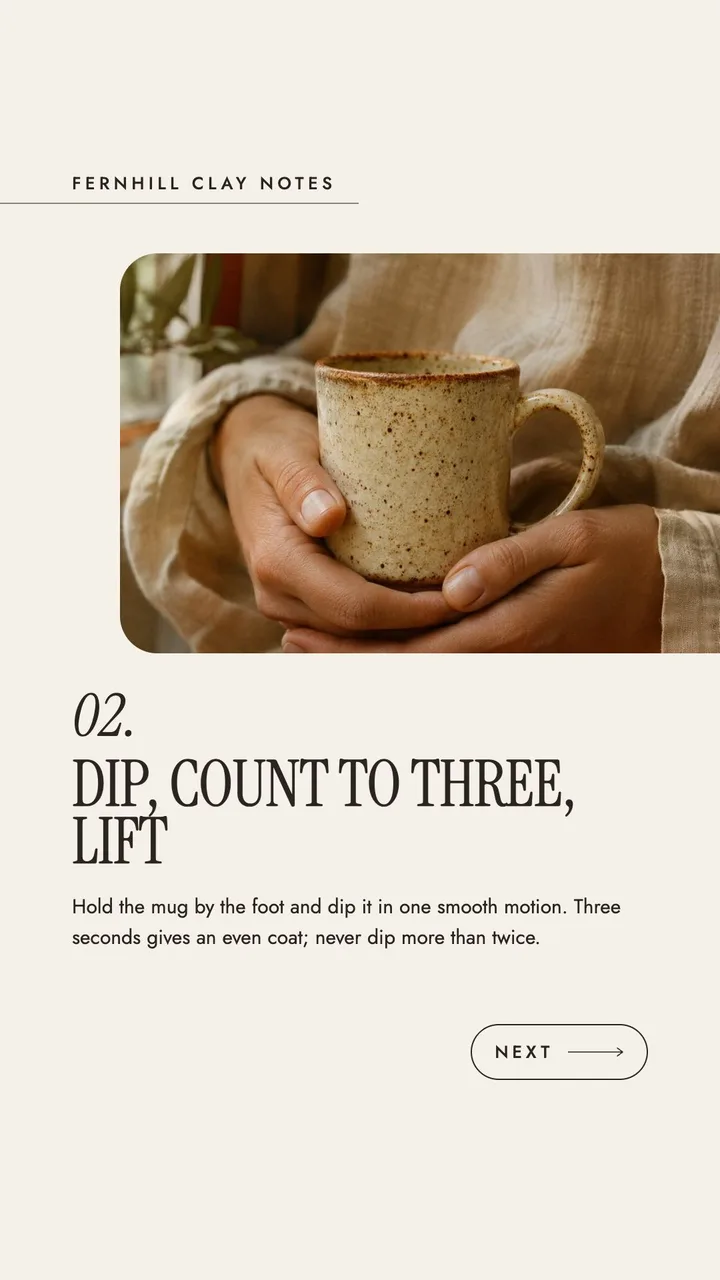
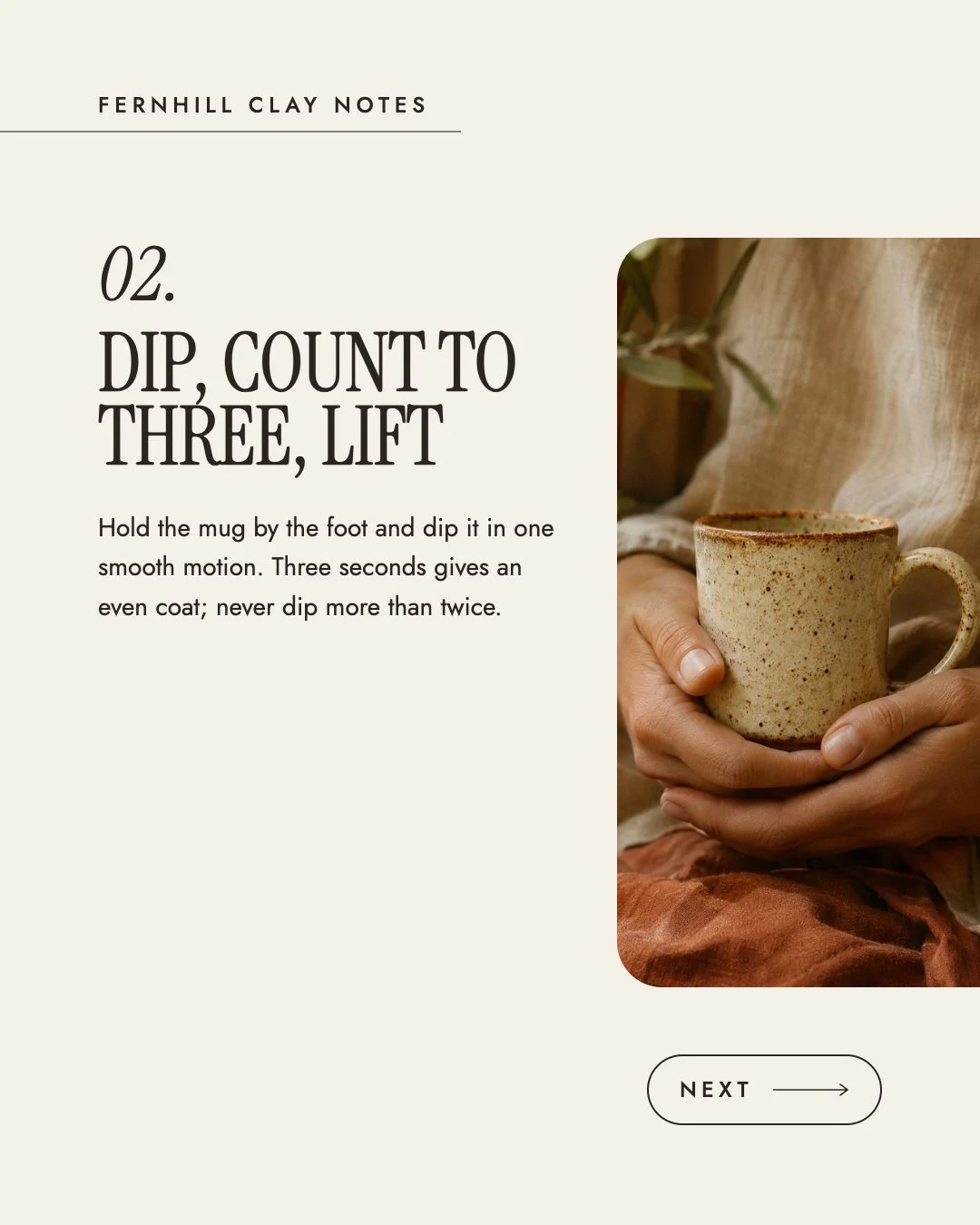
Step 2 title = Dip, count to three, lift
Step 2 text = Hold the mug by the foot and dip it in one smooth motion. Three seconds gives an even coat; never dip more than twice.
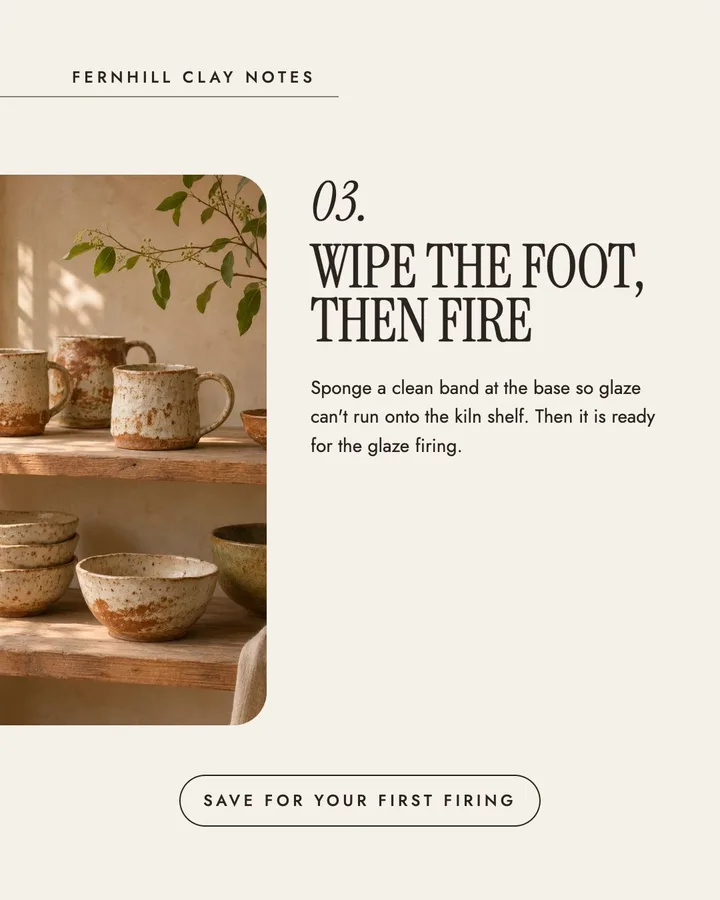
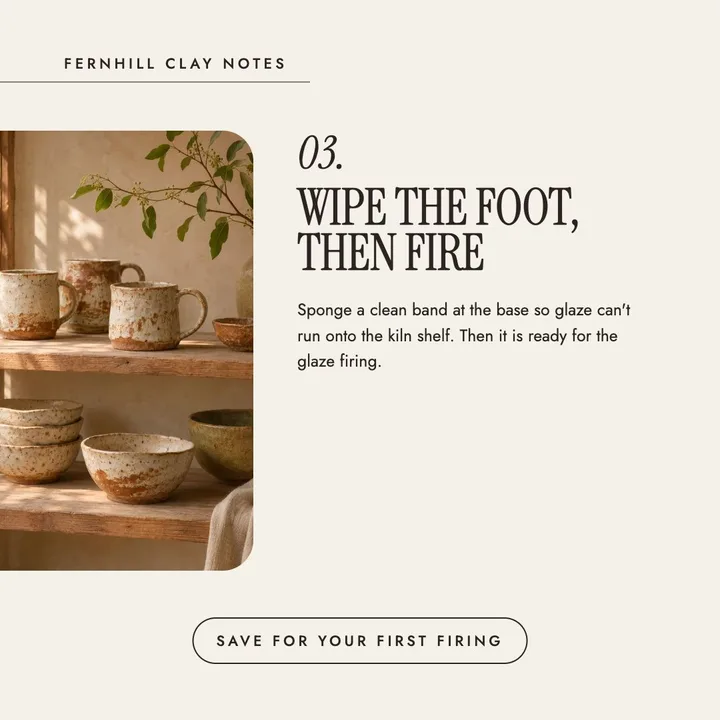
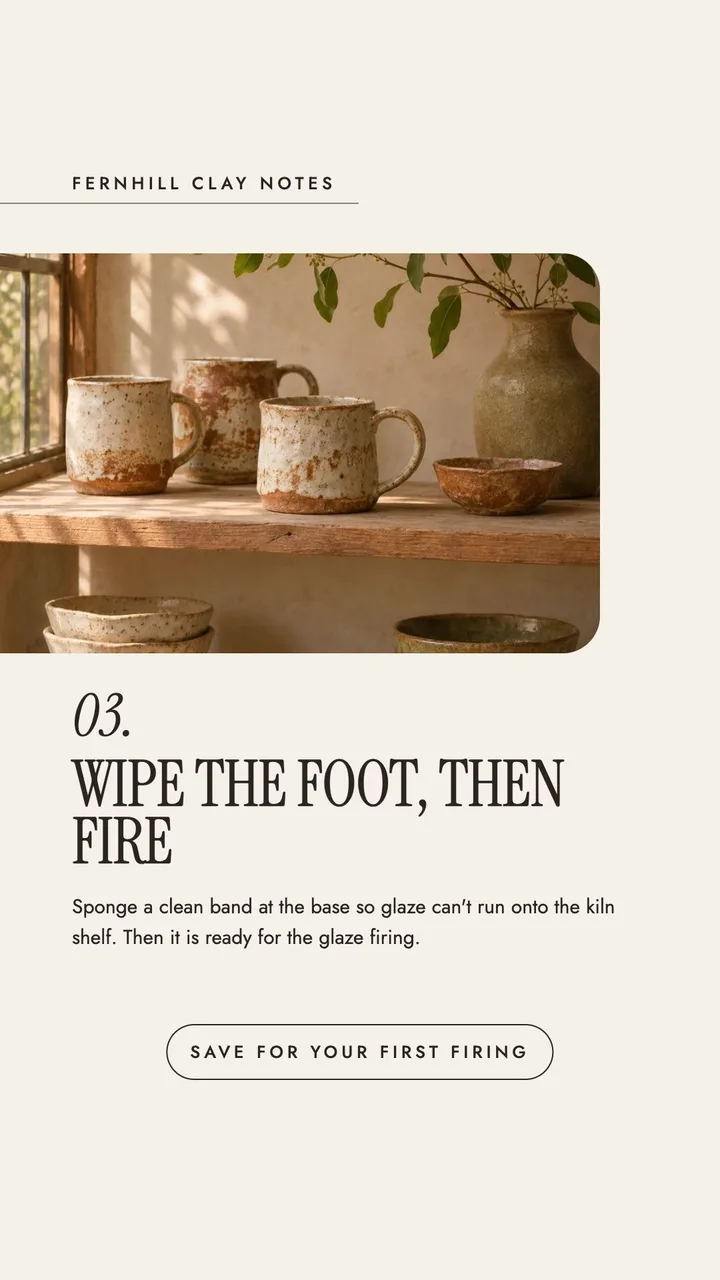
Step 3 title = Wipe the foot, then fire
Step 3 text = Sponge a clean band at the base so glaze can't run onto the kiln shelf. Then it is ready for the glaze firing.
Cover photo = the sample photo in the pack
Step 1 photo = the sample photo in the pack
Step 2 photo = the sample photo in the pack
Step 3 photo = the sample photo in the pack
Save line = Save for your first firing
Script words = How to
Swipe pill = Swipe
Next pill = Next
顏色 = cream linen
品牌色 = #1E3A8A
教學輪播圖組
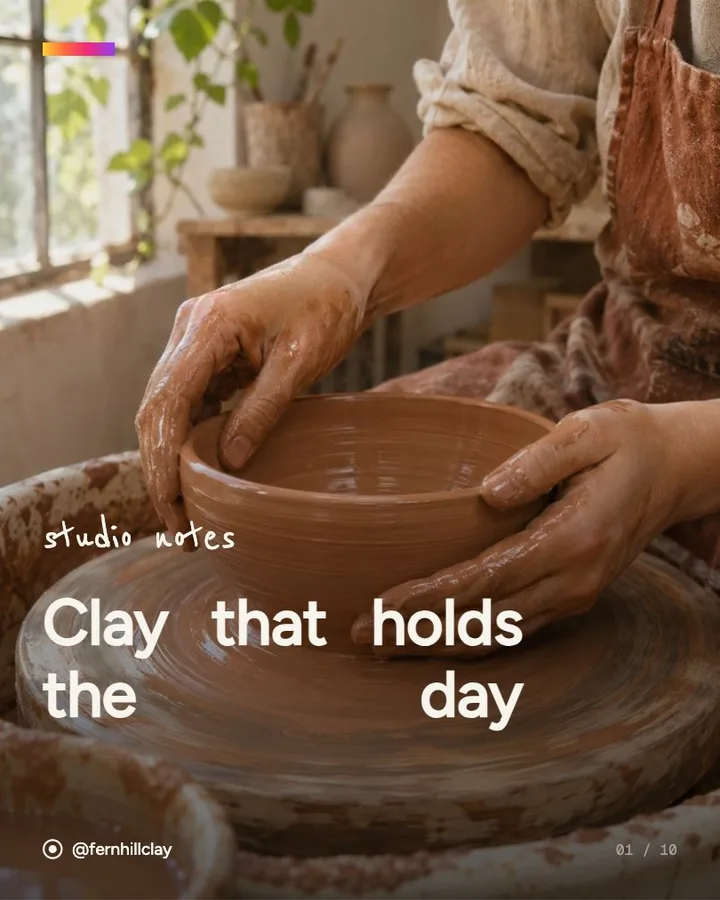
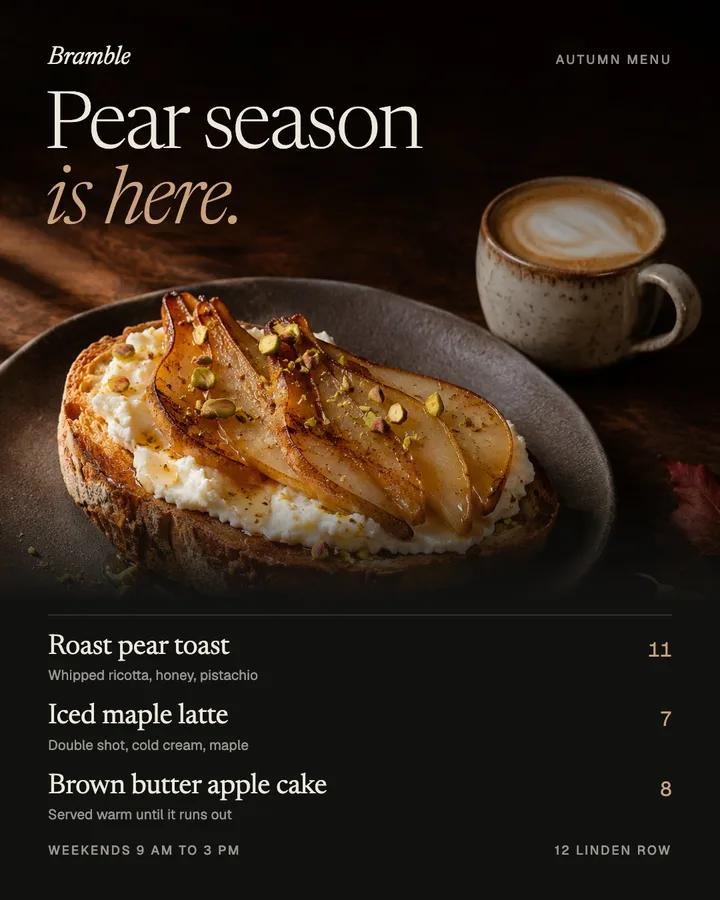
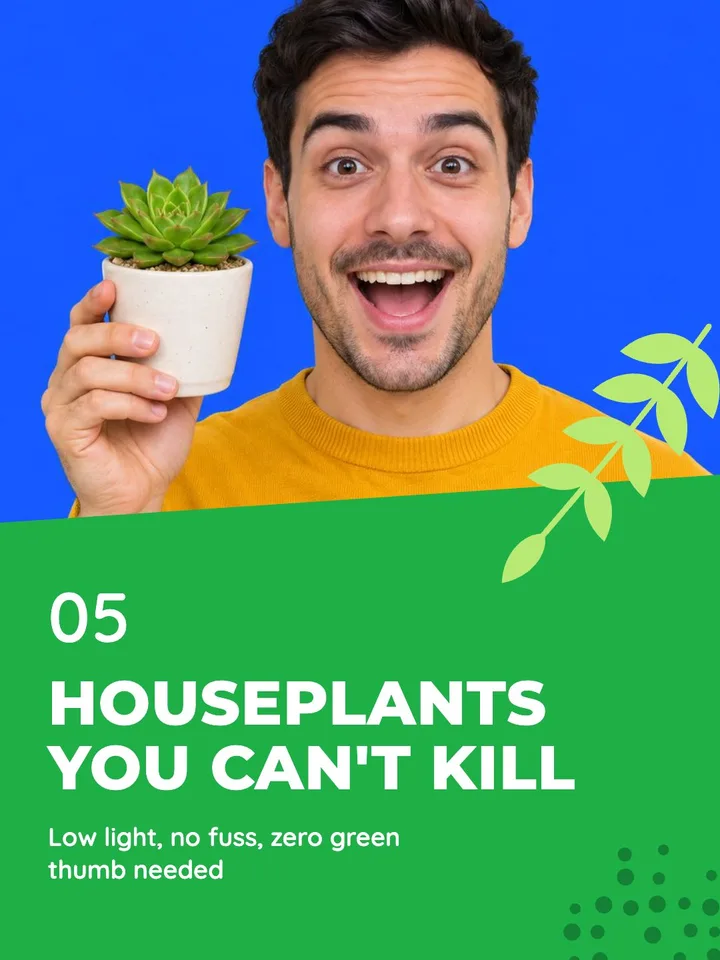
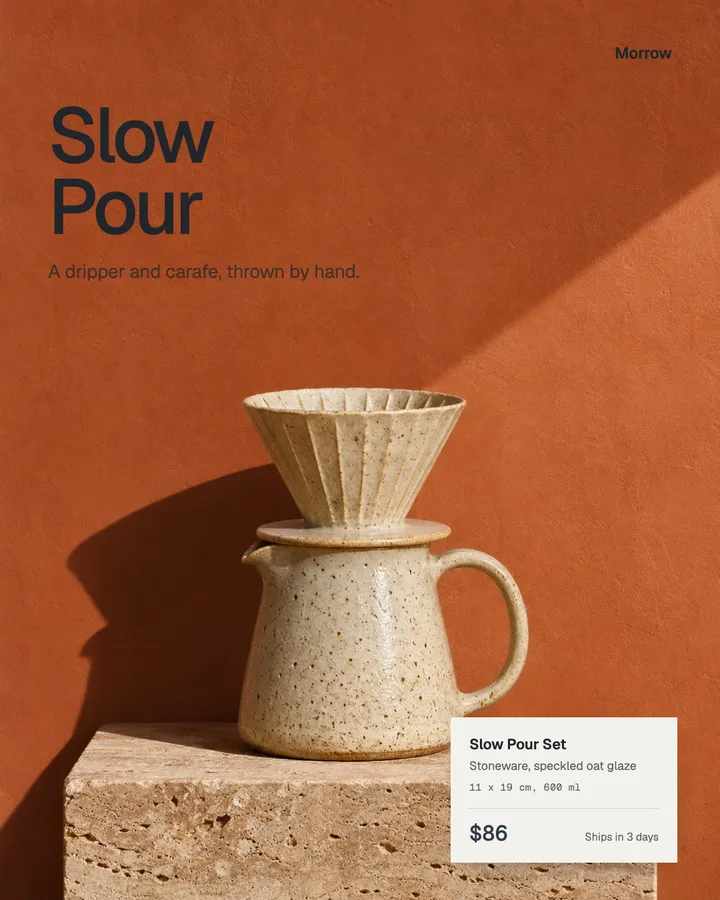
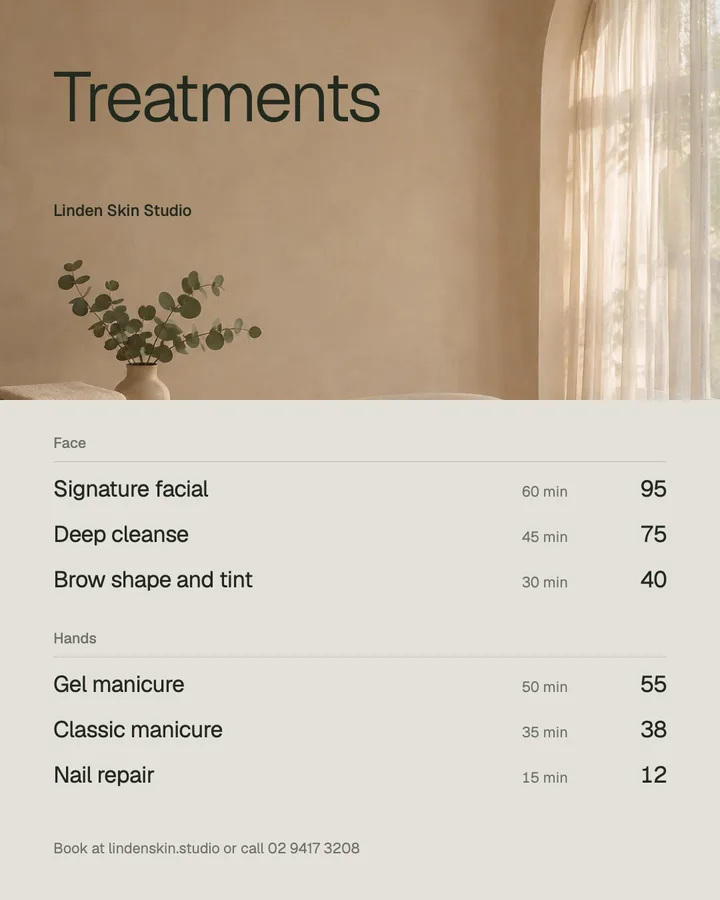
將三步驟技巧製作成封面與三張步驟圖,以手寫開場、窄版襯線大寫字及圓角照片面板,搭配溫暖奶油色紙張。原生尺寸為 1080x1080、1080x1350 與 1080x1920。可修改文字、四張照片及裁切、主題或品牌色;檢查器會測量全部十二張圖片。
運作流程
- 安裝技能 · 安裝指南
- 執行你的需求 ·
/how-to-carousel-set - 檢查成果
先閱讀 SKILL.md 的流程,再使用下方隨包提供的指令。
node -vnode scripts/check-setup.mjsnode scripts/page.mjs slots references/template.htmlnode scripts/page.mjs fill references/template.html --content content.json --out out/index.htmlnode scripts/page.mjs check out/index.html --canvasnode scripts/page.mjs shoot out/index.html --canvas --out out/images
工作目錄
references/fill-in.jsonreferences/template.htmlscripts/check-setup.mjsscripts/page.mjs
你會得到
- 十二張圖像-封面和三步投影片,每張為1080x1080、1080x1350和1080x1920,針對此尺寸佈置
- 三個主題(亞麻、黏土、鼠尾草)加上用於腳本、數字和藥丸的任何品牌顏色
- 每張照片的裁剪控制和文字限制、重疊和故事應用程式欄區域的檢查器
執行需求
- 必要 · Node.js 22 或更新版本
- 必要 · Google Chrome、Chromium或邊緣
使用建議
將一份需求轉為方形、直式與限時動態尺寸的四頁教學輪播圖。
使用我提供的品牌顏色在鼠尾草主題中製作相同的旋轉木馬。
將步驟2改為浸泡兩次以獲得較暗的釉料並匯出PNG檔。
開始之前
| 你需要提供 |
|
|---|---|
| 相依項目 |
|
| 外部費用 | 無外部服務費用 |
| 最近更新 | v1.0.2 · |
功能範圍以隨包提供的流程為準。