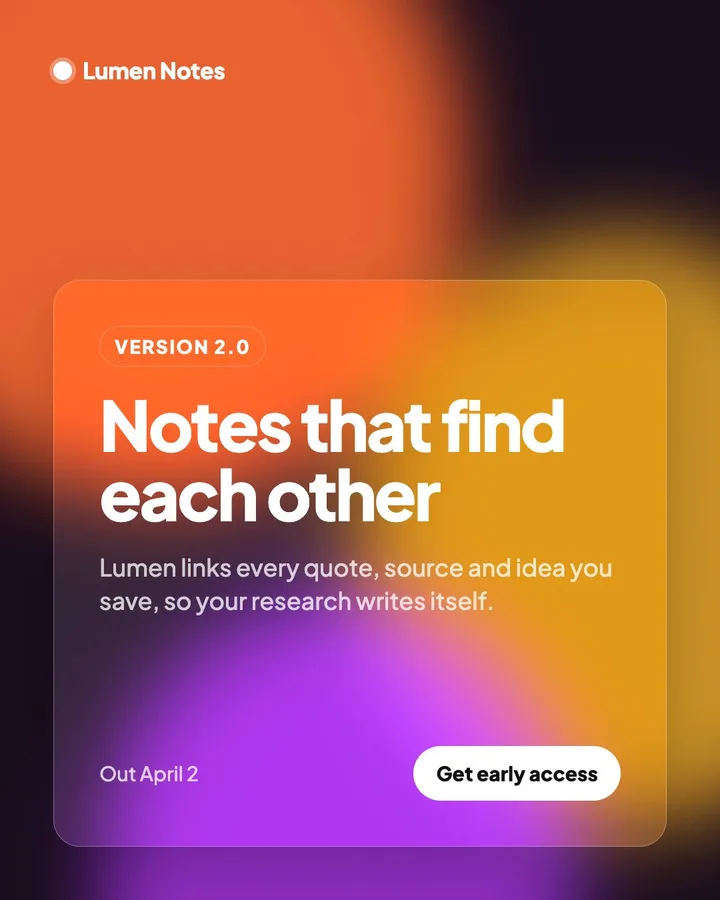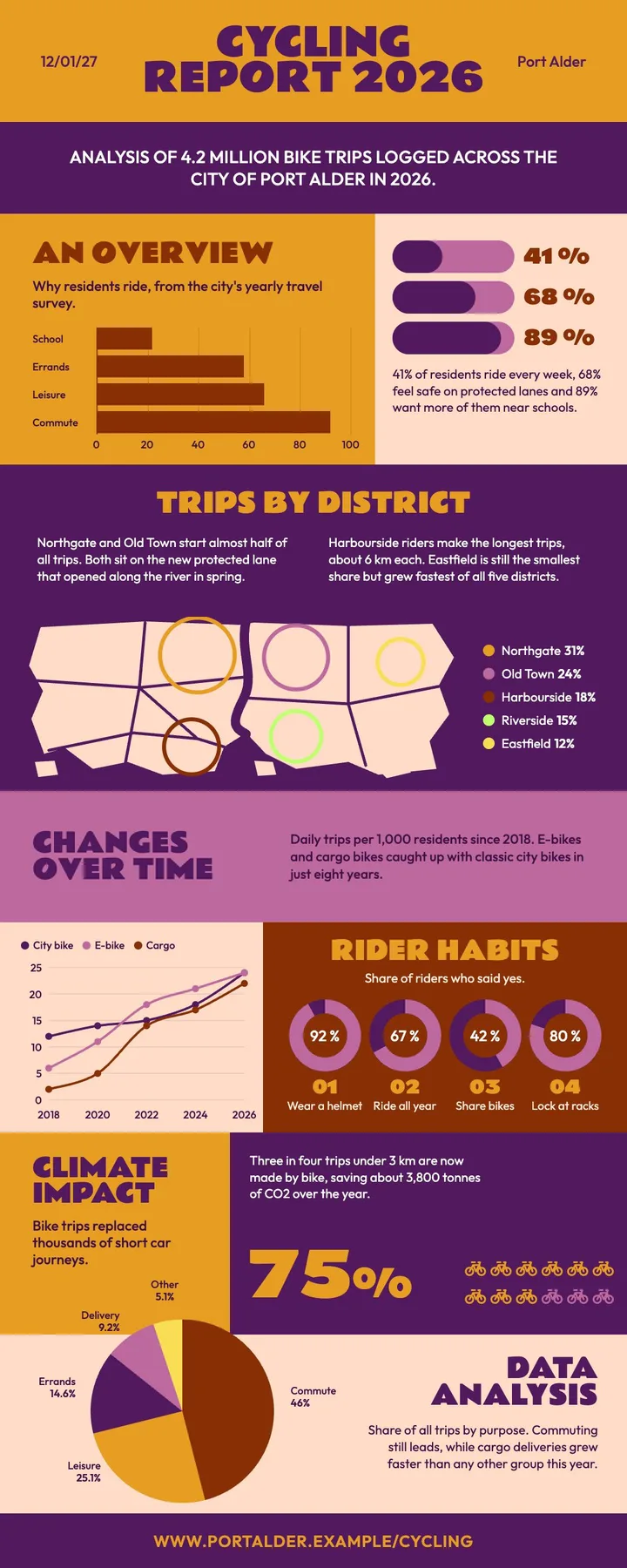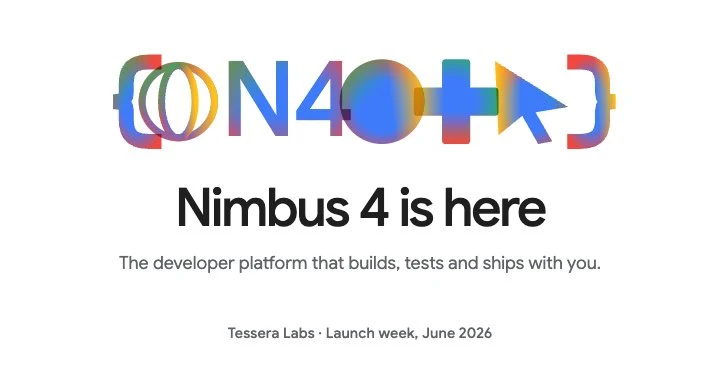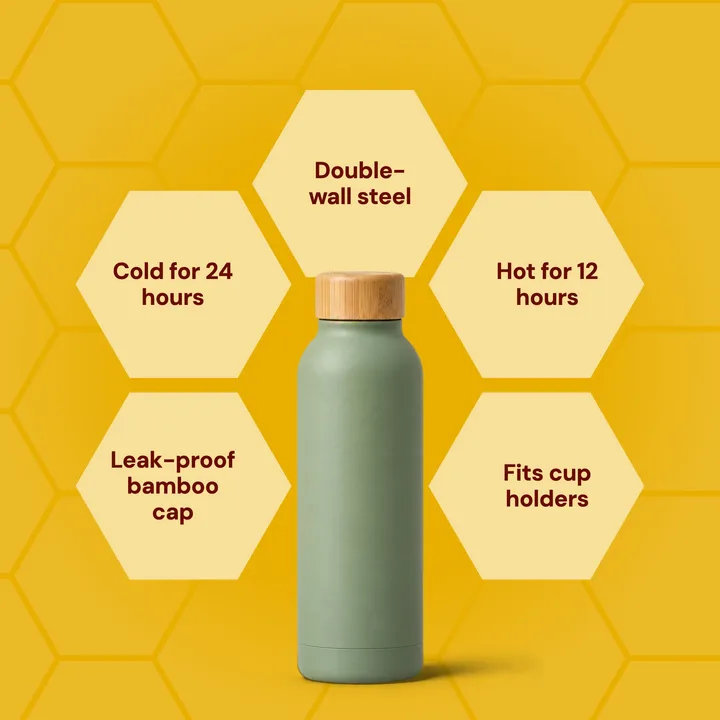

あなたのプロンプト
括弧内を自分の内容に置き換えてください。任意の項目は省略できます。
/clean-spec-callout-listing-set
Product name = 〔Product name — 最大 12 文字〕
Color or variant = 〔Color or variant — 最大 12 文字〕
Feature 1 name = 〔Feature 1 name — 最大 15 文字〕
Feature 1 detail = 〔Feature 1 detail — 最大 26 文字〕
Feature 2 name = 〔Feature 2 name — 最大 12 文字〕
Feature 2 detail = 〔Feature 2 detail — 最大 21 文字〕
Feature 3 name = 〔Feature 3 name — 最大 17 文字〕
Feature 3 detail = 〔Feature 3 detail — 最大 24 文字〕
Height = 〔Height — 最大 12 文字〕
Width = 〔Width — 最大 12 文字〕
Capacity = 〔Capacity — 最大 12 文字〕
Product photo on white = 〔Product photo on white — 短辺 1080 px 以上〕
Photo in use = 〔Photo in use — 短辺 1080 px 以上〕
Headlines and sentence = 〔Headlines and sentence — 最大 45 文字 — 任意〕
迷ったら「まず使用例を見せて」と伝えてください
使用例
/clean-spec-callout-listing-set
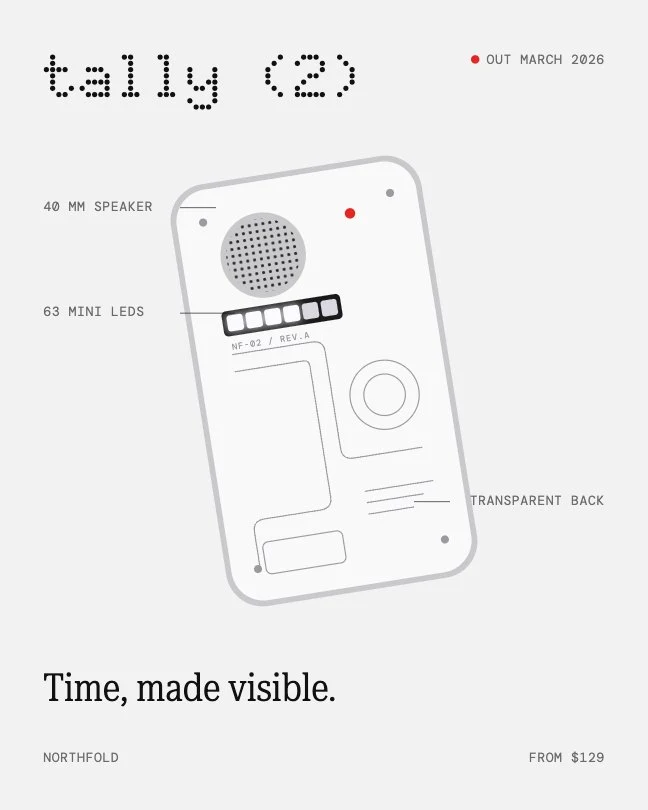
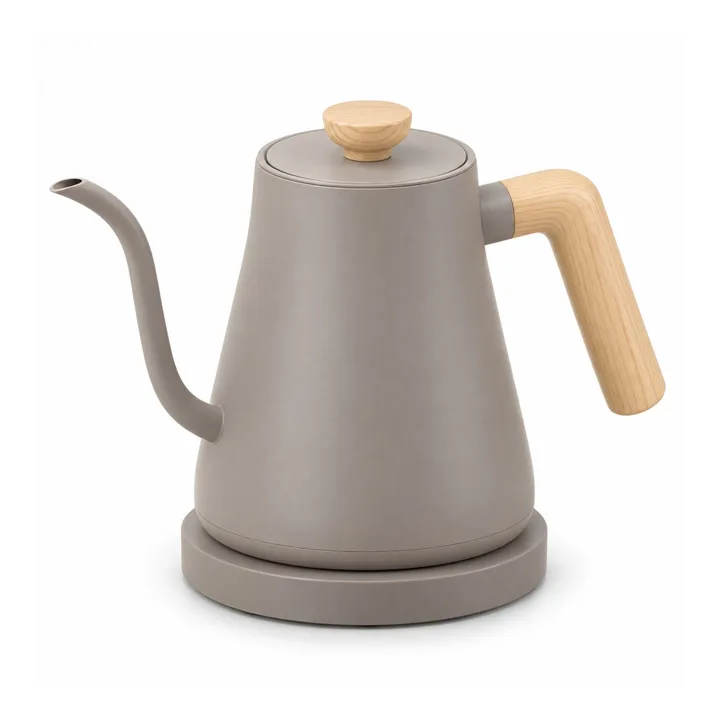
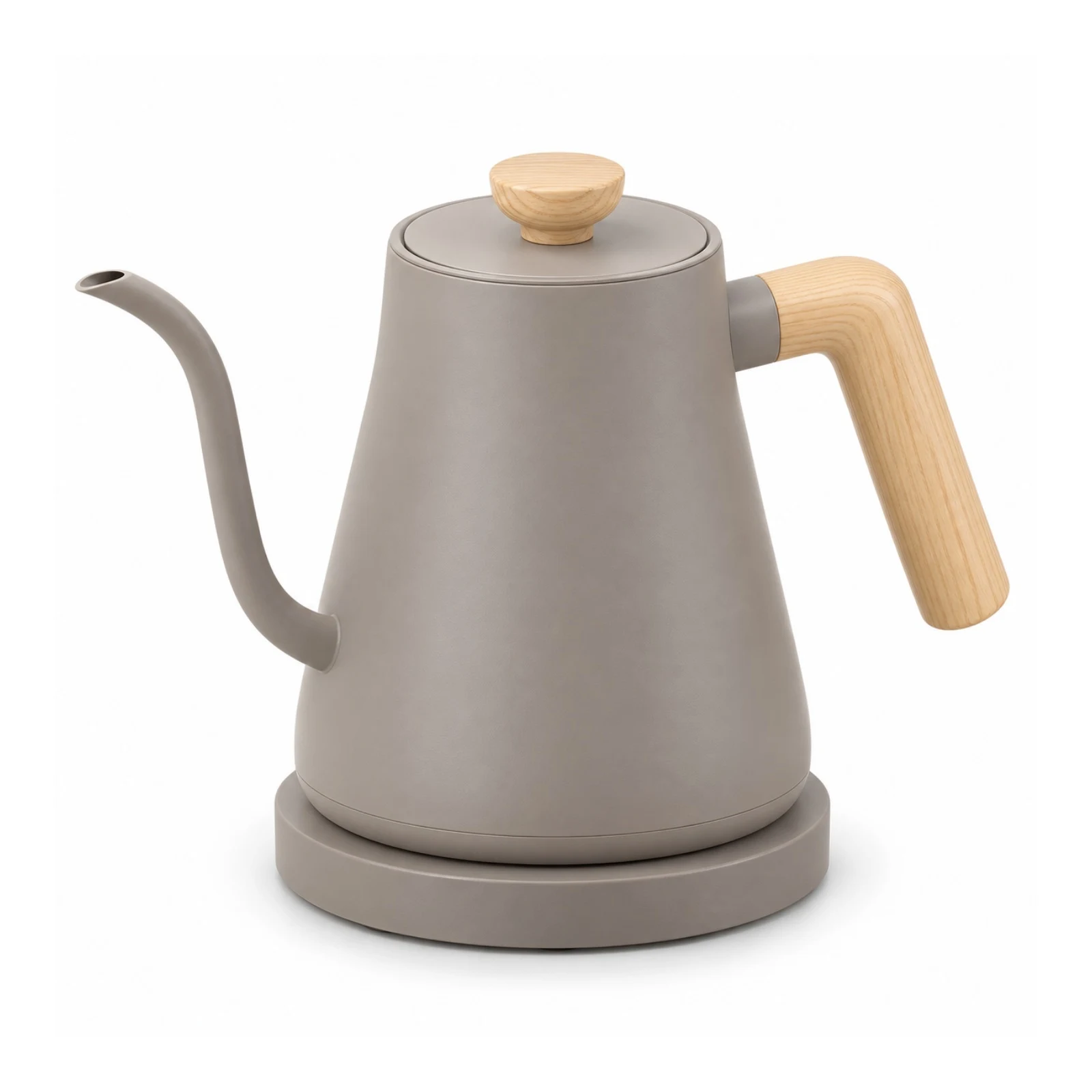
Product name = Pell Kettle
Color or variant = Stone
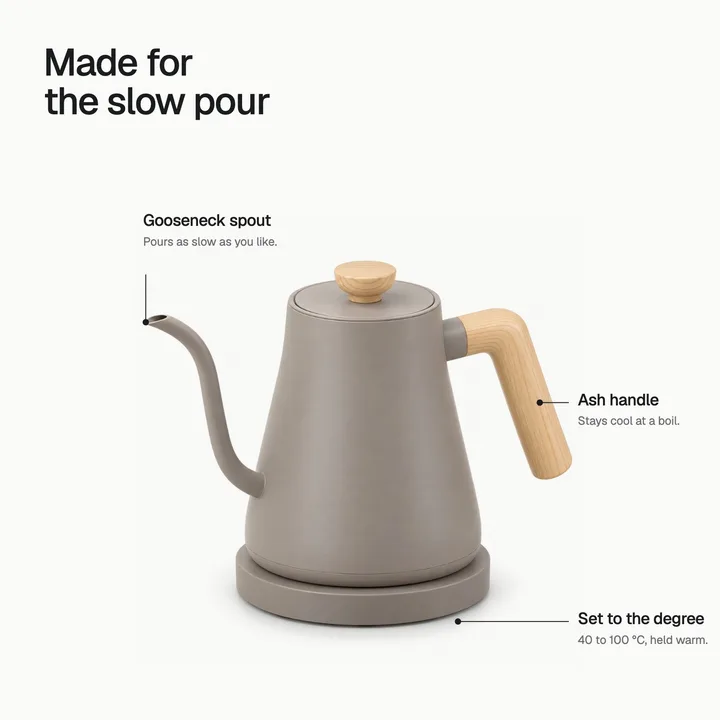
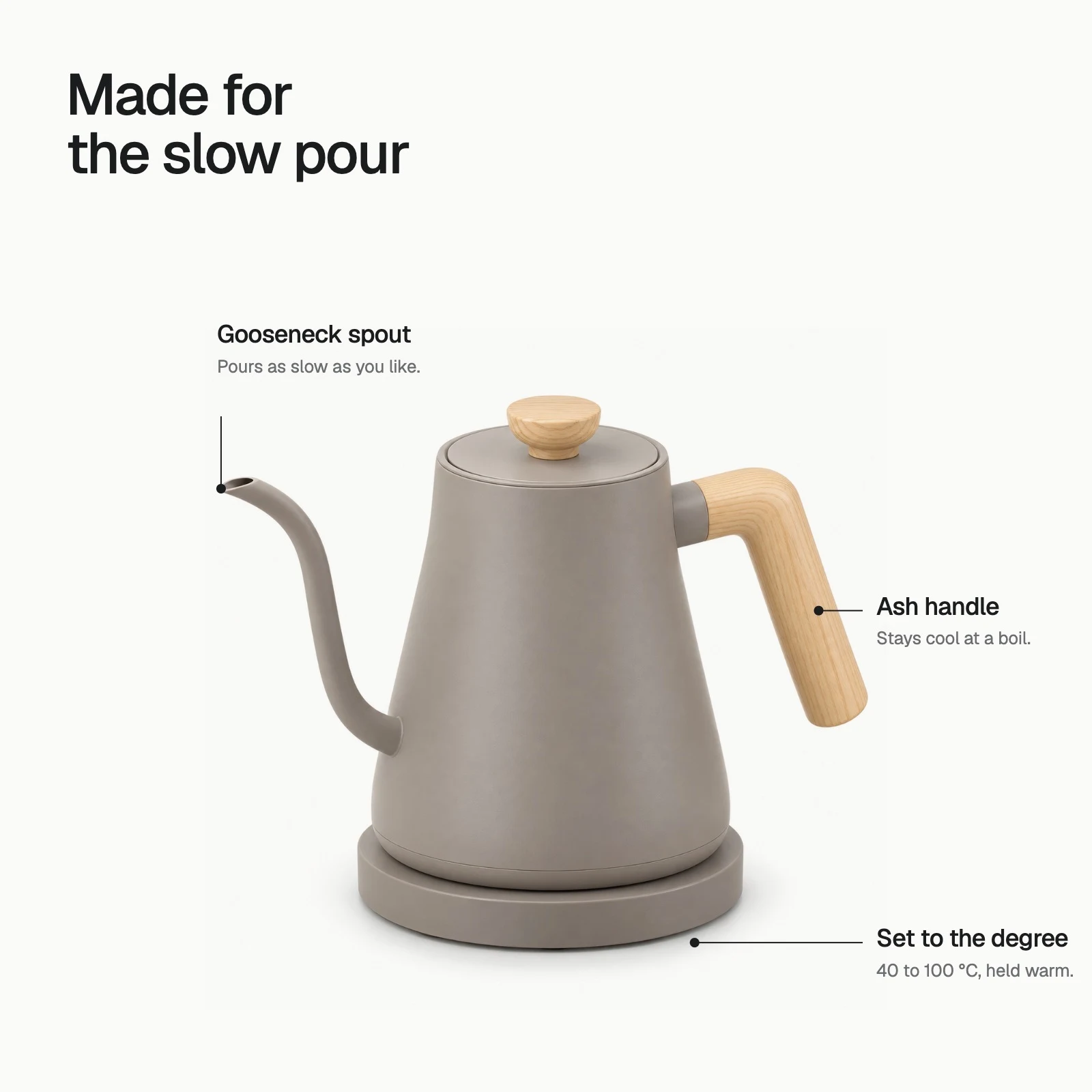
Feature 1 name = Gooseneck spout
Feature 1 detail = Pours as slow as you like.
Feature 2 name = Ash handle
Feature 2 detail = Stays cool at a boil.
Feature 3 name = Set to the degree
Feature 3 detail = 40 to 100 °C, held warm.
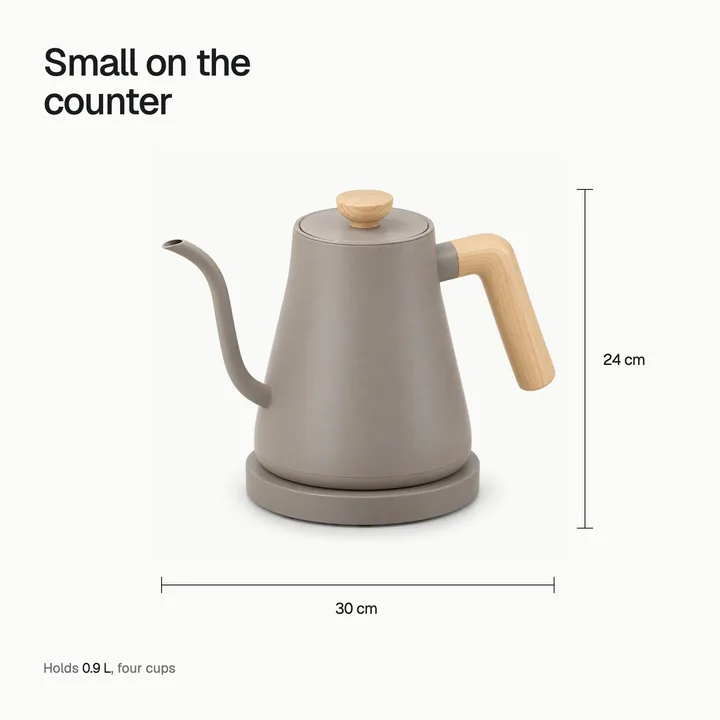
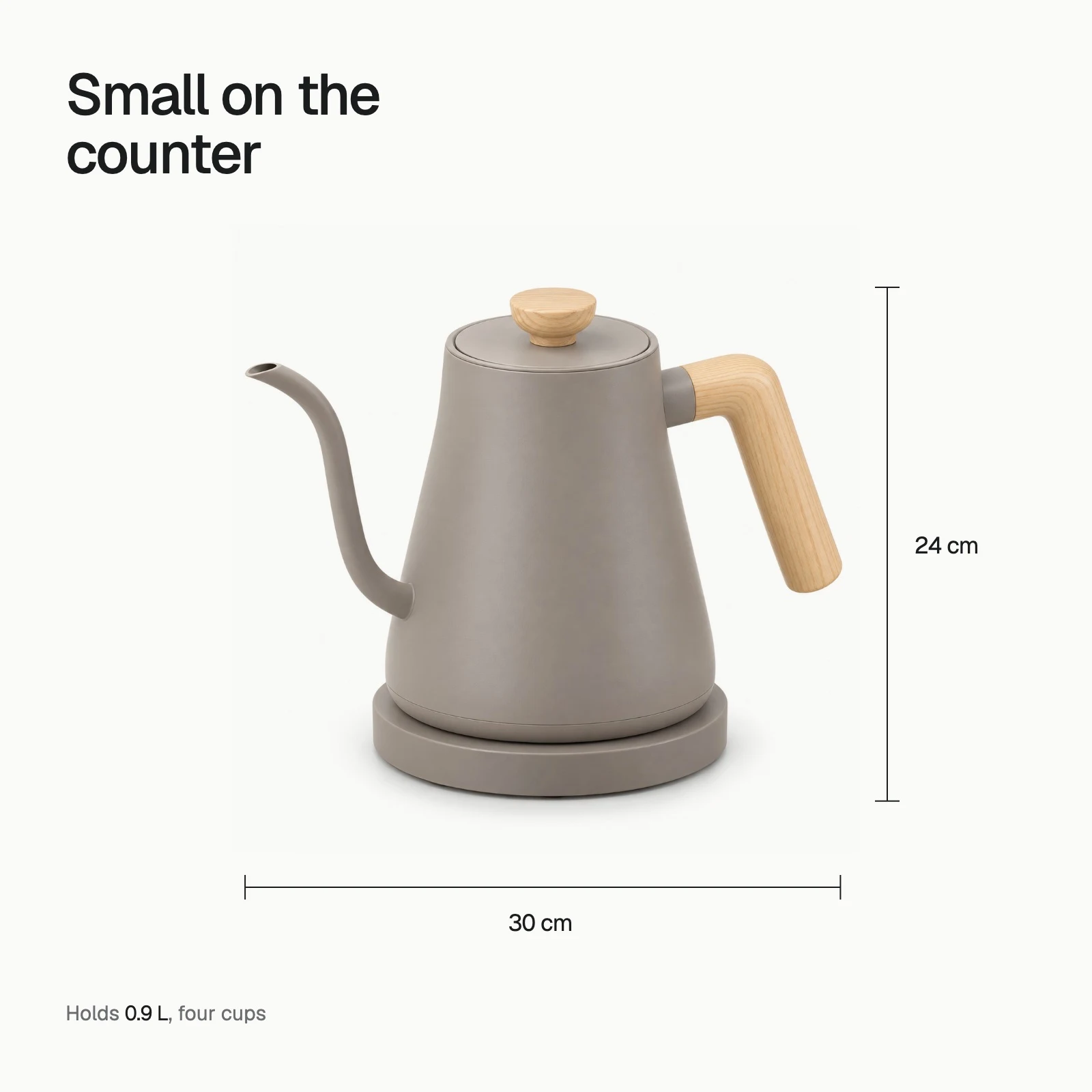
Height = 24 cm
Width = 30 cm
Capacity = 0.9 L
Product photo on white = the sample photo in the pack
Photo in use = the sample photo in the pack
Headlines and sentence = A thin, steady stream you can stop on a dime.
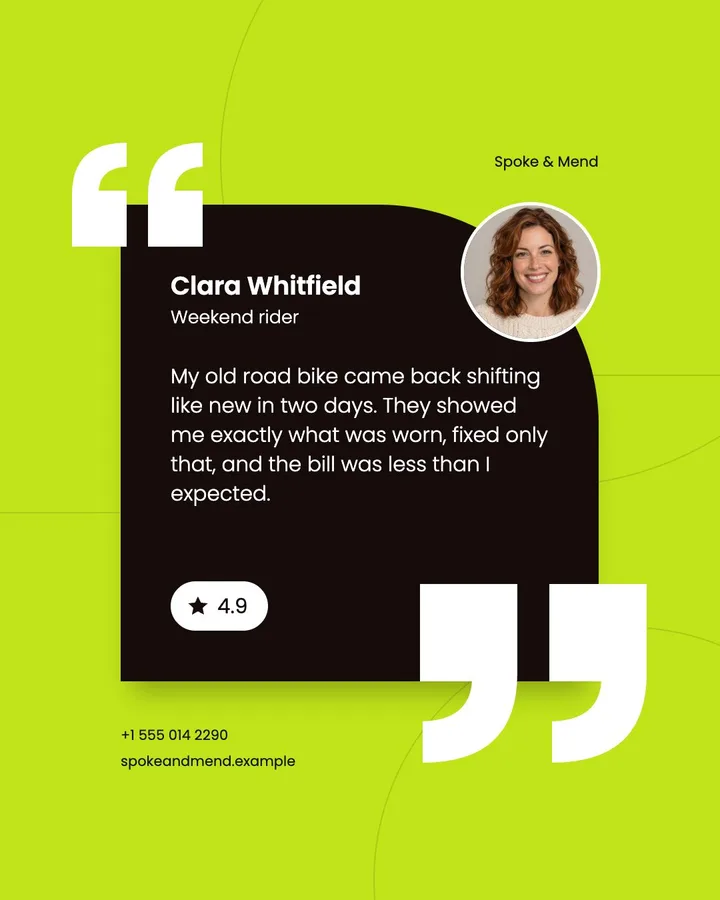
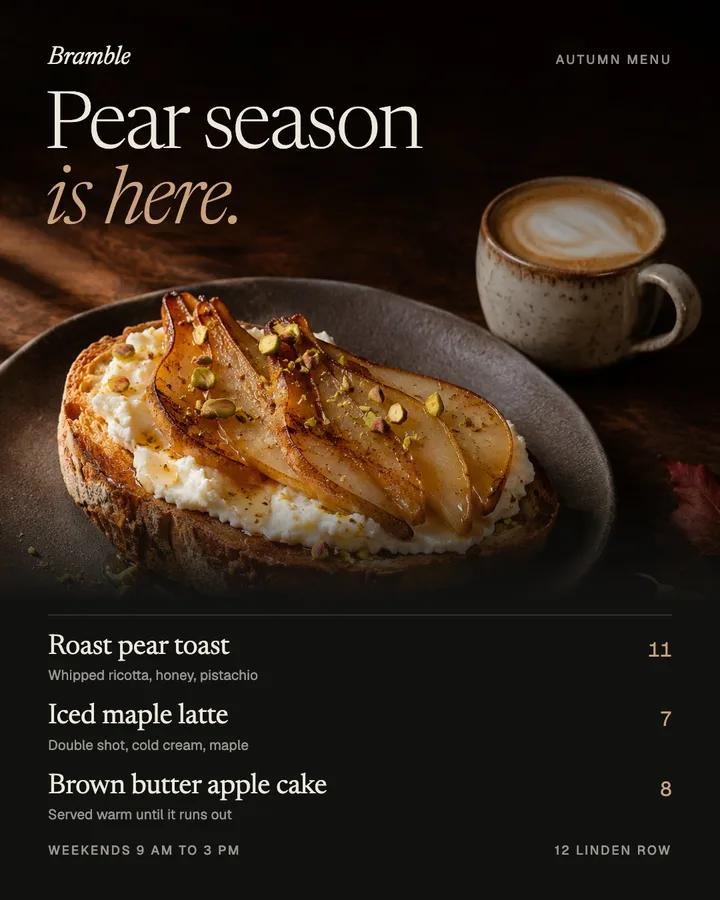
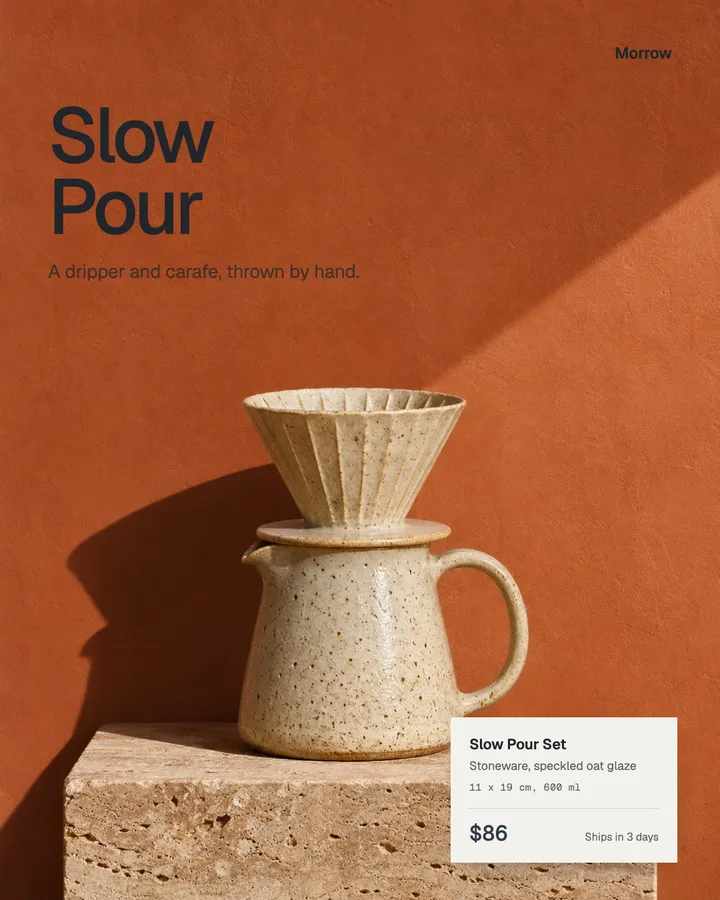
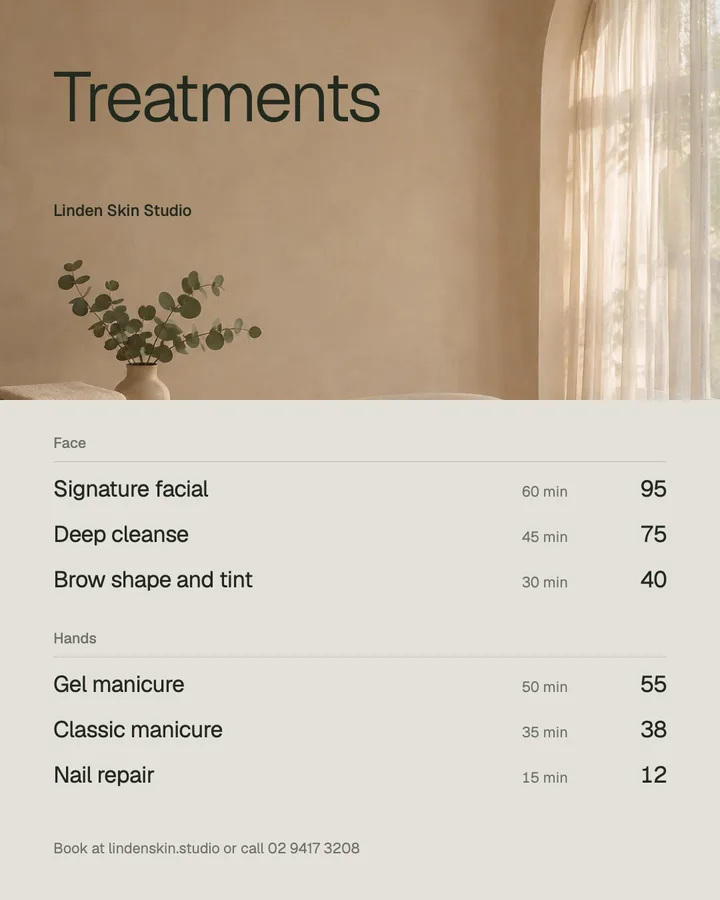
ミニマルな商品仕様画像
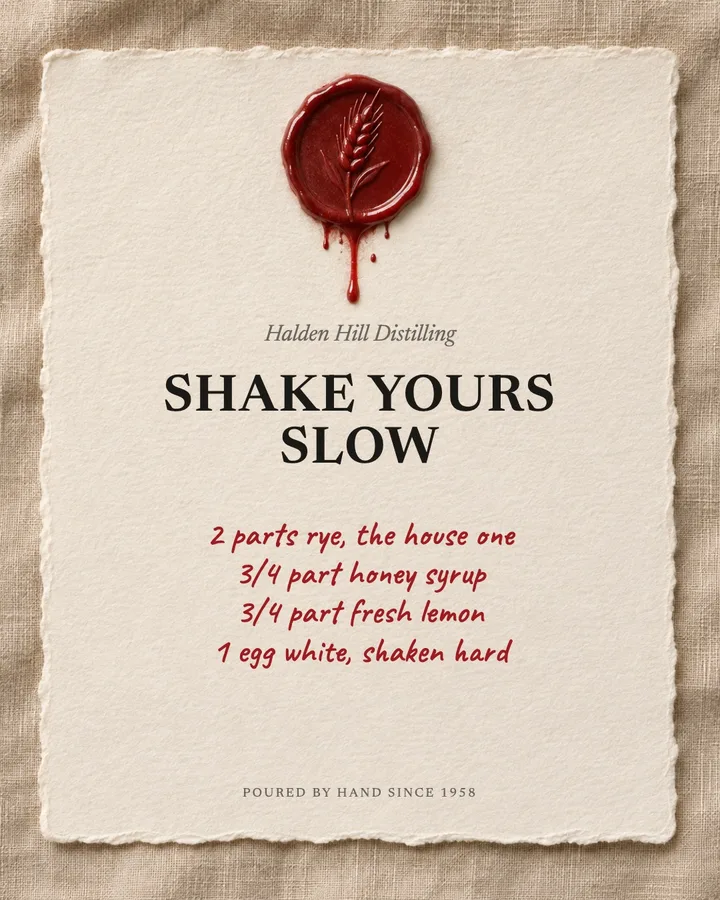
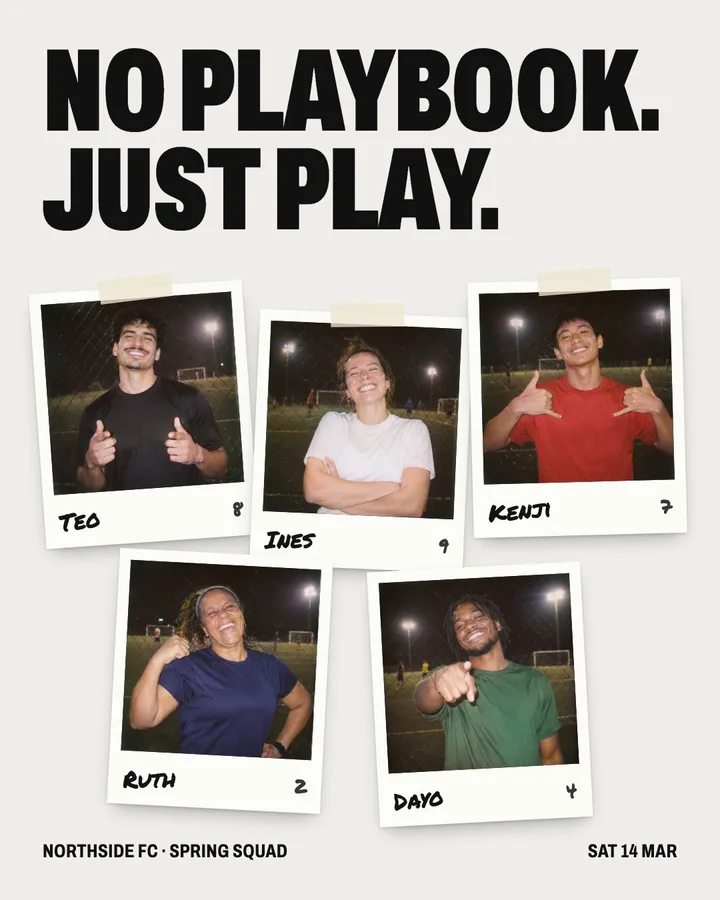
統一したデザインの静止画を4種類制作。承認済みの文章、色、使用許諾のある写真を差し替え、ローカルで検証して書き出します。
仕組み
- スキルをインストール · インストール手順
- リクエストを実行 ·
/clean-spec-callout-listing-set - 結果を確認
SKILL.mdの手順を確認し、同梱のコマンドを使用してください。
node -vnode scripts/check-setup.mjsnpx playwright install chromiumnode scripts/create.cjs --helpnode scripts/studio.cjsnode scripts/create.cjs --out out
作業フォルダー
studio.htmlreferences/check.jsonreferences/defaults.jsonreferences/fill-in.jsonreferences/renders.jsonreferences/template.htmlscripts/check-output.mjsscripts/check-setup.mjs
含まれるもの
- 4枚のJPEG構図
- 編集可能な文字・配色・許諾済み写真
- ローカル描画・検証スクリプト
実行要件
- 必須 · Node.js 22+ / Playwright
- 必須 · Google Chrome ブラウザー
ヒント
文字・配色・写真を変更できる4種類の画像。
承認済みの文章に置き換えてください。
許諾済み写真で4構図を描画してください。
始める前に
| 用意するもの |
|
|---|---|
| 依存関係 |
|
| 外部費用 | 外部サービス費用なし |
| 最終更新 | v1.0.1 · |
機能は同梱のワークフローの範囲に限られます。