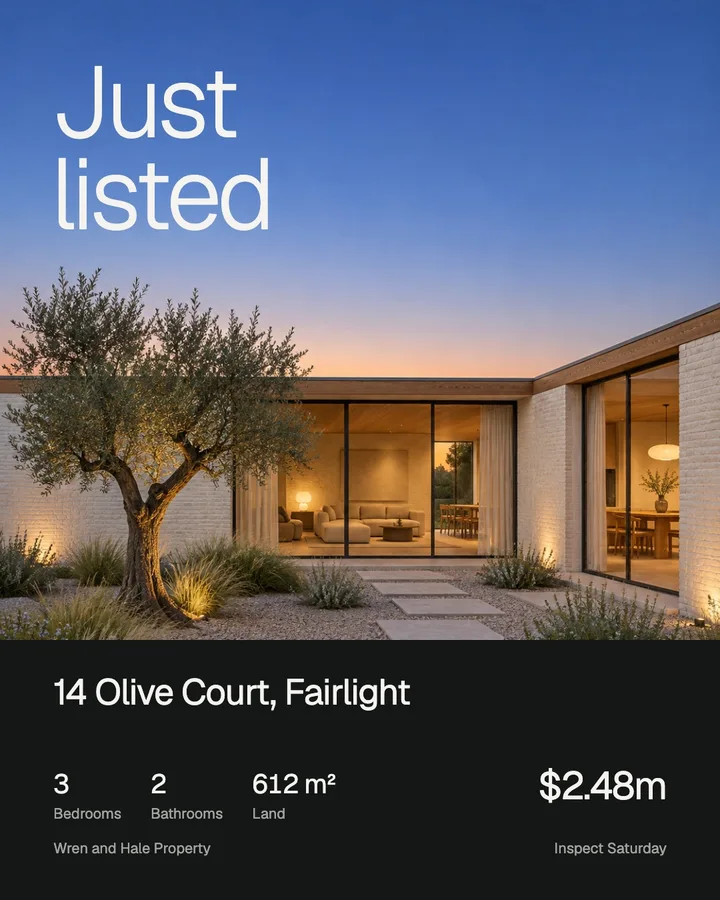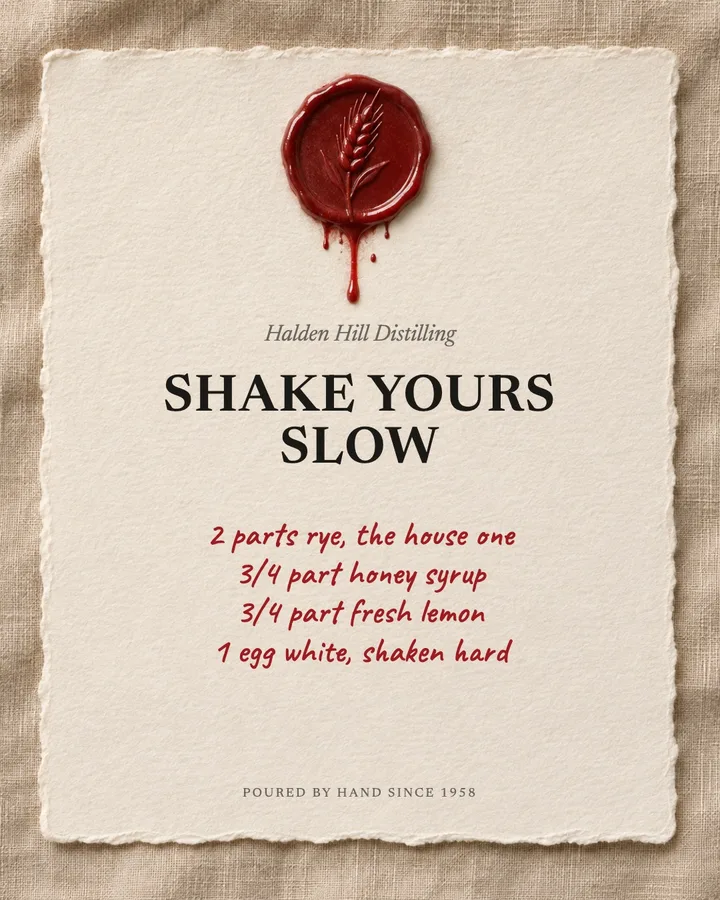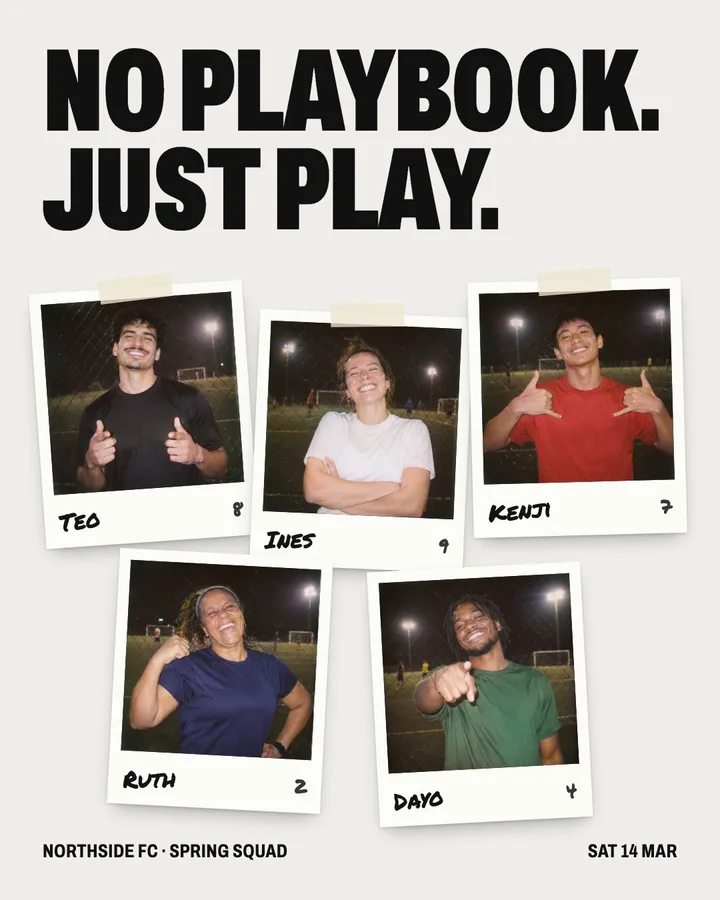

你的提示詞
將括號內的文字換成你的內容;選填項目可以省略。
/clean-spec-callout-listing-set
Product name = 〔Product name — 最多 12 個字元〕
Color or variant = 〔Color or variant — 最多 12 個字元〕
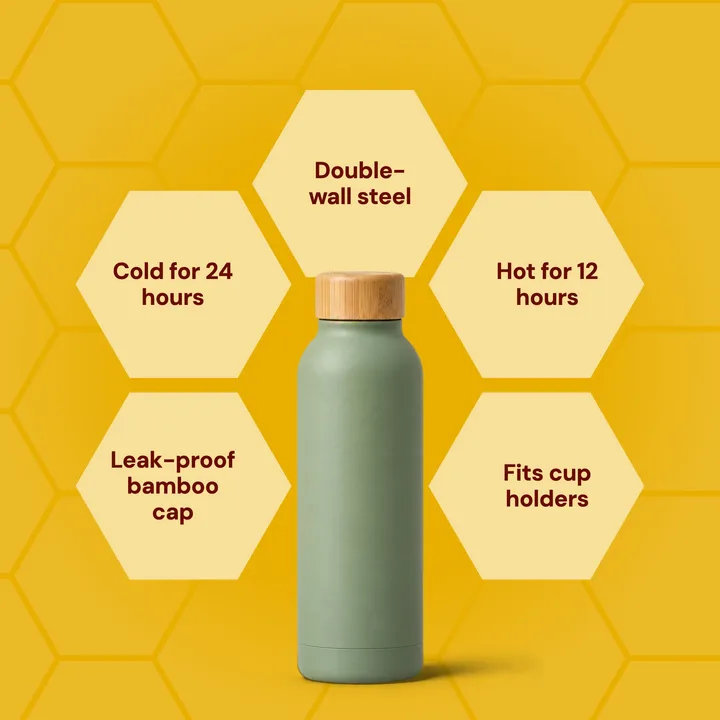
Feature 1 name = 〔Feature 1 name — 最多 15 個字元〕
Feature 1 detail = 〔Feature 1 detail — 最多 26 個字元〕
Feature 2 name = 〔Feature 2 name — 最多 12 個字元〕
Feature 2 detail = 〔Feature 2 detail — 最多 21 個字元〕
Feature 3 name = 〔Feature 3 name — 最多 17 個字元〕
Feature 3 detail = 〔Feature 3 detail — 最多 24 個字元〕
Height = 〔Height — 最多 12 個字元〕
Width = 〔Width — 最多 12 個字元〕
Capacity = 〔Capacity — 最多 12 個字元〕
Product photo on white = 〔Product photo on white — 短邊至少 1080 像素〕
Photo in use = 〔Photo in use — 短邊至少 1080 像素〕
Headlines and sentence = 〔Headlines and sentence — 最多 45 個字元 — 選填〕
不知道怎麼填?可以說:先做一個範例給我看
範例
/clean-spec-callout-listing-set
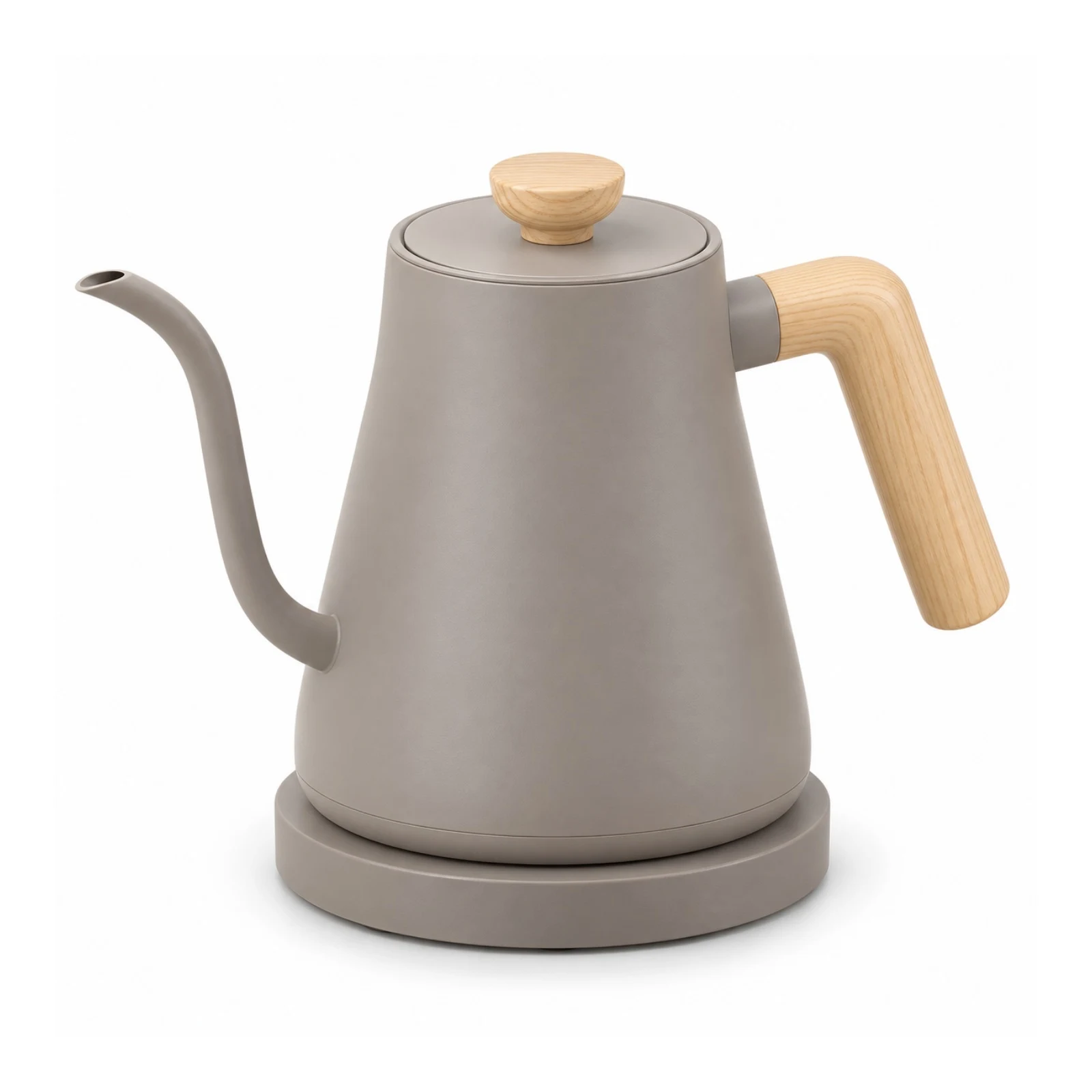
Product name = Pell Kettle
Color or variant = Stone
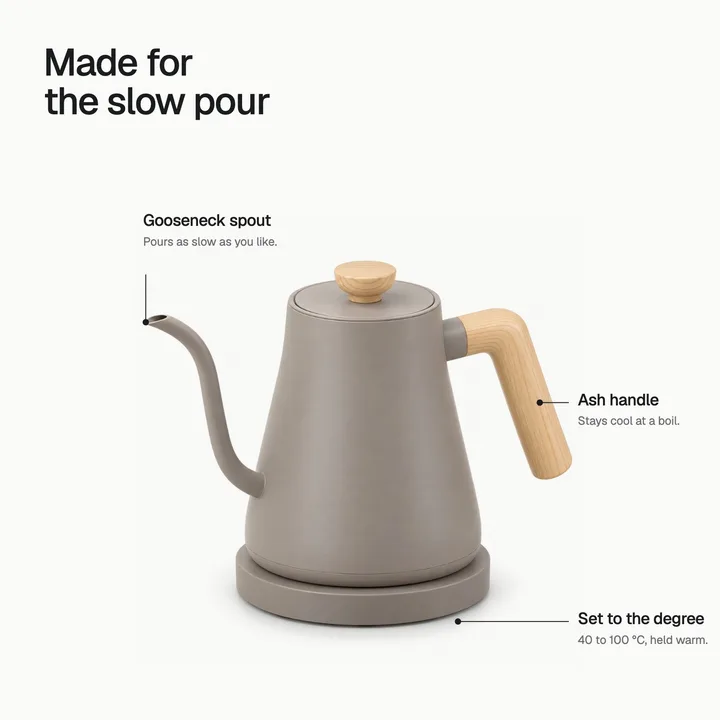
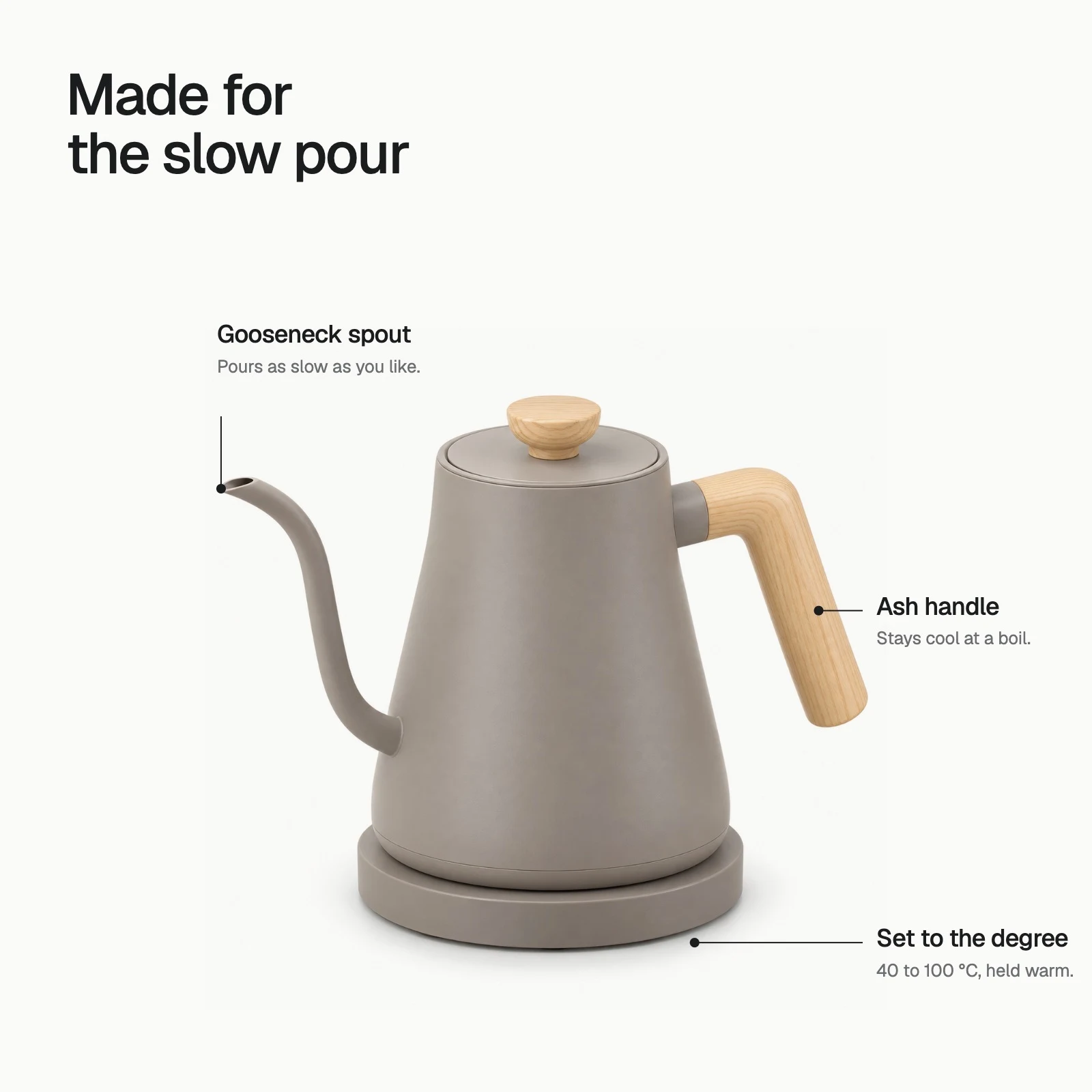
Feature 1 name = Gooseneck spout
Feature 1 detail = Pours as slow as you like.
Feature 2 name = Ash handle
Feature 2 detail = Stays cool at a boil.
Feature 3 name = Set to the degree
Feature 3 detail = 40 to 100 °C, held warm.
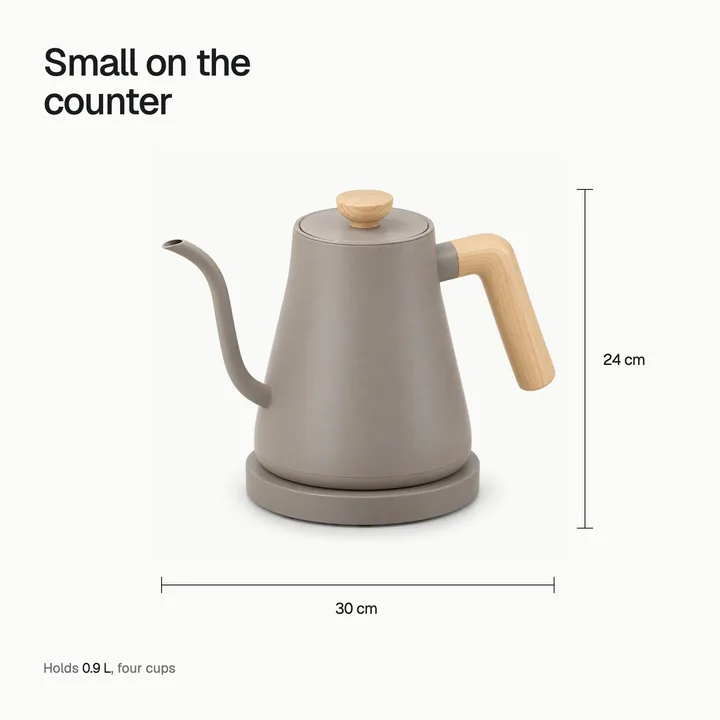
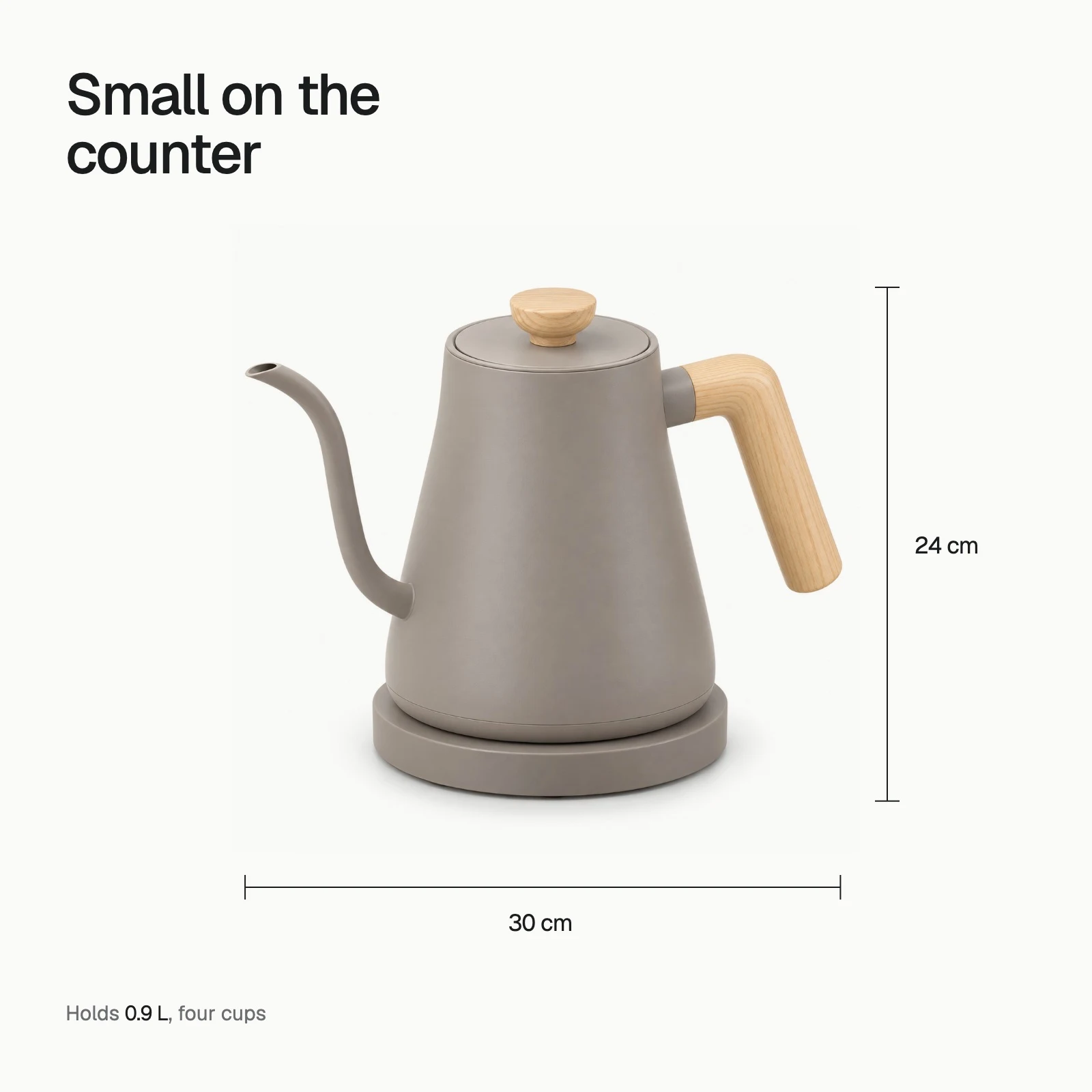
Height = 24 cm
Width = 30 cm
Capacity = 0.9 L
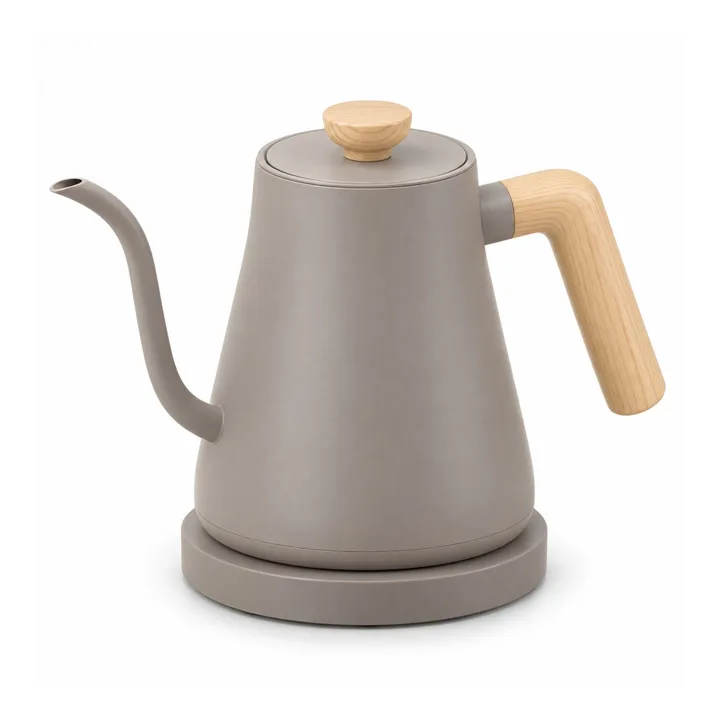
Product photo on white = the sample photo in the pack
Photo in use = the sample photo in the pack
Headlines and sentence = A thin, steady stream you can stop on a dime.
極簡規格引線商品套圖
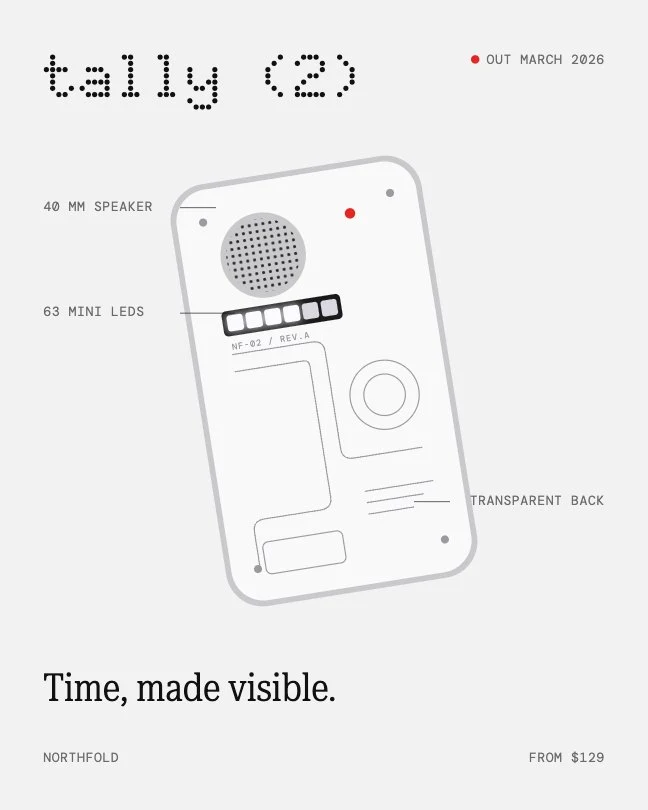
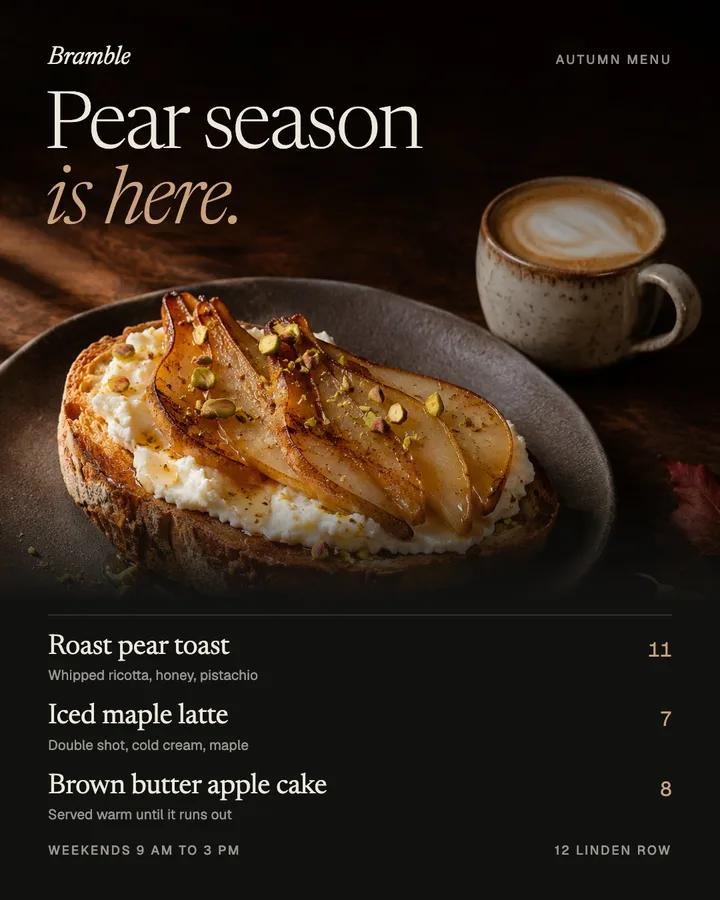
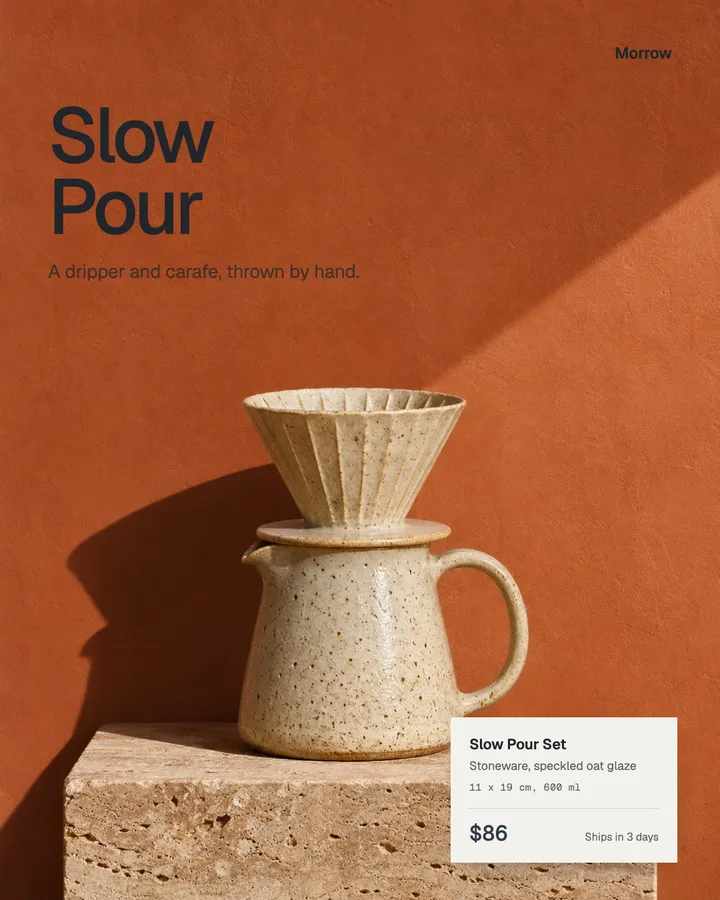
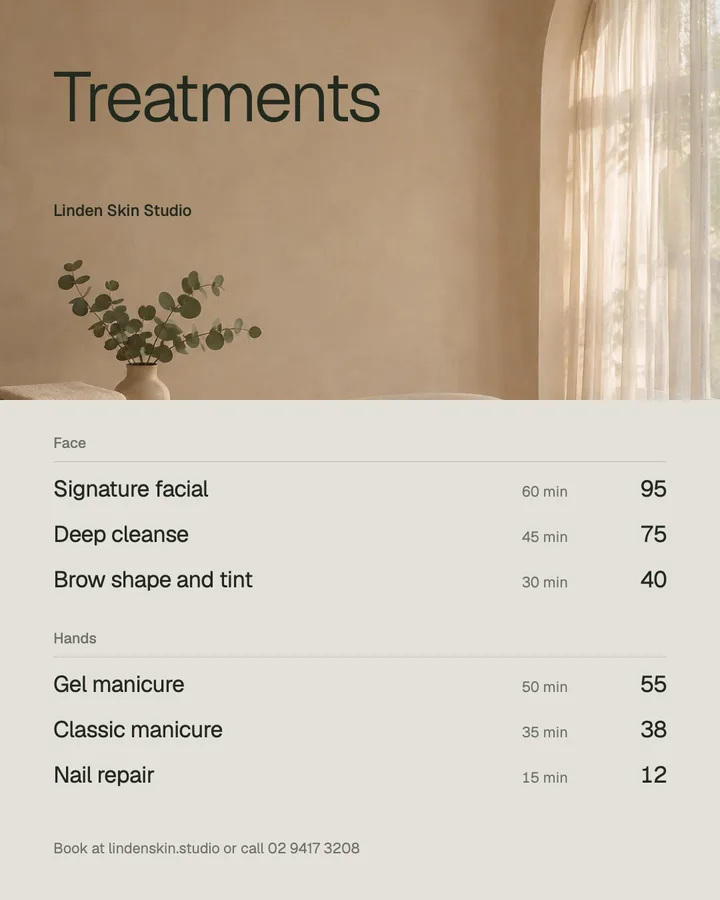
製作四張協調圖像。替換經確認的文案、配色及授權照片,使用本機渲染與檢查腳本匯出。
運作流程
- 安裝技能 · 安裝指南
- 執行你的需求 ·
/clean-spec-callout-listing-set - 檢查成果
先閱讀 SKILL.md 的流程,再使用下方隨包提供的指令。
node -vnode scripts/check-setup.mjsnpx playwright install chromiumnode scripts/create.cjs --helpnode scripts/studio.cjsnode scripts/create.cjs --out out
工作目錄
studio.htmlreferences/check.jsonreferences/defaults.jsonreferences/fill-in.jsonreferences/renders.jsonreferences/template.htmlscripts/check-output.mjsscripts/check-setup.mjs
你會得到
- 四張 JPEG 構圖
- 可編輯文字、配色與授權照片
- 本機算繪及檢查腳本
執行需求
- 必要 · Node.js 22+ / Playwright
- 必要 · Google Chrome 瀏覽器
使用建議
四張協調版式,可替換文字、配色與本機照片。
將範例文案替換為我們的確認文案。
使用我們的授權照片算繪全部四張構圖。
開始之前
| 你需要提供 |
|
|---|---|
| 相依項目 |
|
| 外部費用 | 無外部服務費用 |
| 最近更新 | v1.0.1 · |
功能範圍以隨包提供的流程為準。