あなたのプロンプト
括弧内を自分の内容に置き換えてください。任意の項目は省略できます。
/google-io-2026-gradient-icon-launch-graphic-style
Use and size = 〔Use and size — link preview / wide post 16:9 / square overview / feature card 1 / feature card 2 / feature card 3 / 両方 — 任意〕
Mark = 〔Mark — 最大 3 文字〕
Brand = 〔Brand — 最大 24 文字〕
Headline = 〔Headline — 最大 34 文字〕
Sentence = 〔Sentence — 最大 70 文字〕
上部の短い一文 = 〔上部の短い一文 — 最大 28 文字〕
Feature 1 title = 〔Feature 1 title — 最大 22 文字〕
Feature 1 line = 〔Feature 1 line — 最大 60 文字〕
Feature 2 title = 〔Feature 2 title — 最大 22 文字〕
Feature 2 line = 〔Feature 2 line — 最大 60 文字〕
Feature 3 title = 〔Feature 3 title — 最大 22 文字〕
Feature 3 line = 〔Feature 3 line — 最大 60 文字〕
Button = 〔Button — 最大 22 文字 — 任意〕
Square headline = 〔Square headline — 最大 40 文字 — 任意〕
色 = 〔色 — prism / dusk / mono blue — 任意〕
ブランドカラー = 〔ブランドカラー — 任意〕
迷ったら「まず使用例を見せて」と伝えてください
使用例
/google-io-2026-gradient-icon-launch-graphic-style
Use and size = all six
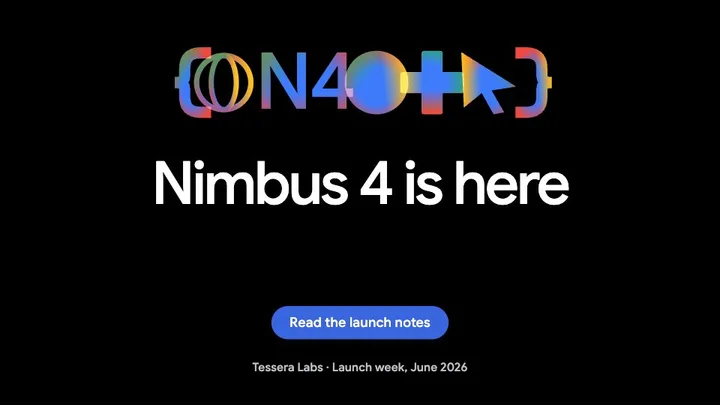
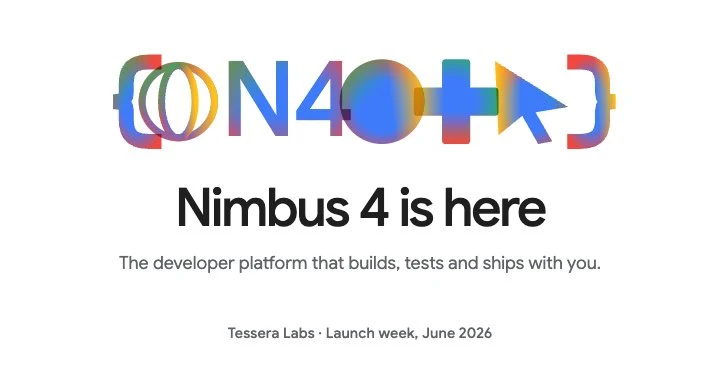
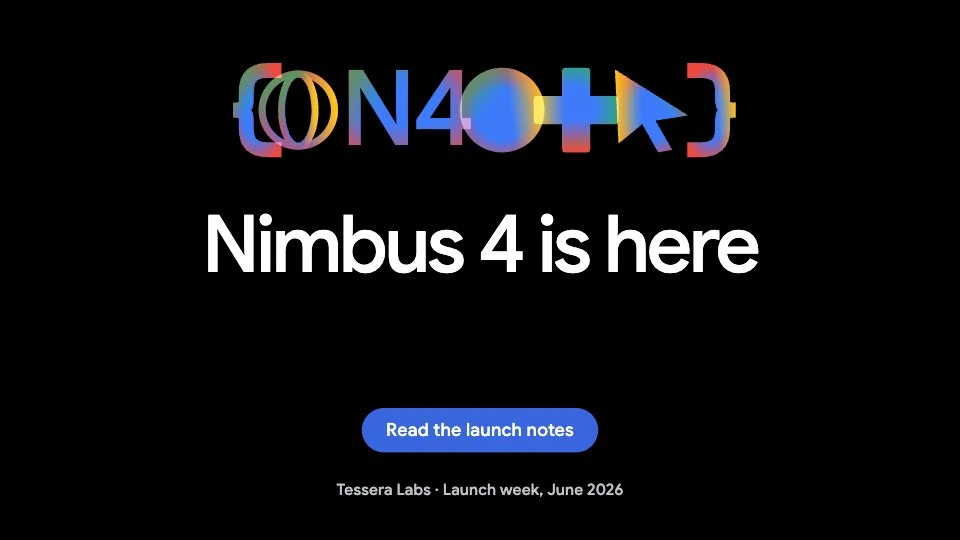
Mark = N4
Brand = Tessera Labs
Headline = Nimbus 4 is here
Sentence = The developer platform that builds, tests and ships with you.
上部の短い一文 = Launch week, June 2026
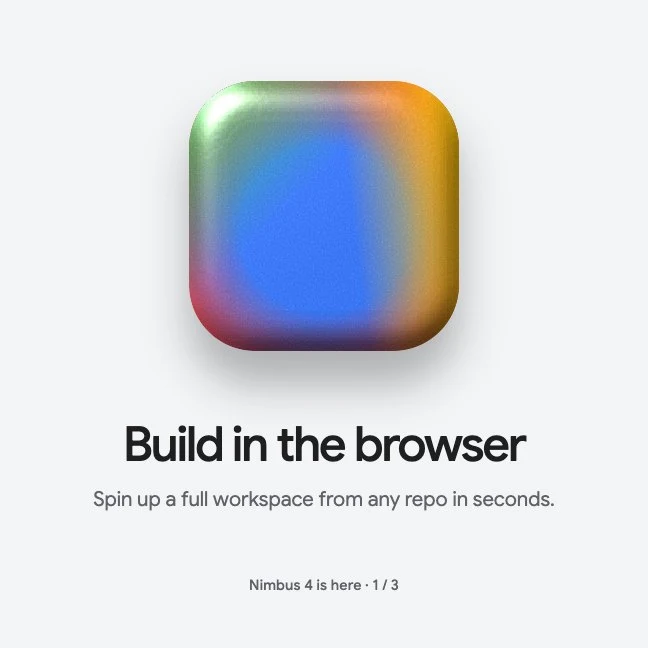
Feature 1 title = Build in the browser
Feature 1 line = Spin up a full workspace from any repo in seconds.
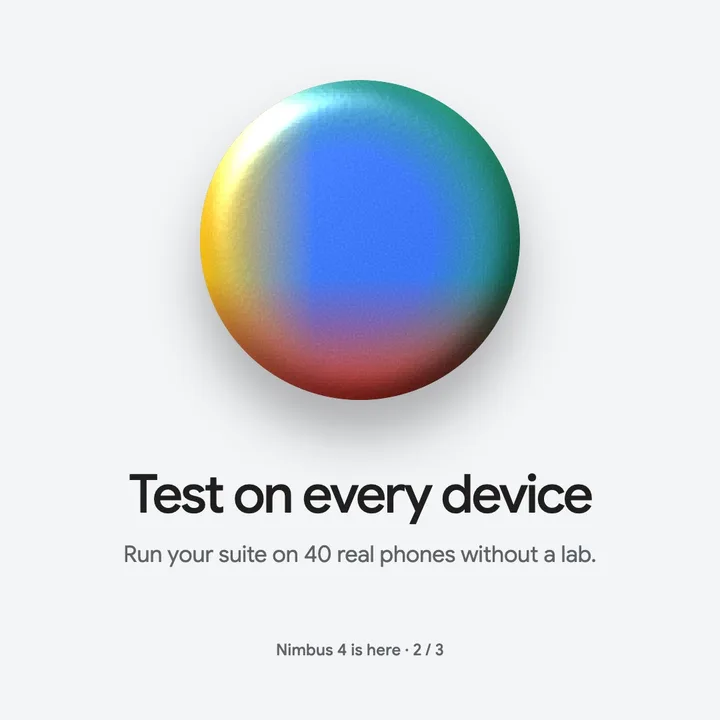
Feature 2 title = Test on every device
Feature 2 line = Run your suite on 40 real phones without a lab.
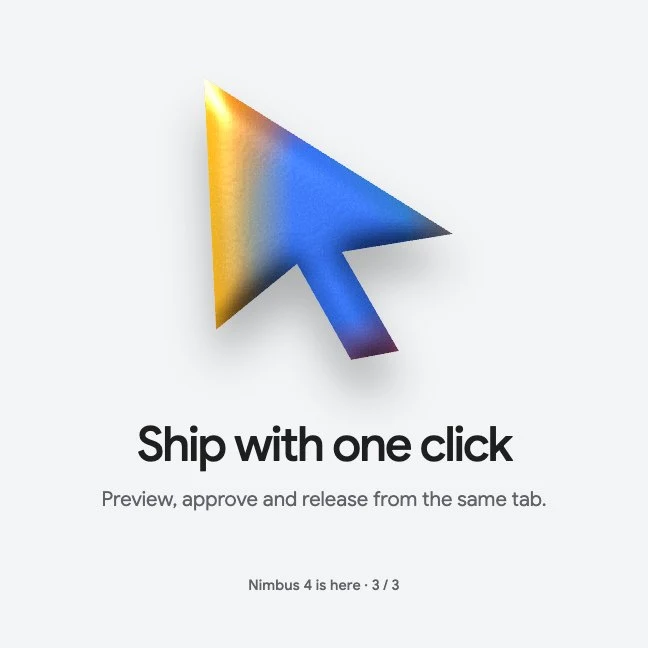
Feature 3 title = Ship with one click
Feature 3 line = Preview, approve and release from the same tab.
Button = Read the launch notes
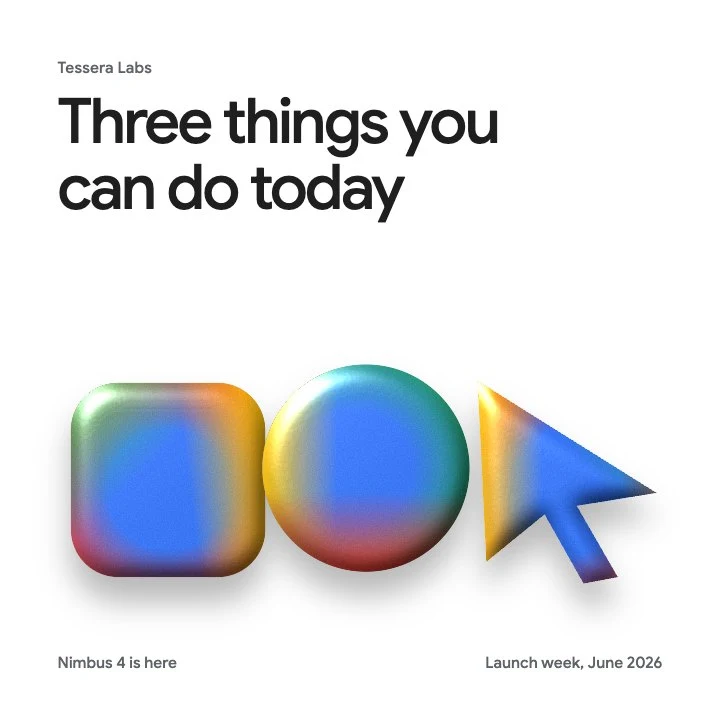
Square headline = Three things you can do today
色 = prism
ブランドカラー = #1E3A8A
Google I/O 2026 グラデーションアイコン発表画像スタイル
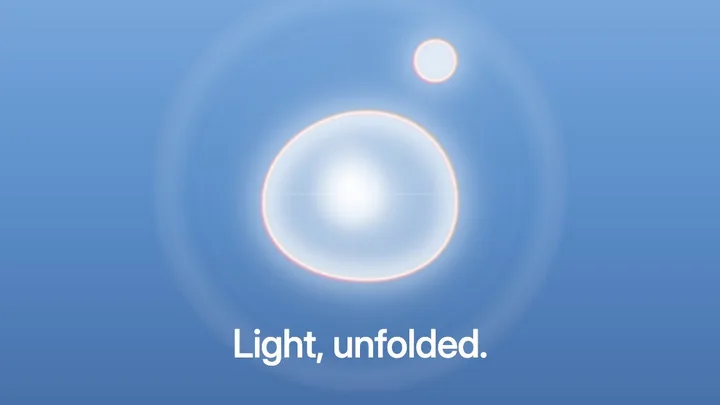
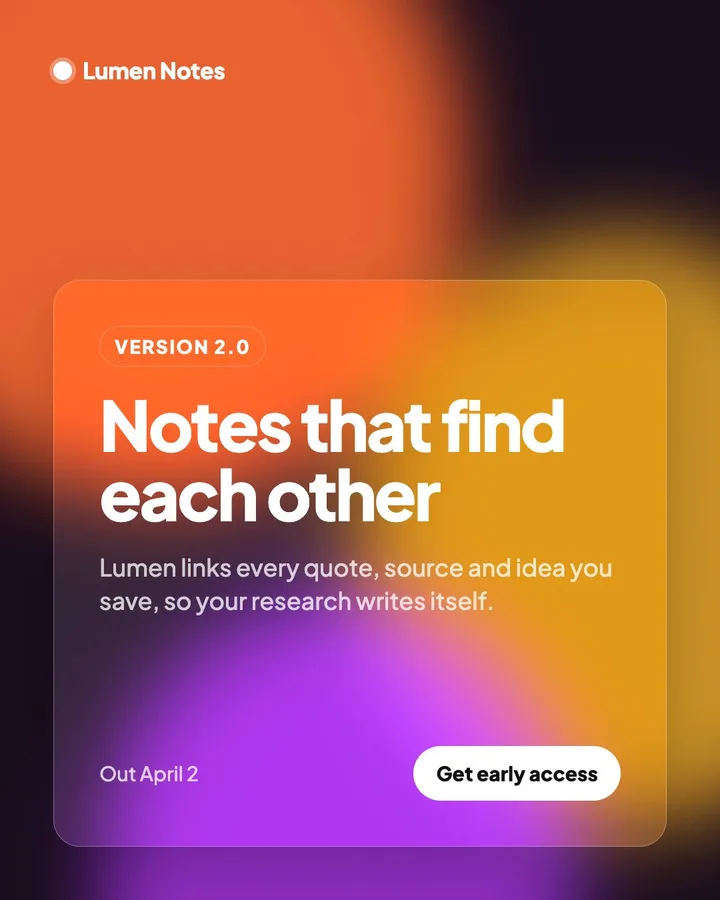
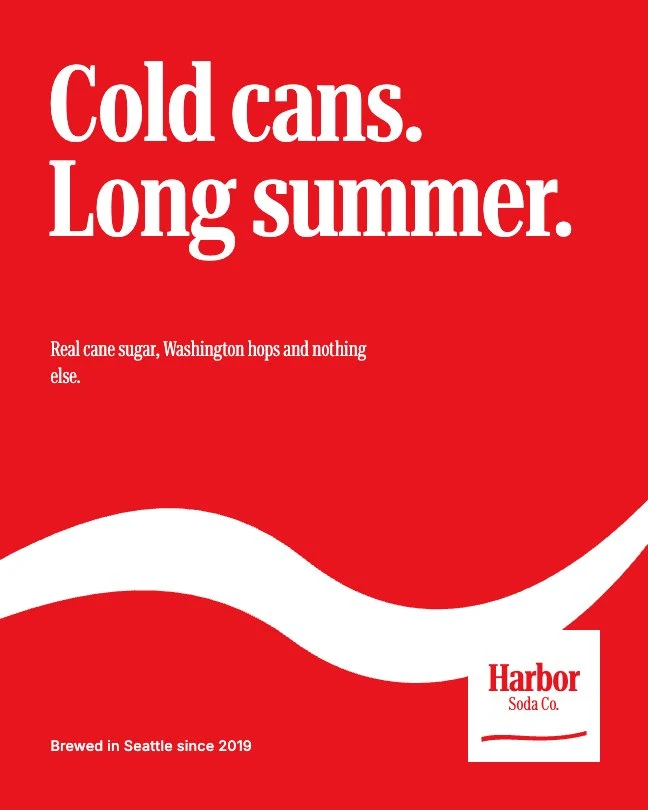
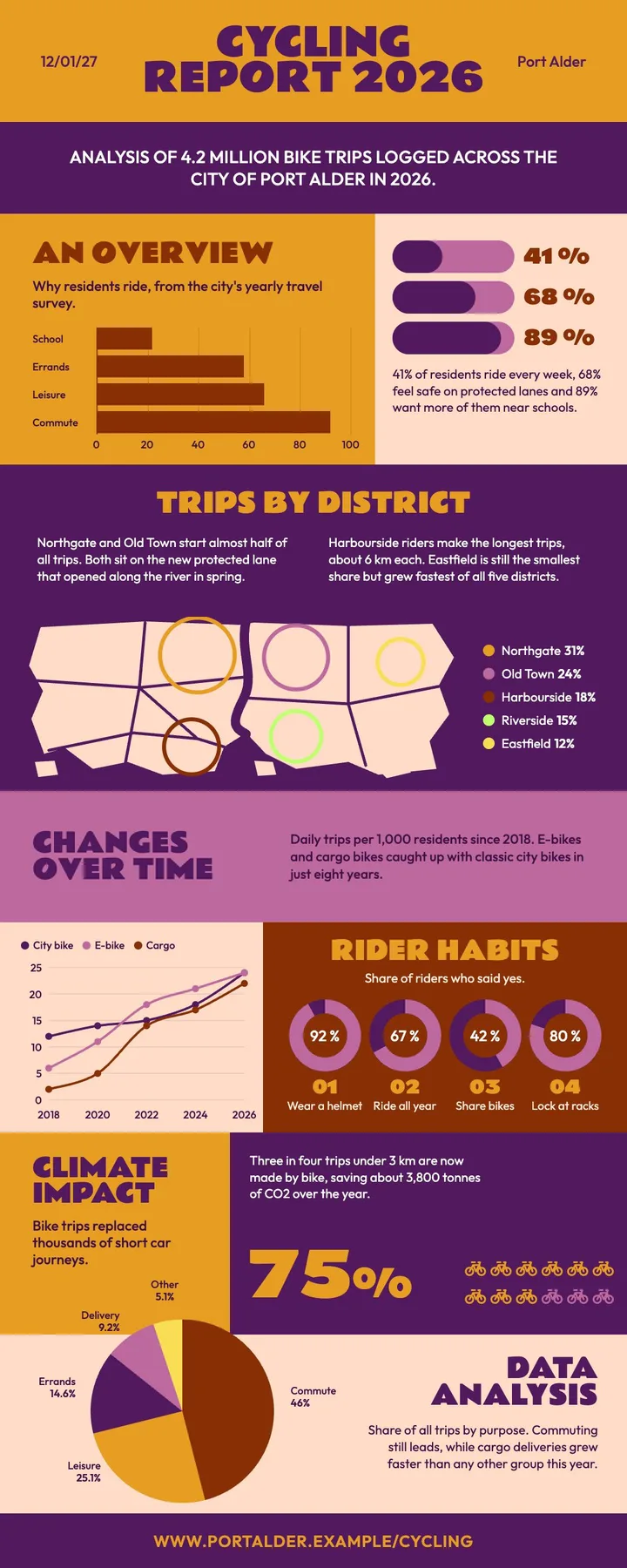
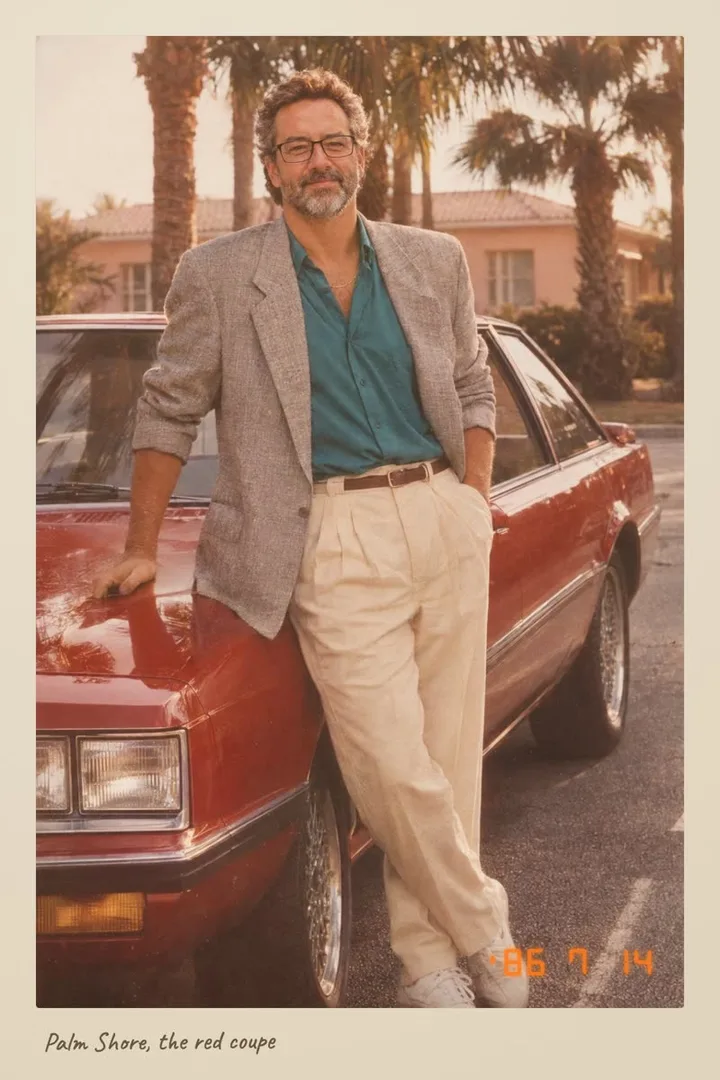
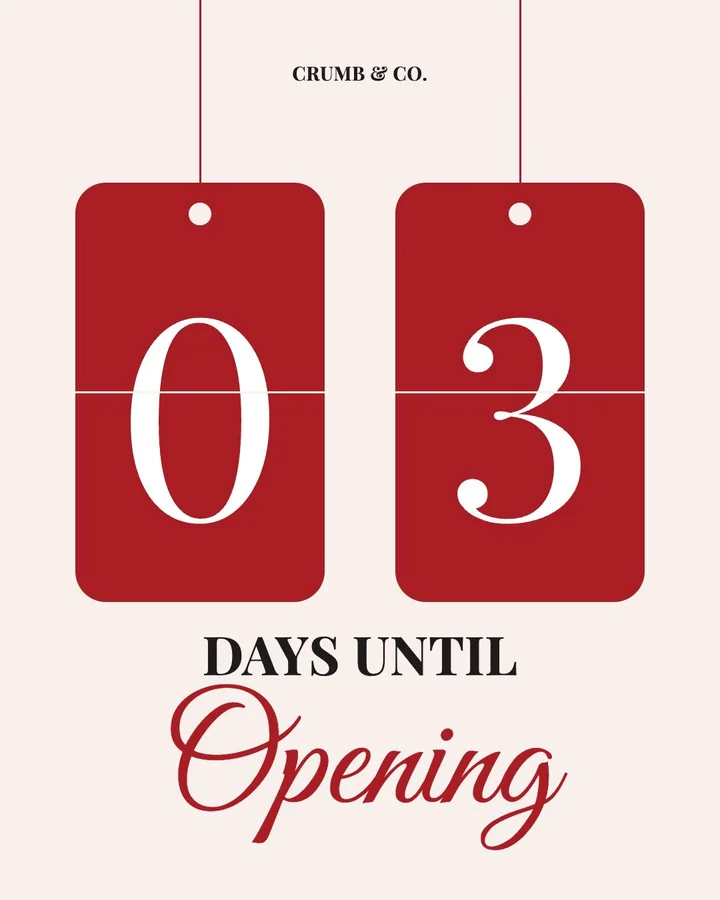
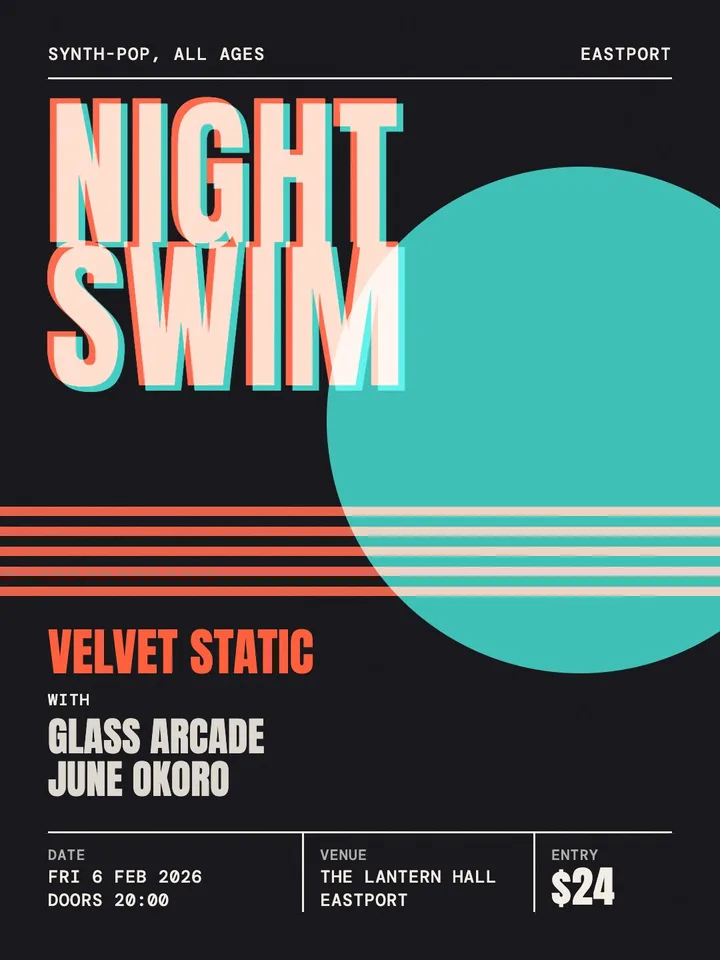
発表用画像6枚:1200 x 630 リンクプレビュー、1600 x 900 X 投稿、1200 x 1200 LinkedIn 正方形、1080 x 1080 機能カード3枚。製品マークが重なり合う4色グラデーションのグリフ列に入り、フラットなグリフが質感のある3Dアイコンになります。Google とは無関係の独立したスタイル研究です。 Independent style study, not affiliated with or endorsed by Google.
仕組み
- スキルをインストール · インストール手順
- リクエストを実行 ·
/google-io-2026-gradient-icon-launch-graphic-style - 結果を確認
SKILL.mdの手順を確認し、同梱のコマンドを使用してください。
node -vnode scripts/check-setup.mjsnode scripts/page.mjs fill references/template.html --out out/index.htmlnode scripts/page.mjs shoot out/index.html --canvas --out out/imagesnode scripts/page.mjs fill references/template.html --content content.json --out out/index.htmlnode scripts/page.mjs check out/index.html --canvas
作業フォルダー
references/fill-in.jsonreferences/template.htmlscripts/check-setup.mjsscripts/page.mjs
含まれるもの
- コードで描画された 1200 x 630 のリンク プレビュー、1600 x 900 X の投稿、および 1200 x 1200 の LinkedIn 正方形
- 3 枚の 1080 x 1080 フィーチャー カード、それぞれにテクスチャ付き 3D アイコンが付いています
- 3 つのカラーテーマ (プリズム、夕暮れ、モノラル)、ボタンのカラーオプション、およびテキスト制限チェッカー
実行要件
- 必須 · Node.js 22以降
- 必須 · Google Chrome、Chromium またはエッジ
ヒント
4色グラデーションのグリフが噛み合い、フラットなアイコンが質感のある3Dに。
夕暮れのテーマに切り替えてボタンを作成します
マークを v2 に変更し、モバイル SDK の 3 つの機能カードを書き換えます。
始める前に
| 用意するもの |
|
|---|---|
| 依存関係 |
|
| 外部費用 | 外部サービス費用なし |
| 最終更新 | v1.0.2 · |
機能は同梱のワークフローの範囲に限られます。