あなたのプロンプト
括弧内を自分の内容に置き換えてください。任意の項目は省略できます。
/creator-split-strike-rewrite
上部の短い一文 = 〔上部の短い一文 — 最大 28 文字 — 任意〕
Tag on the right = 〔Tag on the right — 最大 18 文字〕
Words before = 〔Words before — 最大 14 文字〕
Word to cross out = 〔Word to cross out — 最大 12 文字〕
Replacement word = 〔Replacement word — 最大 8 文字〕
Words after = 〔Words after — 最大 22 文字〕
Note = 〔Note — 最大 54 文字 — 任意〕
色 = 〔色 — ink (near-black, mint) / paper (warm paper, coral) / sky (pale blue, cobalt) — 任意〕
ブランドカラー = 〔ブランドカラー — 任意〕
Video shape = 〔Video shape — landscape 16:9 (YouTube, screens) / vertical 9:16 (Reels, Shorts, TikTok) / square 1:1 / 4:5 (Instagram feed) — 任意〕
Your talking-head clip = 〔Your talking-head clip〕
動画の解像度 = 〔動画の解像度 — 1080p / 4K — 任意〕
迷ったら「まず使用例を見せて」と伝えてください
使用例
/creator-split-strike-rewrite
上部の短い一文 = Field notes
Tag on the right = Part 4
Words before = It's not
Word to cross out = more
Replacement word = better
Words after = that matters.
Note = One useful change beats ten busy ones.
色 = paper-coral
ブランドカラー = #1E3A8A
Video shape = 16:9
Your talking-head clip = the sample presenter photo in the pack
動画の解像度 = 4K
取り消して書き直す
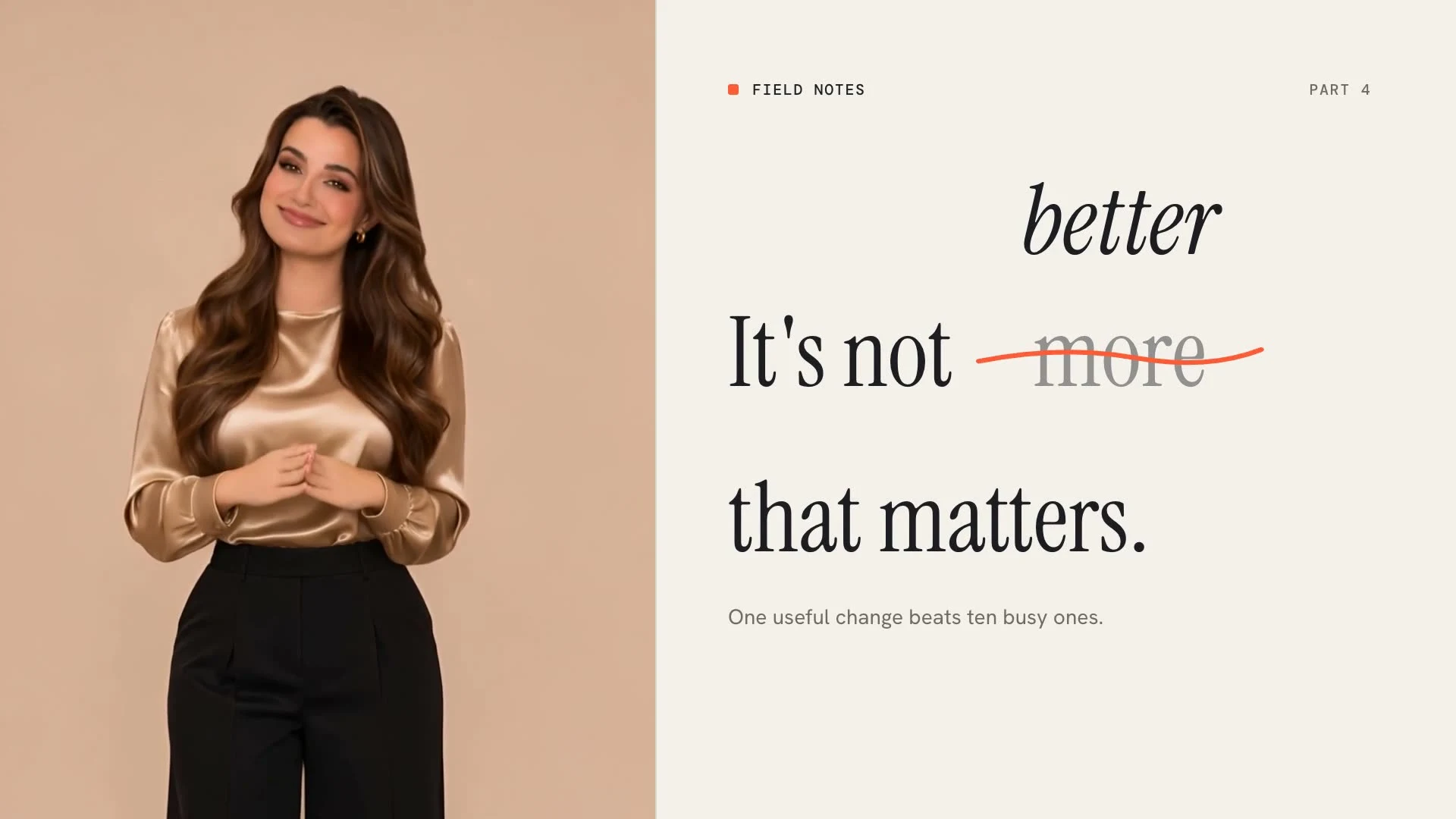
古い語を取り消し、上に新しい語をイタリックで一文字ずつ書きます。 話し手の横に8秒のモーショングラフィック。テキスト、配色、縦横比を変更し、ローカルで4K出力できます。
仕組み
- スキルをインストール · インストール手順
- リクエストを実行 ·
/creator-split-strike-rewrite - 結果を確認
SKILL.mdの手順を確認し、同梱のコマンドを使用してください。
node -vnode scripts/check-setup.mjsnode scripts/create.mjs --out ./demonode scripts/render.mjs ./demo --output ./demo.mp4node scripts/create.mjs --out ./my-scene --data content.json --aspect 16:9 --theme paper-coral --host ./me.jpgnode scripts/render.mjs ./my-scene --check
作業フォルダー
references/defaults.jsonreferences/fill-in.jsonreferences/layout-rules.jsonreferences/project/index.htmlscripts/check-setup.mjsscripts/compose.mjsscripts/create.mjsscripts/host-frame.mjs
含まれるもの
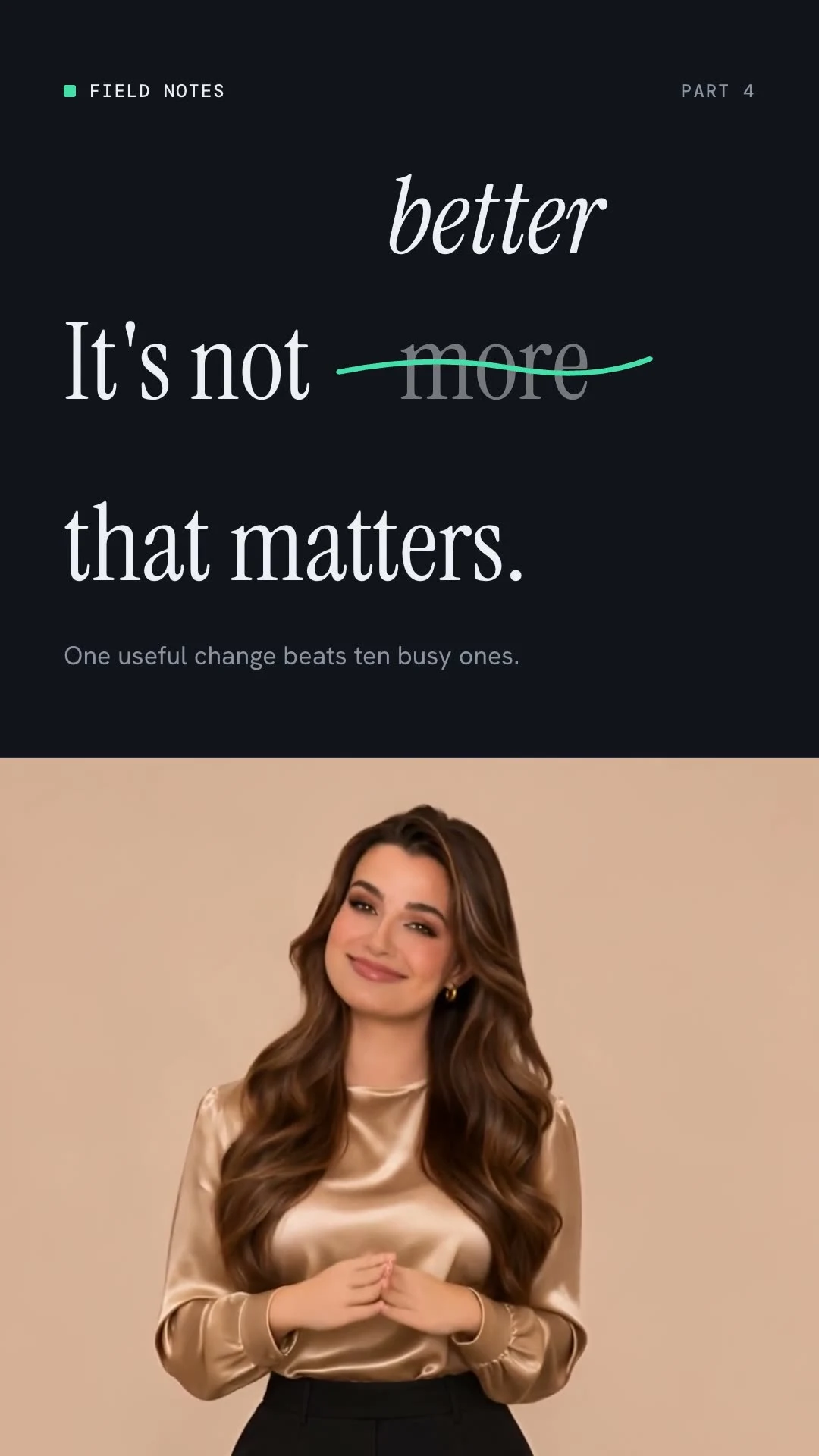
- 古い単語の 1 つがアクセントカラーで取り消されています。その置き換えは、その上に斜体のセリフで 1 文字ずつ書き込まれます。
- 4 つのアスペクト レイアウト、3 つのパレット、ローカル 4K レンダリング、およびプレゼンター映像の合成
- 名前付きスロット、テキスト適合チェック、ビジュアル レビュー チェックリスト
実行要件
- 必須 · Node.js 22以降
- 必須 · Google Chrome、Chromium または Microsoft Edge
- 必須 · FFmpeg
- 任意 · HyperFrames CLI (npx経由)
ヒント
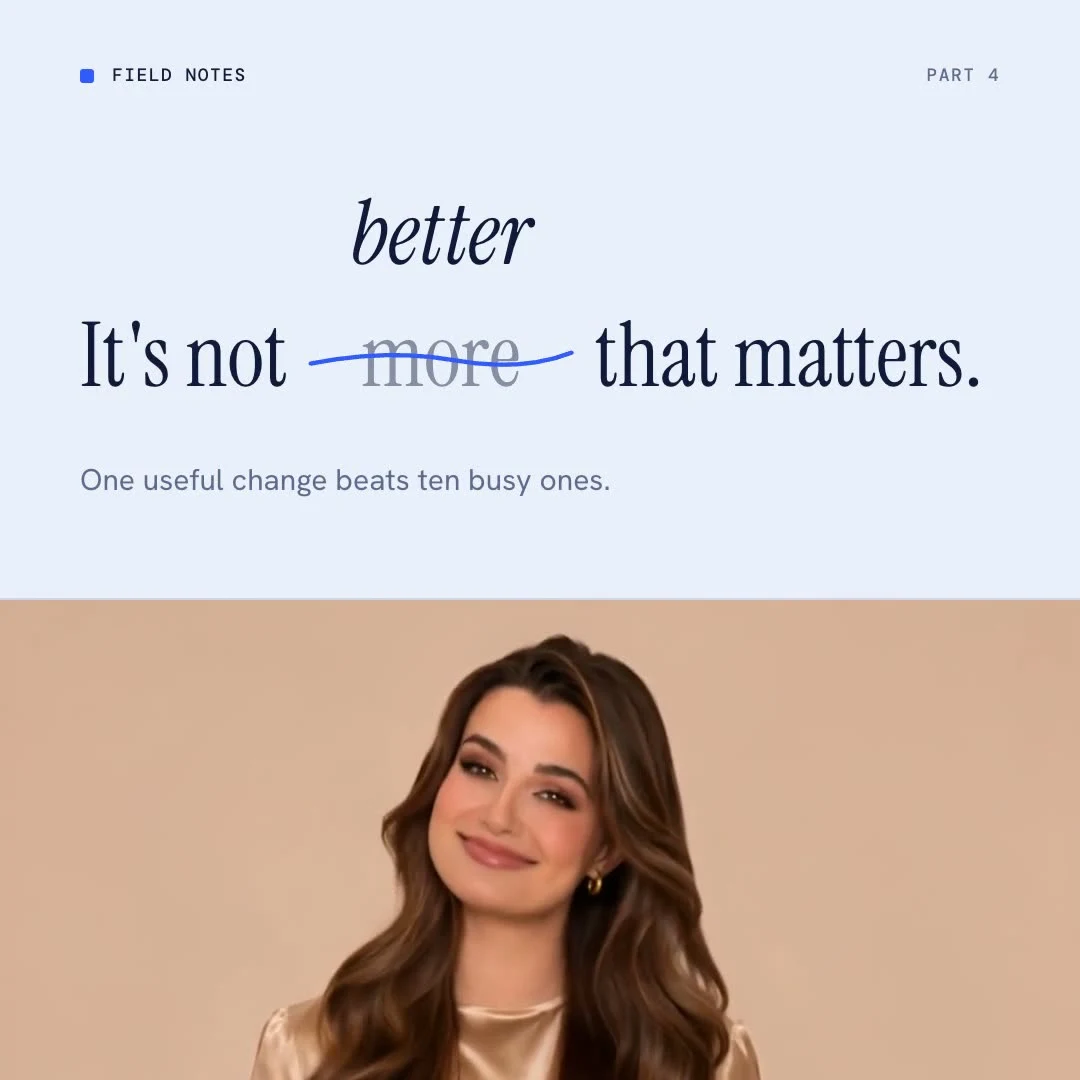
古い語を取り消し、上に新しい語をイタリックで一文字ずつ書きます。
ink-mint を使用して同じクリップを 9:16 で作成します
私の録音をプレゼンターパネルに入れて、そのサウンドを維持します
始める前に
| 用意するもの |
|
|---|---|
| 依存関係 |
|
| 外部費用 | 外部サービス費用なし |
| 最終更新 | v1.0.2 · |
機能は同梱のワークフローの範囲に限られます。



























































































