Your prompt
Replace the brackets with your own content; leave optional ones out.
/creator-split-strike-rewrite
Small label on top = 〔Small label on top — small top label — max 28 chars — optional〕
Tag on the right = 〔Tag on the right — short tag (e.g. part / episode) — max 18 chars〕
Words before = 〔Words before — words before — max 14 chars〕
Word to cross out = 〔Word to cross out — old word — max 12 chars〕
Replacement word = 〔Replacement word — new word — max 8 chars〕
Words after = 〔Words after — words after — max 22 chars〕
Note = 〔Note — short line below — max 54 chars — optional〕
Color = 〔Color — ink (near-black, mint) / paper (warm paper, coral) / sky (pale blue, cobalt) — optional〕
Brand color = 〔Brand color — #RRGGBB — optional〕
Video shape = 〔Video shape — landscape 16:9 (YouTube, screens) / vertical 9:16 (Reels, Shorts, TikTok) / square 1:1 / 4:5 (Instagram feed) — optional〕
Your talking-head clip = 〔Your talking-head clip — your talking-head video or photo〕
Video size = 〔Video size — 1080p / 4K — optional〕
Not sure? Say: show me an example first
Example
/creator-split-strike-rewrite
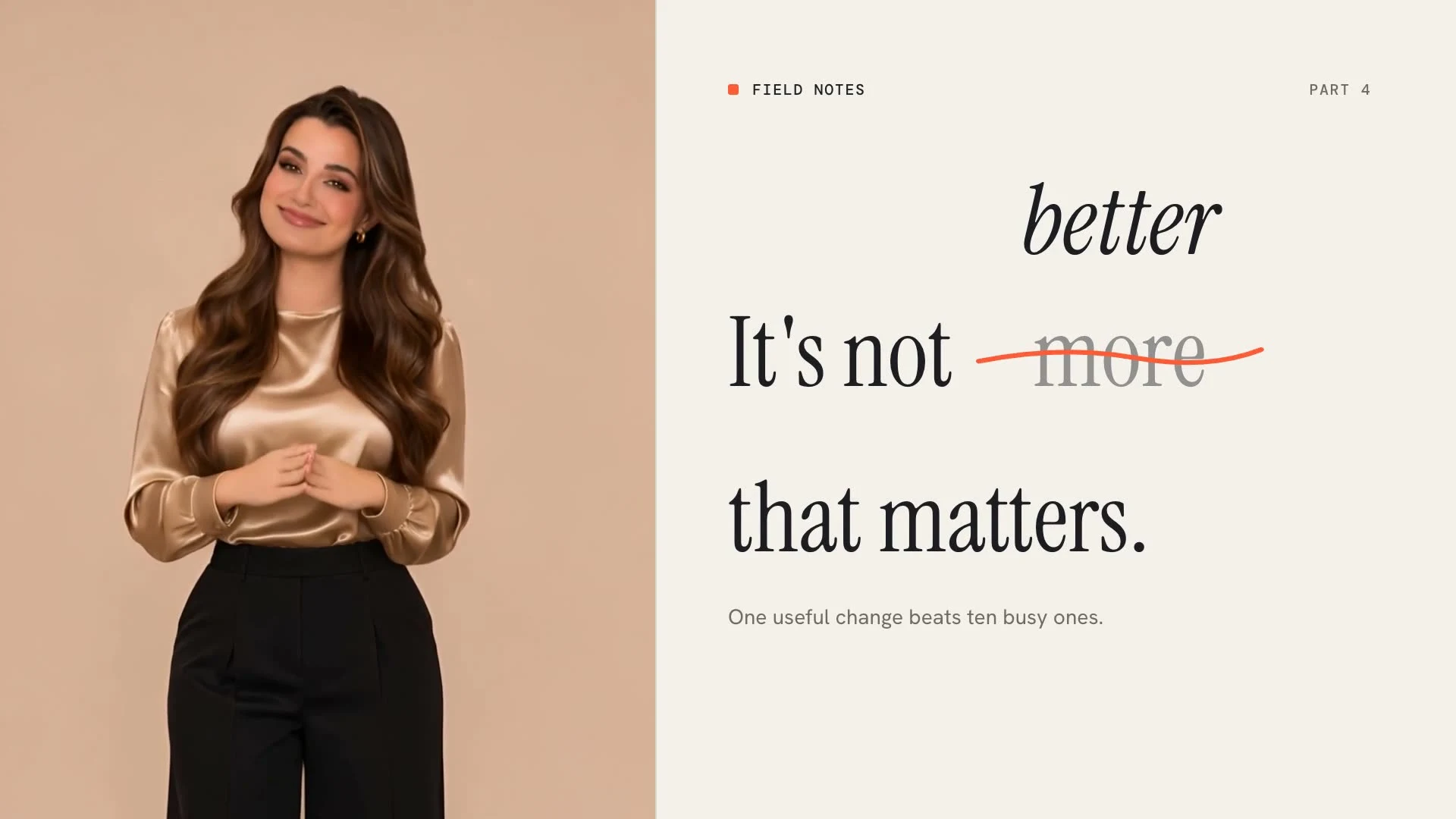
Small label on top = Field notes
Tag on the right = Part 4
Words before = It's not
Word to cross out = more
Replacement word = better
Words after = that matters.
Note = One useful change beats ten busy ones.
Color = paper-coral
Brand color = #1E3A8A
Video shape = 16:9
Your talking-head clip = the sample presenter photo in the pack
Video size = 4K
Strike & Rewrite
One old word is struck through in the accent colour; its replacement writes above it letter by letter in italic serif. Four layouts, three palettes, local 4K, and your own presenter photo or footage with original sound.
How it works
- Install the skill · Install guides
- Run your request ·
/creator-split-strike-rewrite - Review the result
Review the workflow in SKILL.md and use the bundled commands below.
node -vnode scripts/check-setup.mjsnode scripts/create.mjs --out ./demonode scripts/render.mjs ./demo --output ./demo.mp4node scripts/create.mjs --out ./my-scene --data content.json --aspect 16:9 --theme paper-coral --host ./me.jpgnode scripts/render.mjs ./my-scene --check
Workspace
references/defaults.jsonreferences/fill-in.jsonreferences/layout-rules.jsonreferences/project/index.htmlscripts/check-setup.mjsscripts/compose.mjsscripts/create.mjsscripts/host-frame.mjs
What you get
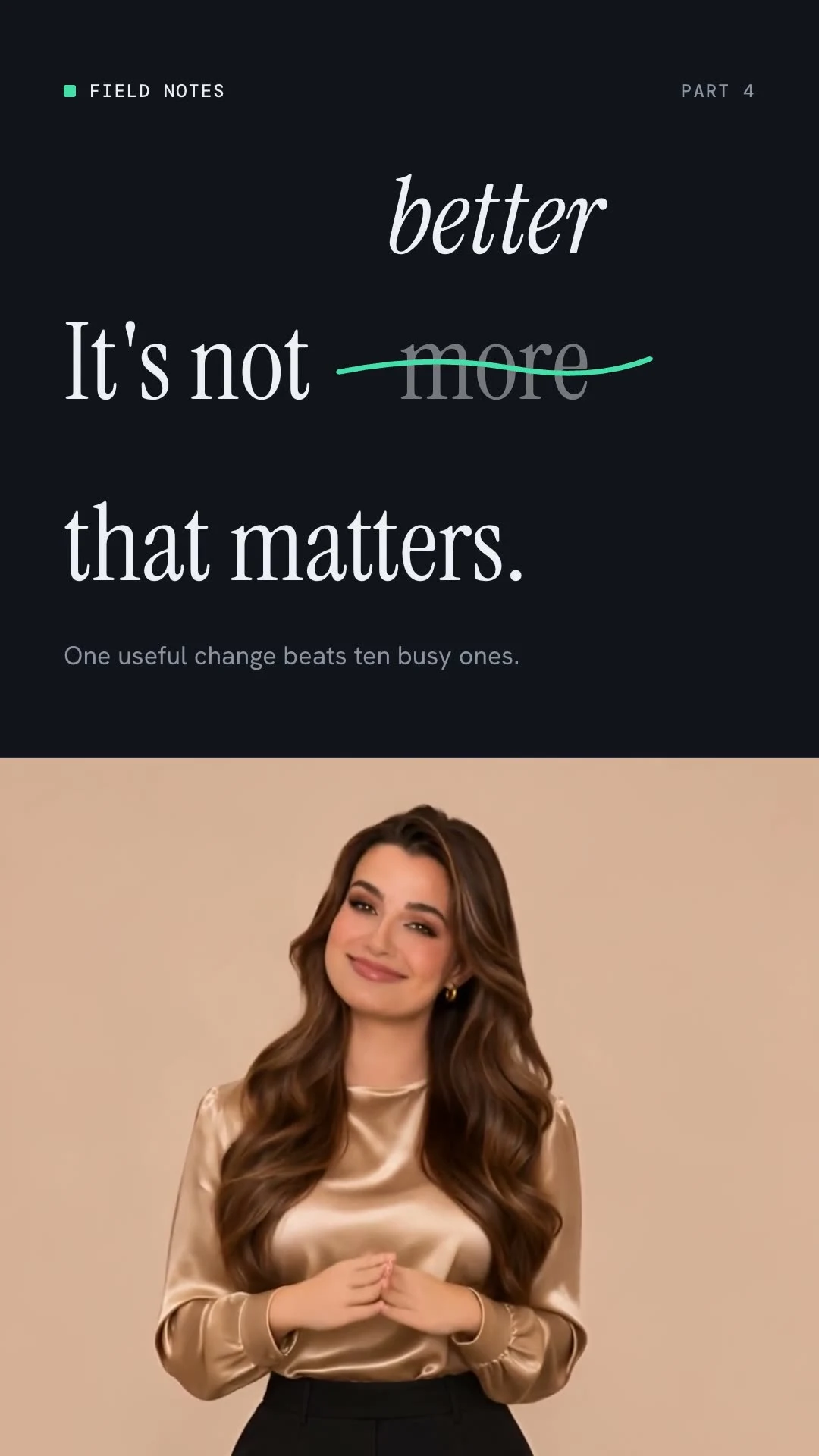
- One old word is struck through in the accent colour; its replacement writes above it letter by letter in italic serif.
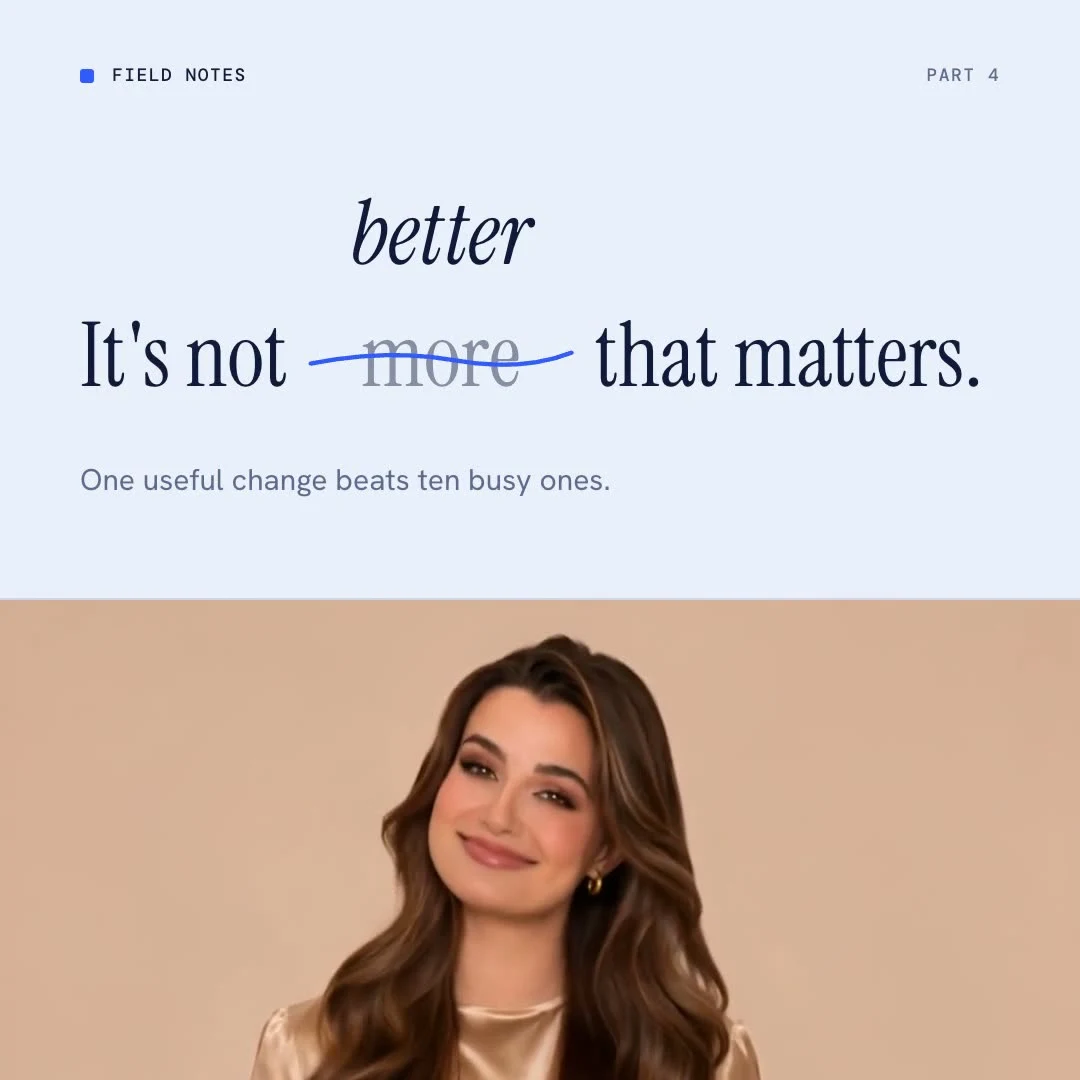
- Four aspect layouts, three palettes, local 4K render and presenter footage compositing
- Named slots, text fit checks and visual review checklist
Requirements
- Required · Node.js 22 or newer
- Required · Google Chrome, Chromium or Microsoft Edge
- Required · FFmpeg
- Optional · HyperFrames CLI (via npx)
Tips
Strike & Rewrite beside the presenter, in one clear eight-second insert.
Make the same clip in 9:16 with ink-mint
Put my recording into the presenter panel and keep its sound
Before you start
| You provide |
|
|---|---|
| Dependencies |
|
| External costs | No external service cost |
| Last updated | v1.0.2 · |
No additional scope beyond the supplied workflow.



























































































