あなたのプロンプト
括弧内を自分の内容に置き換えてください。任意の項目は省略できます。
/letter-portal-flythrough
Brand name = 〔Brand name — 最大 22 文字〕
Website = 〔Website — 最大 28 文字 — 任意〕
Big word = 〔Big word — 最大 8 文字〕
上部の短い一文 = 〔上部の短い一文 — 最大 32 文字 — 任意〕
Headline = 〔Headline — 最大 36 文字〕
会場・主催者 = 〔会場・主催者 — 最大 80 文字 — 任意〕
色 = 〔色 — ink (near-black, lemon) / lagoon (deep teal, aqua) / sand (light sand, terracotta) / sunset (dark rust, orange) — 任意〕
ブランドカラー = 〔ブランドカラー — 任意〕
Video shape = 〔Video shape — landscape 16:9 (YouTube, screens) / vertical 9:16 (Reels, Shorts, TikTok) / 4:3 / vertical 3:4 (feed posts) — 任意〕
Picture inside the letters = 〔Picture inside the letters〕
Place you arrive at = 〔Place you arrive at〕
動画の解像度 = 〔動画の解像度 — 1080p / 4K — 任意〕
迷ったら「まず使用例を見せて」と伝えてください
使用例
/letter-portal-flythrough
Brand name = Cala Brava
Website = calabrava.co
Big word = Escape
上部の短い一文 = Cliffside suites · Open in June
Headline = Where the sea starts at your door
会場・主催者 = Twelve suites, one infinity pool and nothing between you and the horizon.
色 = lagoon
ブランドカラー = #1E3A8A
Video shape = 16:9
Picture inside the letters = the sample letter picture in the pack
Place you arrive at = the sample arrival picture in the pack
動画の解像度 = 4k
レター・ポータル
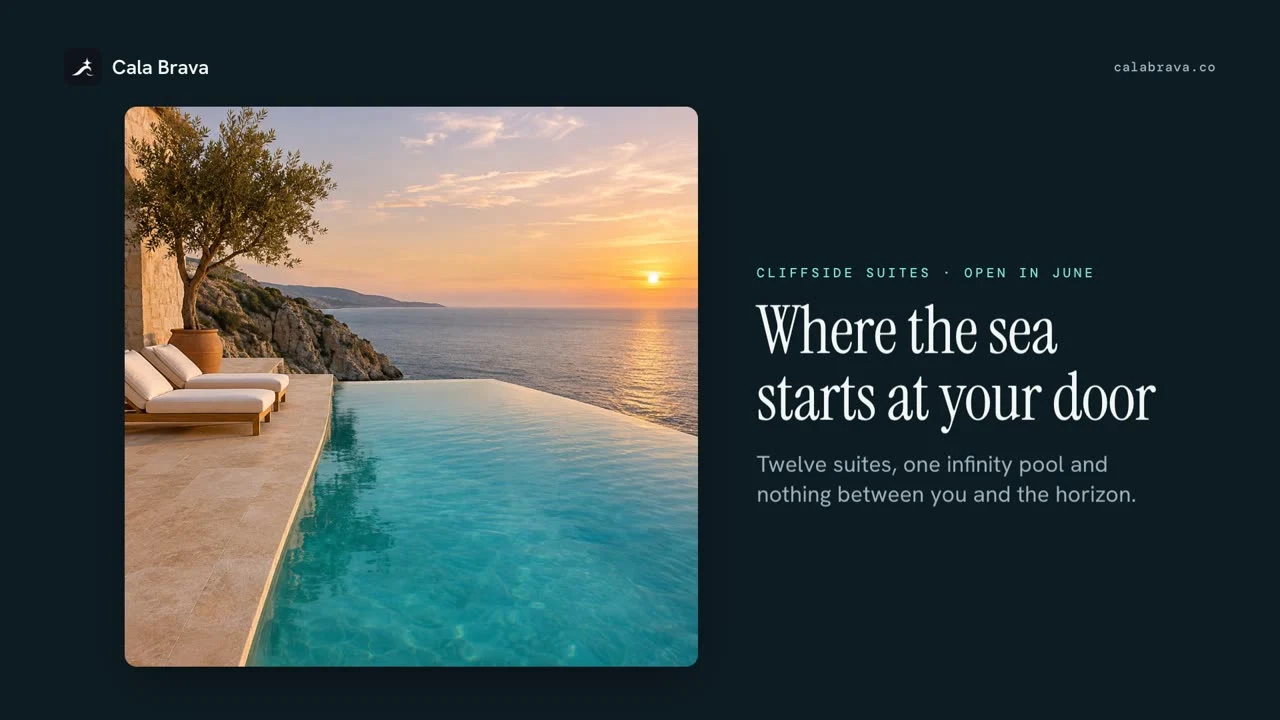
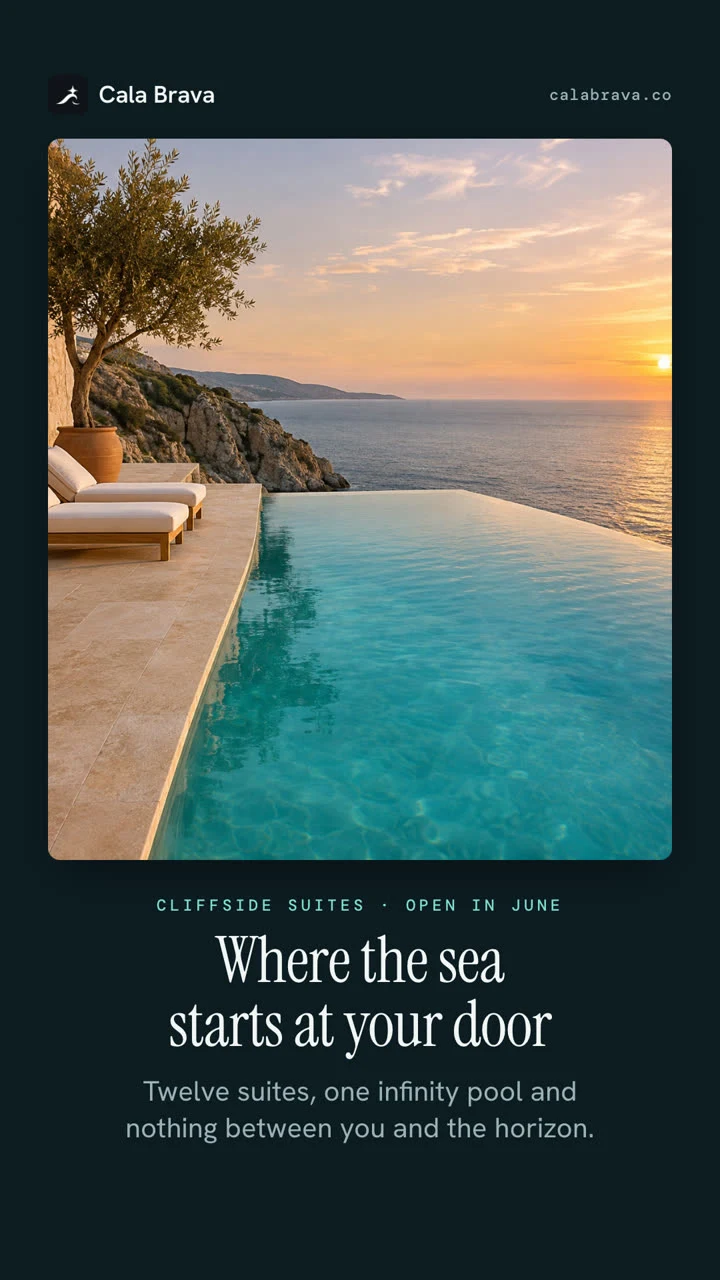
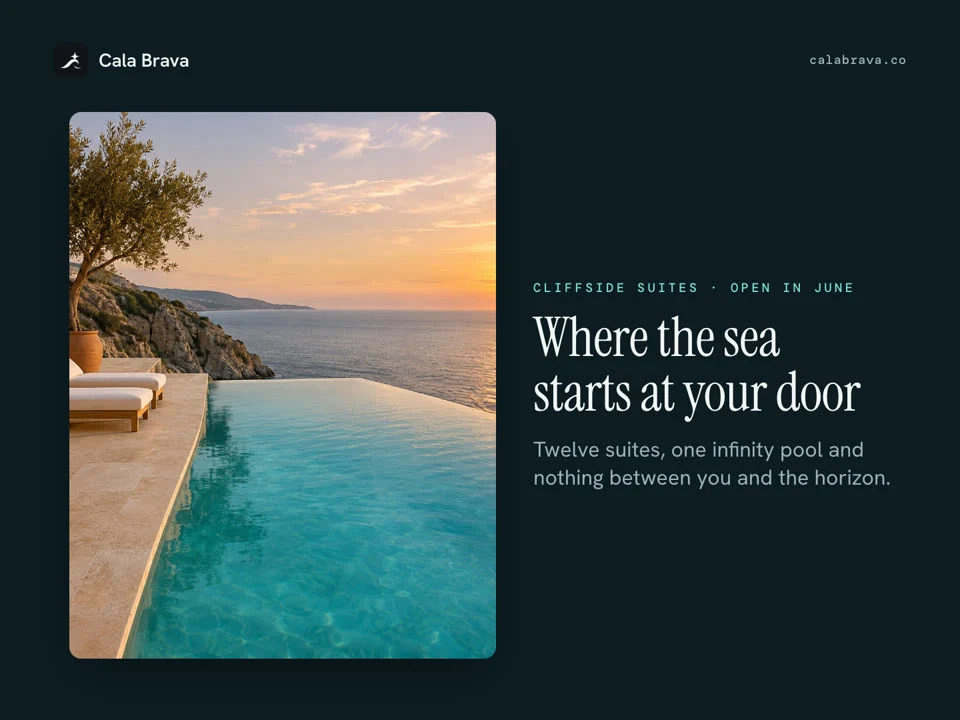
11秒の映像。大きな単語が1文字ずつ浮かび上がり、文字の中に写真Aが見えます。カメラは最も太い画へ加速して飛び込み(奥の写真はゆっくり動くので奥行きが出ます)、アイリスを抜けて写真Bへ。写真Bは画面いっぱいに広がったあとフレームに収まり、見出しが横に浮かびます。単語・2枚の写真・文字・配色を変えて、16:9・9:16・4:3・3:4の4K映像をローカルで書き出せます。
仕組み
- スキルをインストール · インストール手順
- リクエストを実行 ·
/letter-portal-flythrough - 結果を確認
SKILL.mdの手順を確認し、同梱のコマンドを使用してください。
node -vnode scripts/check-setup.mjsnode scripts/create.mjs --out ./demonode scripts/render.mjs ./demo --output ./demo.mp4node scripts/studio.mjs --out .node scripts/create.mjs --out ./my-scene --brand brand/brand.json --data content.json --image photoA=./photoA.jpg --image photoB=./photoB.jpg --aspect 16:9 --theme lagoon
作業フォルダー
references/check.jsonreferences/defaults.jsonreferences/fill-in.jsonreferences/layout-rules.jsonreferences/studio.htmlreferences/project/index.htmlreferences/studio/shell.htmlscripts/check-output.mjs
含まれるもの
- 11秒のレター・ポータルを4K MP4で。4つの縦横比に対応 (16:9 / 9:16 / 4:3 / 3:4)
- 4種類の配色とブランドカラーに対応
- 編集可能なシーン、ローカル Studio、文字の収まりとレイアウトの自動チェック
実行要件
- 必須 · Node.js 22 以降
- 必須 · Google Chrome、Chromium または Microsoft Edge
- 必須 · FFmpeg
ヒント
大きな単語の一画に飛び込むと、その先は目的地の写真の中。
ブランドカラーで Reels 用の 9:16 版を作って。
元の動きとテンポを保って、私の文字と素材に差し替えて。
始める前に
| 用意するもの |
|
|---|---|
| 依存関係 |
|
| 外部費用 | 外部サービス費用なし |
| 最終更新 | v1.0.1 · |
機能は同梱のワークフローの範囲に限られます。



























































































