你的提示詞
將括號內的文字換成你的內容;選填項目可以省略。
/google-io-2026-gradient-icon-launch-graphic-style
Use and size = 〔Use and size — link preview / wide post 16:9 / square overview / feature card 1 / feature card 2 / feature card 3 / 兩種尺寸 — 選填〕
Mark = 〔Mark — 最多 3 個字元〕
Brand = 〔Brand — 最多 24 個字元〕
Headline = 〔Headline — 最多 34 個字元〕
Sentence = 〔Sentence — 最多 70 個字元〕
上方小字 = 〔上方小字 — 最多 28 個字元〕
Feature 1 title = 〔Feature 1 title — 最多 22 個字元〕
Feature 1 line = 〔Feature 1 line — 最多 60 個字元〕
Feature 2 title = 〔Feature 2 title — 最多 22 個字元〕
Feature 2 line = 〔Feature 2 line — 最多 60 個字元〕
Feature 3 title = 〔Feature 3 title — 最多 22 個字元〕
Feature 3 line = 〔Feature 3 line — 最多 60 個字元〕
Button = 〔Button — 最多 22 個字元 — 選填〕
Square headline = 〔Square headline — 最多 40 個字元 — 選填〕
顏色 = 〔顏色 — prism / dusk / mono blue — 選填〕
品牌色 = 〔品牌色 — 選填〕
不知道怎麼填?可以說:先做一個範例給我看
範例
/google-io-2026-gradient-icon-launch-graphic-style
Use and size = all six
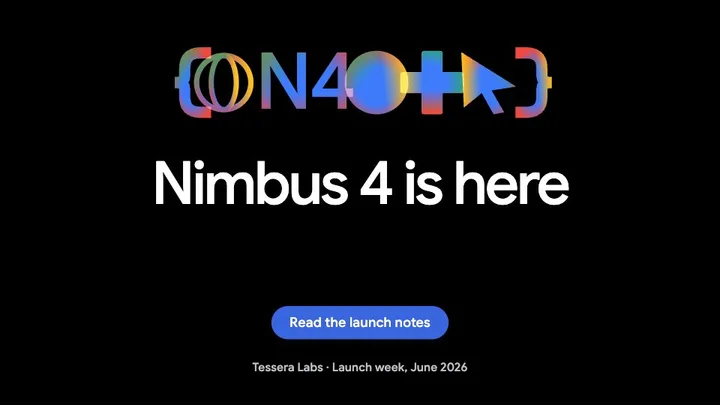
Mark = N4
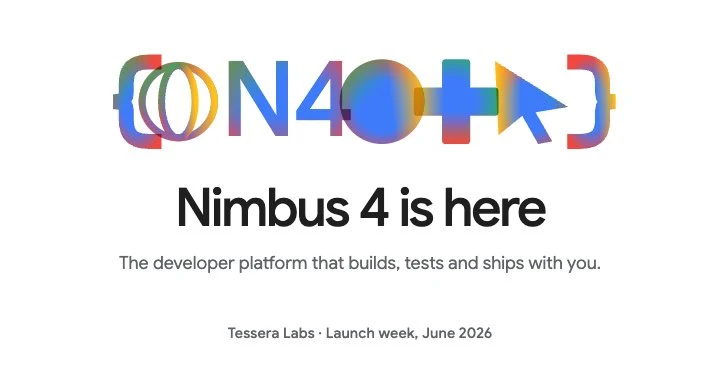
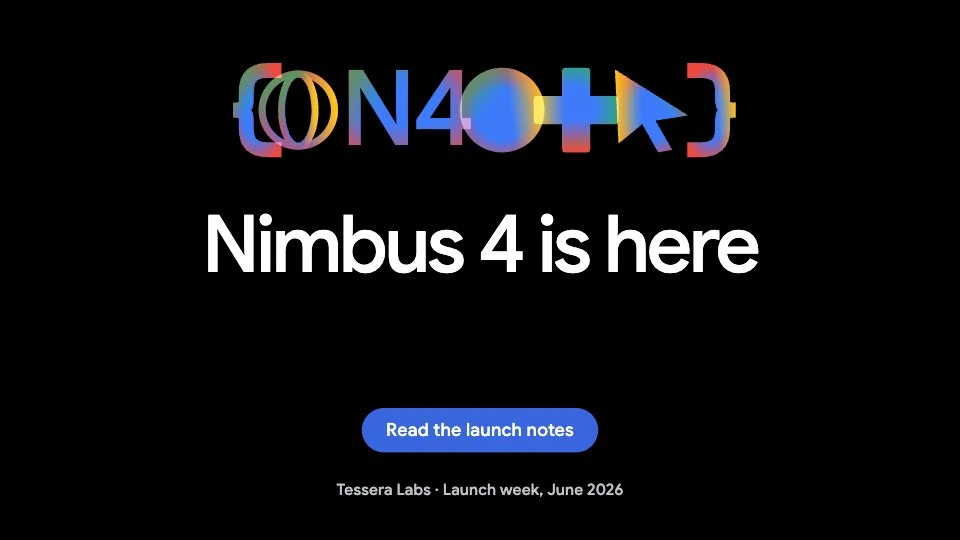
Brand = Tessera Labs
Headline = Nimbus 4 is here
Sentence = The developer platform that builds, tests and ships with you.
上方小字 = Launch week, June 2026
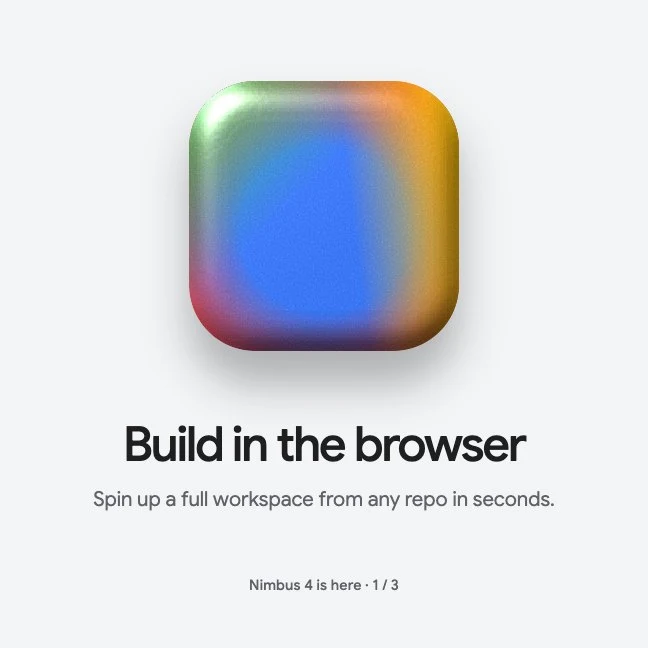
Feature 1 title = Build in the browser
Feature 1 line = Spin up a full workspace from any repo in seconds.
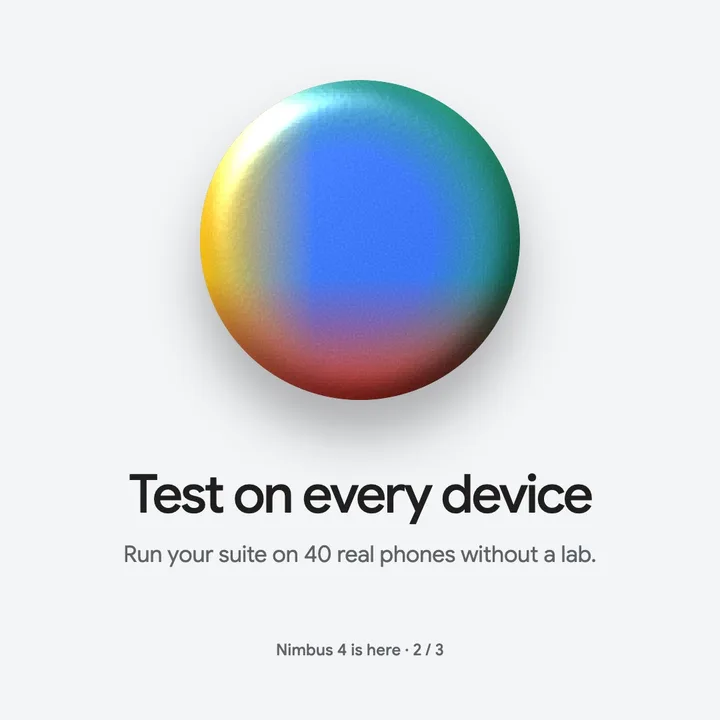
Feature 2 title = Test on every device
Feature 2 line = Run your suite on 40 real phones without a lab.
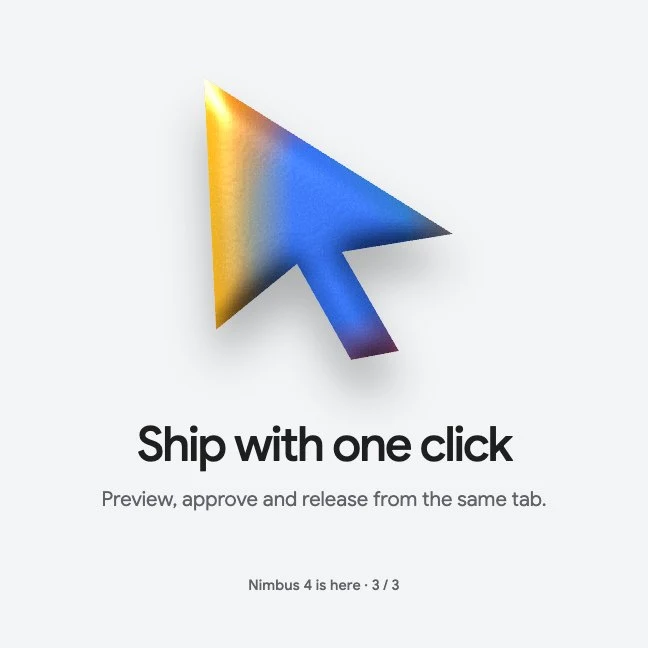
Feature 3 title = Ship with one click
Feature 3 line = Preview, approve and release from the same tab.
Button = Read the launch notes
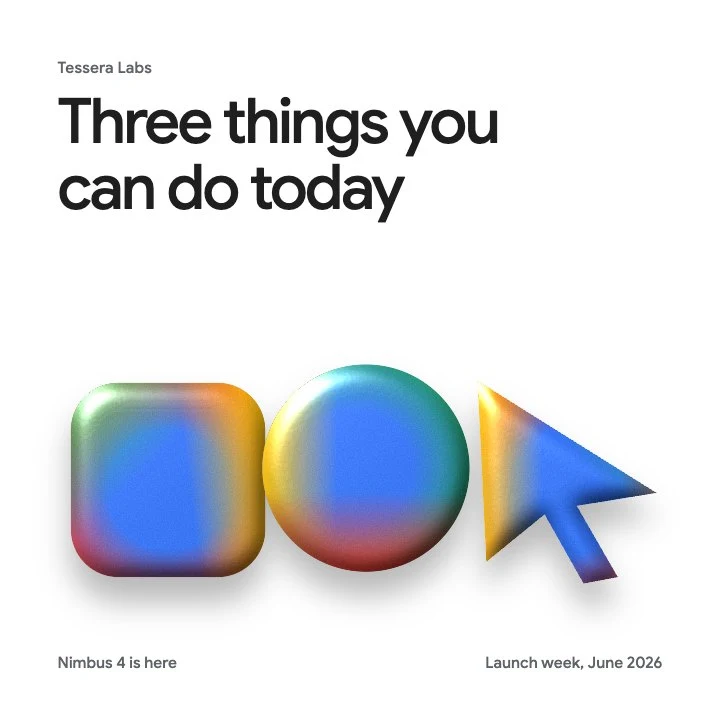
Square headline = Three things you can do today
顏色 = prism
品牌色 = #1E3A8A
Google I/O 2026 漸層圖示發表圖風
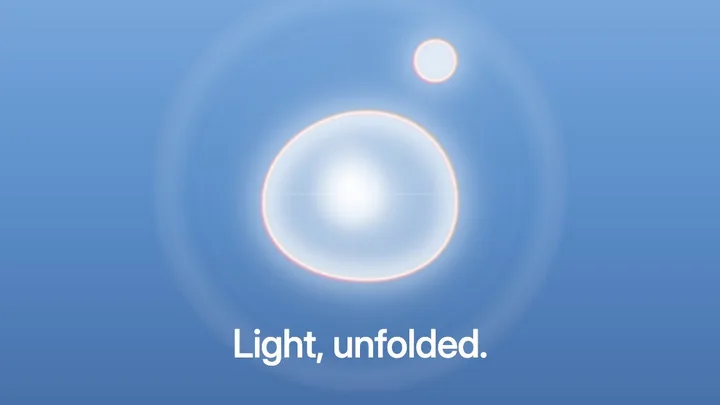
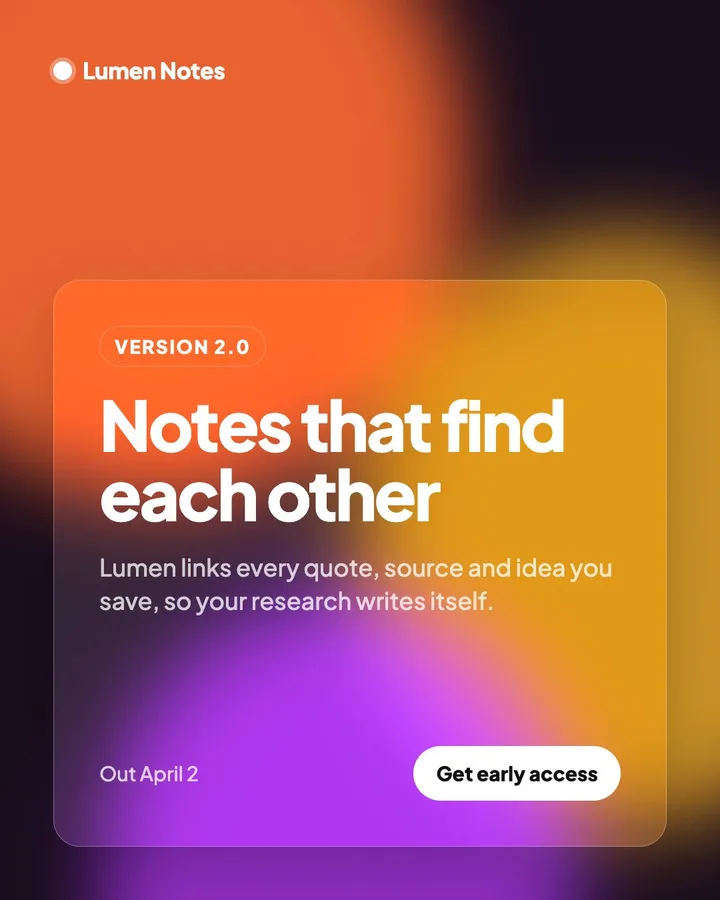
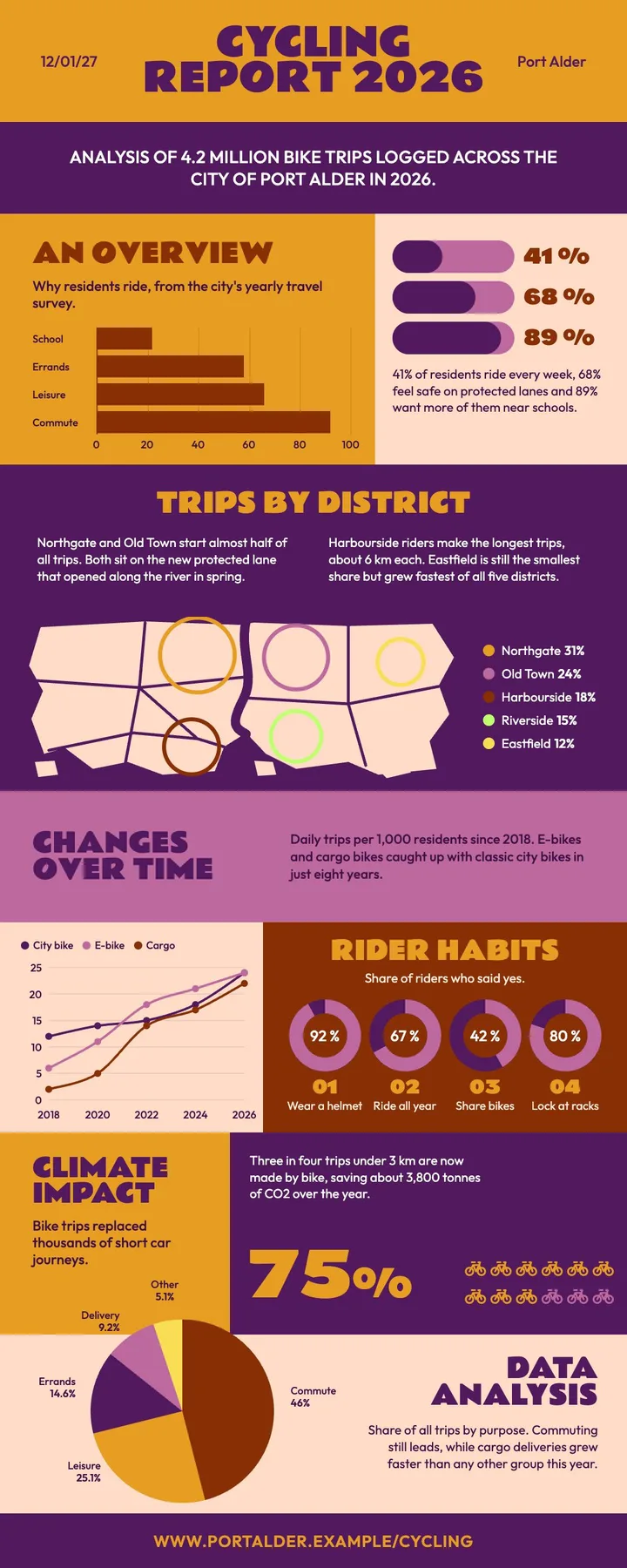
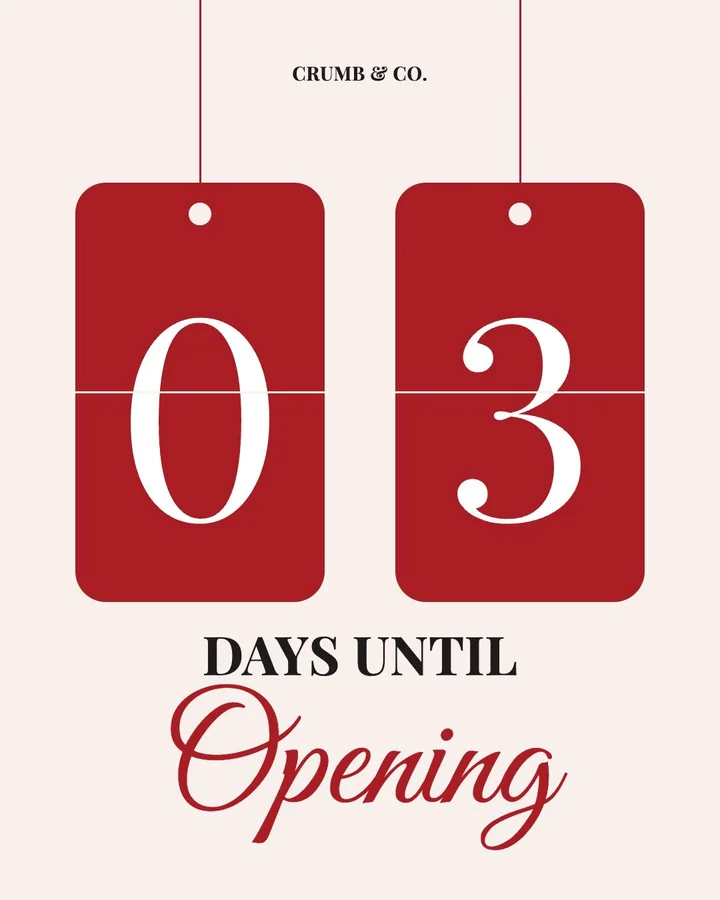
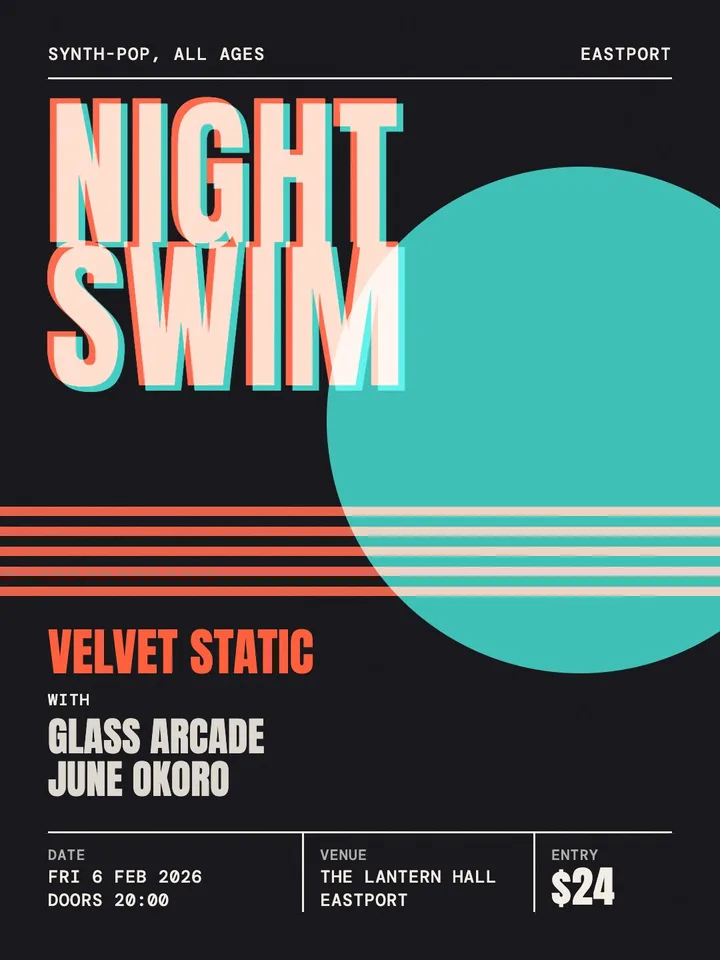
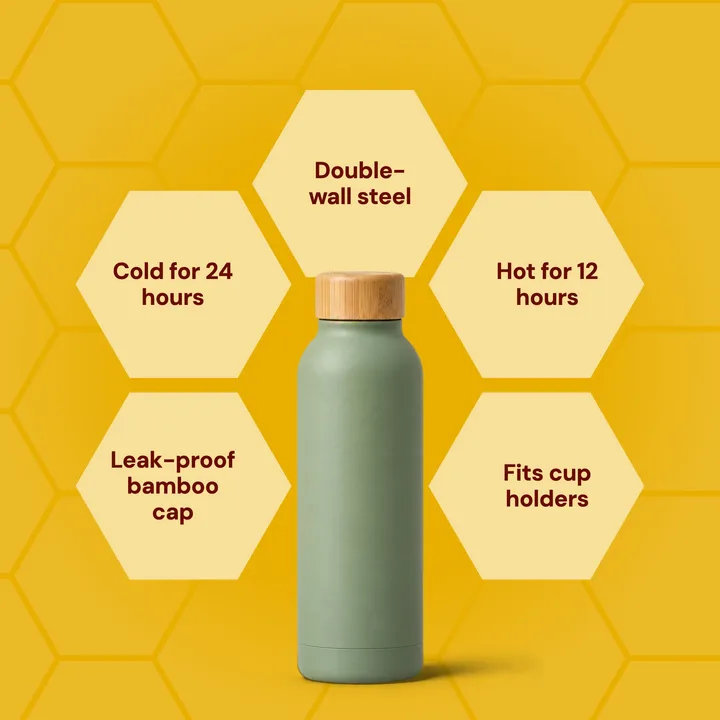
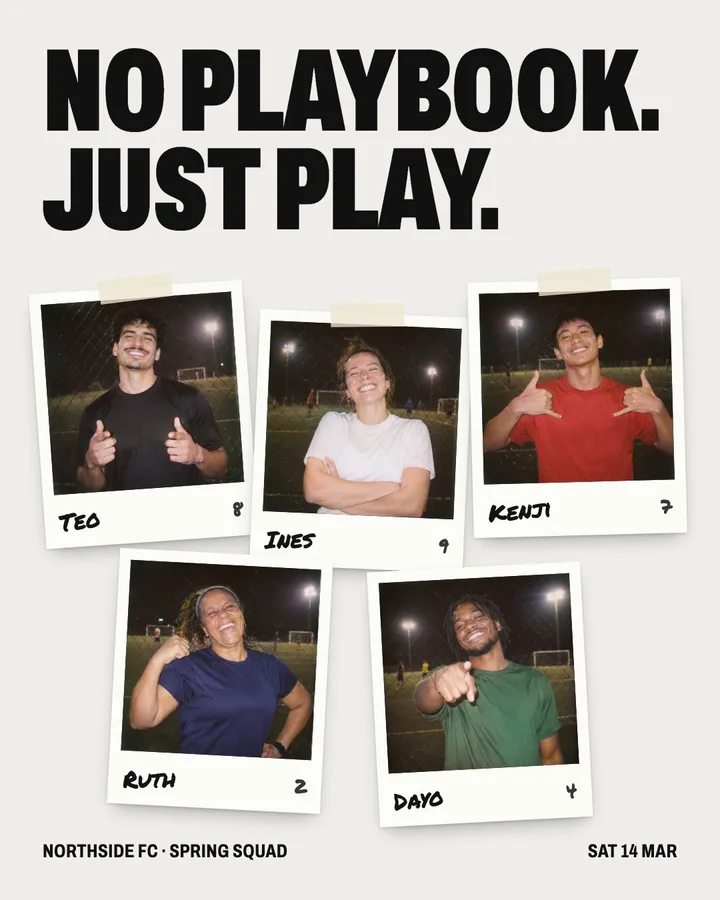
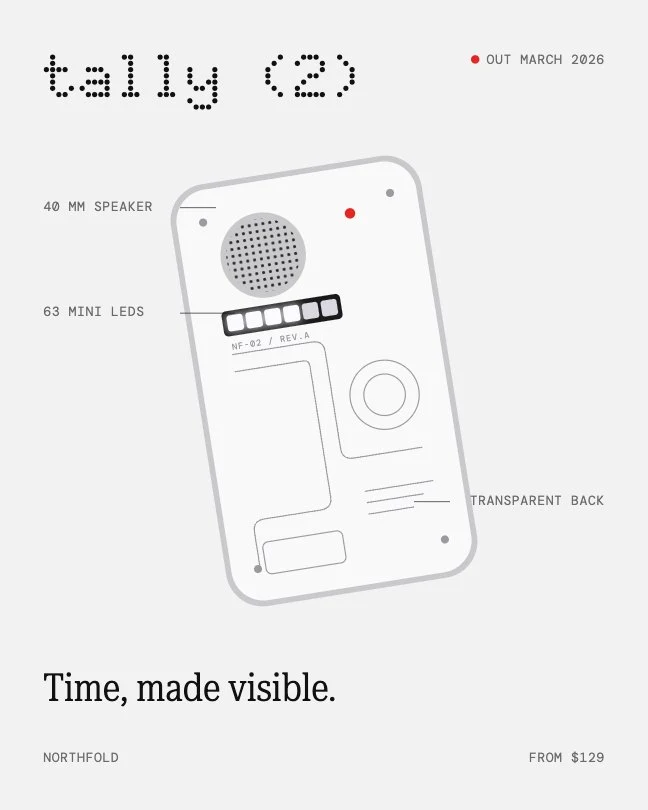
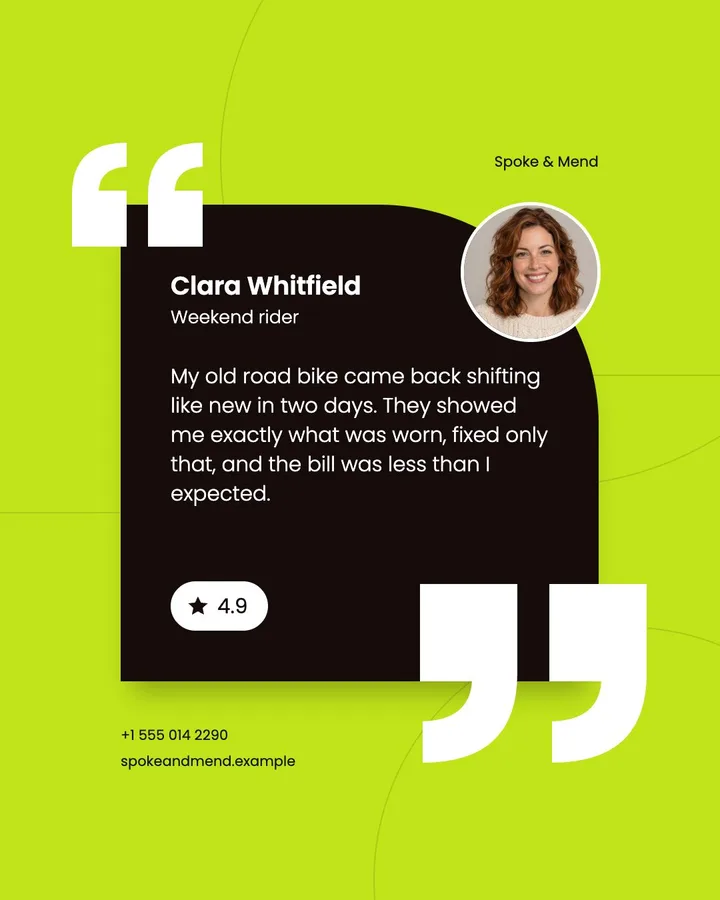
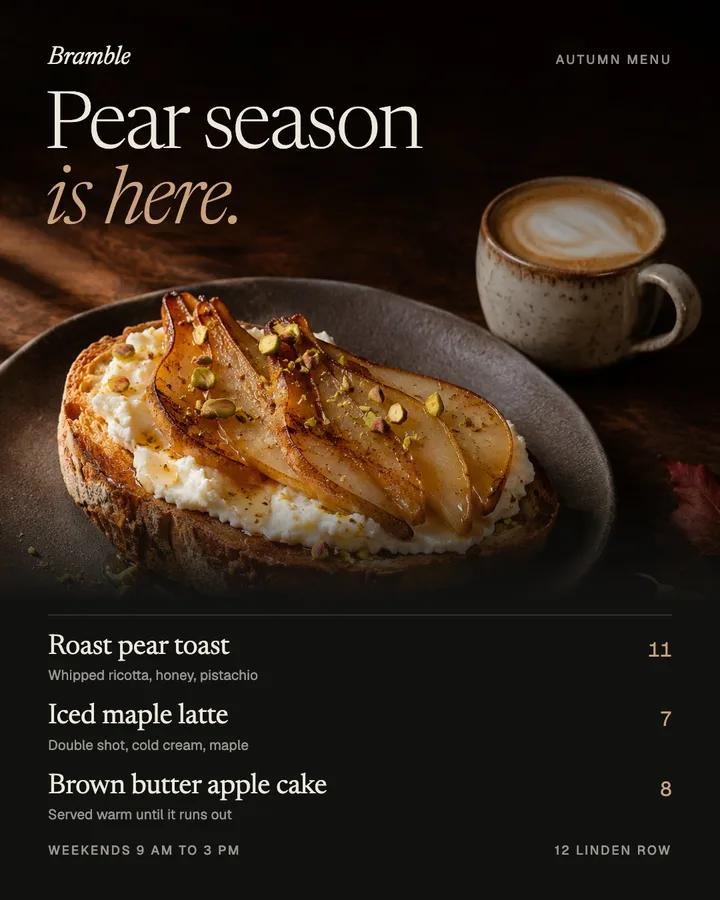
6 張發表圖:1200 x 630 連結預覽圖、1600 x 900 X 貼文圖、1200 x 1200 LinkedIn 方圖和三張 1080 x 1080 功能卡。產品縮寫嵌在一排互相重疊的四色漸層字形中,平面字形變成有顆粒質感的 3D 圖示。獨立風格研究,與 Google 無關聯、未獲其背書。 Independent style study, not affiliated with or endorsed by Google.
運作流程
- 安裝技能 · 安裝指南
- 執行你的需求 ·
/google-io-2026-gradient-icon-launch-graphic-style - 檢查成果
先閱讀 SKILL.md 的流程,再使用下方隨包提供的指令。
node -vnode scripts/check-setup.mjsnode scripts/page.mjs fill references/template.html --out out/index.htmlnode scripts/page.mjs shoot out/index.html --canvas --out out/imagesnode scripts/page.mjs fill references/template.html --content content.json --out out/index.htmlnode scripts/page.mjs check out/index.html --canvas
工作目錄
references/fill-in.jsonreferences/template.htmlscripts/check-setup.mjsscripts/page.mjs
你會得到
- 用程式碼繪製的1200 x 630連結預覽、1600 x 900 X貼文和1200 x 1200 LinkedIn正方形
- 三張 1080 x 1080 功能卡,每張都有紋理 3D 圖標
- 三種顏色主題(棱鏡、黃昏、單色)、按鈕顏色選項和文字限制檢查器
執行需求
- 必要 · Node.js 22 或更新版本
- 必要 · Google Chrome、Chromium或邊緣
使用建議
發表圖套組:四色漸層字形互相咬合,平面圖示變成有質感的 3D 圖示。
切換到黃昏主題並製作按鈕
將標記更改為v2並重寫我們的行動SDK的三個功能卡。
開始之前
| 你需要提供 |
|
|---|---|
| 相依項目 |
|
| 外部費用 | 無外部服務費用 |
| 最近更新 | v1.0.2 · |
功能範圍以隨包提供的流程為準。