Your prompt
Replace the brackets with your own content; leave optional ones out.
/google-io-2026-gradient-icon-launch-graphic-style
Use and size = 〔Use and size — link preview / wide post 16:9 / square overview / feature card 1 / feature card 2 / feature card 3 / all six — optional〕
Mark = 〔Mark — e.g. N4 or v2 — max 3 chars〕
Brand = 〔Brand — brand or company — max 24 chars〕
Headline = 〔Headline — e.g. <product> is here — max 34 chars〕
Sentence = 〔Sentence — one sentence — max 70 chars〕
Kicker = 〔Kicker — e.g. Launch week, June 2026 — max 28 chars〕
Feature 1 title = 〔Feature 1 title — feature 1 — max 22 chars〕
Feature 1 line = 〔Feature 1 line — one line — max 60 chars〕
Feature 2 title = 〔Feature 2 title — feature 2 — max 22 chars〕
Feature 2 line = 〔Feature 2 line — one line — max 60 chars〕
Feature 3 title = 〔Feature 3 title — feature 3 — max 22 chars〕
Feature 3 line = 〔Feature 3 line — one line — max 60 chars〕
Button = 〔Button — e.g. Read the launch notes — max 22 chars — optional〕
Square headline = 〔Square headline — a short headline — max 40 chars — optional〕
Style = 〔Style — prism / dusk / mono blue — optional〕
Button color = 〔Button color — #RRGGBB — optional〕
Not sure? Say: show me an example first
Example
/google-io-2026-gradient-icon-launch-graphic-style
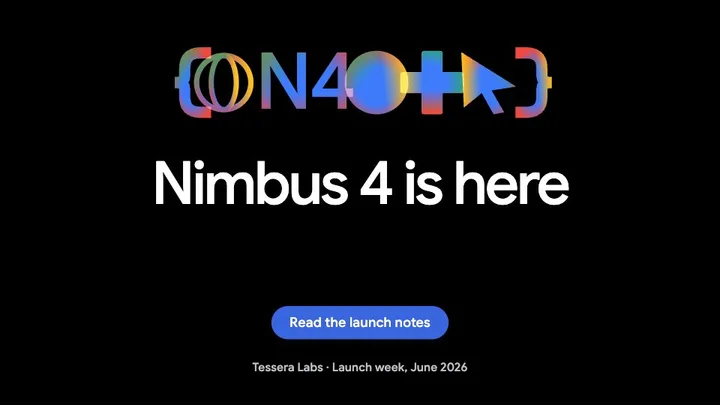
Use and size = all six
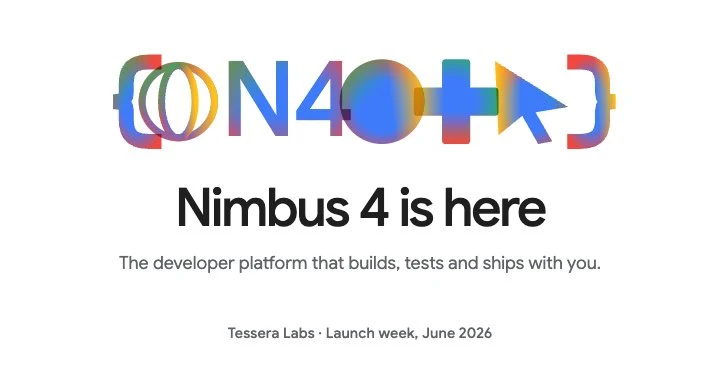
Mark = N4
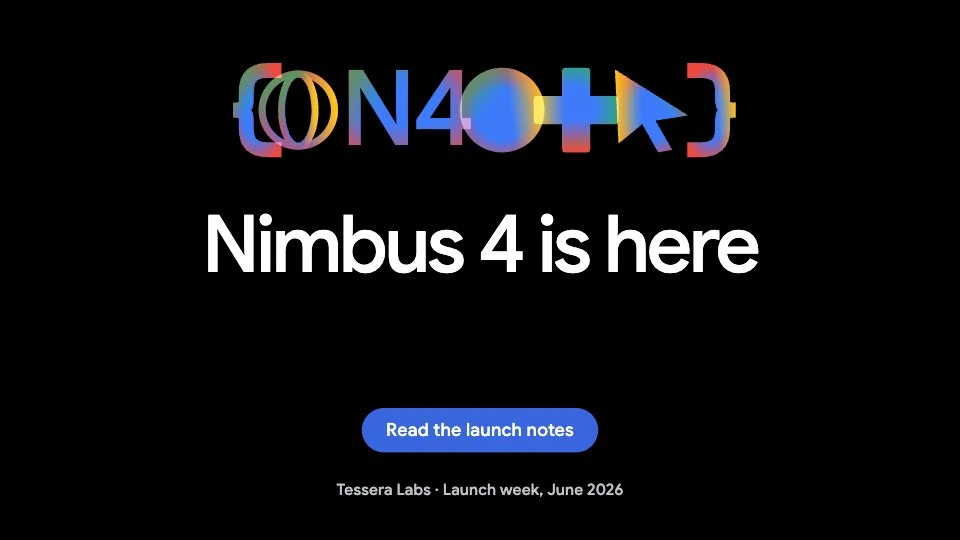
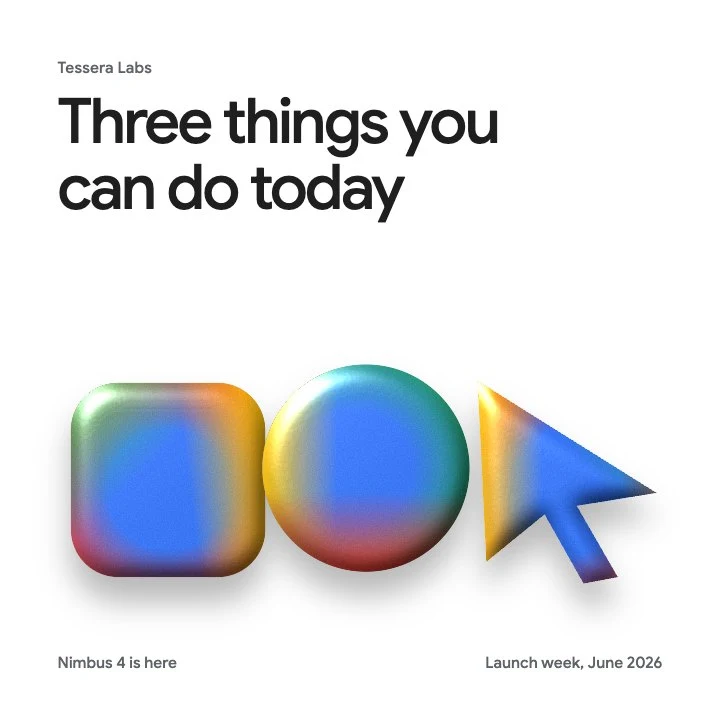
Brand = Tessera Labs
Headline = Nimbus 4 is here
Sentence = The developer platform that builds, tests and ships with you.
Kicker = Launch week, June 2026
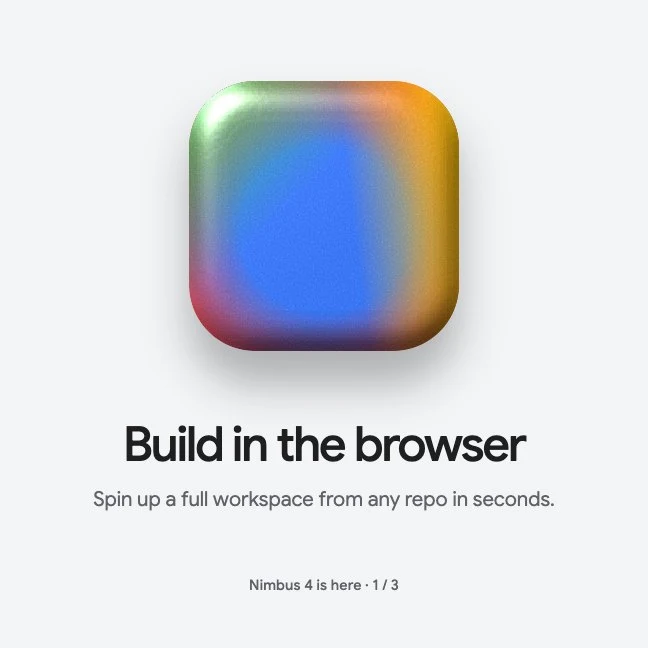
Feature 1 title = Build in the browser
Feature 1 line = Spin up a full workspace from any repo in seconds.
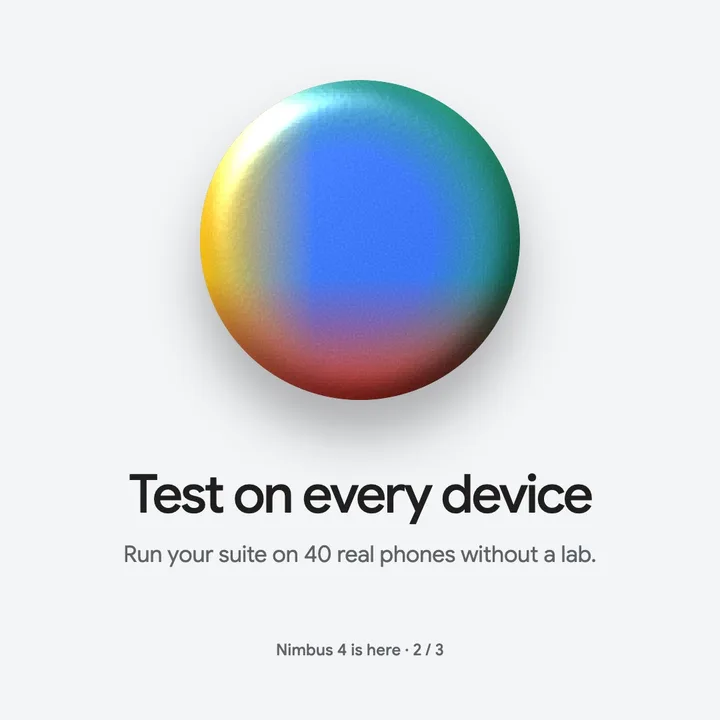
Feature 2 title = Test on every device
Feature 2 line = Run your suite on 40 real phones without a lab.
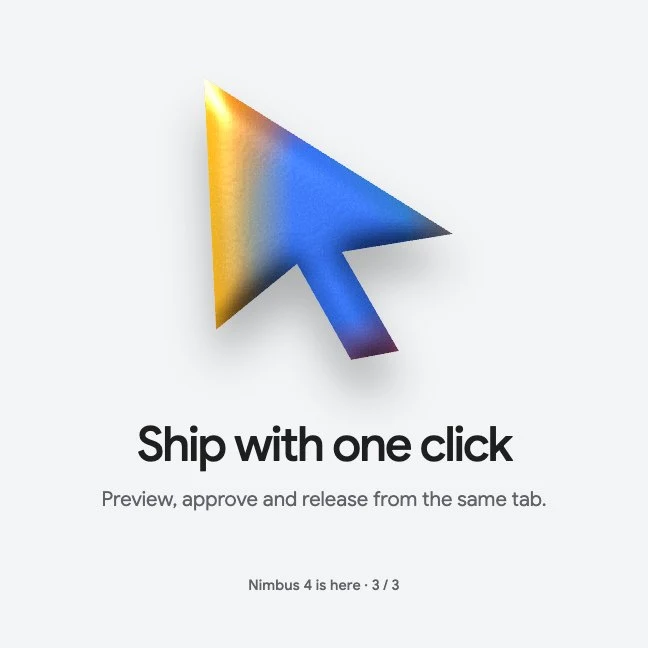
Feature 3 title = Ship with one click
Feature 3 line = Preview, approve and release from the same tab.
Button = Read the launch notes
Square headline = Three things you can do today
Style = prism
Button color = #1E3A8A
Google I/O 2026 Gradient Icon Launch Graphic Style
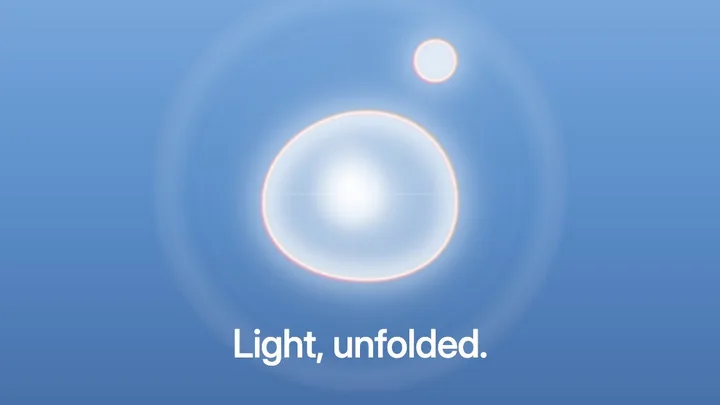
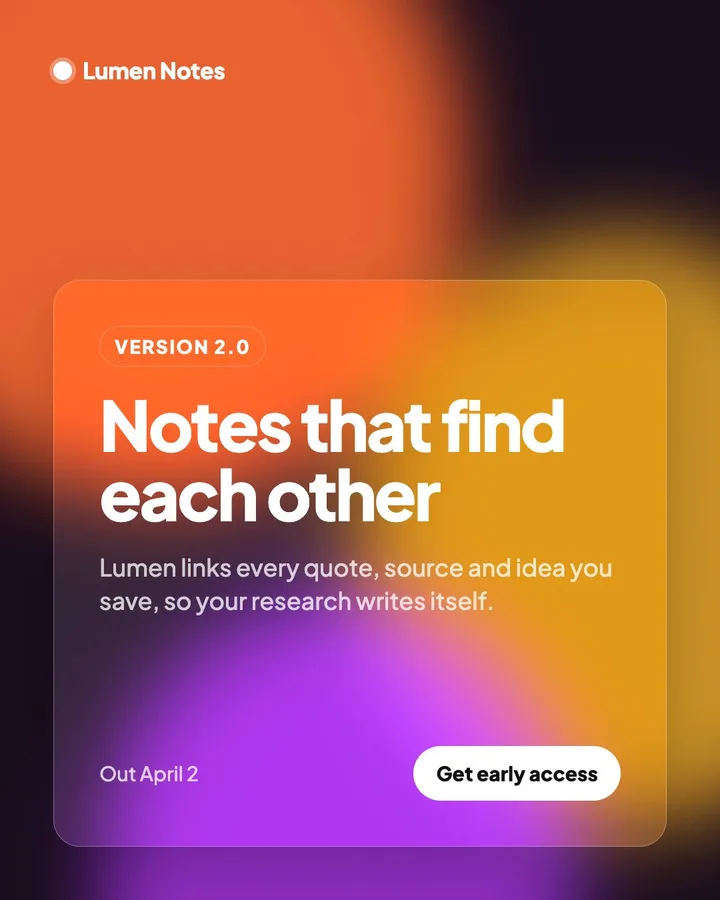
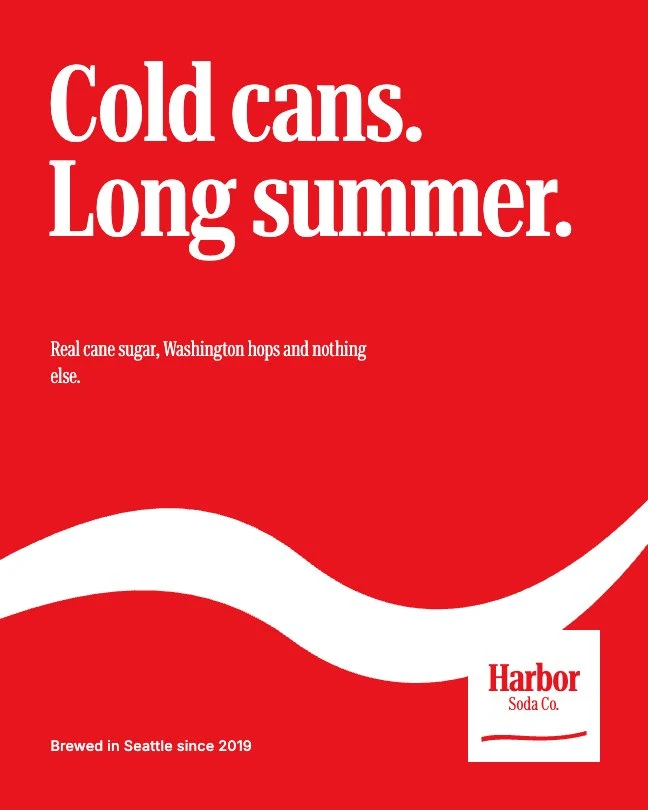
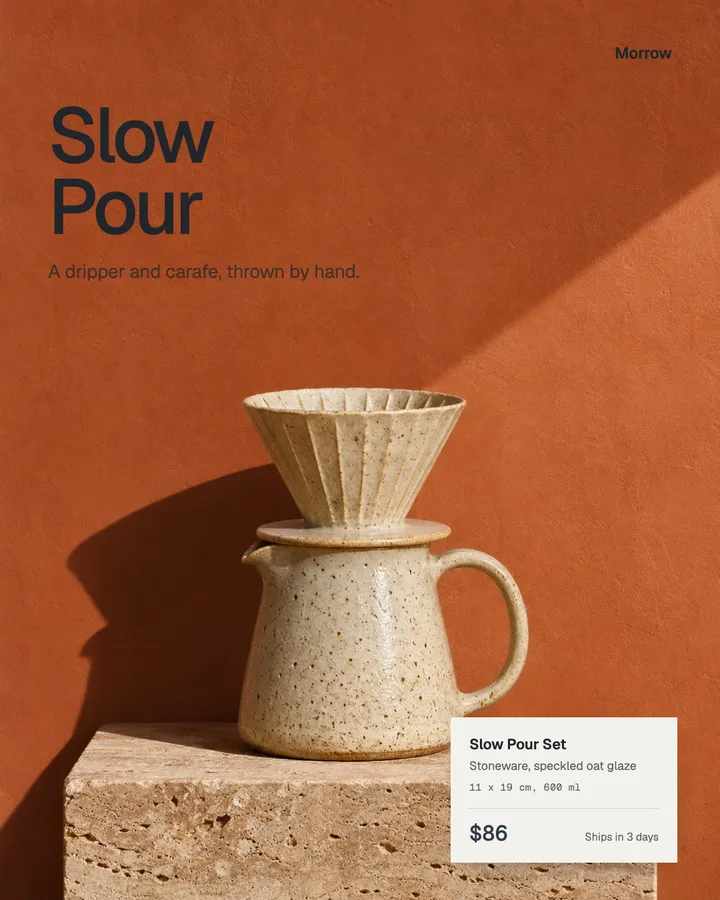
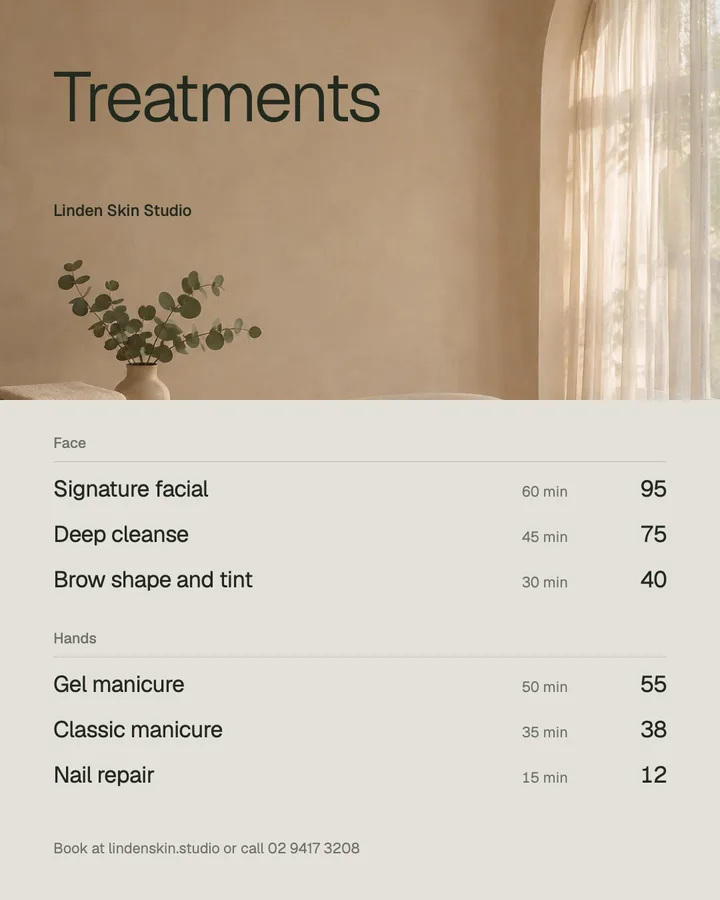
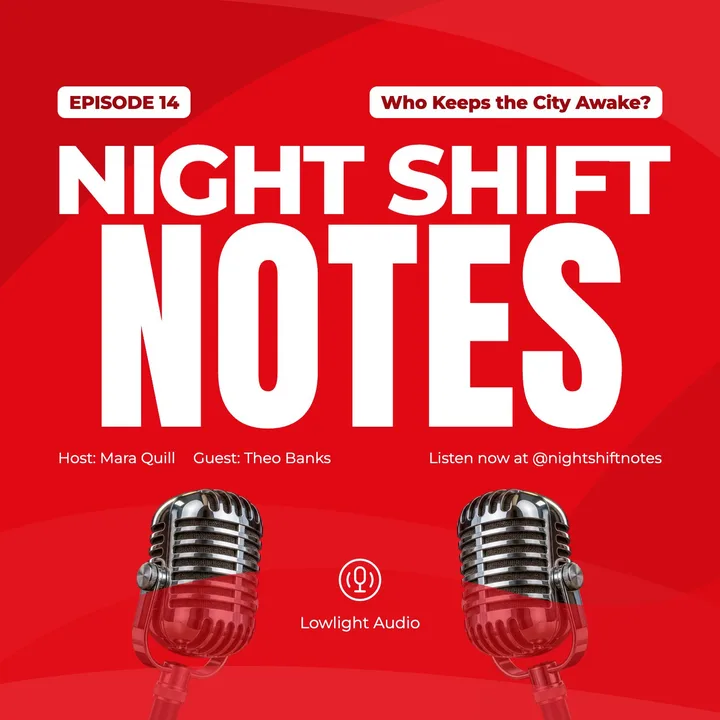
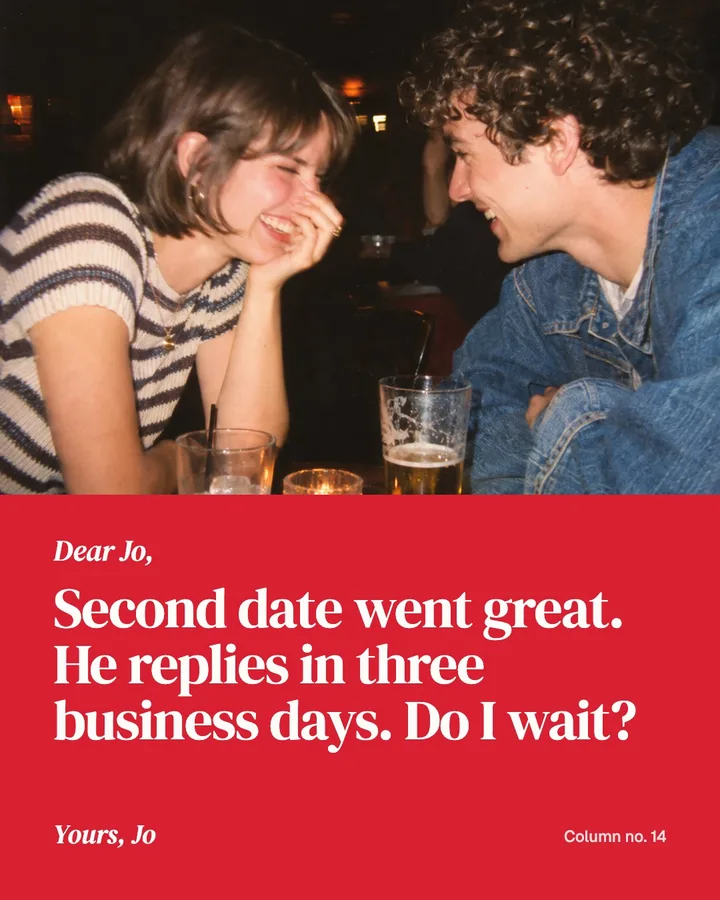
Six launch images: a 1200 x 630 link preview, a 1600 x 900 post for X, a 1200 x 1200 LinkedIn square and three 1080 x 1080 feature cards. Your product mark sits in a row of overlapping glyphs filled with a four-color gradient, and flat glyphs turn into textured 3D icons. Independent style study, not affiliated with or endorsed by Google. Independent style study, not affiliated with or endorsed by Google.
How it works
- Install the skill · Install guides
- Run your request ·
/google-io-2026-gradient-icon-launch-graphic-style - Review the result
Review the workflow in SKILL.md and use the bundled commands below.
node -vnode scripts/check-setup.mjsnode scripts/page.mjs fill references/template.html --out out/index.htmlnode scripts/page.mjs shoot out/index.html --canvas --out out/imagesnode scripts/page.mjs fill references/template.html --content content.json --out out/index.htmlnode scripts/page.mjs check out/index.html --canvas
Workspace
references/fill-in.jsonreferences/template.htmlscripts/check-setup.mjsscripts/page.mjs
What you get
- A 1200 x 630 link preview, a 1600 x 900 X post and a 1200 x 1200 LinkedIn square, drawn with code
- Three 1080 x 1080 feature cards, each with a textured 3D icon
- Three color themes (prism, dusk, mono), a button color option and a text-limit checker
Requirements
- Required · Node.js 22 or newer
- Required · Google Chrome, Chromium or Edge
Tips
Launch graphics with interlocking four-color gradient glyphs and textured 3D icons.
Switch to the dusk theme and make the button
Change the mark to v2 and rewrite the three feature cards for our mobile SDK.
Before you start
| You provide |
|
|---|---|
| Dependencies |
|
| External costs | No external service cost |
| Last updated | v1.0.2 · |
No additional scope beyond the supplied workflow.