How to install and use Hotkit skills in Claude Code
Do not unpack the skill into a second nested folder. A newly created skills root needs an explicit reload.
Short answer
- Move the skill folder into this verified location.
~/.claude/skills/ - Copy the install prompt on the pack page.
Use the command or menu below and look for your skill name.
/bento-link-portfolio/doctor- Live updates; run
/reload-skillsfor a newly created top-level directory.
Before you start
- Open the agent in the project where you will use the skill.
- Sign in to download the pack ZIP.
- Review the instructions and scripts before running them.
Install
Ask the user for permission to write to the skills directory. If access is still blocked, output one ready-to-run copy command using the actual extracted folder and the correct skills path, for the user to run.
Start a new chat after installing so your agent loads the skill.
If writing is blocked, run this from the folder containing the extracted skill:
mkdir -p "$HOME/.claude/skills/" && cp -R './bento-link-portfolio' "$HOME/.claude/skills/"Examples: Bento Link Portfolio
Copy the install prompt on the pack page.
Bento Link PortfolioPaste it into Claude Code and send.
Check the destination your agent reports.
~/.claude/skills/
You should see
~/.claude/skills//bento-link-portfolio/doctorInstall the bento-link-portfolio skill (version 1.0.3). Download the ZIP from https://hotkit.dev/skills/bento-link-portfolio after signing in, then extract it. Verify SHA-256: 689e481aa8c08cd42ea652eae1a183df2c2f84812fc123eee5a6dca97d7f07e5. Review SKILL.md and any scripts before running them. Claude Code: ~/.claude/skills/. Do not run scripts without reviewing dependencies. Ask the user for permission to write to the skills directory. If access is still blocked, output one ready-to-run copy command using the actual extracted folder and the correct skills path, for the user to run. Start a new chat after installing so your agent loads the skill. First task: read SKILL.md and help me create my first result with this skill. If writing is blocked, run this from the folder containing the extracted skill: `mkdir -p "$HOME/.claude/skills/" && cp -R './bento-link-portfolio' "$HOME/.claude/skills/"`. Verify that SKILL.md exists directly inside the installed bento-link-portfolio folder before reporting success.Download the pack ZIP.
Extract the archive into one skill folder.
Move the skill folder into this verified location.
~/.claude/skills/Read the reload guidance below before checking again.
Check that the skill is listed.
/bento-link-portfolio/doctor
You should see
~/.claude/skills//bento-link-portfolio/doctorDo not unpack the skill into a second nested folder. A newly created skills root needs an explicit reload.
SKILL.mdReview the instructions and scripts before running them.
Project scope instead
.claude/skills/<skill-name>/SKILL.mdHotkit CLI / MCP
Search and inspect packs without signing in. Run login, approve the matching code in your browser, then install.
npx hotkit-cli@latest search "video" --json
npx hotkit-cli@latest info bento-link-portfolio
npx hotkit-cli@latest login
npx hotkit-cli@latest install bento-link-portfolio --agent claude-code
For a custom workspace, use --target with the skills parent directory. Installation never runs pack scripts.
MCP
Add this stdio server to your agent configuration. Ask it to search, connect your account and install a pack.
{
  "mcpServers": {
    "hotkit": {
      "command": "npx",
      "args": [
        "--yes",
        "hotkit-cli@latest",
        "mcp"
      ]
    }
  }
}Codex: ~/.codex/config.toml
[mcp_servers.hotkit]
command = "npx"
args = ["--yes", "hotkit-cli@latest", "mcp"]
Claude Code: .mcp.json · Cursor: .cursor/mcp.json · OpenClaw: config/mcporter.json (mcporter)
Check it loaded
- Invoke the skill by name to confirm it runs. Use
/doctorfor setup and unused-skill diagnostics./bento-link-portfolio/doctor - Live updates; run
/reload-skillsfor a newly created top-level directory.
You should see: bento-link-portfolio
Run it the first time
Try the real pack example after the skill appears.
/bento-link-portfolio Portfolio for Theo Park, an illustrator in Lisbon, with 3 projects and Instagram, Behance, shop and newsletter links, night theme.Where the files live
| Scope | Location | Notes |
|---|---|---|
| Personal location | ~/.claude/skills/<skill-name>/SKILL.md | |
| Project location | .claude/skills/<skill-name>/SKILL.md | |
| Personal location | %USERPROFILE%\.claude\skills\<skill-name>\ |
Agent-specific notes
- A new root needs a reload
- If the top-level skills directory did not exist when the session started, run
/reload-skills. Run it again after later changes in that new directory. - Names and renames
- Do not use the reserved folder names
syncedoranthropic-skills. After renaming a folder or changing its frontmatter name, restart unless the directory is already watched. - Descriptions and watching
- The description determines when the skill is relevant. Normal sessions watch skill files; bare mode does not watch automatically.
Not working? Match your symptom
- The skill is missing
- Check the verified destination and confirm the entry file is present.
- The folder is nested twice
- Keep one skill folder with the entry file directly inside it.
- A change is not visible
- Follow this agent’s reload guidance, then check again.
- A renamed skill is missing
- Check the folder name and frontmatter name. Restart unless the skill is in an already watched directory.
Questions about Claude Code
Official sources
Claude Code · Verified
Packs that work with Claude Code
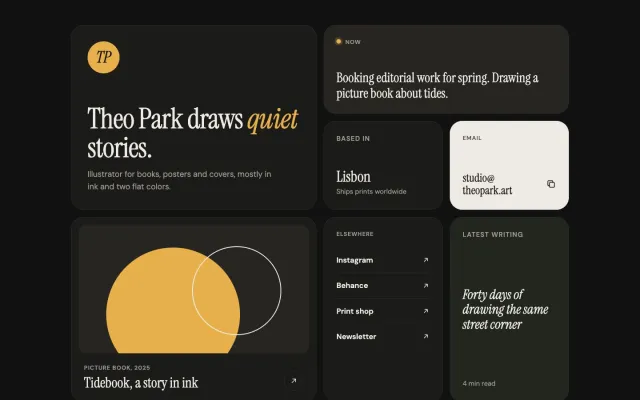
Bento Link Portfolio
A calm one-page portfolio and link page built from rounded bento cards.
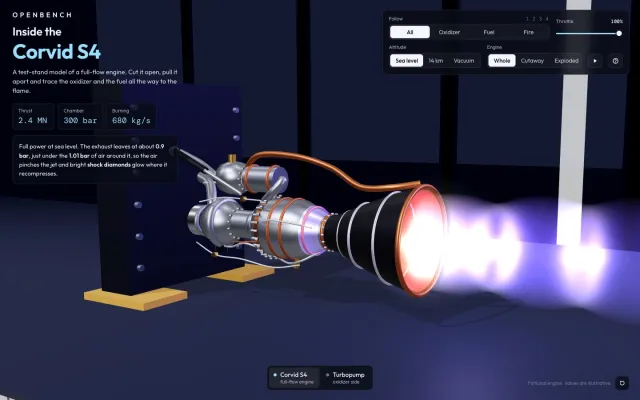
Exploded Engine Explainer
A 3D machine you can rotate, cut open, pull apart and follow the flows through.
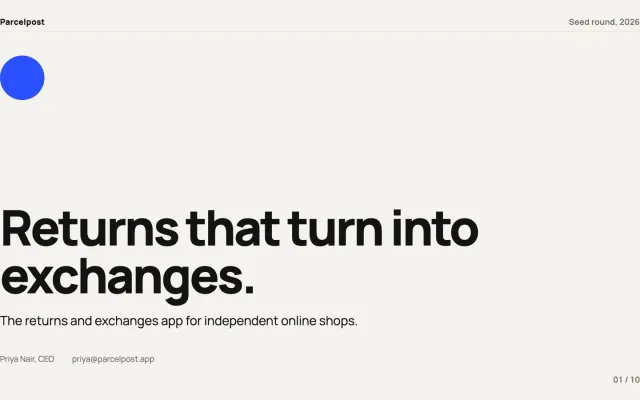
Investor Pitch 10
A ten-slide fundraising deck where big numbers do the talking, with PDF export.
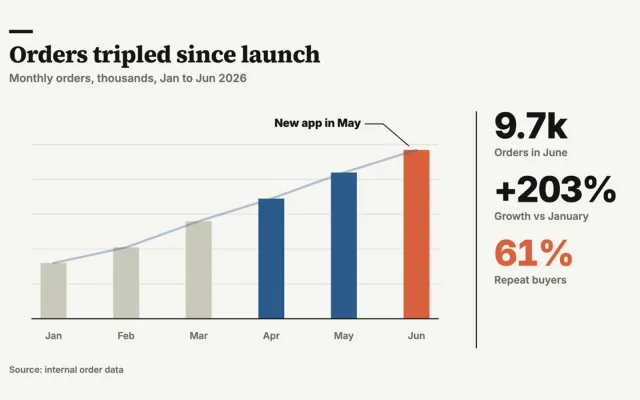
Data Story Chart
A 10-second newsroom-style chart: line, callout, bars and three counting numbers.
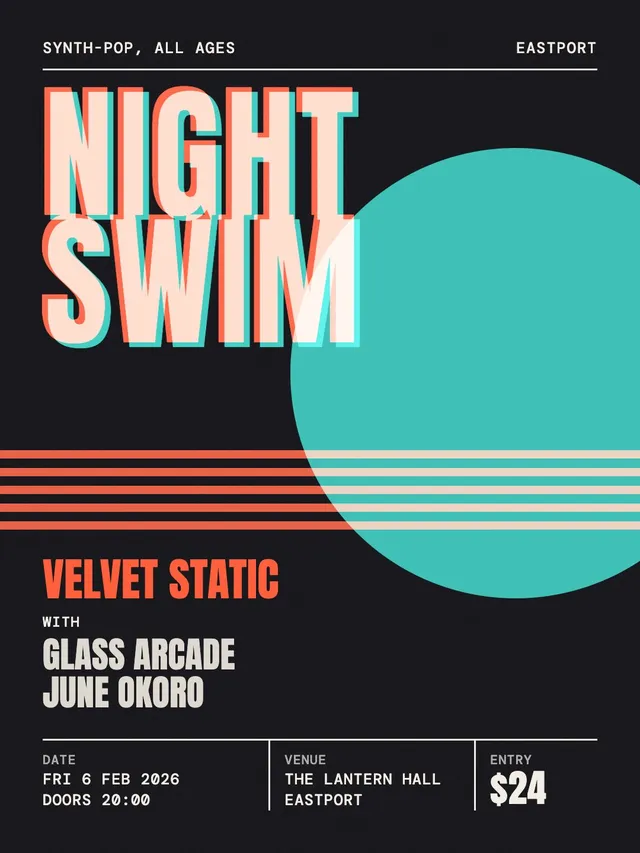
Gig Poster and Ticket
A matching show poster and e-ticket in loud two-ink overprint, drawn with code.
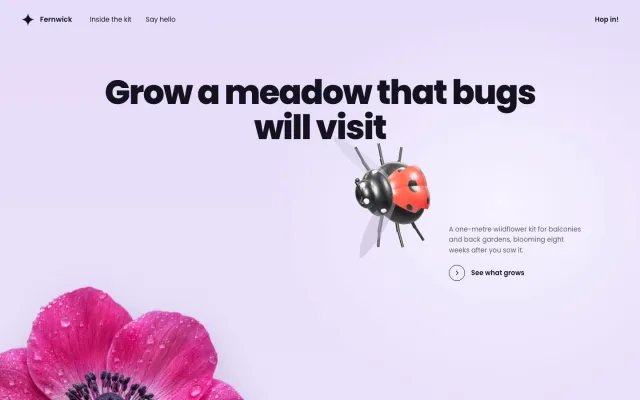
Scroll Companion 3D Landing
A glossy 3D character flies with your visitors, lands on a flower and leads to sign-up