Featured · Video
Halftone Portrait Pop
Turn six photos into a 64-second looks music video: each look gets film grain, a real halftone dot screen, a title, a lyric line and its own overlay, then a beat-cut finale and an end card where the dots swallow the picture. Rewrite every word, pick a theme or brand accent, render locally or with HyperFrames.

Video skills to start with
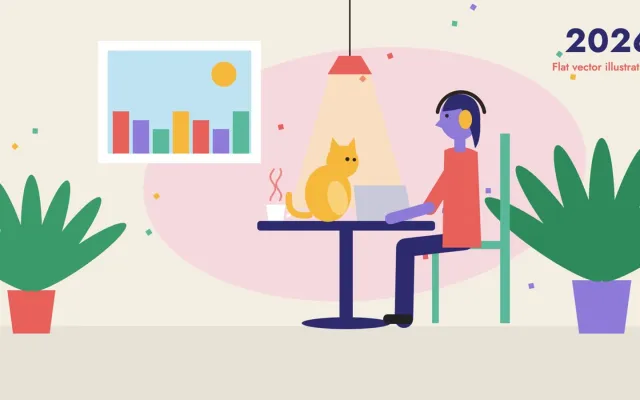
Art History Speedrun
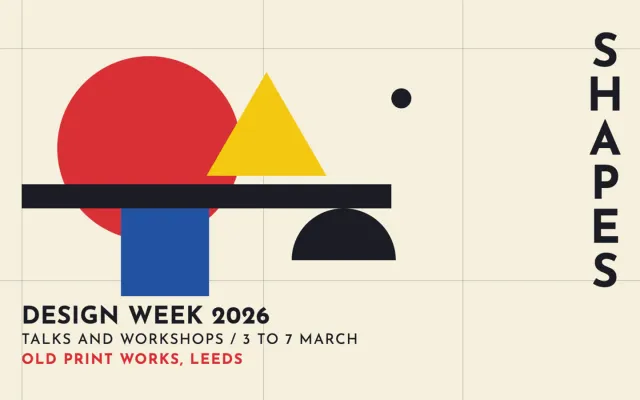
Bauhaus Beat Poster
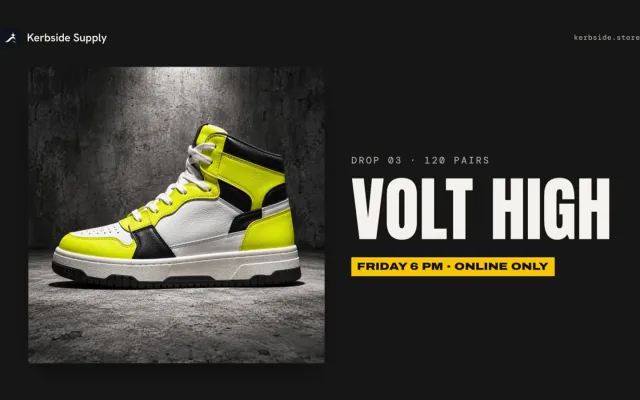
Caution Tape Reveal
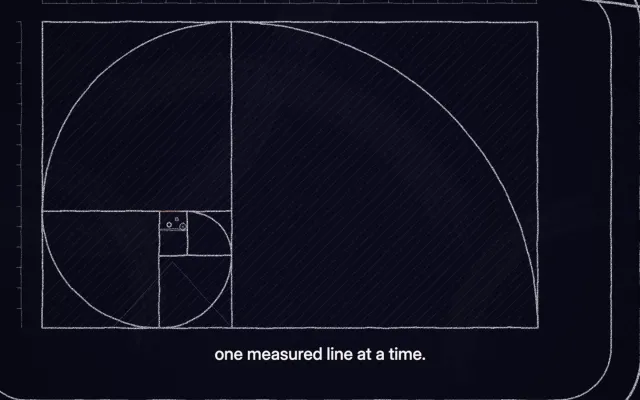
Chalk Blueprint Intro
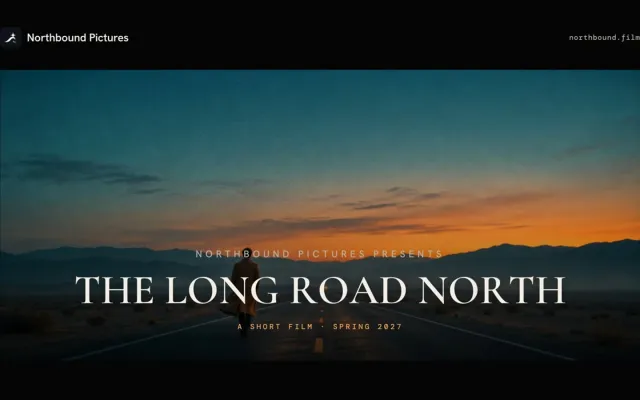
Cinematic Title Drift
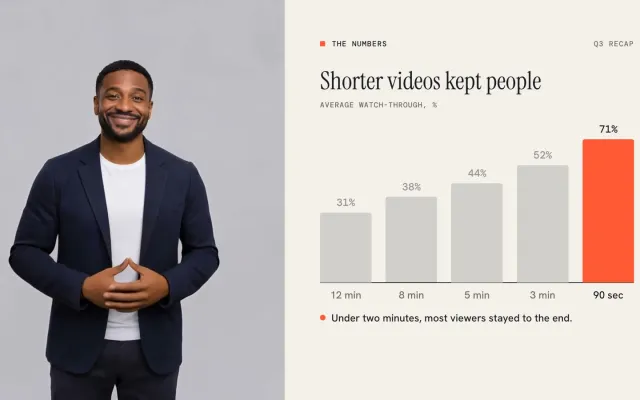
Bar Chart Focus
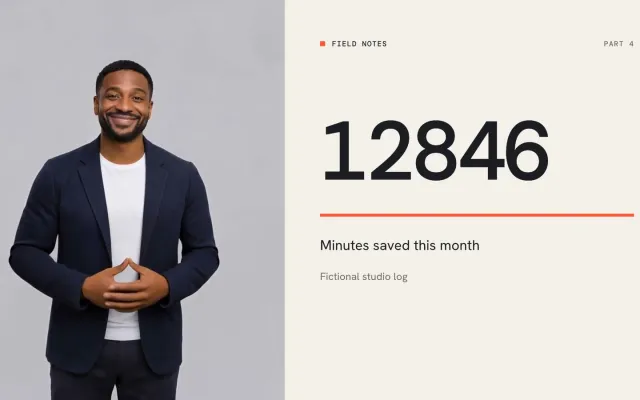
Big Number
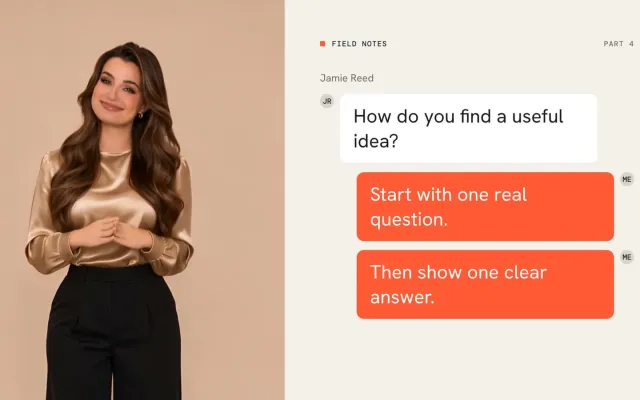
Chat Reply
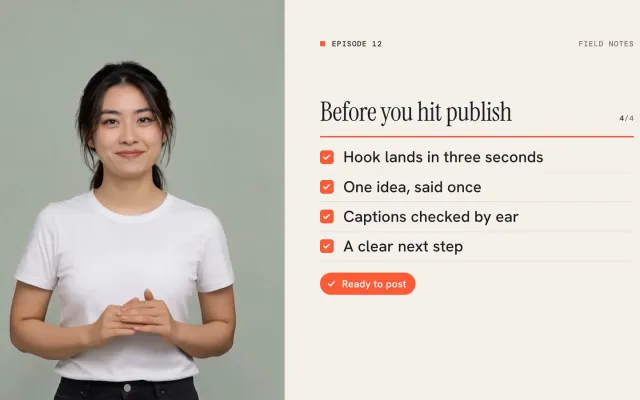
Presenter Checklist
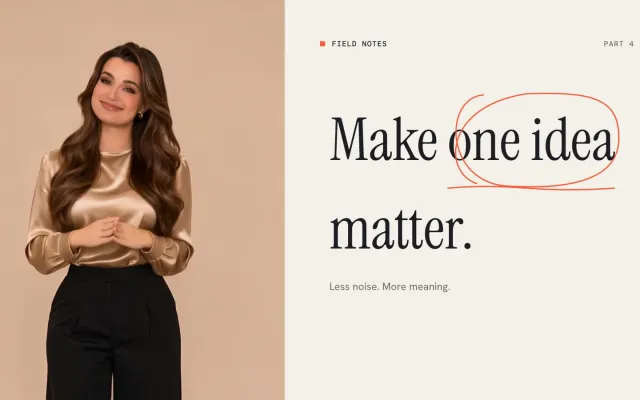
Circle Keyword
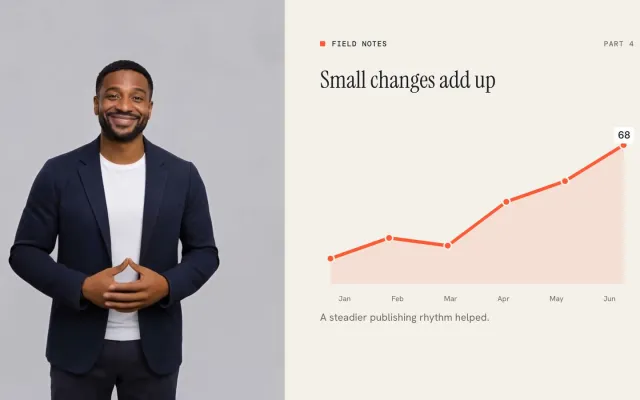
Line Trend
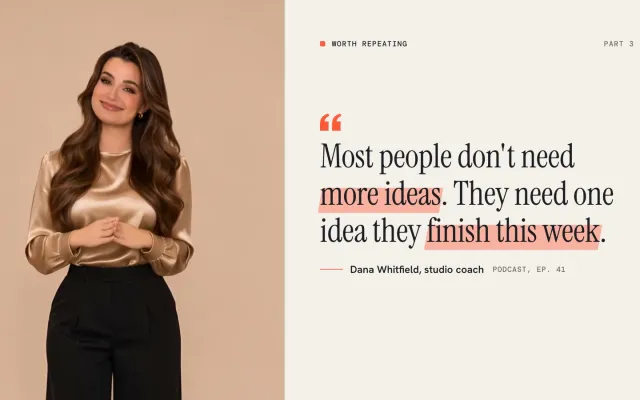
Marker Quote
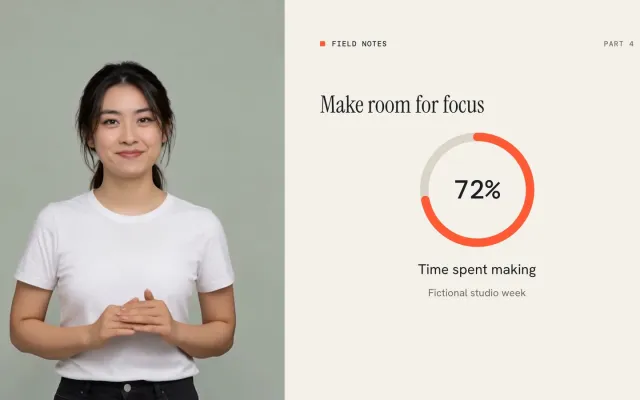
Progress Ring
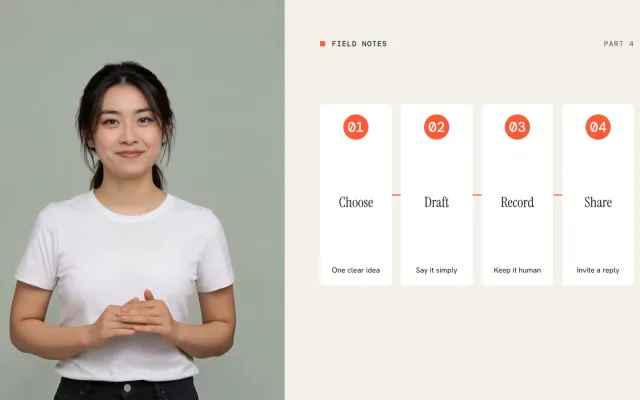
Step Path
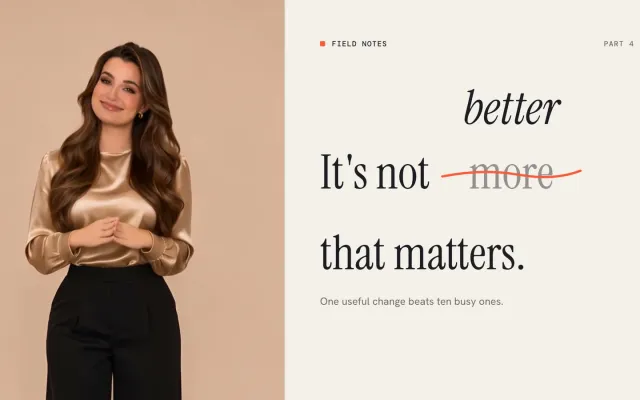
Strike & Rewrite
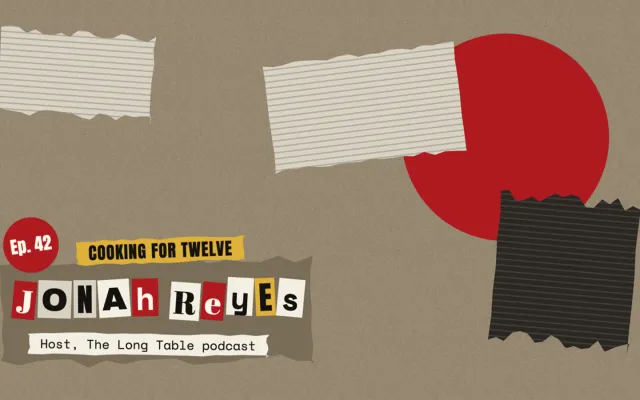
Cutout Lower Third
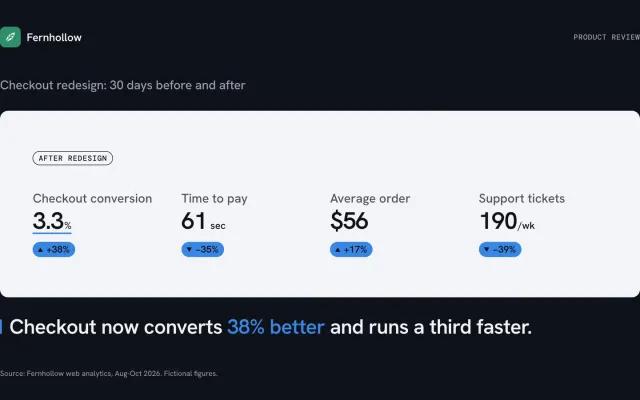
Before After Wipe
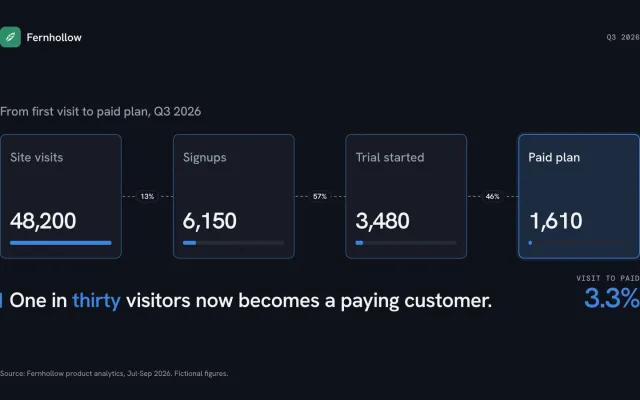
Flow Funnel
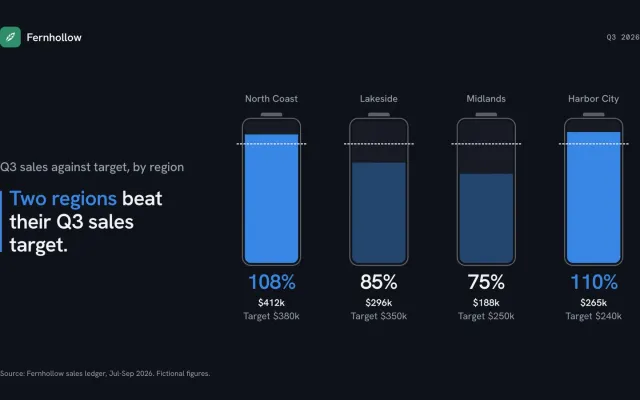
Goal Fill Gauges
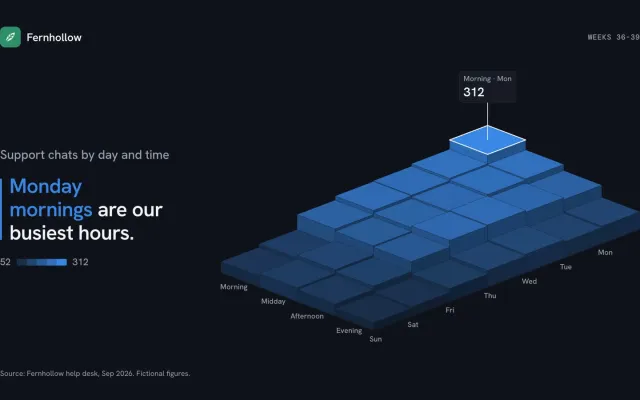
Isometric Heat Grid
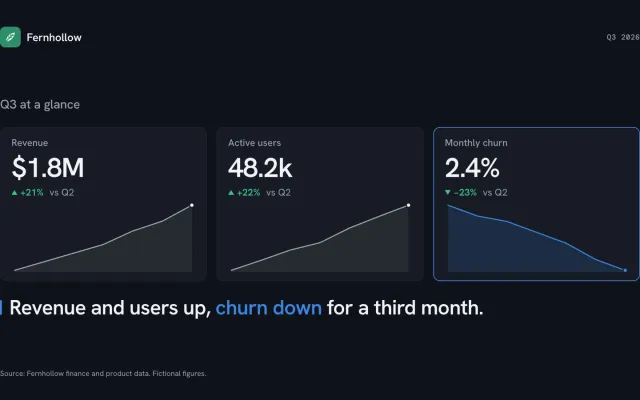
KPI Cards Panel
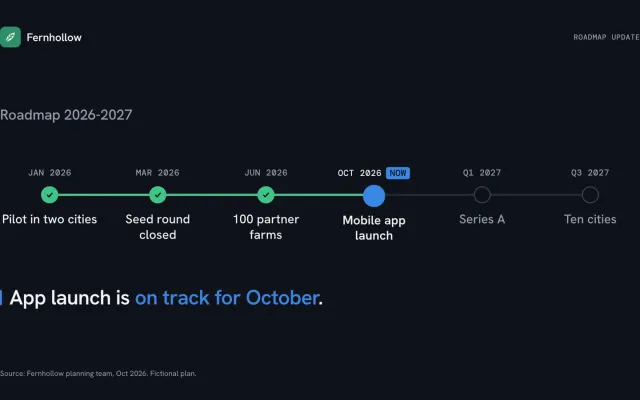
Milestone Track
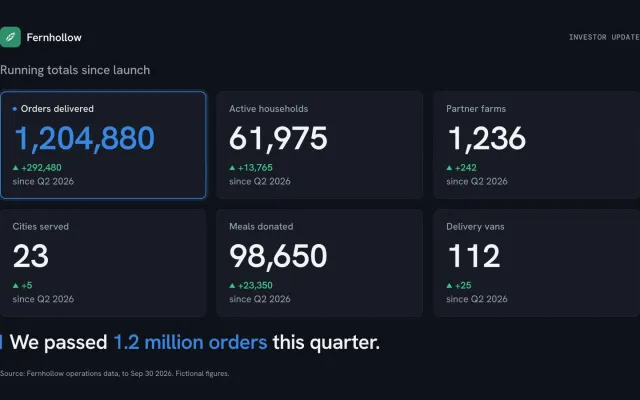
Odometer Counter Wall
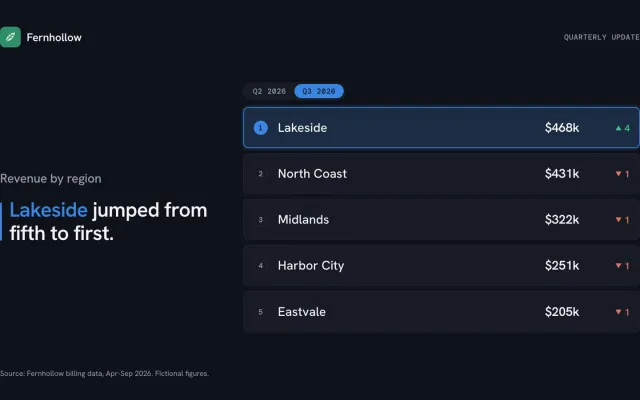
Rank Shuffle Report
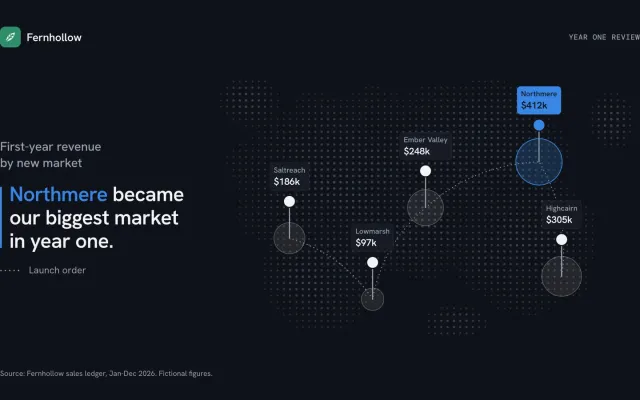
Region Pin Map
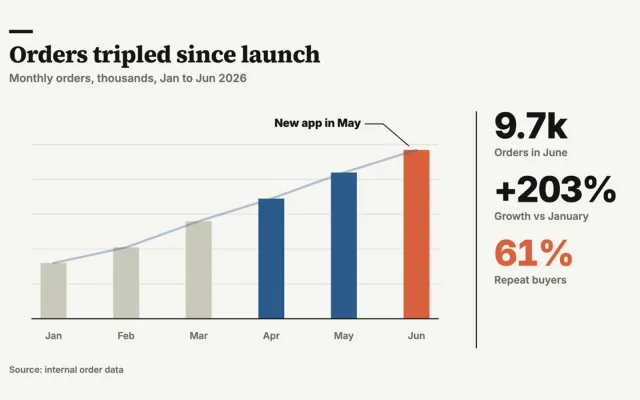
Data Story Chart
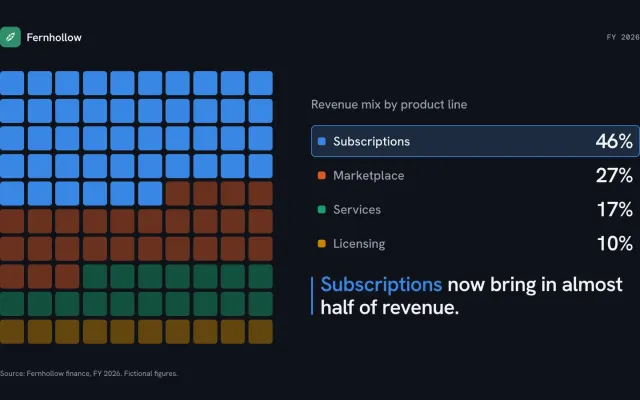
Waffle Flip Share
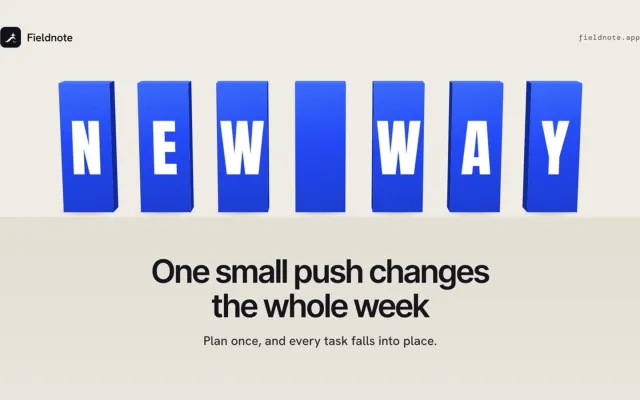
Domino Letter Topple
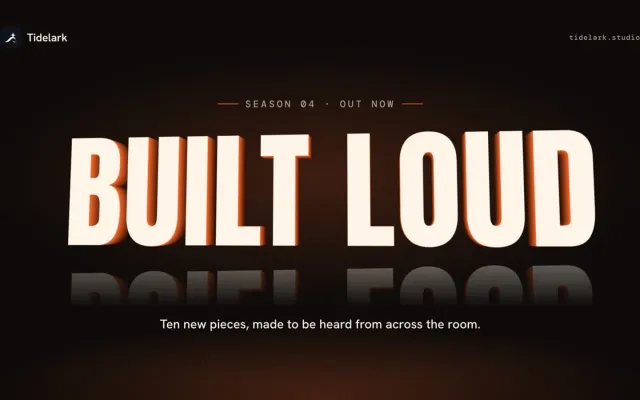
Extruded Type Spin
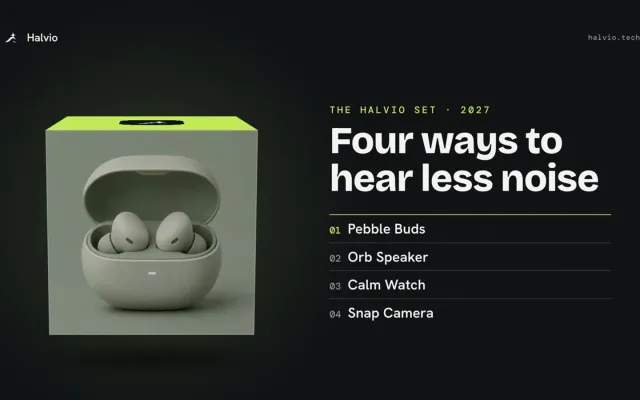
Feature Cube Roll
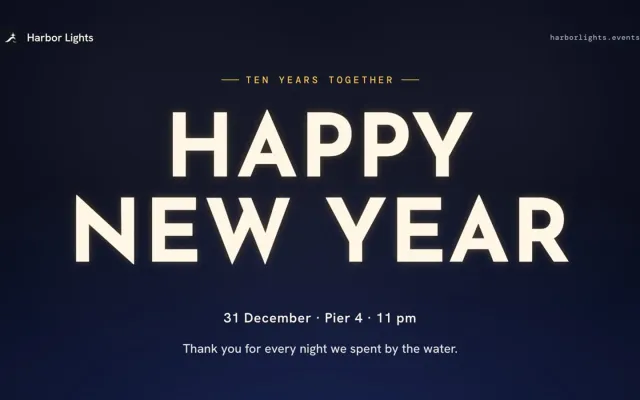
Fireworks Finale
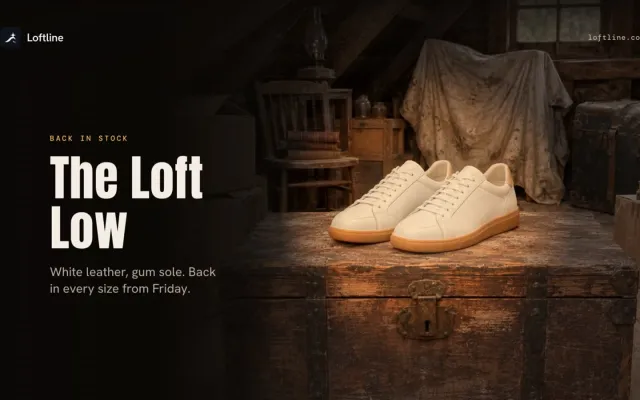
Flashlight Search Reveal
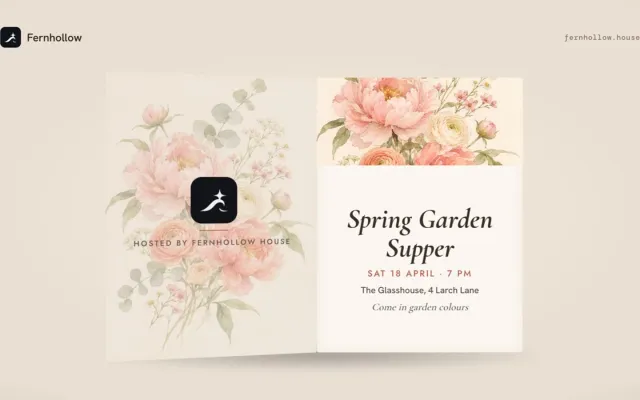
Fold Open Invite
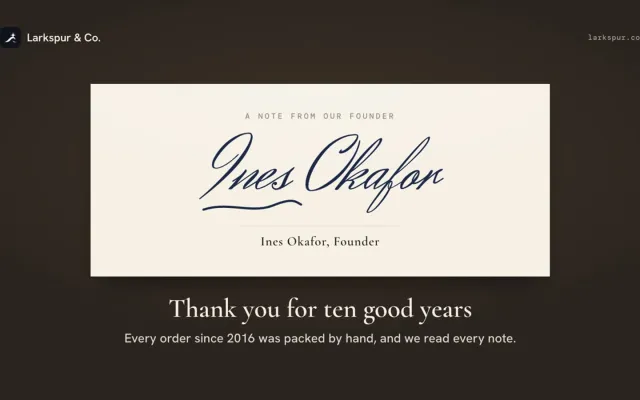
Fountain Pen Signature
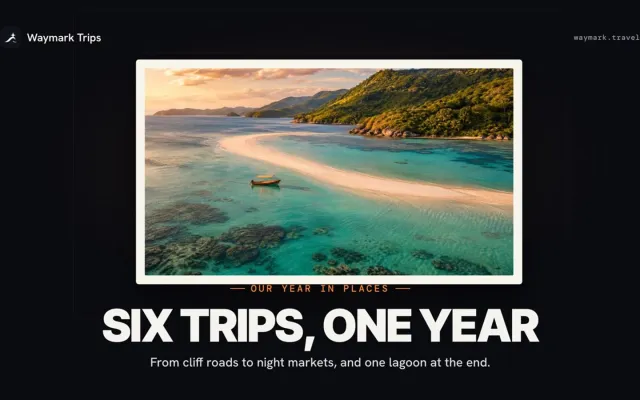
Frame Tunnel Dive
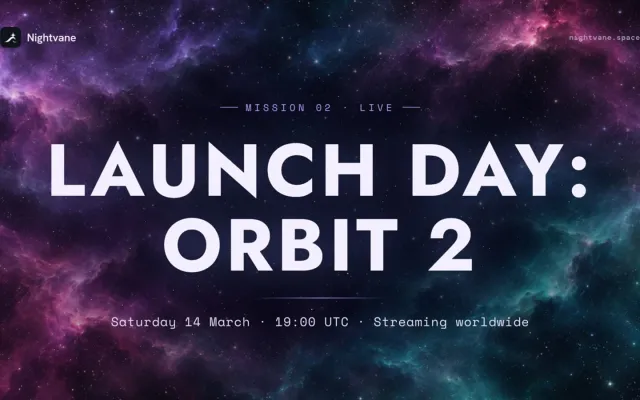
Gas Giant Warp
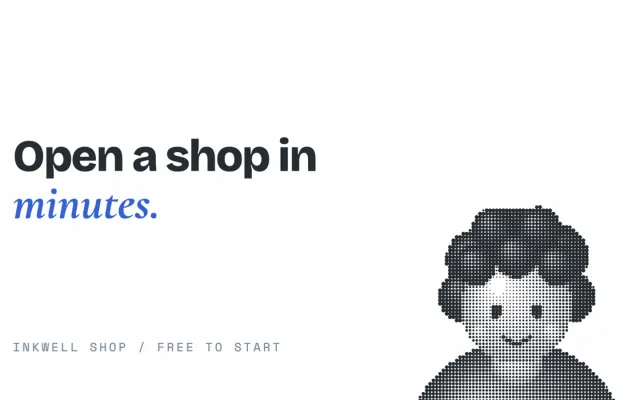
Halftone Mascot Promo
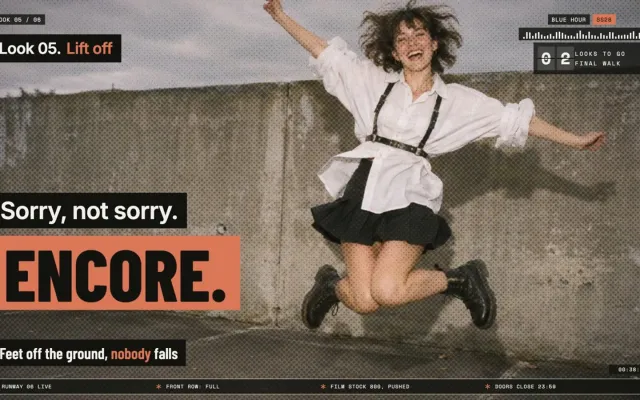
Halftone Portrait Pop
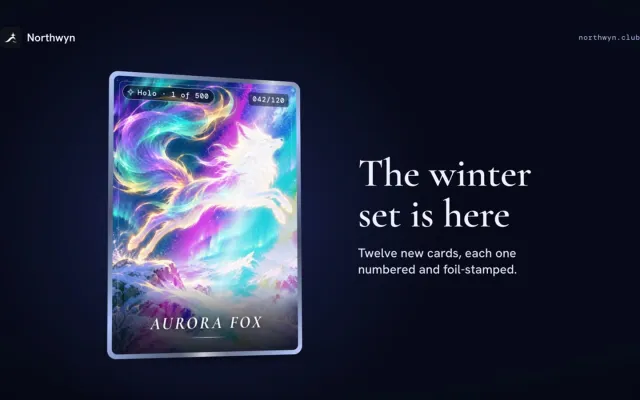
Holo Foil Card
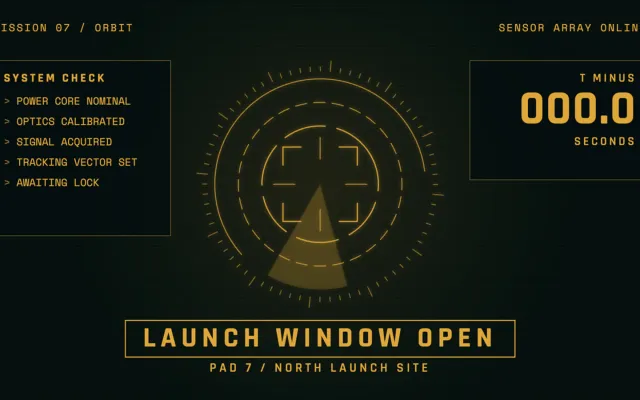
HUD Target Lock
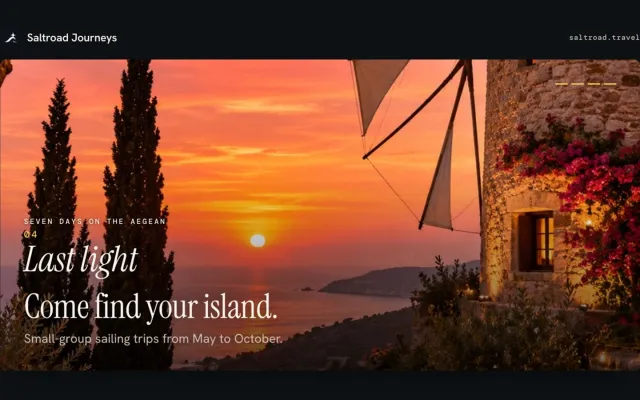
Iris Chapter Story
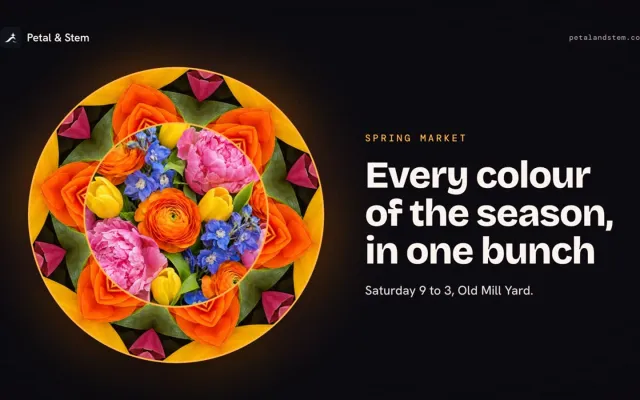
Kaleidoscope Photo Bloom
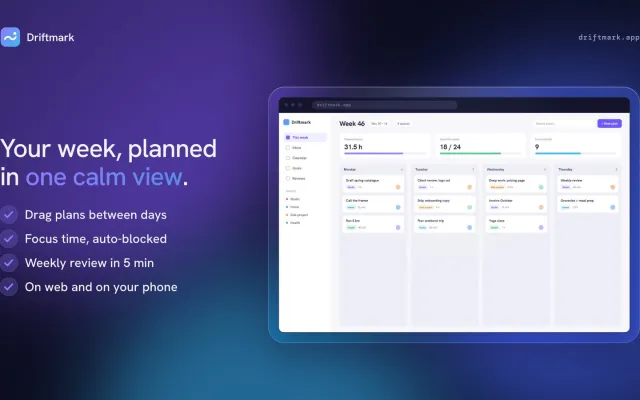
Aurora Glass Launch
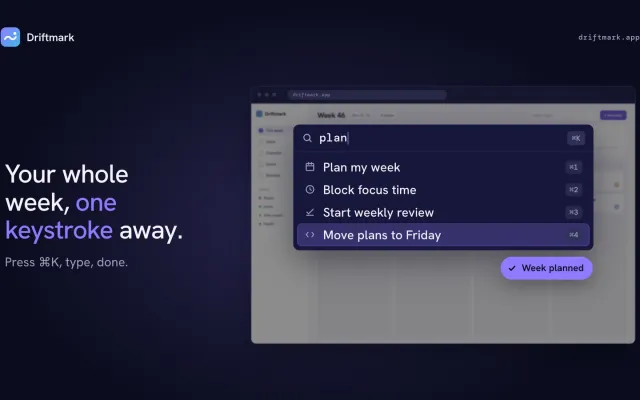
Command Palette Launch
CTA Pulse Launch
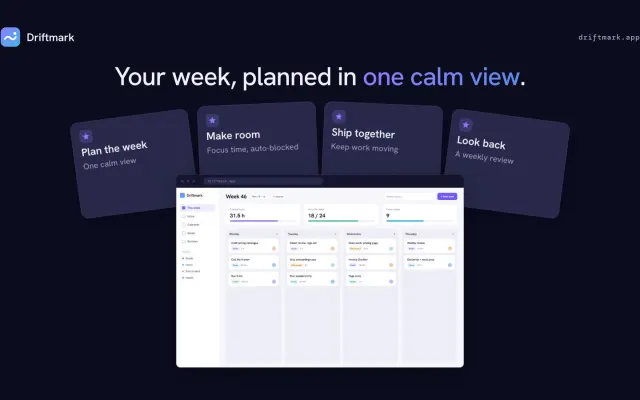
Feature Fan Launch
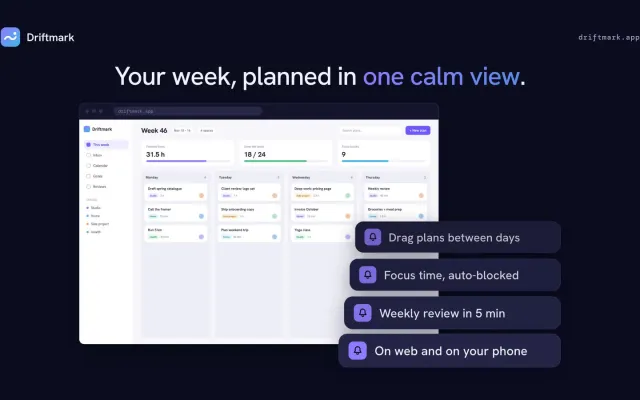
Feature Toasts Launch
Logo Lockup Launch
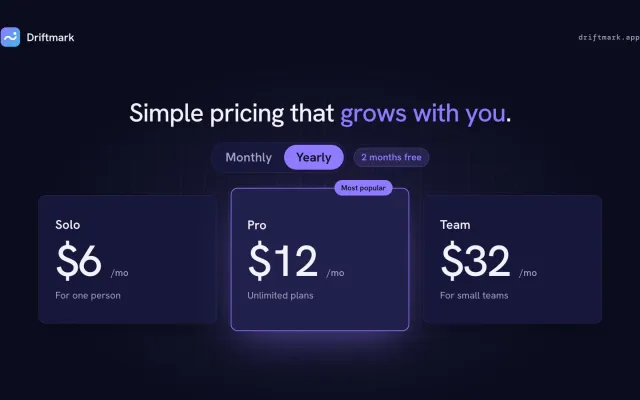
Pricing Toggle Launch
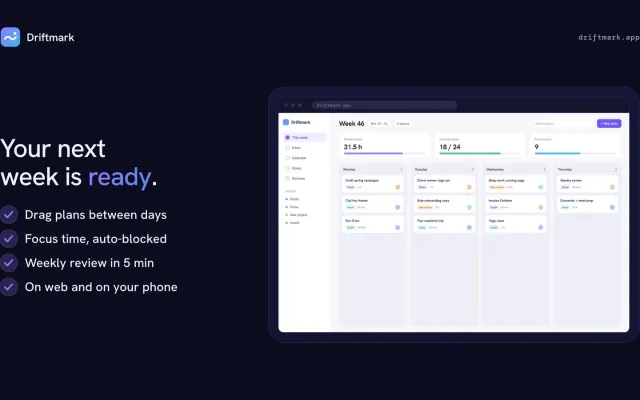
Skeleton Reveal Launch
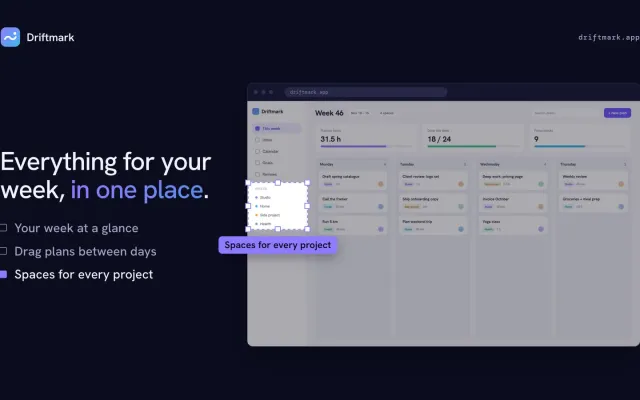
UI Marquee Launch
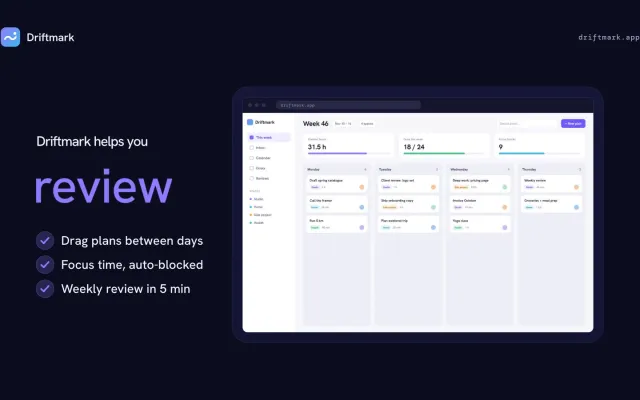
Word Drum Launch
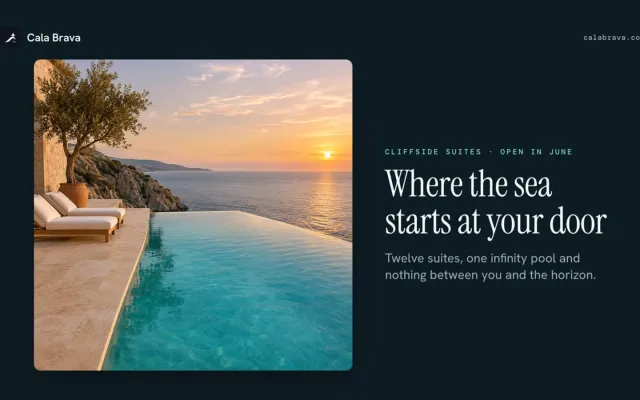
Letter Portal Flythrough
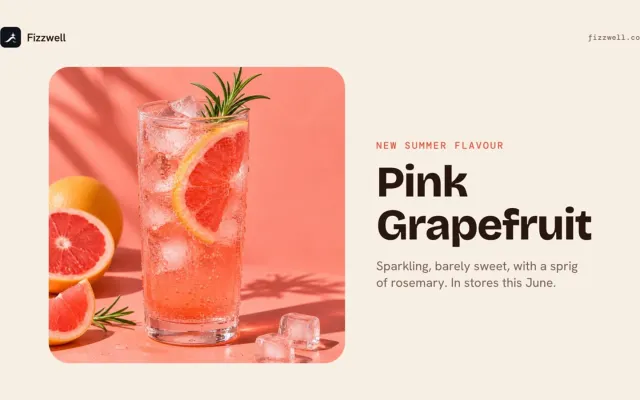
Liquid Blob Merge
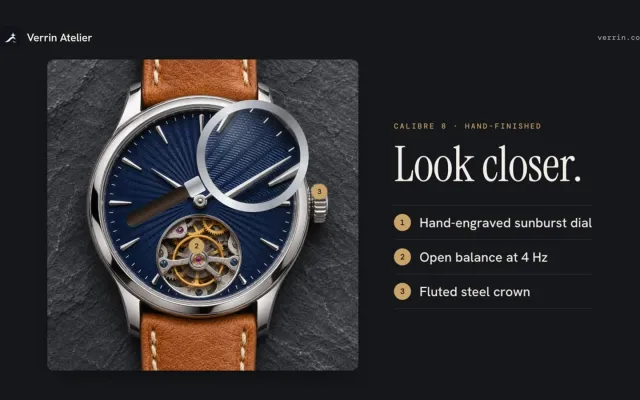
Magnifier Detail Tour
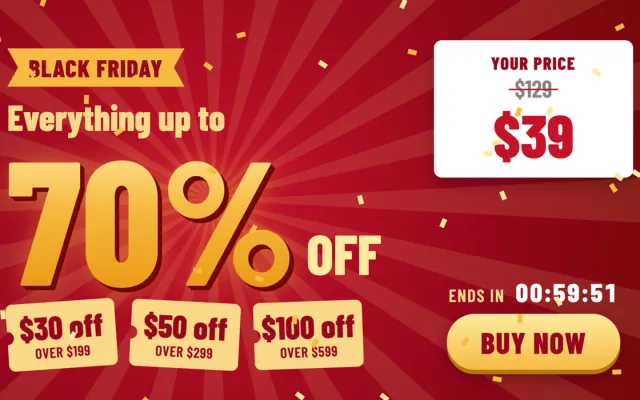
Mega Sale Slam
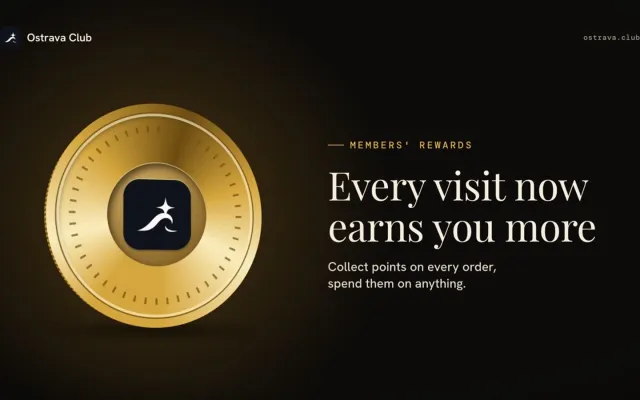
Minted Coin Flip
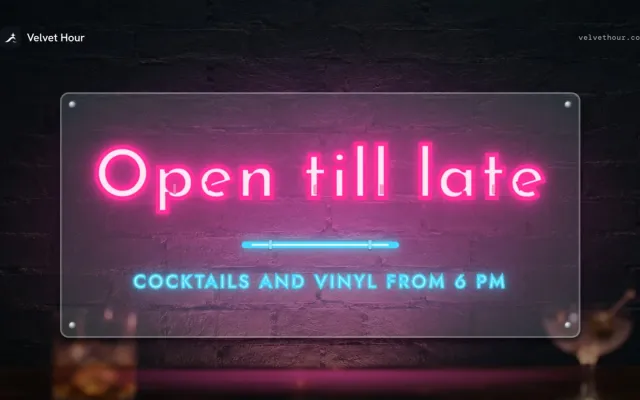
Neon Sign Power On
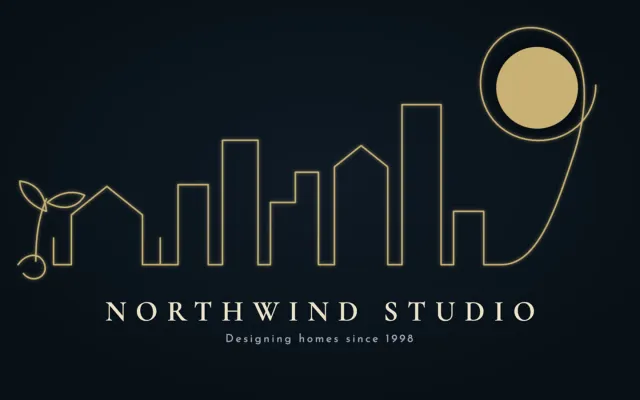
One Line City Reveal
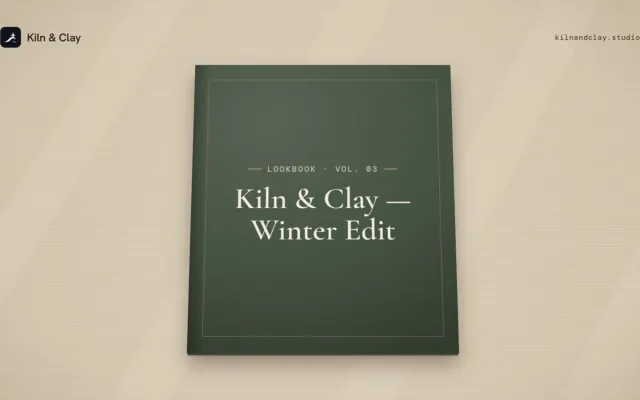
Page Flip Lookbook
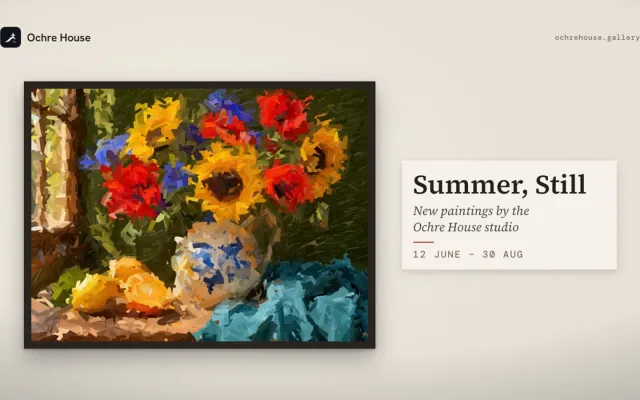
Palette Knife Paint
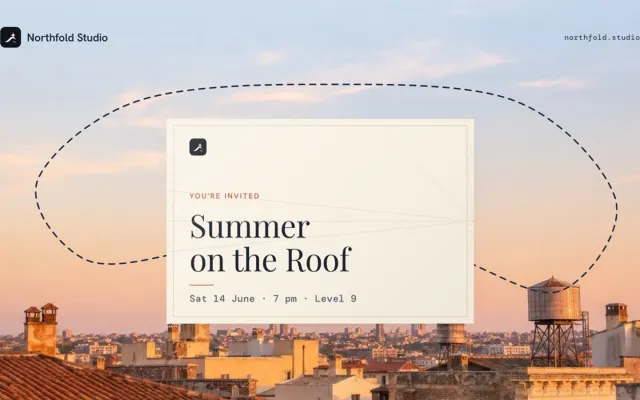
Paper Plane Message
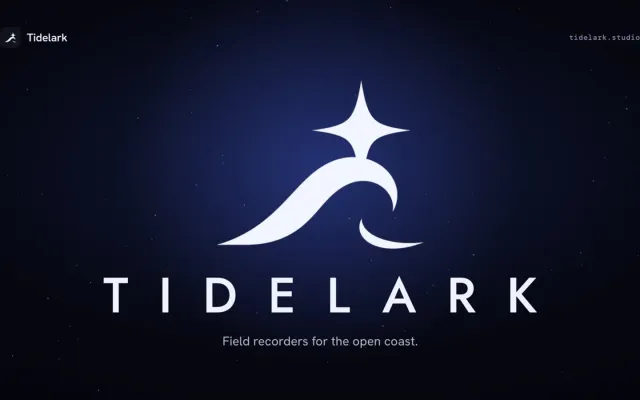
Particle Logo Assemble
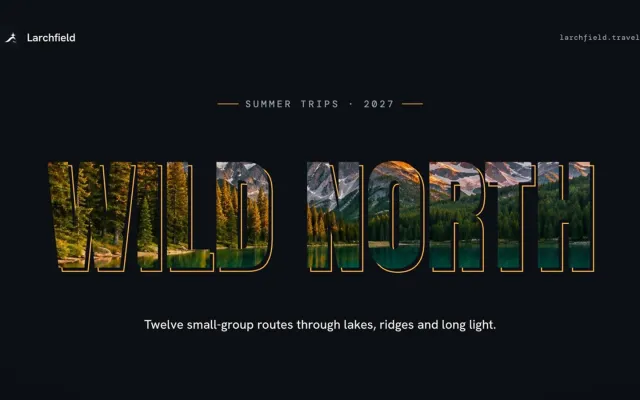
Photo Fill Title
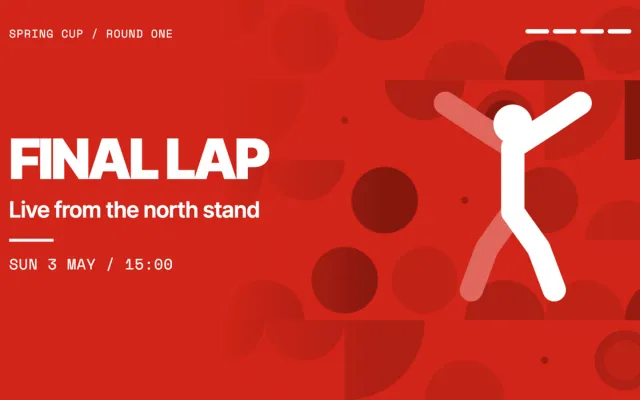
Pictogram Countdown
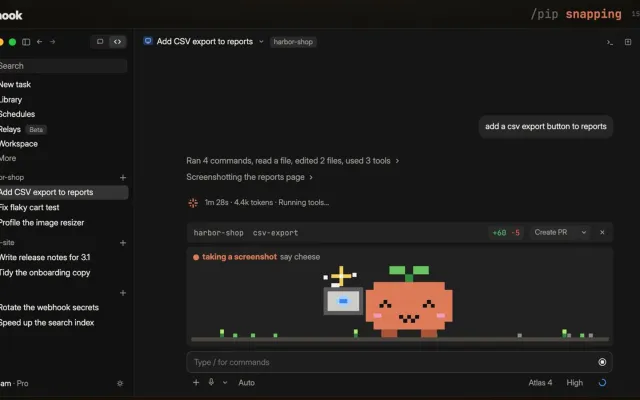
Pixel Pet Companion Launch
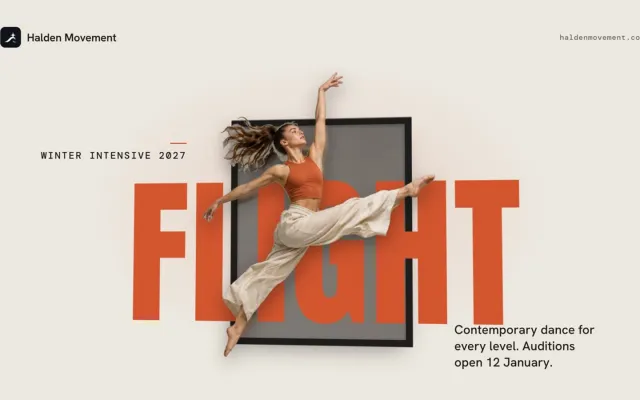
Pop-Out Frame
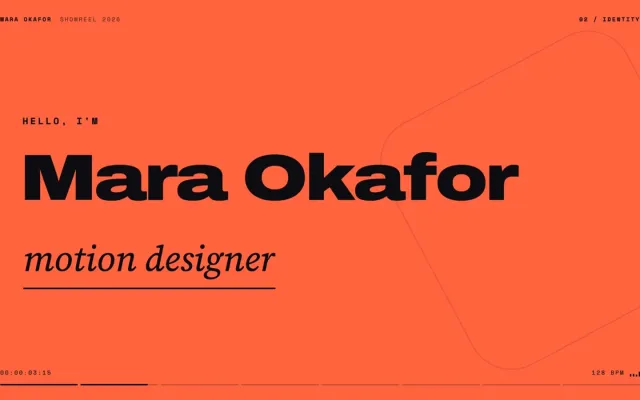
Resume Motion Showreel
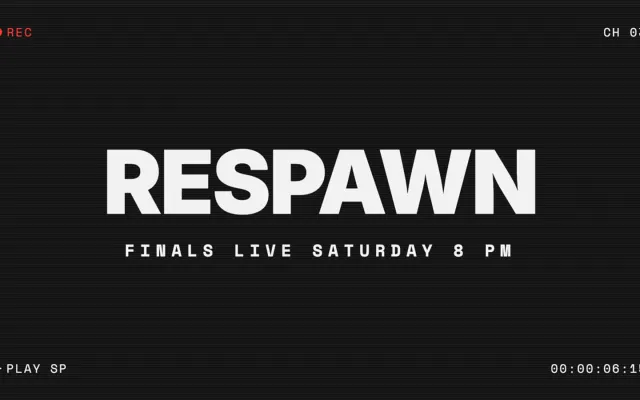
RGB Signal Glitch
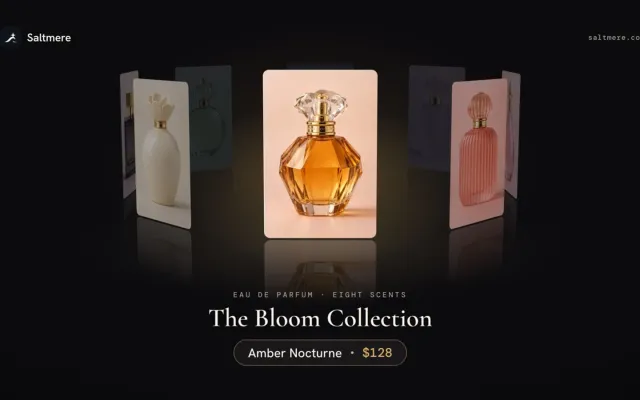
Ring Carousel Lineup
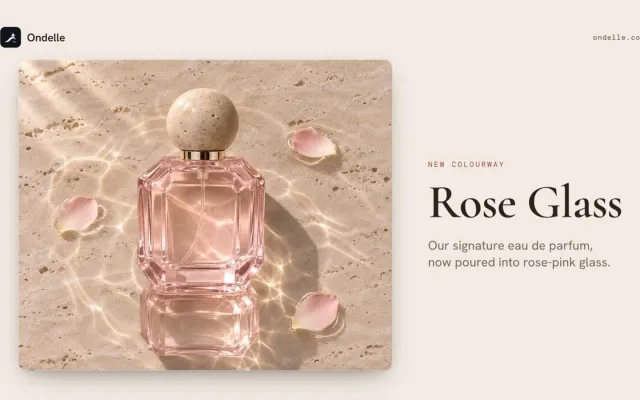
Ripple Drop Reveal
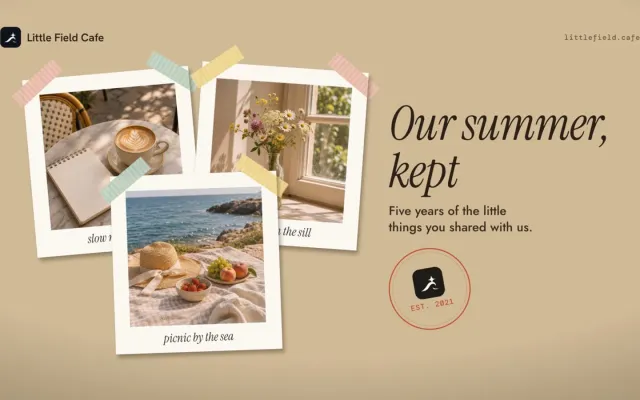
Scrapbook Paste-Up
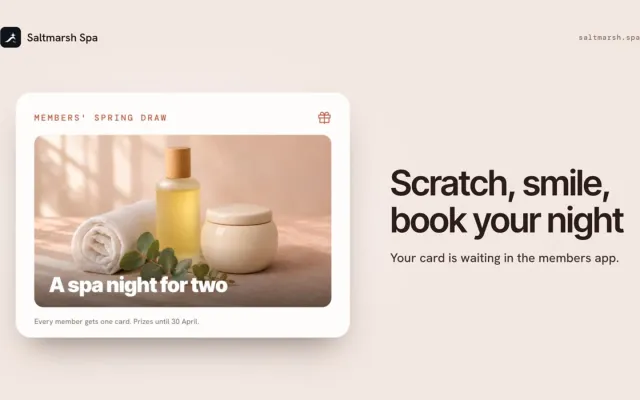
Scratch Card Reveal
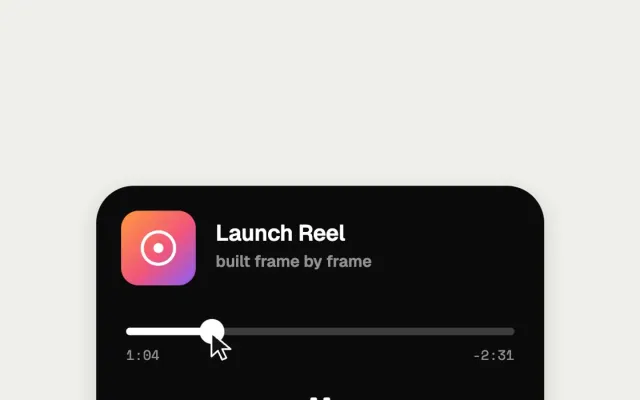
Shape to UI States
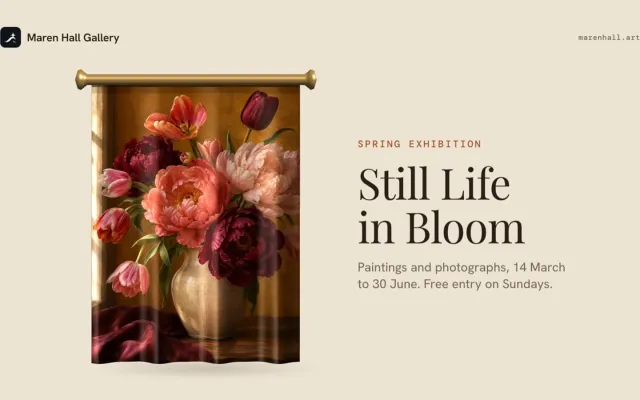
Silk Banner Wave
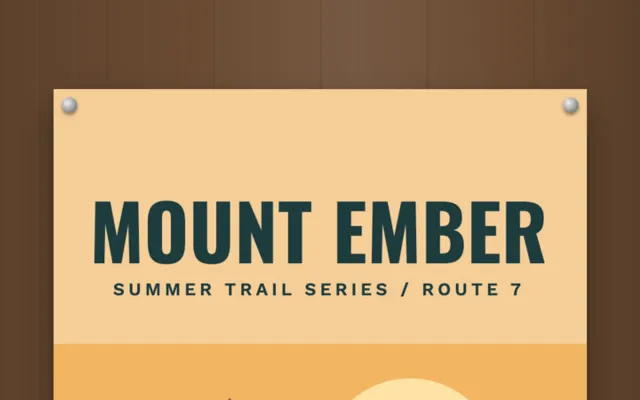
Silkscreen Poster Story
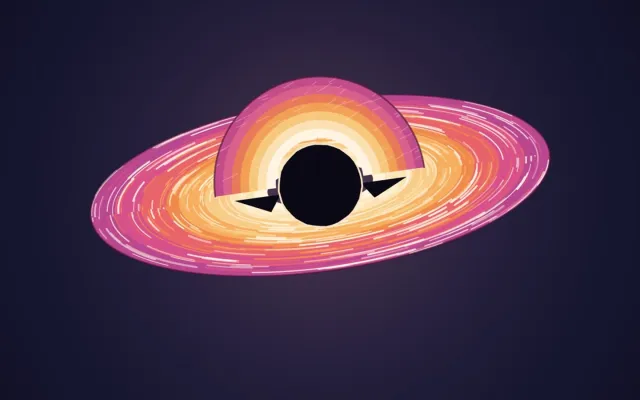
Sketch Cosmos Montage
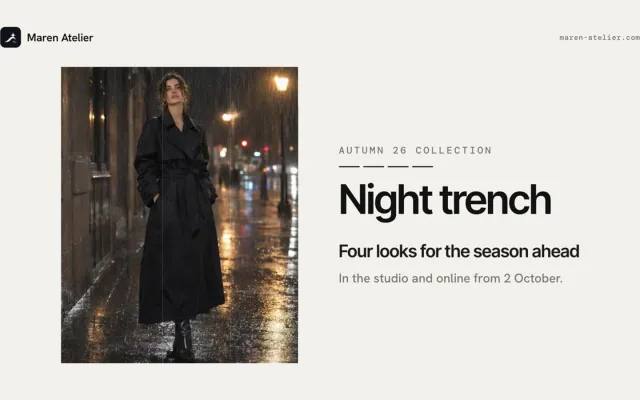
Slice Shutter Gallery
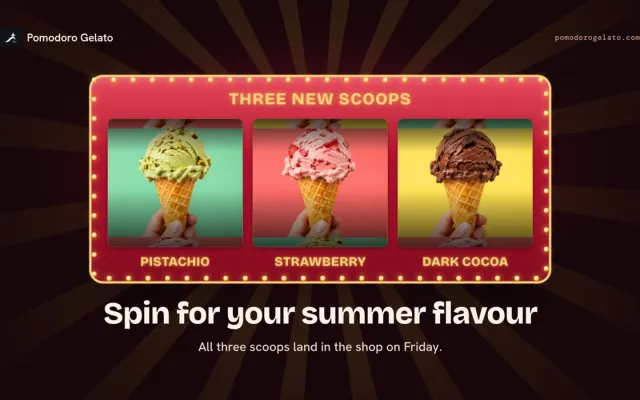
Slot Reel Jackpot
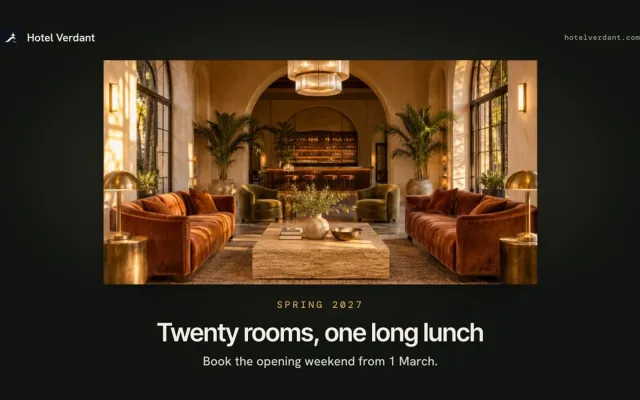
Split Doors Reveal
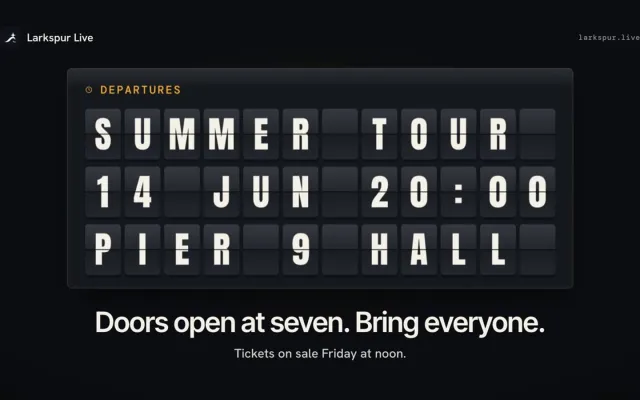
Split-Flap Departures
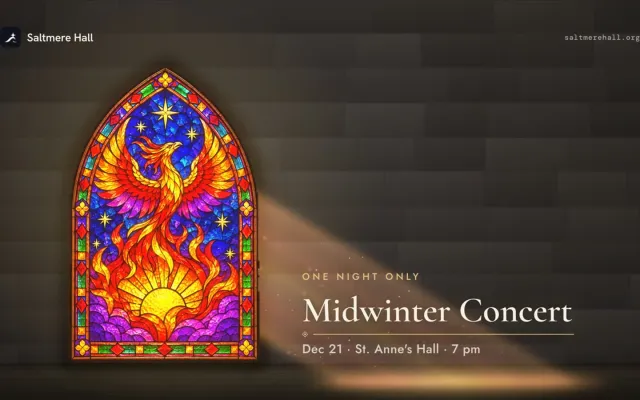
Stained Glass Sunlight
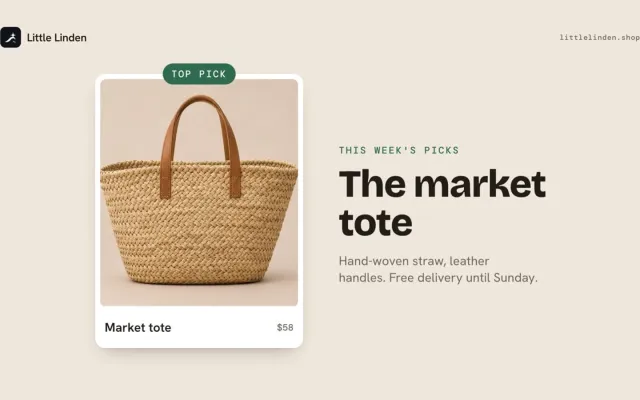
Swipe Card Picks
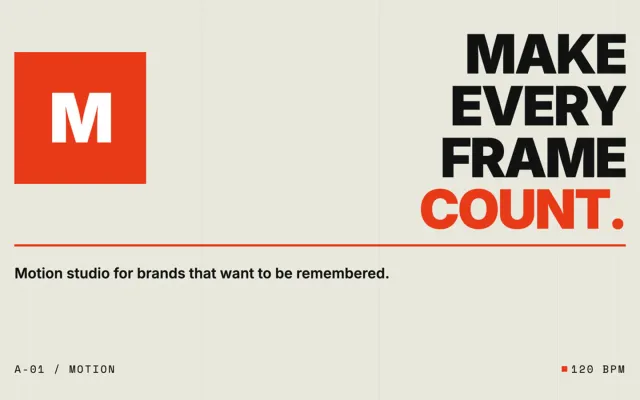
Swiss Type Slam
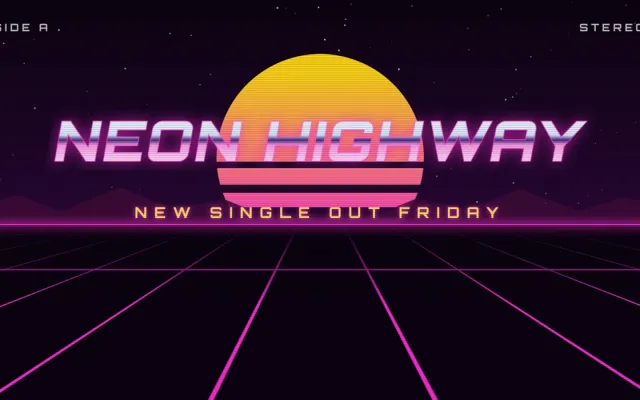
Synthwave Night Drive
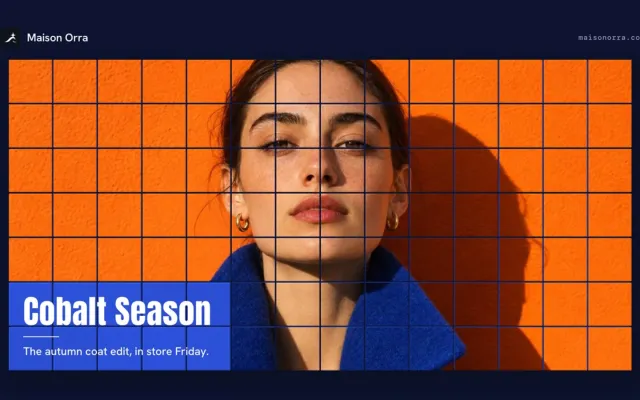
Tile Flip Mosaic
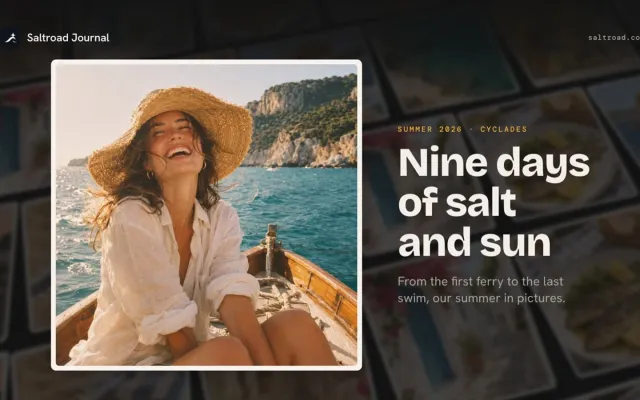
Tilted Photo Wall
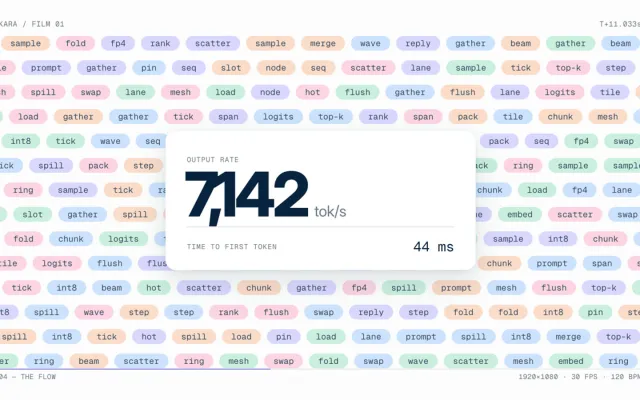
Token Stream Launch Film
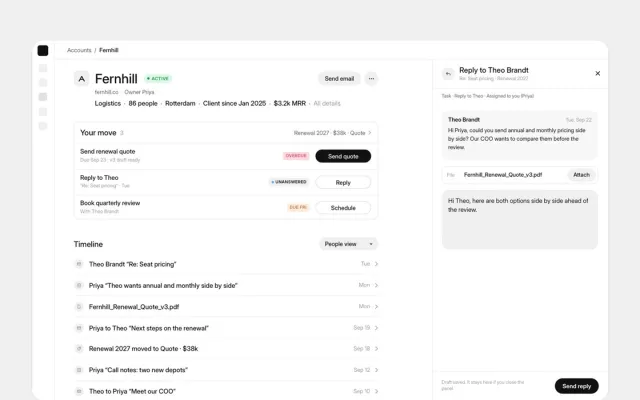
UX Decision Redline
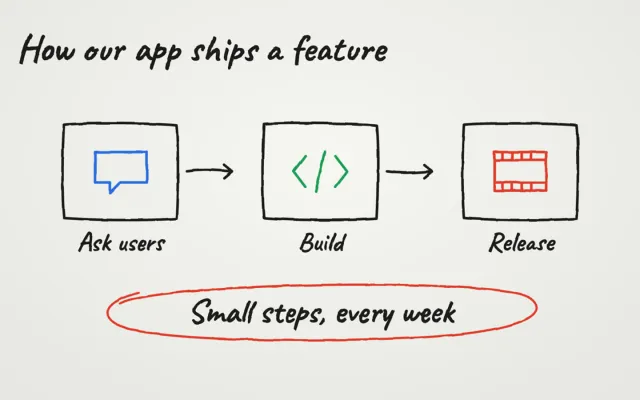
Whiteboard Sketch Explainer
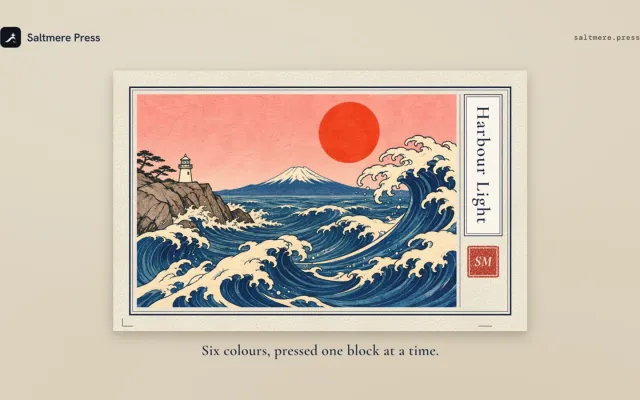
Woodblock Print Reveal
Word Vortex Reveal
What Video skills give your agent
A clear starting point
Choose timing before styling
A repeatable workflow
Replace the text without losing the sequence
A result you can inspect
Check dependencies before rendering
Find Video skills for your industry
How Video skills work
Paste the install prompt
Use the pack’s install prompt in your agent; sign in when asked.
CLI / MCP: Coming soon
Call it with a slash
In agents that support slash commands, call the installed skill by name.
/halftone-portrait-popReview and ship
Check the output against your brief, then export or publish it yourself.
Copy prompt
Install the halftone-portrait-pop skill (version 1.1.3). Download the ZIP from https://hotkit.dev/skills/halftone-portrait-pop after signing in, then extract it. Verify SHA-256: 444d52d2224681d0bf8d8fabade5fc749a8306792e7d8bf004942d8a58648cac. Review SKILL.md and any scripts before running them. Place the skill folder in your agent's skills directory, or upload it using the agent's skill menu. Do not run scripts without reviewing dependencies. Ask the user for permission to write to the skills directory. If access is still blocked, output one ready-to-run copy command using the actual extracted folder and the correct skills path, for the user to run. Start a new chat after installing so your agent loads the skill. First task: read SKILL.md and help me create my first result with this skill.
Replace the brackets with your own content; leave optional ones out.
/halftone-portrait-pop
Collection or campaign name = 〔Collection or campaign name — your collection or campaign name — max 22 chars〕
Season code = 〔Season code — season code — max 13 chars〕
Line under the title = 〔Line under the title — one short line — max 41 chars〕
Look 1 title = 〔Look 1 title — title of look 1 — max 35 chars〕
Look 2 title = 〔Look 2 title — title of look 2 — max 35 chars〕
Look 3 title = 〔Look 3 title — title of look 3 — max 35 chars〕
Look 4 title = 〔Look 4 title — title of look 4 — max 35 chars〕
Look 5 title = 〔Look 5 title — title of look 5 — max 35 chars〕
Look 6 title = 〔Look 6 title — title of look 6 — max 35 chars〕
End card title = 〔End card title — end card title — max 17 chars — optional〕
Color = 〔Color — bloom (pink on plum) / flash (terracotta) / press (red on black) / signal (lime on navy) — optional〕
Brand color = 〔Brand color — #RRGGBB — optional〕
Video size = 〔Video size — 1080p / 4K — optional〕
Not sure? Say: show me an example first
Why a skill instead of a prompt
| Video | Plain prompt | Skill |
|---|---|---|
| Layout | Chosen again each run | References supplied by the pack |
| Typography | Depends on the wording | Type guidance included |
| Consistency | Must be restated | Reusable instructions |
| Output | Needs manual inspection | Workflow and review checks |
Pricing
Pricing
Cancel anytime
Monthly
$12.90per month
Subscribe to Pro- Every premium pack
- Pack updates
- New packs included
- 50 different pack downloads per day
- Resets at 00:00 UTC. Same-day re-downloads do not count again.
Save 36% a year
Yearly
$99.00per year
Subscribe to Pro- Every premium pack
- Pack updates
- New packs included
- 50 different pack downloads per day
- Resets at 00:00 UTC. Same-day re-downloads do not count again.
Pay once · Founding price
Founding Lifetime
$129.00one-time
Get lifetime access- Every premium pack
- Pack updates
- New packs included
- 50 different pack downloads per day
- Resets at 00:00 UTC. Same-day re-downloads do not count again.
Price rises $20.00 for every 20 new packs, capped at $249.00.
Cancel anytime. Payments are non-refundable, except as required by law. · Privacy