How to install and use Hotkit skills in Codex
Use the shared personal folder. Repeated skill names are not merged.
Short answer
- Move the skill folder into this verified location.
~/.agents/skills/ - Copy the install prompt on the pack page.
Use /skills or the $ picker to find the skill. Check the file path in the initial skills list to confirm its source.
/skills- Automatic detection; restart only if a change does not appear.
Before you start
- Open the agent in the project where you will use the skill.
- Sign in to download the pack ZIP.
- Review the instructions and scripts before running them.
Install
Ask the user for permission to write to the skills directory. If access is still blocked, output one ready-to-run copy command using the actual extracted folder and the correct skills path, for the user to run.
Start a new chat after installing so your agent loads the skill.
If writing is blocked, run this from the folder containing the extracted skill:
mkdir -p "$HOME/.codex/skills/" && cp -R './bento-link-portfolio' "$HOME/.codex/skills/"Examples: Bento Link Portfolio
Copy the install prompt on the pack page.
Bento Link PortfolioPaste it into Codex and send.
Check the destination your agent reports.
~/.agents/skills/
You should see
~/.agents/skills//skillsInstall the bento-link-portfolio skill (version 1.0.3). Download the ZIP from https://hotkit.dev/skills/bento-link-portfolio after signing in, then extract it. Verify SHA-256: 689e481aa8c08cd42ea652eae1a183df2c2f84812fc123eee5a6dca97d7f07e5. Review SKILL.md and any scripts before running them. Codex: ~/.codex/skills/. Do not run scripts without reviewing dependencies. Ask the user for permission to write to the skills directory. If access is still blocked, output one ready-to-run copy command using the actual extracted folder and the correct skills path, for the user to run. Start a new chat after installing so your agent loads the skill. First task: read SKILL.md and help me create my first result with this skill. If writing is blocked, run this from the folder containing the extracted skill: `mkdir -p "$HOME/.codex/skills/" && cp -R './bento-link-portfolio' "$HOME/.codex/skills/"`. Verify that SKILL.md exists directly inside the installed bento-link-portfolio folder before reporting success.Download the pack ZIP.
Extract the archive into one skill folder.
Move the skill folder into this verified location.
~/.agents/skills/Read the reload guidance below before checking again.
Check that the skill is listed.
/skills
You should see
~/.agents/skills//skillsUse the shared personal folder. Repeated skill names are not merged.
SKILL.mdReview the instructions and scripts before running them.
Project scope instead
$CWD/.agents/skills/Hotkit CLI / MCP
Search and inspect packs without signing in. Run login, approve the matching code in your browser, then install.
npx hotkit-cli@latest search "video" --json
npx hotkit-cli@latest info bento-link-portfolio
npx hotkit-cli@latest login
npx hotkit-cli@latest install bento-link-portfolio --agent codex
For a custom workspace, use --target with the skills parent directory. Installation never runs pack scripts.
MCP
Add this stdio server to your agent configuration. Ask it to search, connect your account and install a pack.
{
  "mcpServers": {
    "hotkit": {
      "command": "npx",
      "args": [
        "--yes",
        "hotkit-cli@latest",
        "mcp"
      ]
    }
  }
}Codex: ~/.codex/config.toml
[mcp_servers.hotkit]
command = "npx"
args = ["--yes", "hotkit-cli@latest", "mcp"]
Claude Code: .mcp.json · Cursor: .cursor/mcp.json · OpenClaw: config/mcporter.json (mcporter)
Check it loaded
- Use
/skillsor the $ picker to find the skill. Check the file path in the initial skills list to confirm its source./skills - Automatic detection; restart only if a change does not appear.
You should see: bento-link-portfolio
Run it the first time
Try the real pack example after the skill appears.
$bento-link-portfolio Portfolio for Theo Park, an illustrator in Lisbon, with 3 projects and Instagram, Behance, shop and newsletter links, night theme.Where the files live
| Scope | Location | Notes |
|---|---|---|
| Personal location | $HOME/.agents/skills/ | |
| Project location | $CWD/.agents/skills/ | |
| Personal location | %USERPROFILE%\.agents\skills\<skill-name>\ |
Agent-specific notes
- Shared and project scope
- The personal folder is
~/.agents/skills/. Repository discovery scans from the working directory up to the repository root. - Duplicate names stay separate
- Codex does not merge two skills with the same name. Both can appear in the selector; check which location each comes from.
- Optional app metadata
agents/openai.yamlis optional metadata for the ChatGPT desktop app. It can describe display details, invocation and tool dependencies.
Not working? Match your symptom
- The skill is missing
- Check the verified destination and confirm the entry file is present.
- The folder is nested twice
- Keep one skill folder with the entry file directly inside it.
- A change is not visible
- Follow this agent’s reload guidance, then check again.
- Two skills have the same name
- Both entries may be valid; Codex does not merge them. Inspect their source paths before choosing.
Questions about Codex
Official sources
Codex · Verified
Packs that work with Codex
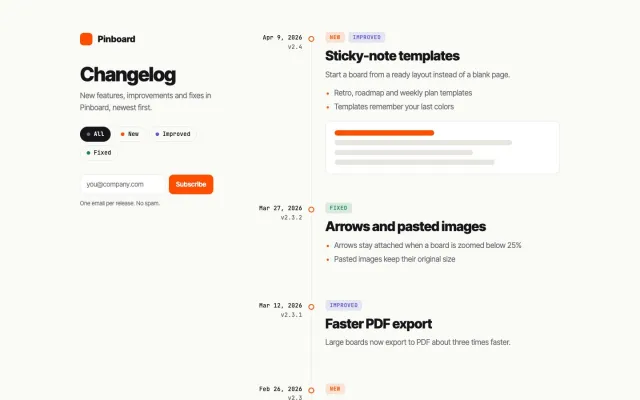
Changelog Timeline Page
A calm one-file changelog with a vertical timeline, tag filters and a subscribe box.
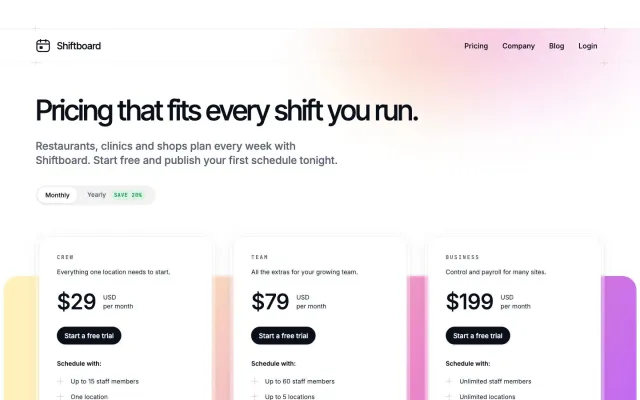
Tiered Pricing Page
A calm SaaS pricing page with three tiers on a gradient band, comparison table and FAQ.
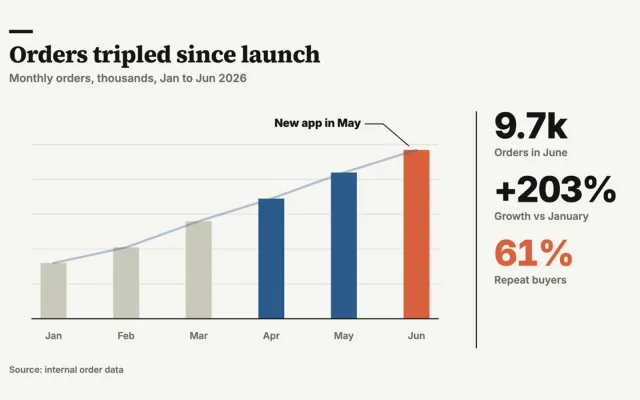
Data Story Chart
A 10-second newsroom-style chart: line, callout, bars and three counting numbers.
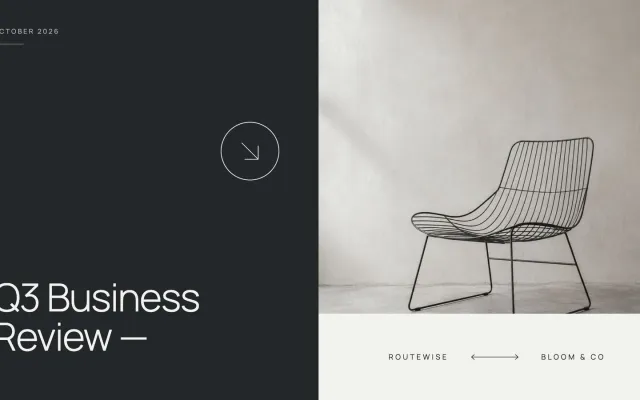
Quiet QBR Deck
A calm quarterly business review with KPI pills, a thin-line chart and numbered sections.
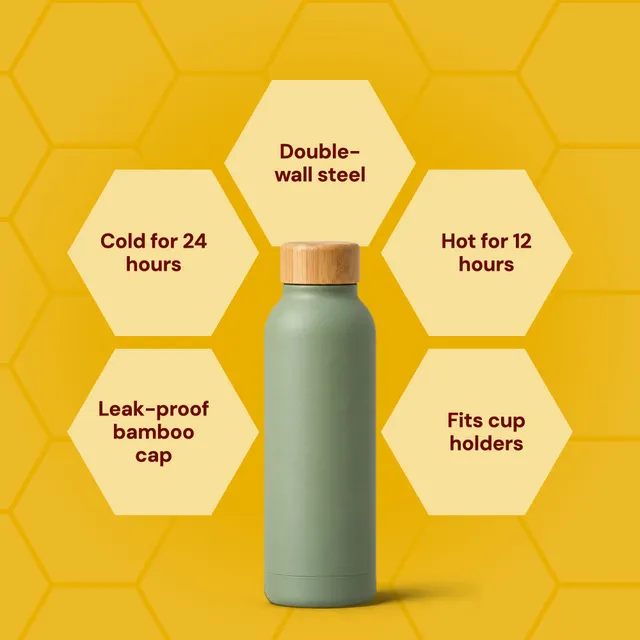
Honeycomb Listing Set
Three bold marketplace images around your product photo, with hexagon feature badges.
Shape to UI States
One shape morphs through twelve interface states in fourteen seconds.