你的提示詞
將括號內的文字換成你的內容;選填項目可以省略。
/quote-bubble-testimonial
Use and size = 〔Use and size — square 1:1 / portrait 4:5 / story 9:16 / 兩種尺寸 — 選填〕
Business name = 〔Business name — 最多 22 個字元〕
Customer name = 〔Customer name — 最多 20 個字元〕
Review = 〔Review — 最多 190 個字元〕
Rating = 〔Rating — 最多 4 個字元〕
Customer line = 〔Customer line — 最多 26 個字元 — 選填〕
Phone = 〔Phone — 最多 20 個字元 — 選填〕
Website = 〔Website — 最多 28 個字元 — 選填〕
你的照片 = 〔你的照片 — 短邊至少 600 像素 — 選填〕
顏色 = 〔顏色 — lime / blush pink / sky blue — 選填〕
品牌色 = 〔品牌色 — 選填〕
不知道怎麼填?可以說:先做一個範例給我看
範例
/quote-bubble-testimonial
Use and size = all three
Business name = Fernhill Bakery
Customer name = Jordan Ellis
Review = The sourdough is the best in town and the team remembers my order every Saturday. I have not bought bread anywhere else since they opened.
Rating = 4.9
Customer line = Customer
Phone = +1 555 010 4400
Website = fernhill.example
你的照片 = the sample photo in the pack
顏色 = lime
品牌色 = #1E3A8A
對話框客戶推薦
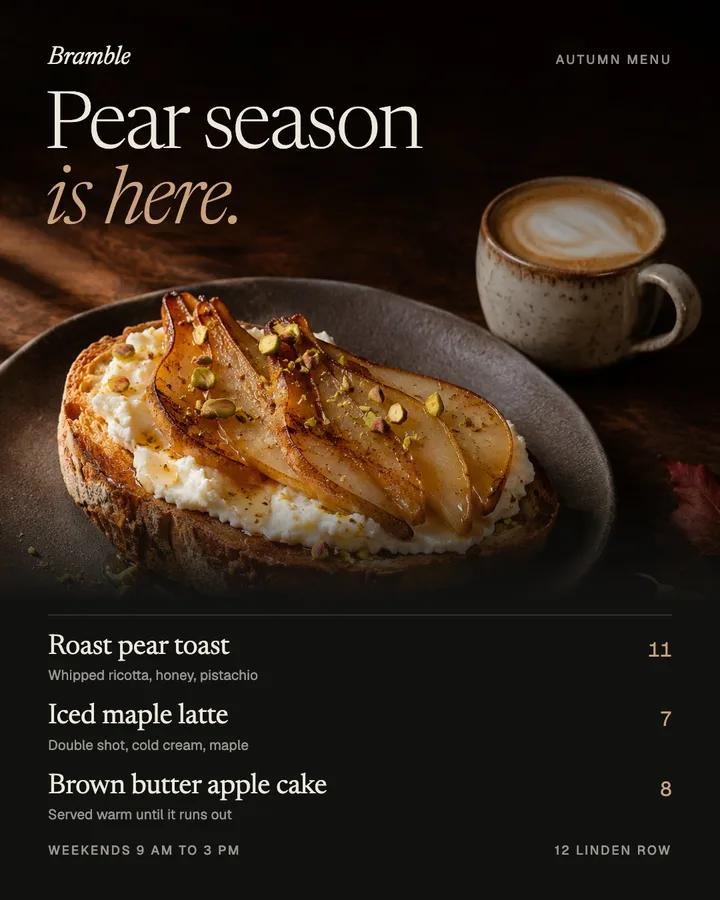
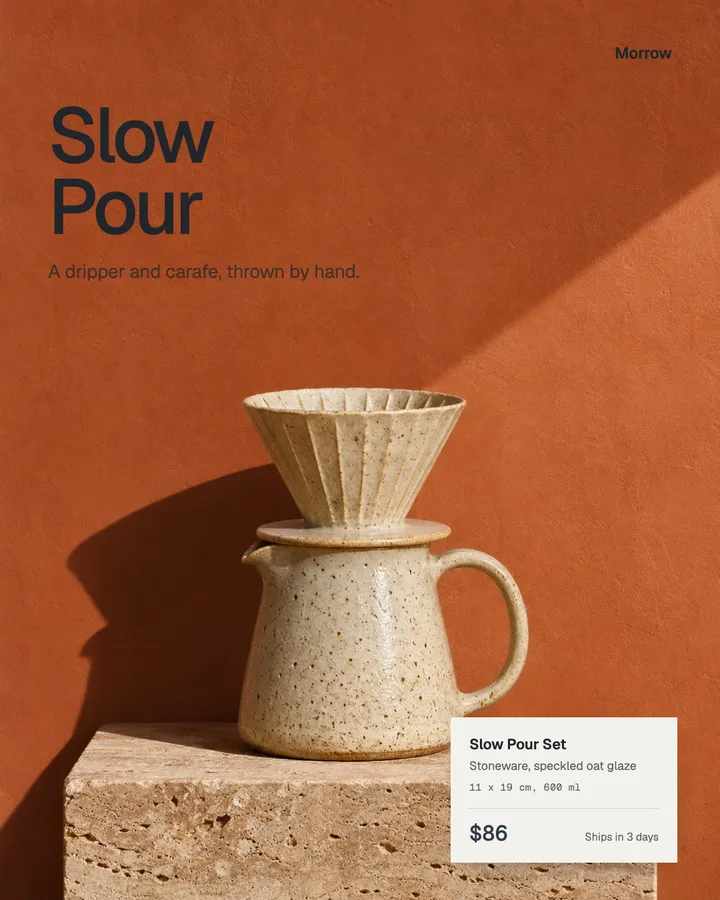
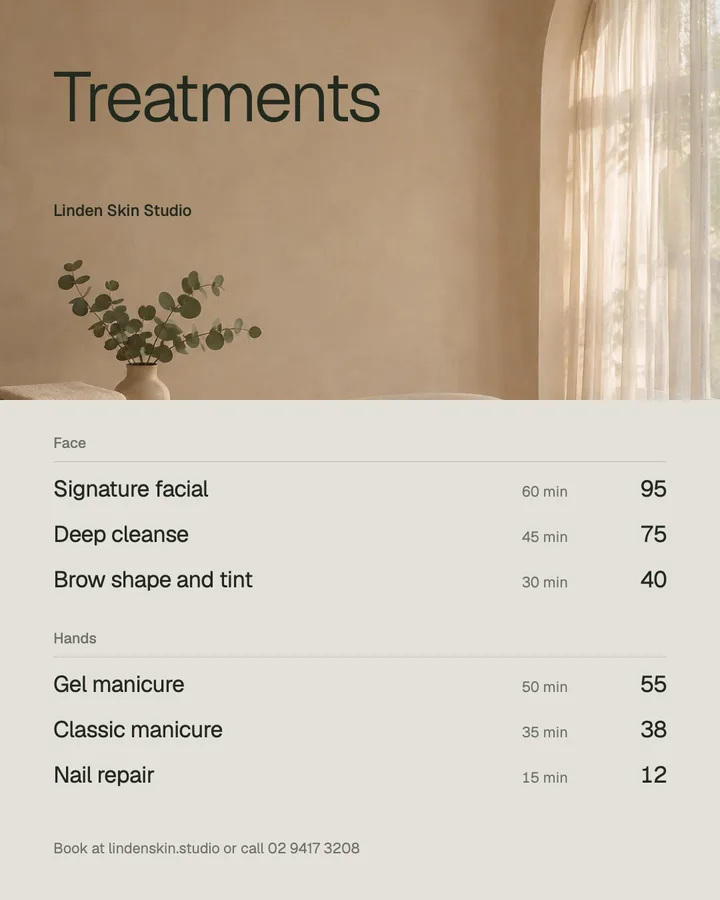
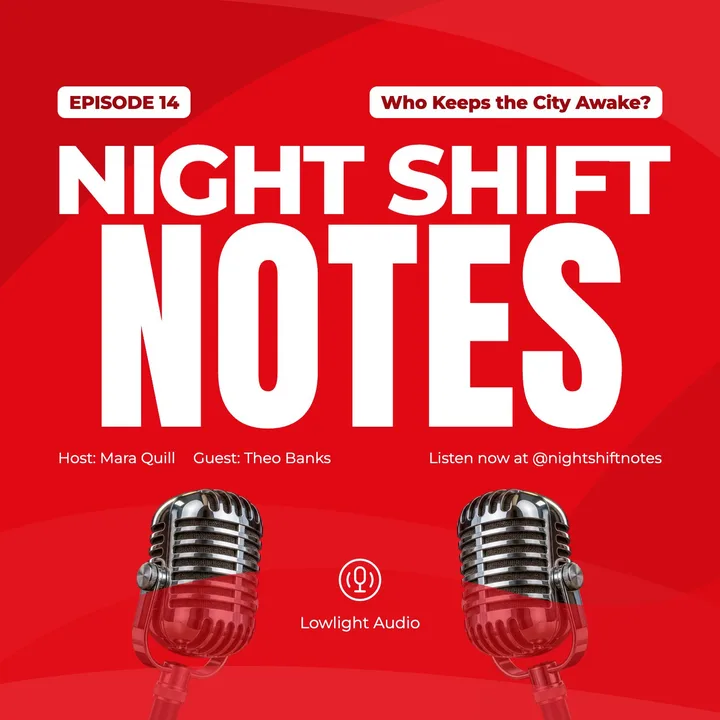
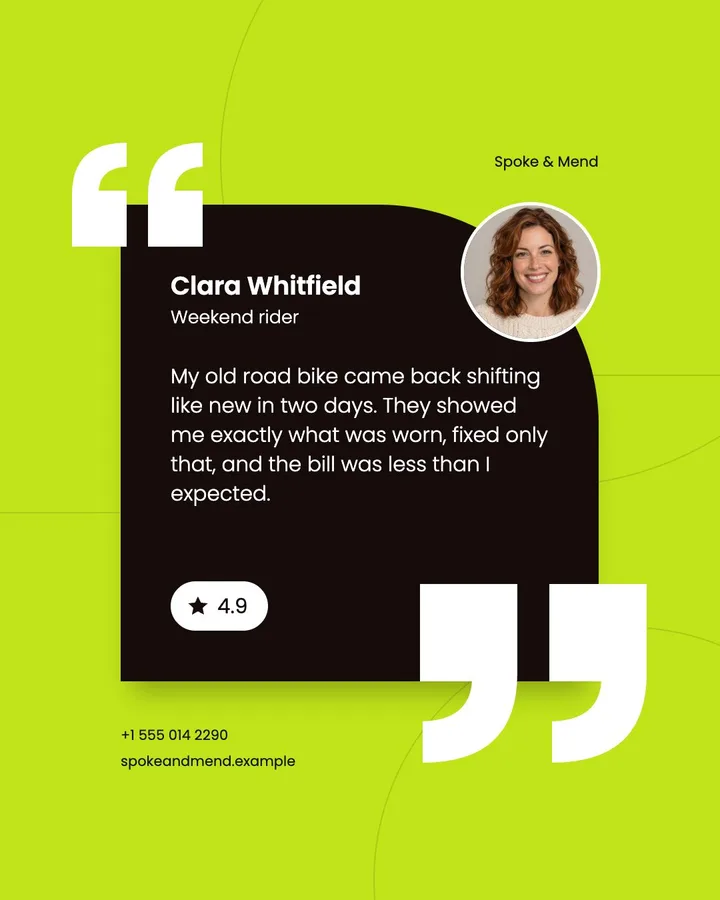
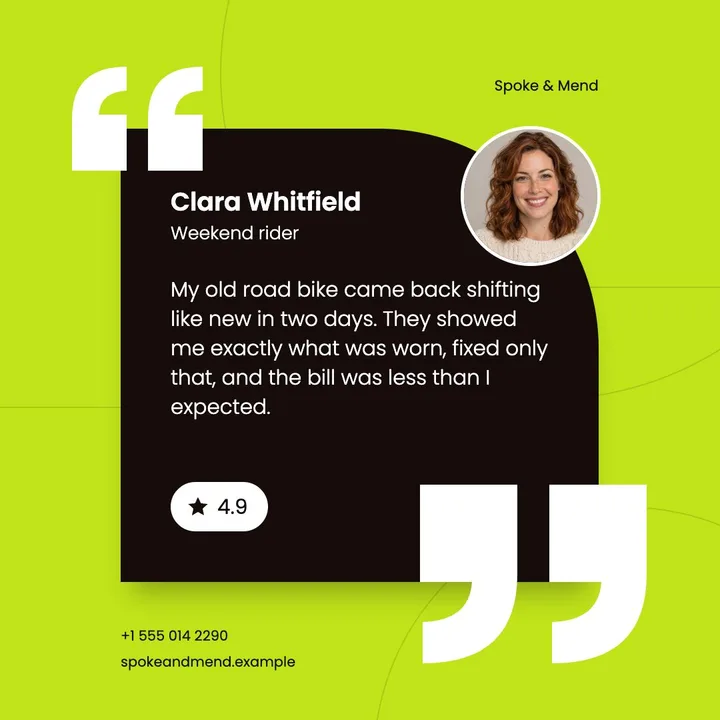
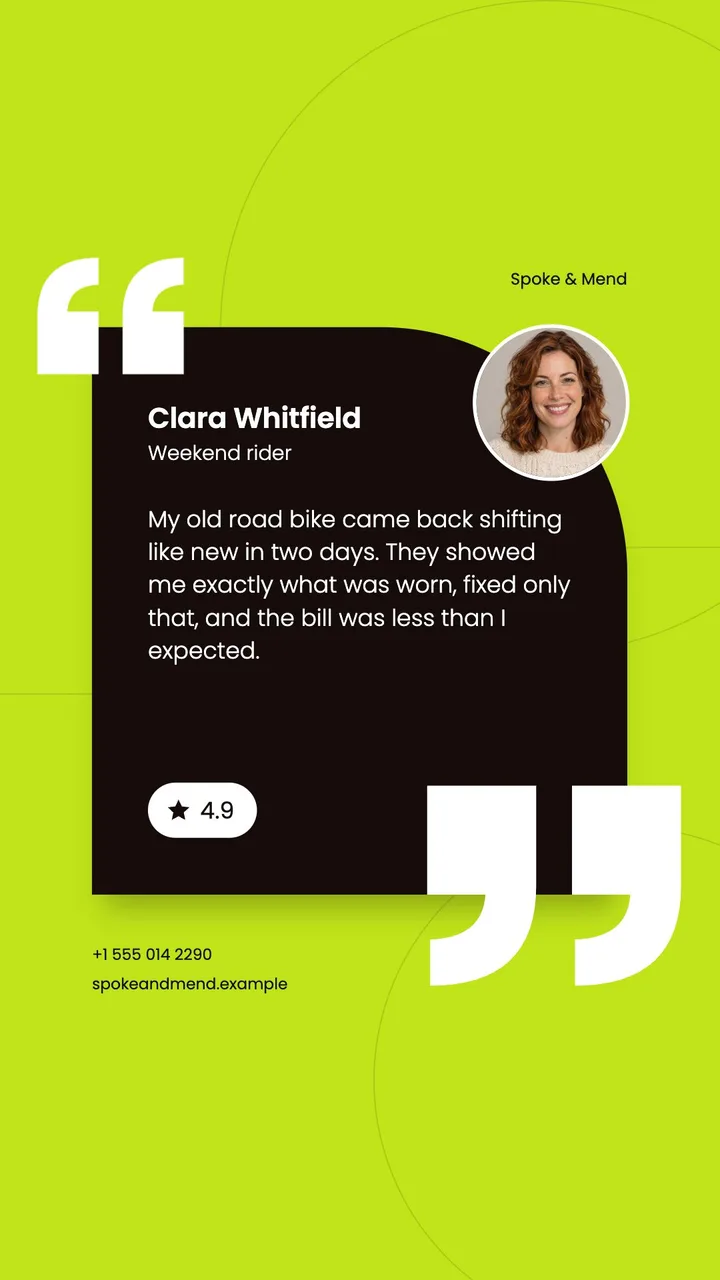
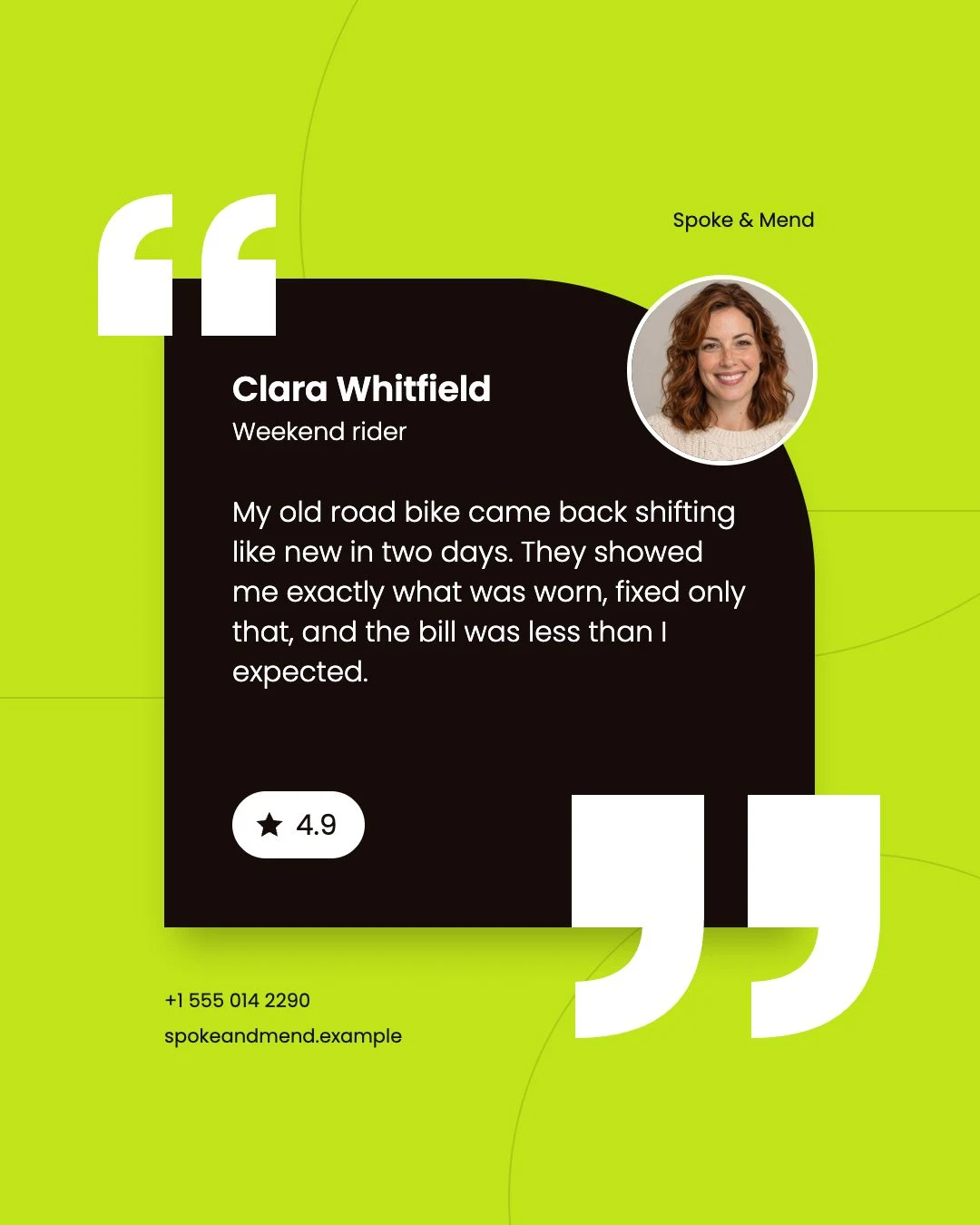
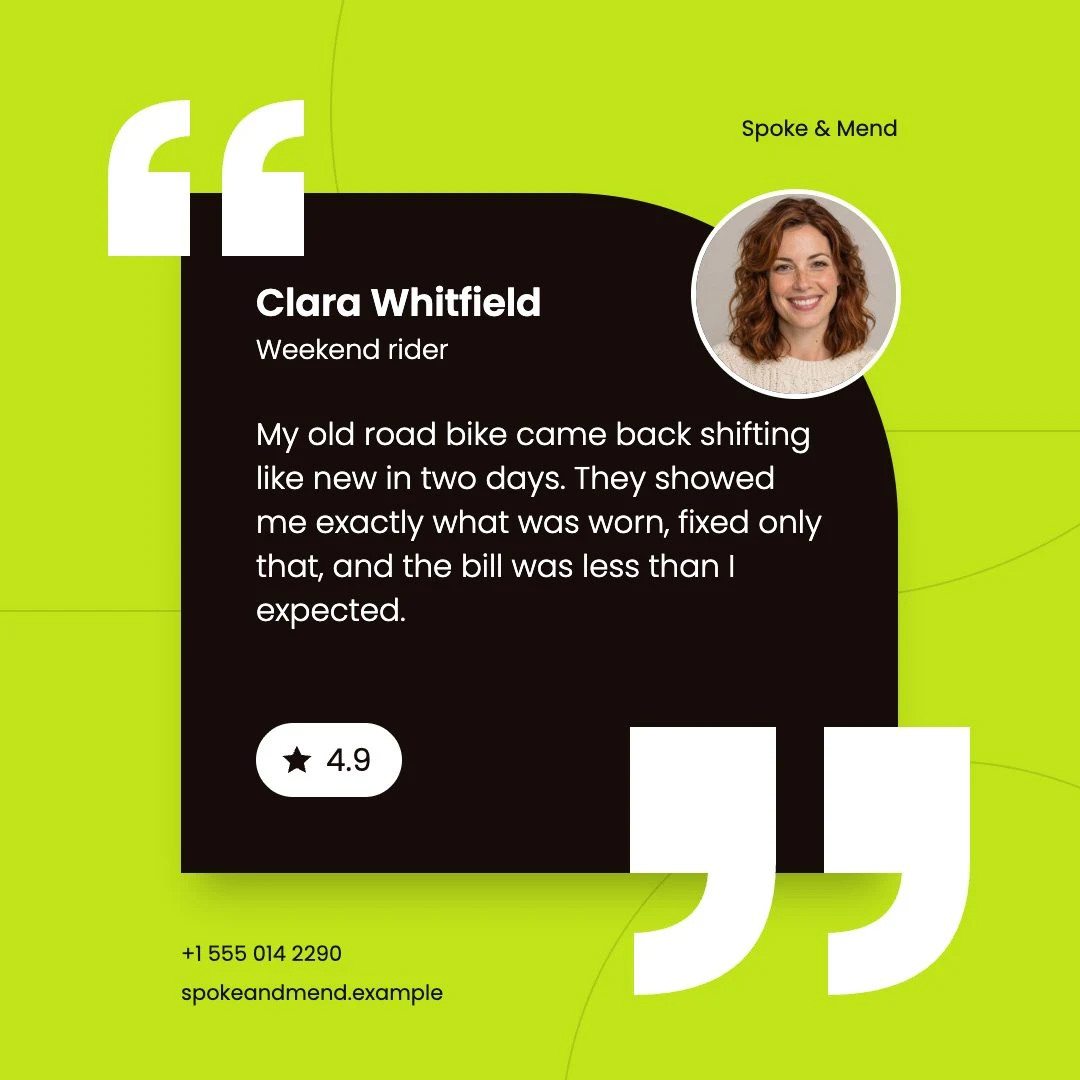
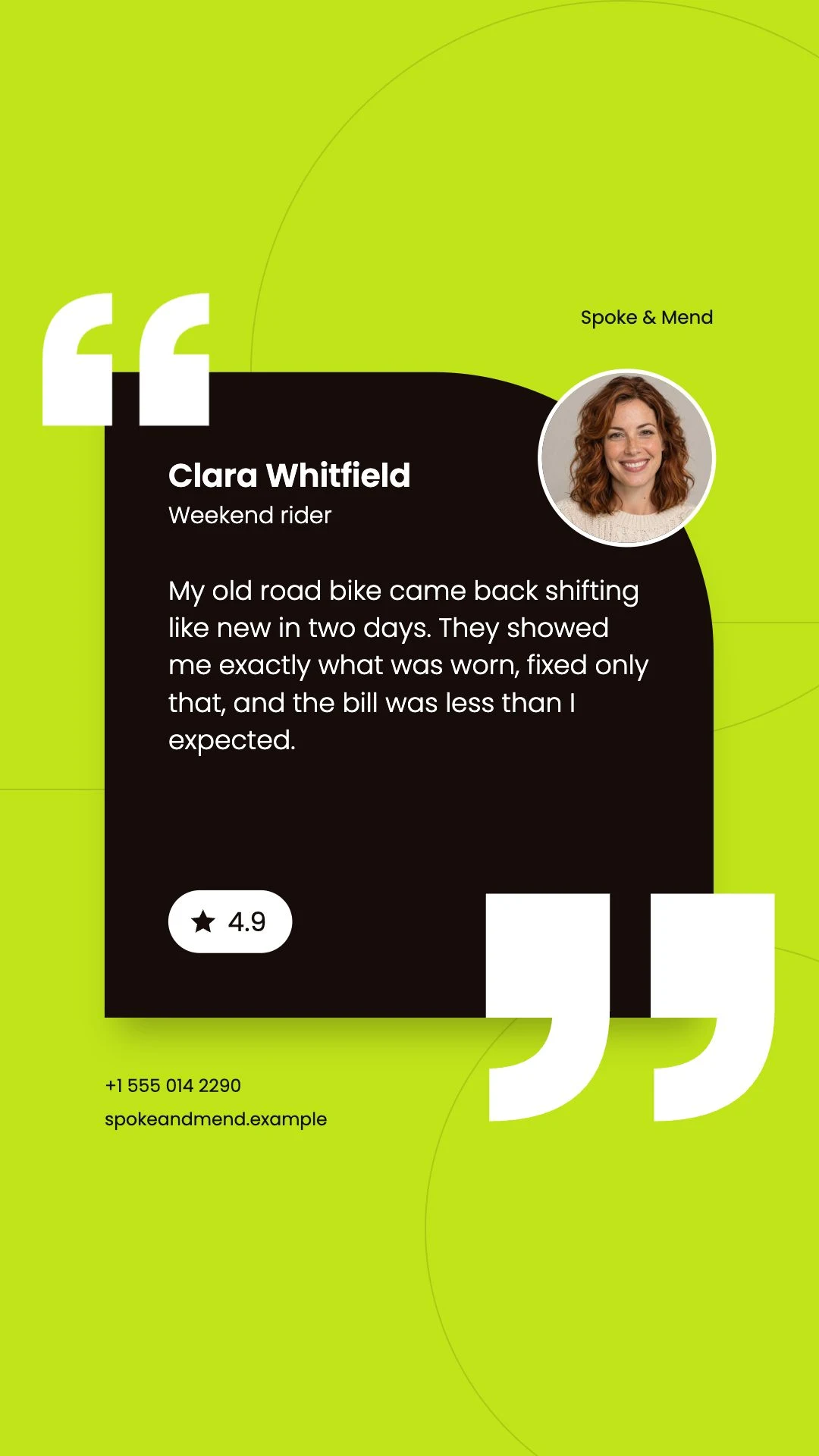
將一則客戶評價製成正方形、直式與限時動態圖片:明亮背景上的深色對話框卡片,搭配大引號、位於卡片角落的客戶圓形照片、姓名、職稱、推薦文字及星等標籤。填入七個文字欄位與一張照片,選擇萊姆、粉紅、天空或品牌色;檢查工具會確認文字符合各種尺寸。
運作流程
- 安裝技能 · 安裝指南
- 執行你的需求 ·
/quote-bubble-testimonial - 檢查成果
先閱讀 SKILL.md 的流程,再使用下方隨包提供的指令。
node -vnode scripts/check-setup.mjsnode scripts/page.mjs slots references/template.htmlnode scripts/page.mjs fill references/template.html --content content.json --out out/index.htmlnode scripts/page.mjs check out/index.html --canvasnode scripts/page.mjs shoot out/index.html --canvas --out out/images
工作目錄
references/fill-in.jsonreferences/template.htmlscripts/check-setup.mjsscripts/page.mjs
你會得到
- 相同評論的1080x1080正方形、1080x1350肖像畫和1080x1920故事圖像
- 巨型引號、語音氣泡卡、圓形客戶照片和用程式碼繪製的星級丸
- 三個主題(石灰、腮紅、天空)加上任何品牌顏色,以及將評論保留在卡內的檢查器
執行需求
- 必要 · Node.js 22 或更新版本
- 必要 · Google Chrome、Chromium或邊緣
使用建議
醒目的客戶評價卡,結合圓形照片、大引號與星等。
製作天空版本且僅故事大小。
使用我提供的品牌顏色。
開始之前
| 你需要提供 |
|
|---|---|
| 相依項目 |
|
| 外部費用 | 無外部服務費用 |
| 最近更新 | v1.0.2 · |
功能範圍以隨包提供的流程為準。