
你的提示詞
將括號內的文字換成你的內容;選填項目可以省略。
/speaker-conference-poster
Use and size = 〔Use and size — print poster A-series / social post 4:5 / 兩種尺寸 — 選填〕
上方小字 = 〔上方小字 — 最多 36 個字元〕
主標題 = 〔主標題 — 最多 12 個字元〕
Year = 〔Year — 最多 8 個字元〕
日期與時間 = 〔日期與時間 — 最多 19 個字元〕
Time = 〔Time — 最多 20 個字元〕
Venue = 〔Venue — 最多 18 個字元〕
Address = 〔Address — 最多 22 個字元〕
Speaker 1 name (left) = 〔Speaker 1 name (left) — 最多 14 個字元〕
Speaker 1 role = 〔Speaker 1 role — 最多 22 個字元〕
Speaker 2 name (centre keynote) = 〔Speaker 2 name (centre keynote) — 最多 22 個字元〕
Speaker 2 role = 〔Speaker 2 role — 最多 30 個字元〕
Speaker 3 name (right) = 〔Speaker 3 name (right) — 最多 14 個字元〕
Speaker 3 role = 〔Speaker 3 role — 最多 22 個字元〕
Speaker 1 photo = 〔Speaker 1 photo — 短邊至少 600 像素〕
Speaker 2 photo = 〔Speaker 2 photo — 短邊至少 600 像素〕
Speaker 3 photo = 〔Speaker 3 photo — 短邊至少 600 像素〕
Website = 〔Website — 最多 26 個字元〕
Social handle = 〔Social handle — 最多 18 個字元〕
Email = 〔Email — 最多 30 個字元〕
副標題 = 〔副標題 — 最多 94 個字元 — 選填〕
Button = 〔Button — 最多 16 個字元 — 選填〕
顏色 = 〔顏色 — royal blue / 深藍 / 綠色 — 選填〕
品牌色 = 〔品牌色 — 選填〕
不知道怎麼填?可以說:先做一個範例給我看
範例
/speaker-conference-poster
Use and size = both
上方小字 = Annual Operations
主標題 = Forum
Year = 2027
日期與時間 = Thu, 14 Oct 2027
Time = From 9:00 AM
Venue = Harbor Hall
Address = 18 Quay St, Port Ellis
Speaker 1 name (left) = Helena Marsh
Speaker 1 role = VP Operations
Speaker 2 name (centre keynote) = Wei Lun Chen
Speaker 2 role = Keynote speaker
Speaker 3 name (right) = Amara Diallo
Speaker 3 role = Head of Planning
Speaker 1 photo = the sample photo in the pack
Speaker 2 photo = the sample photo in the pack
Speaker 3 photo = the sample photo in the pack
Website = forum.example.com
Social handle = @opsforum
Email = hello@forum.example.com
副標題 = Two days of practical talks for the people who plan, ship and keep the work moving
Button = Register now
顏色 = royal blue
品牌色 = #1E3A8A
講者研討會海報
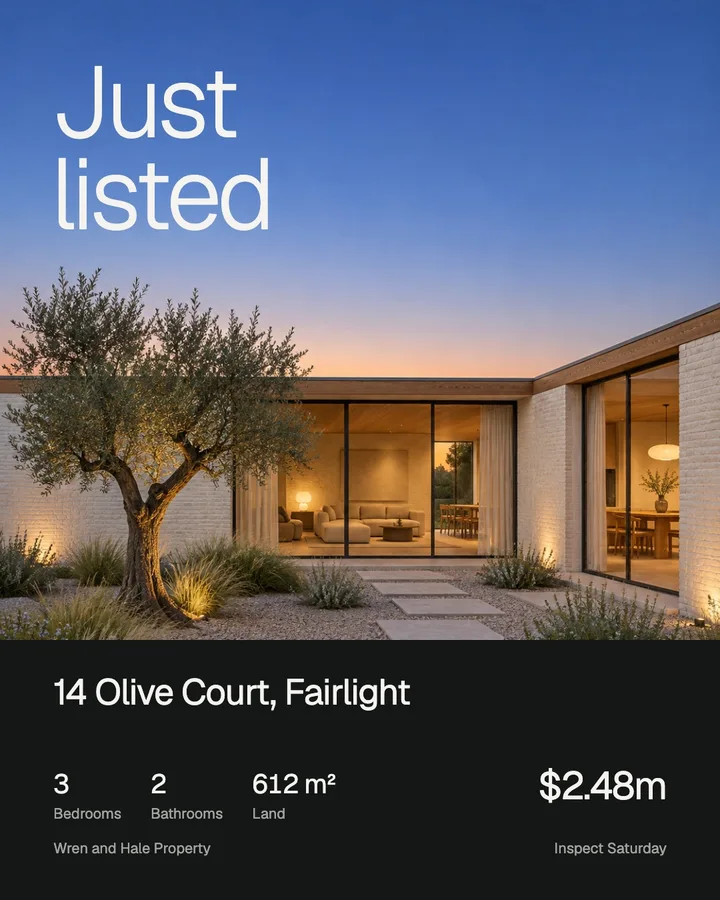
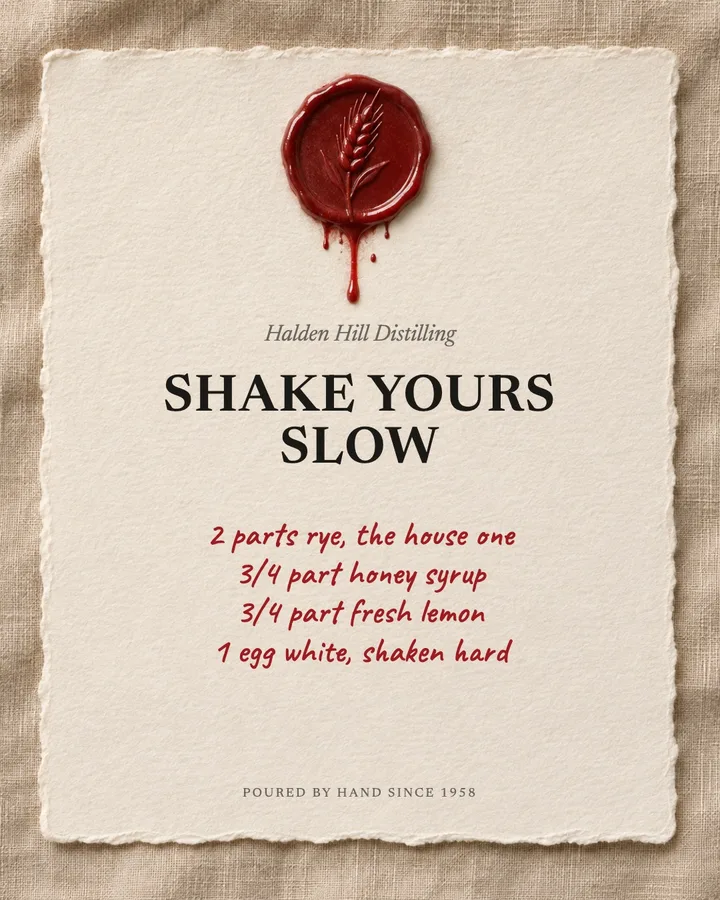
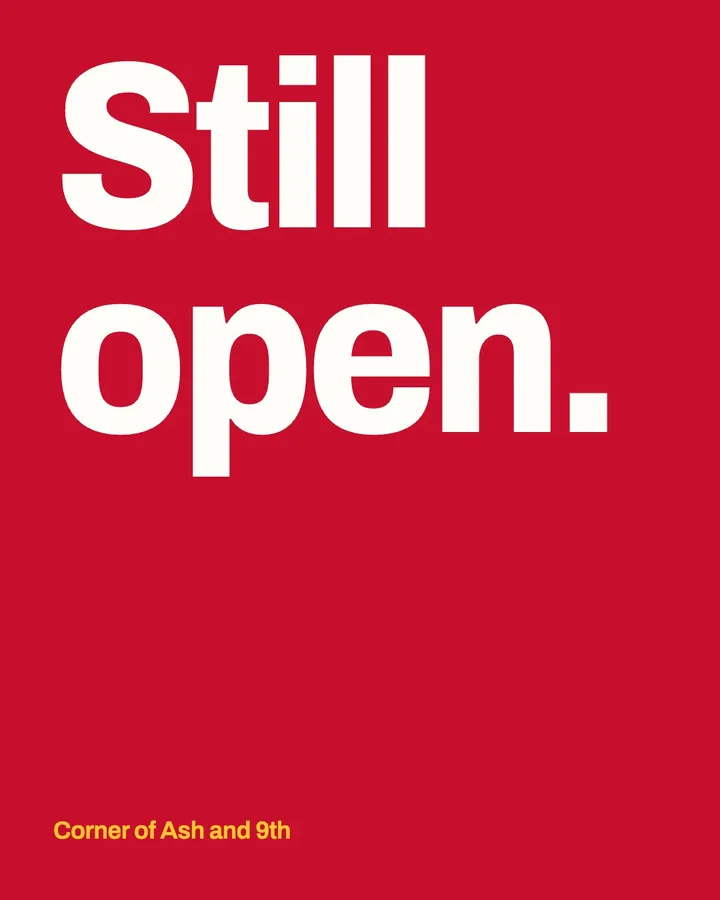
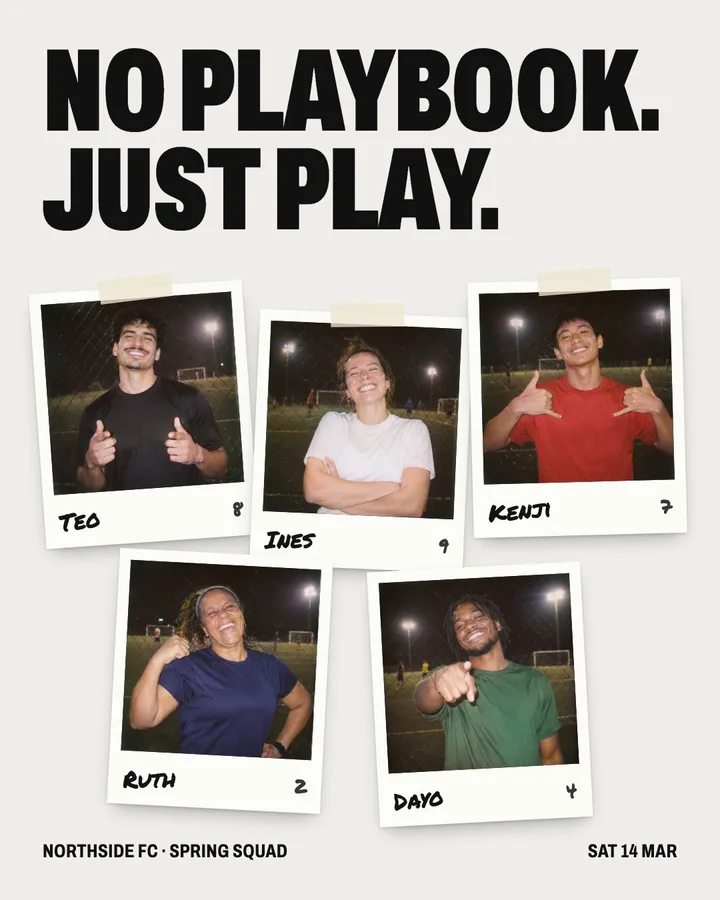
製作深藍 V 形色塊、超大標題與年份的研討會海報,配置三張圓形講者照,主講者居中,日期與地點放在外框資訊列,另有報名按鈕。十八個文字欄位及三張照片可產出 A 系列印刷海報與 4:5 社群貼文,並可選三款主題或品牌色。

運作流程
- 安裝技能 · 安裝指南
- 執行你的需求 ·
/speaker-conference-poster - 檢查成果
先閱讀 SKILL.md 的流程,再使用下方隨包提供的指令。
node -vnode scripts/check-setup.mjsnode scripts/page.mjs slots references/template.htmlnode scripts/page.mjs fill references/template.html --content content.json --out out/index.htmlnode scripts/page.mjs check out/index.html --canvasnode scripts/page.mjs shoot out/index.html --canvas --out out/images
工作目錄
references/fill-in.jsonreferences/template.htmlscripts/check-setup.mjsscripts/page.mjs

你會得到
- 用於印刷的 1240x1754 A 系列海報和匹配的 1080x1350 社交帖子
- 三張圓形演講者肖像,帶有您的照片,加上日期、地點、註冊按鈕和聯絡人
- 三個主題(皇家、午夜、祖母綠)加上任何品牌顏色,具有強製文字限制和檢查器
執行需求
- 必要 · Node.js 22 或更新版本
- 必要 · Google Chrome、Chromium或邊緣
使用建議
含三位講者肖像的企業活動海報,同時支援印刷與社群尺寸。
製作翡翠版本並將按鈕變更為「儲存您的座位」。
使用我提供的品牌顏色。
開始之前
| 你需要提供 |
|
|---|---|
| 相依項目 |
|
| 外部費用 | 無外部服務費用 |
| 最近更新 | v1.0.2 · |
功能範圍以隨包提供的流程為準。