내 프롬프트
괄호 안을 내 내용으로 바꾸세요. 선택 항목은 생략해도 됩니다.
/letter-portal-flythrough
Brand name = 〔Brand name — 최대 22자〕
Website = 〔Website — 최대 28자 — 선택〕
Big word = 〔Big word — 최대 8자〕
상단 짧은 문구 = 〔상단 짧은 문구 — 최대 32자 — 선택〕
Headline = 〔Headline — 최대 36자〕
장소 또는 주최자 = 〔장소 또는 주최자 — 최대 80자 — 선택〕
색상 = 〔색상 — ink (near-black, lemon) / lagoon (deep teal, aqua) / sand (light sand, terracotta) / sunset (dark rust, orange) — 선택〕
브랜드 색상 = 〔브랜드 색상 — 선택〕
Video shape = 〔Video shape — landscape 16:9 (YouTube, screens) / vertical 9:16 (Reels, Shorts, TikTok) / 4:3 / vertical 3:4 (feed posts) — 선택〕
Picture inside the letters = 〔Picture inside the letters〕
Place you arrive at = 〔Place you arrive at〕
영상 해상도 = 〔영상 해상도 — 1080p / 4K — 선택〕
막막하다면: 먼저 예시를 보여 주세요
예시
/letter-portal-flythrough
Brand name = Cala Brava
Website = calabrava.co
Big word = Escape
상단 짧은 문구 = Cliffside suites · Open in June
Headline = Where the sea starts at your door
장소 또는 주최자 = Twelve suites, one infinity pool and nothing between you and the horizon.
색상 = lagoon
브랜드 색상 = #1E3A8A
Video shape = 16:9
Picture inside the letters = the sample letter picture in the pack
Place you arrive at = the sample arrival picture in the pack
영상 해상도 = 4k
글자 포털 비행
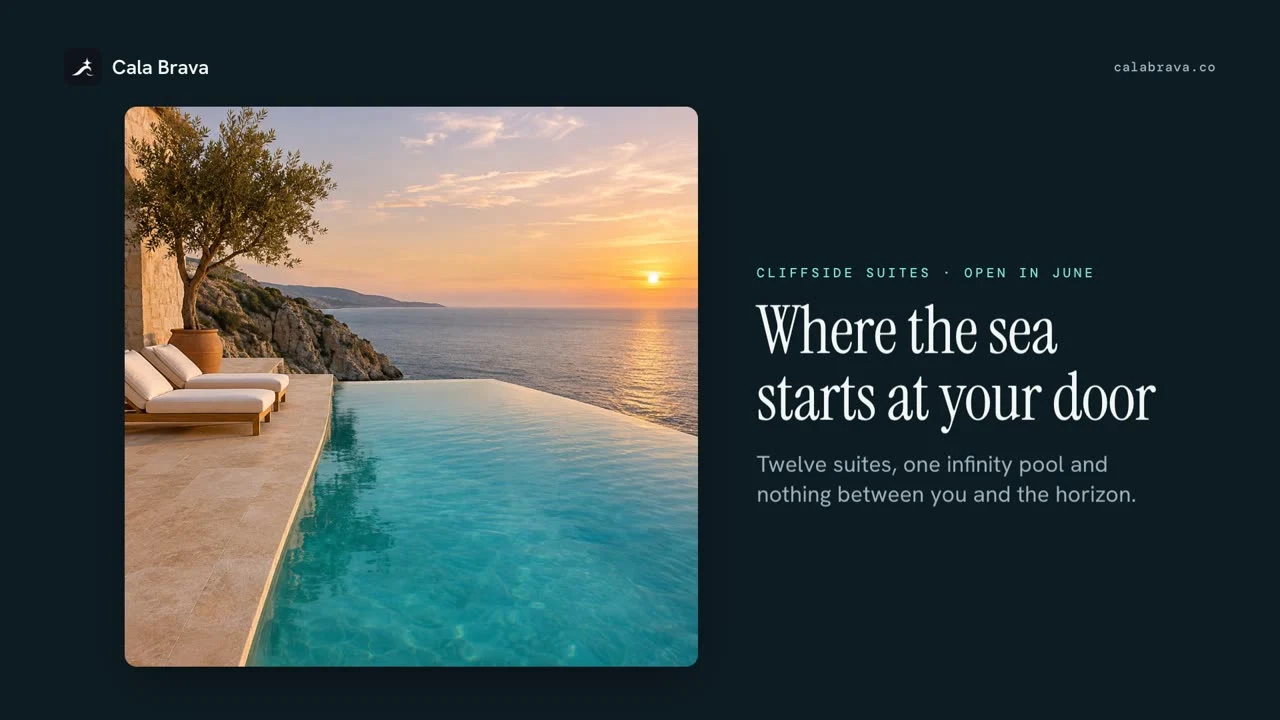
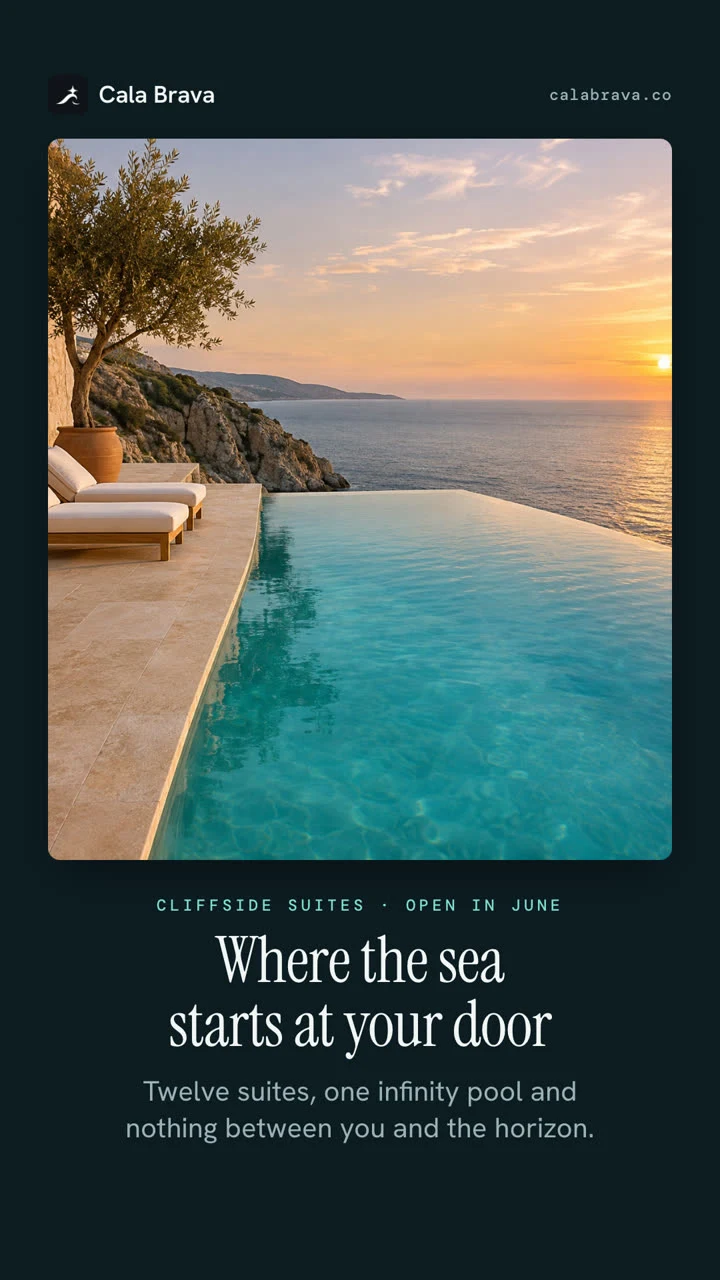
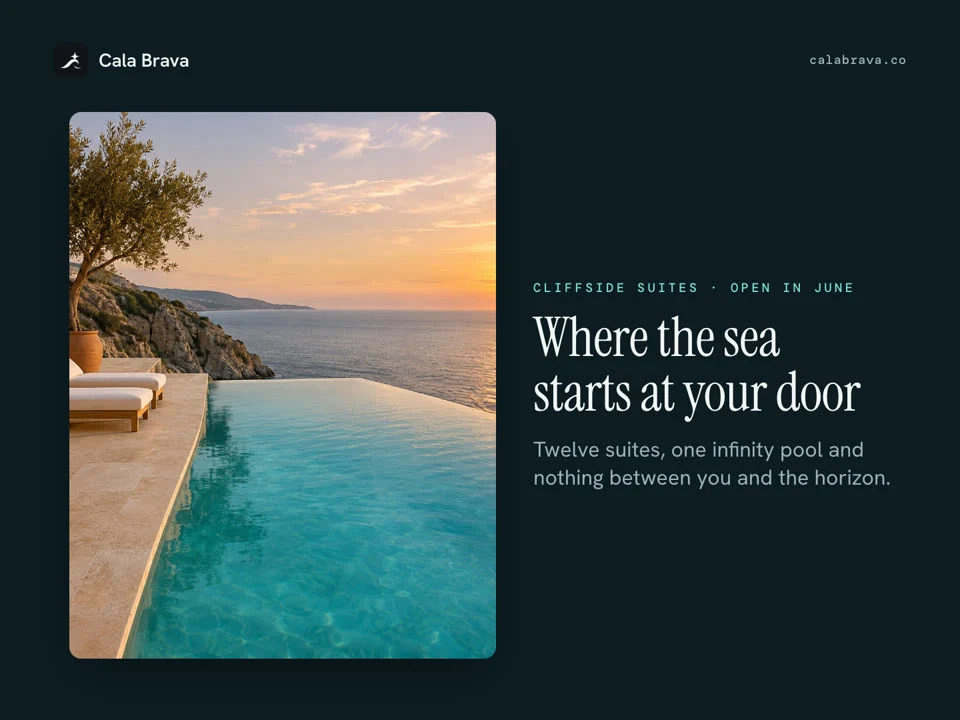
11초 클립입니다. 큰 단어가 한 글자씩 떠오르고 글자 속으로 사진 A가 보입니다. 카메라는 가장 굵은 획으로 가속해 날아들고(뒤의 사진은 덜 움직여 깊이감이 납니다), 조리개처럼 열리는 원을 지나 사진 B로 들어갑니다. 사진 B가 화면을 채운 뒤 액자에 자리 잡고 제목이 옆에 떠오릅니다. 단어, 사진 두 장, 문구, 팔레트를 바꿔 16:9, 9:16, 4:3, 3:4 4K 영상을 로컬에서 렌더링합니다.
작동 방식
- 스킬 설치 · 설치 가이드
- 요청 실행 ·
/letter-portal-flythrough - 결과 확인
SKILL.md의 절차를 확인한 후 아래에 포함된 명령을 사용하세요.
node -vnode scripts/check-setup.mjsnode scripts/create.mjs --out ./demonode scripts/render.mjs ./demo --output ./demo.mp4node scripts/studio.mjs --out .node scripts/create.mjs --out ./my-scene --brand brand/brand.json --data content.json --image photoA=./photoA.jpg --image photoB=./photoB.jpg --aspect 16:9 --theme lagoon
작업 폴더
references/check.jsonreferences/defaults.jsonreferences/fill-in.jsonreferences/layout-rules.jsonreferences/studio.htmlreferences/project/index.htmlreferences/studio/shell.htmlscripts/check-output.mjs
제공 항목
- 11초 글자 포털 비행 4K MP4, 네 가지 비율 지원 (16:9 / 9:16 / 4:3 / 3:4)
- 네 가지 팔레트와 브랜드 색 지원
- 편집 가능한 장면, 로컬 Studio, 자동 텍스트 맞춤 및 레이아웃 검사
실행 요구 사항
- 필수 · Node.js 22 이상
- 필수 · Google Chrome, Chromium 또는 Microsoft Edge
- 필수 · FFmpeg
도움말
큰 단어의 한 획 속으로 날아 들어가면, 그 너머는 목적지 사진입니다.
브랜드 색으로 Reels용 9:16 버전을 만들어 줘.
원래 움직임과 타이밍을 유지하고 내 문구와 자료로 바꿔 줘.
시작하기 전에
| 준비할 내용 |
|
|---|---|
| 의존성 |
|
| 외부 비용 | 외부 서비스 비용 없음 |
| 최근 업데이트 | v1.0.1 · |
제공된 워크플로 범위 안에서 사용하세요.



























































































