Your prompt
Replace the brackets with your own content; leave optional ones out.
/letter-portal-flythrough
Brand name = 〔Brand name — your brand name — max 22 chars〕
Website = 〔Website — your website — max 28 chars — optional〕
Big word = 〔Big word — one word, 3-8 letters — max 8 chars〕
Small line on top = 〔Small line on top — small line on top — max 32 chars — optional〕
Headline = 〔Headline — headline — max 36 chars〕
Sentence below = 〔Sentence below — one sentence — max 80 chars — optional〕
Color = 〔Color — ink (near-black, lemon) / lagoon (deep teal, aqua) / sand (light sand, terracotta) / sunset (dark rust, orange) — optional〕
Brand color = 〔Brand color — #RRGGBB — optional〕
Video shape = 〔Video shape — landscape 16:9 (YouTube, screens) / vertical 9:16 (Reels, Shorts, TikTok) / 4:3 / vertical 3:4 (feed posts) — optional〕
Picture inside the letters = 〔Picture inside the letters — picture inside the letters〕
Place you arrive at = 〔Place you arrive at — arrival picture〕
Video size = 〔Video size — 1080p / 4K — optional〕
Not sure? Say: show me an example first
Example
/letter-portal-flythrough
Brand name = Cala Brava
Website = calabrava.co
Big word = Escape
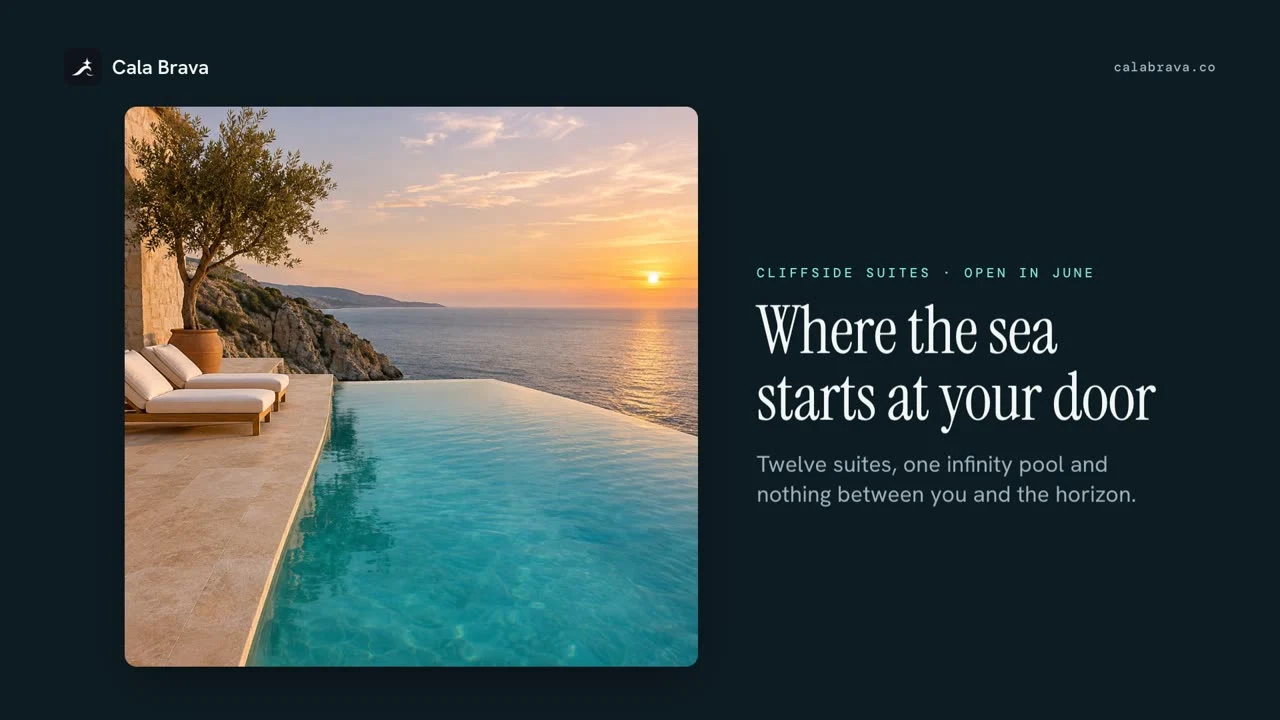
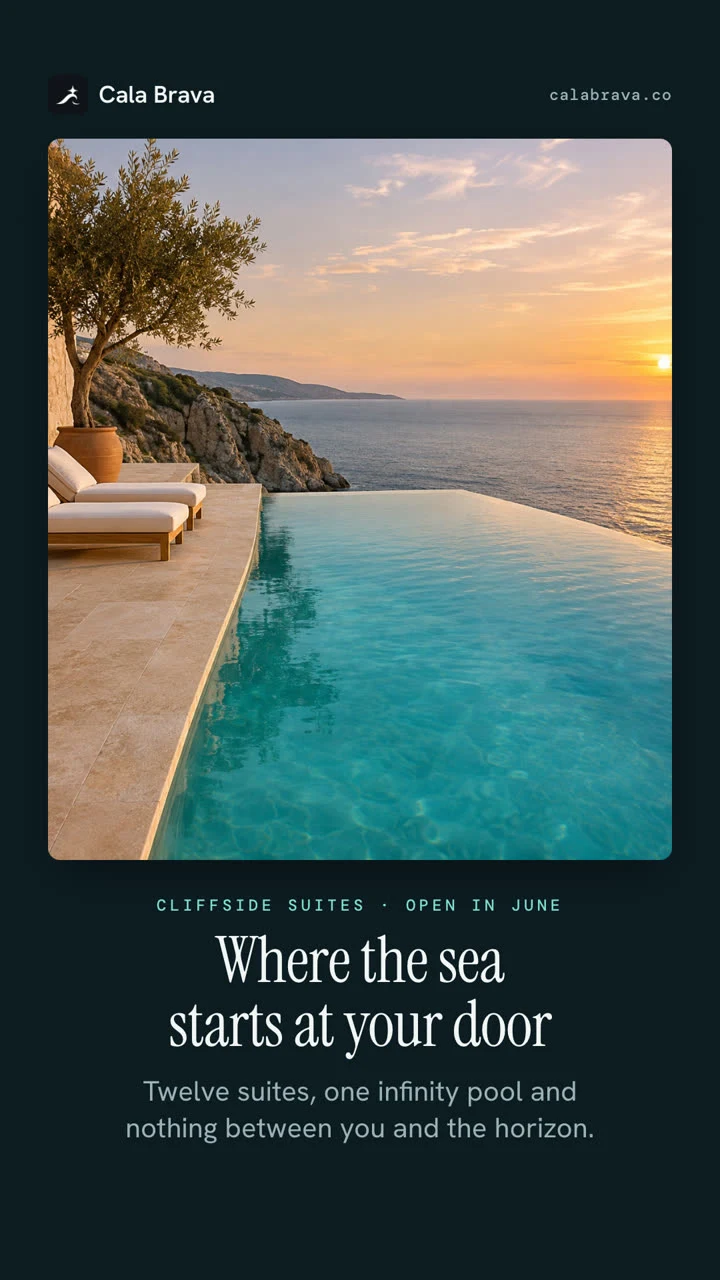
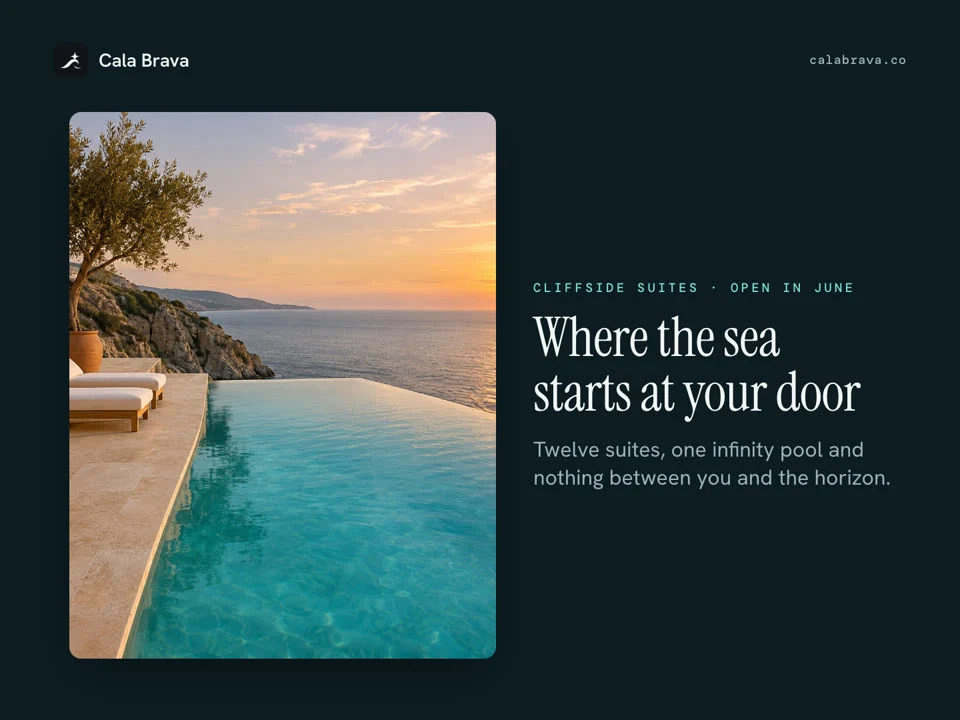
Small line on top = Cliffside suites · Open in June
Headline = Where the sea starts at your door
Sentence below = Twelve suites, one infinity pool and nothing between you and the horizon.
Color = lagoon
Brand color = #1E3A8A
Video shape = 16:9
Picture inside the letters = the sample letter picture in the pack
Place you arrive at = the sample arrival picture in the pack
Video size = 4k
Letter Portal Flythrough
An 11-second clip: one big word rises letter by letter with photo A showing through it; the camera flies into the thickest stroke (the photo behind moves less, so it feels deep), comes out through an iris into photo B, which fills the frame and then settles beside your headline. Change the word, both photos, the words or the palette and render 16:9, 9:16, 4:3 or 3:4 in 4K locally.
How it works
- Install the skill · Install guides
- Run your request ·
/letter-portal-flythrough - Review the result
Review the workflow in SKILL.md and use the bundled commands below.
node -vnode scripts/check-setup.mjsnode scripts/create.mjs --out ./demonode scripts/render.mjs ./demo --output ./demo.mp4node scripts/studio.mjs --out .node scripts/create.mjs --out ./my-scene --brand brand/brand.json --data content.json --image photoA=./photoA.jpg --image photoB=./photoB.jpg --aspect 16:9 --theme lagoon
Workspace
references/check.jsonreferences/defaults.jsonreferences/fill-in.jsonreferences/layout-rules.jsonreferences/studio.htmlreferences/project/index.htmlreferences/studio/shell.htmlscripts/check-output.mjs
What you get
- An 11-second 4K MP4 of the word, the flight through the letter and the arrival, in 16:9, 9:16, 4:3 or 3:4
- Four palettes (lagoon, sunset, sand, ink) plus your brand colour for the outline and the small line
- An editable scene folder, a local Studio page and an automatic fit and layout check
Requirements
- Required · Node.js 22 or newer
- Required · Google Chrome, Chromium or Microsoft Edge
- Required · FFmpeg
Tips
Fly into a letter of one big word and come out inside your destination photo.
Make a 9:16 version in the sunset palette for Reels
Use the word Summit with our glacier and lodge photos
Before you start
| You provide |
|
|---|---|
| Dependencies |
|
| External costs | No external service cost |
| Last updated | v1.0.1 · |
No additional scope beyond the supplied workflow.



























































































