Your prompt
Replace the brackets with your own content; leave optional ones out.
/honeycomb-listing-set
Use and size = 〔Use and size — slogan image / feature image / size image / all three — optional〕
Product cut-out = 〔Product cut-out — your cut-out file〕
Feature 1 = 〔Feature 1 — feature 1, 2-4 words — max 25 chars〕
Feature 2 = 〔Feature 2 — feature 2, 2-4 words — max 25 chars〕
Feature 3 = 〔Feature 3 — feature 3, 2-4 words — max 25 chars〕
Feature 4 = 〔Feature 4 — feature 4, 2-4 words — max 25 chars〕
Feature 5 = 〔Feature 5 — feature 5, 2-4 words — max 25 chars〕
Size = 〔Size — e.g. 750 ml, 26 cm — max 16 chars〕
Slogan line 1 = 〔Slogan line 1 — a few words — max 10 chars — optional〕
Slogan line 2 = 〔Slogan line 2 — a few words — max 13 chars — optional〕
Slogan line 3 = 〔Slogan line 3 — a few words — max 10 chars — optional〕
Size headline = 〔Size headline — a few words — max 17 chars — optional〕
Size sub line = 〔Size sub line — one line — max 48 chars — optional〕
Style = 〔Style — honey yellow / coral / sky blue — optional〕
Brand color = 〔Brand color — #RRGGBB — optional〕
Not sure? Say: show me an example first
Example
/honeycomb-listing-set
Use and size = all three
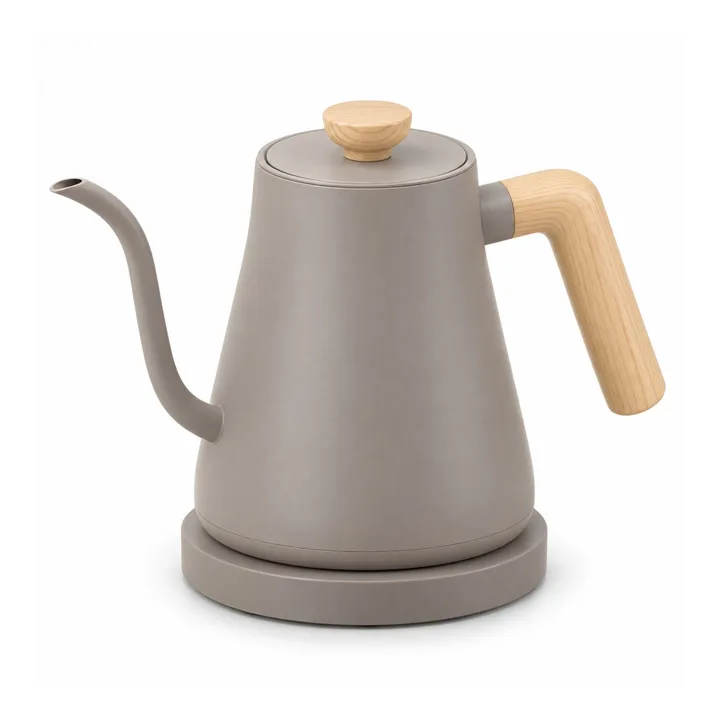
Product cut-out = the sample photo in the pack
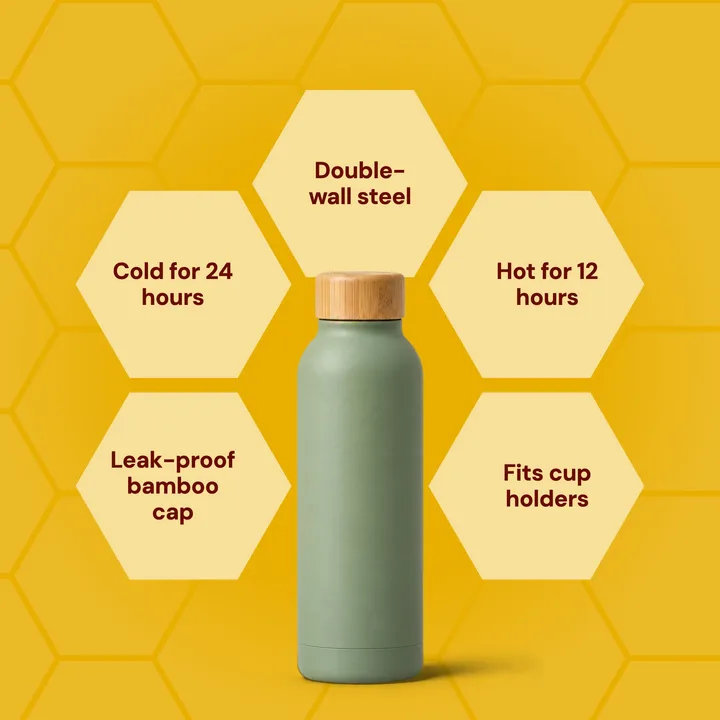
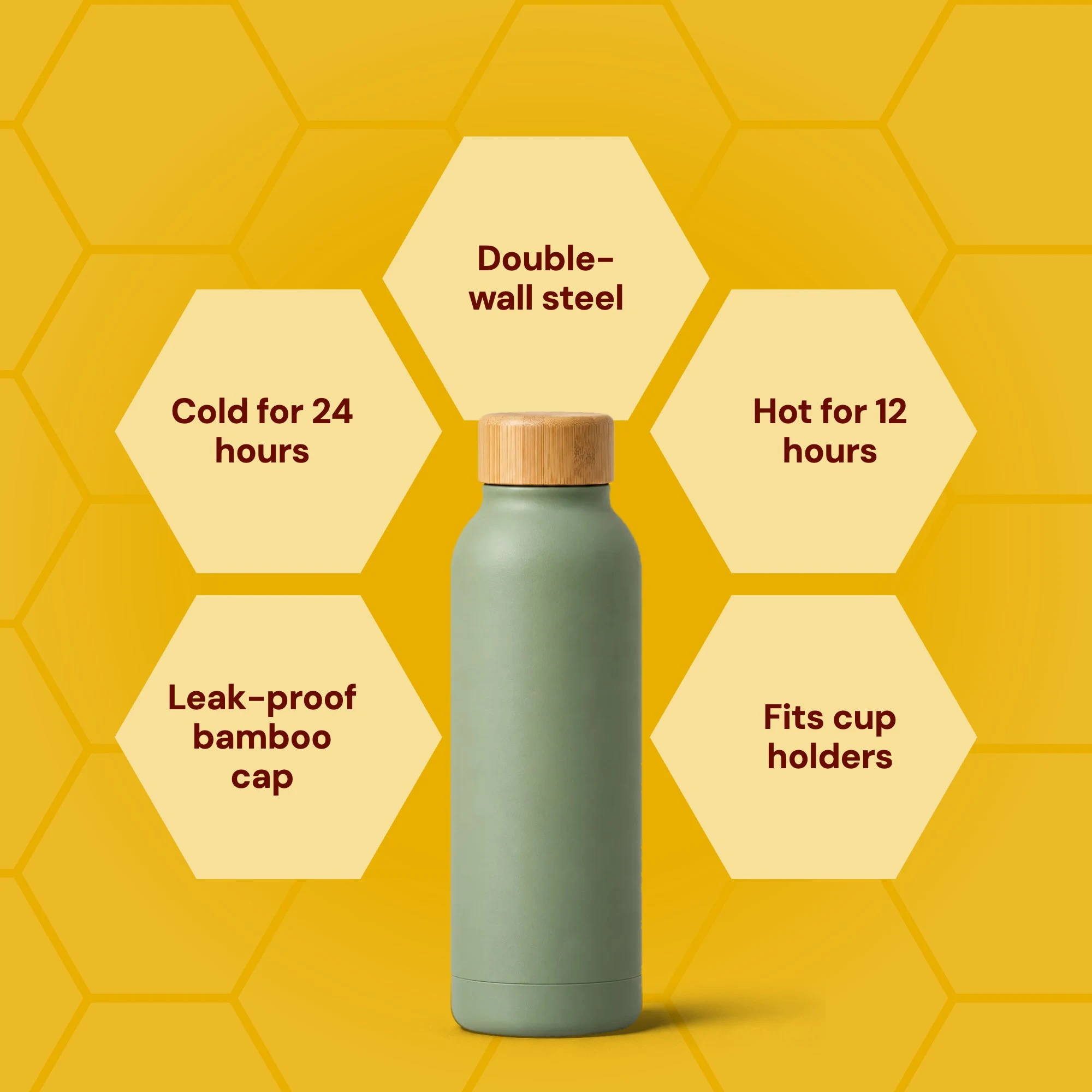
Feature 1 = Double-wall steel
Feature 2 = Cold for 24 hours
Feature 3 = Hot for 12 hours
Feature 4 = Leak-proof bamboo cap
Feature 5 = Fits cup holders
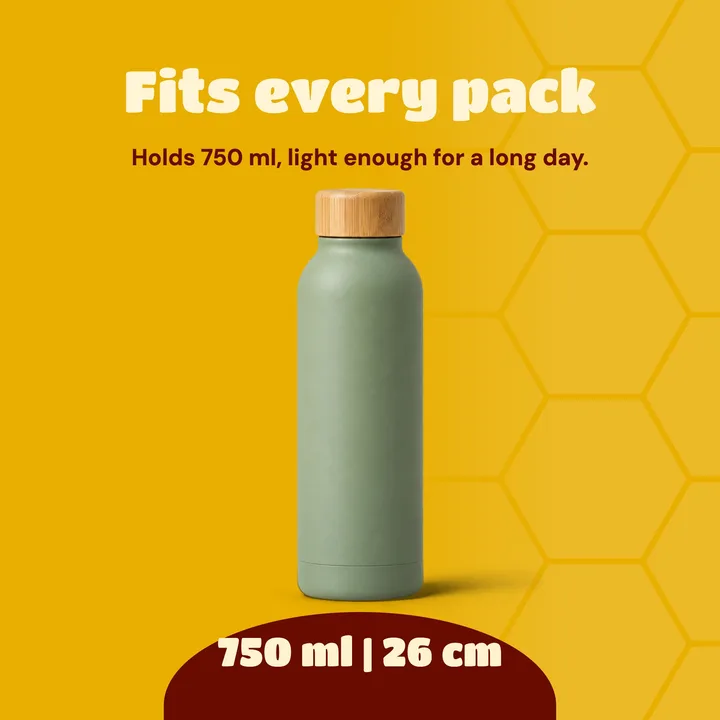
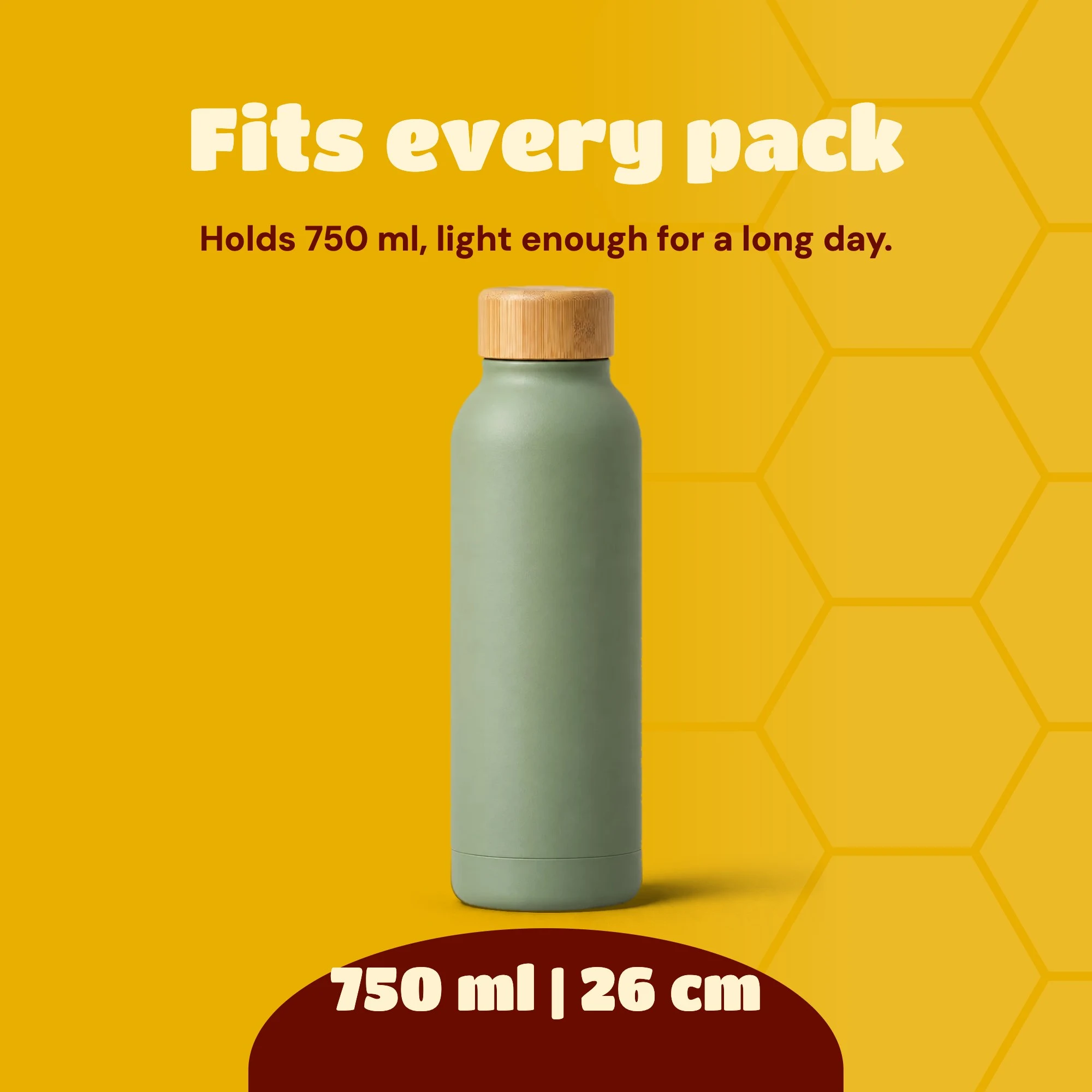
Size = 750 ml | 26 cm
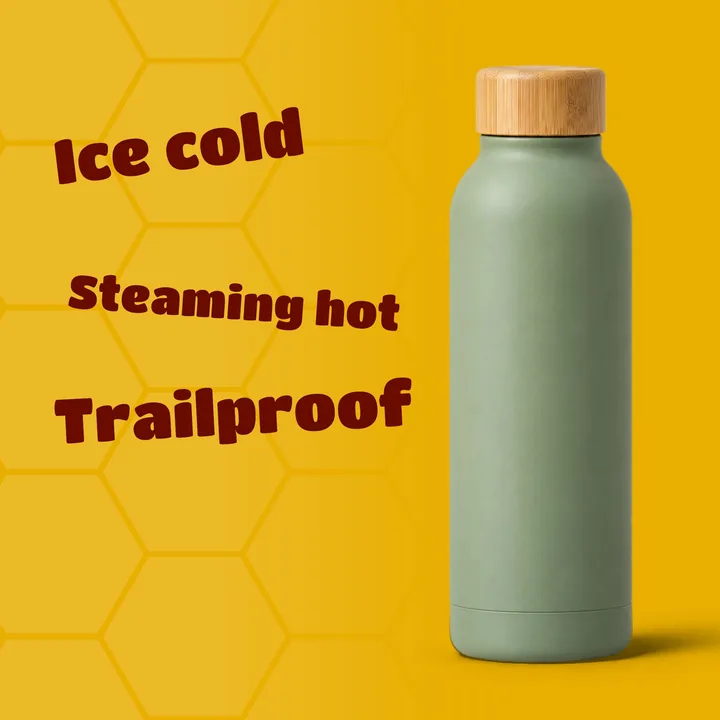
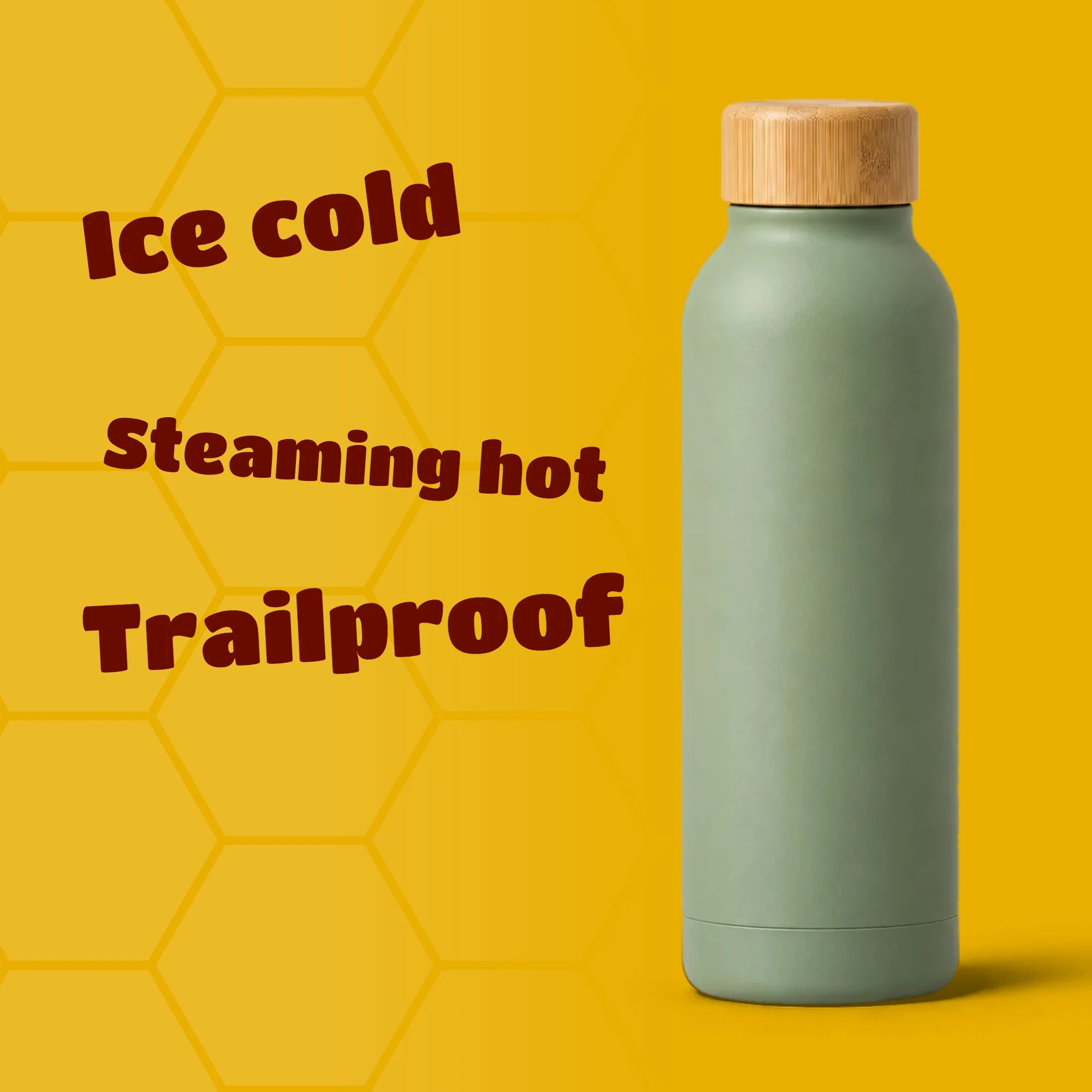
Slogan line 1 = Ice cold
Slogan line 2 = Steaming hot
Slogan line 3 = Trailproof
Size headline = Fits every pack
Size sub line = Holds 750 ml, light enough for a long day.
Style = honey yellow
Brand color = #1E3A8A
Honeycomb Listing Set
Get a slogan image, a five-feature hexagon image and a size image, each 2000 x 2000, built around your cut-out product photo on one warm color with a large-hexagon pattern. Fill twelve text slots, pick honey, coral or sky or your brand color, and a checker keeps every word off the product and inside the safe margin.
How it works
- Install the skill · Install guides
- Run your request ·
/honeycomb-listing-set - Review the result
Review the workflow in SKILL.md and use the bundled commands below.
node -vnode scripts/check-setup.mjsnode scripts/page.mjs slots references/template.htmlnode scripts/page.mjs fill references/template.html --content content.json --out out/index.htmlnode scripts/page.mjs check out/index.html --canvasnode scripts/page.mjs shoot out/index.html --canvas --out out/images
Workspace
references/fill-in.jsonreferences/template.htmlscripts/check-setup.mjsscripts/page.mjs
What you get
- Three 2000 x 2000 listing images - slogan, five feature badges and size - around your own product photo
- Three themes (honey, coral, sky) plus any brand color, with measured text limits that are enforced
- A checker that keeps text off the product, inside the safe margin and at a readable size
Requirements
- Required · Node.js 22 or newer
- Required · Google Chrome, Chromium or Edge
Tips
Three bold marketplace images around your product photo, with hexagon feature badges.
Make the same set in the coral theme with my supplied brand color.
Change the slogan lines to Pack it, Fill it, Forget it and export PNG files.
Before you start
| You provide |
|
|---|---|
| Dependencies |
|
| External costs | No external service cost |
| Last updated | v1.0.2 · |
No additional scope beyond the supplied workflow.