Your prompt
Replace the brackets with your own content; leave optional ones out.
/speaker-conference-poster
Use and size = 〔Use and size — print poster A-series / social post 4:5 / both — optional〕
Event name, first part = 〔Event name, first part — e.g. Northline Ops — max 36 chars〕
Big title word = 〔Big title word — one word, e.g. Summit — max 12 chars〕
Year = 〔Year — e.g. 2027 — max 8 chars〕
Date = 〔Date — e.g. Thu, 14 Oct 2027 — max 19 chars〕
Time = 〔Time — e.g. 9:00 AM - 5:30 PM — max 20 chars〕
Venue = 〔Venue — venue name — max 18 chars〕
Address = 〔Address — street and city — max 22 chars〕
Speaker 1 name (left) = 〔Speaker 1 name (left) — full name — max 14 chars〕
Speaker 1 role = 〔Speaker 1 role — role — max 22 chars〕
Speaker 2 name (centre keynote) = 〔Speaker 2 name (centre keynote) — full name — max 22 chars〕
Speaker 2 role = 〔Speaker 2 role — role — max 30 chars〕
Speaker 3 name (right) = 〔Speaker 3 name (right) — full name — max 14 chars〕
Speaker 3 role = 〔Speaker 3 role — role — max 22 chars〕
Speaker 1 photo = 〔Speaker 1 photo — speaker 1 photo file — short side at least 600 px〕
Speaker 2 photo = 〔Speaker 2 photo — speaker 2 photo file — short side at least 600 px〕
Speaker 3 photo = 〔Speaker 3 photo — speaker 3 photo file — short side at least 600 px〕
Website = 〔Website — your website — max 26 chars〕
Social handle = 〔Social handle — e.g. @yourevent — max 18 chars〕
Email = 〔Email — contact email — max 30 chars〕
Sub line = 〔Sub line — one sentence — max 94 chars — optional〕
Button = 〔Button — e.g. Get tickets — max 16 chars — optional〕
Style = 〔Style — royal blue / midnight navy / emerald green — optional〕
Brand color = 〔Brand color — #RRGGBB — optional〕
Not sure? Say: show me an example first
Example
/speaker-conference-poster
Use and size = both
Event name, first part = Annual Operations
Big title word = Forum
Year = 2027
Date = Thu, 14 Oct 2027
Time = From 9:00 AM
Venue = Harbor Hall
Address = 18 Quay St, Port Ellis
Speaker 1 name (left) = Helena Marsh
Speaker 1 role = VP Operations
Speaker 2 name (centre keynote) = Wei Lun Chen
Speaker 2 role = Keynote speaker
Speaker 3 name (right) = Amara Diallo
Speaker 3 role = Head of Planning
Speaker 1 photo = the sample photo in the pack
Speaker 2 photo = the sample photo in the pack
Speaker 3 photo = the sample photo in the pack
Website = forum.example.com
Social handle = @opsforum
Email = hello@forum.example.com
Sub line = Two days of practical talks for the people who plan, ship and keep the work moving
Button = Register now
Style = royal blue
Brand color = #1E3A8A
Speaker Conference Poster
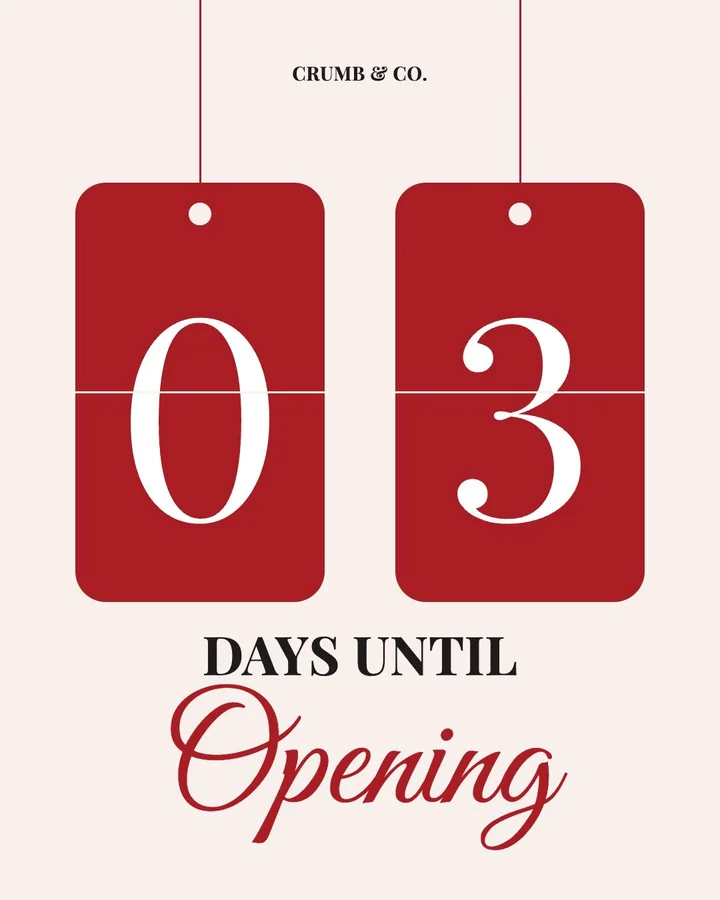
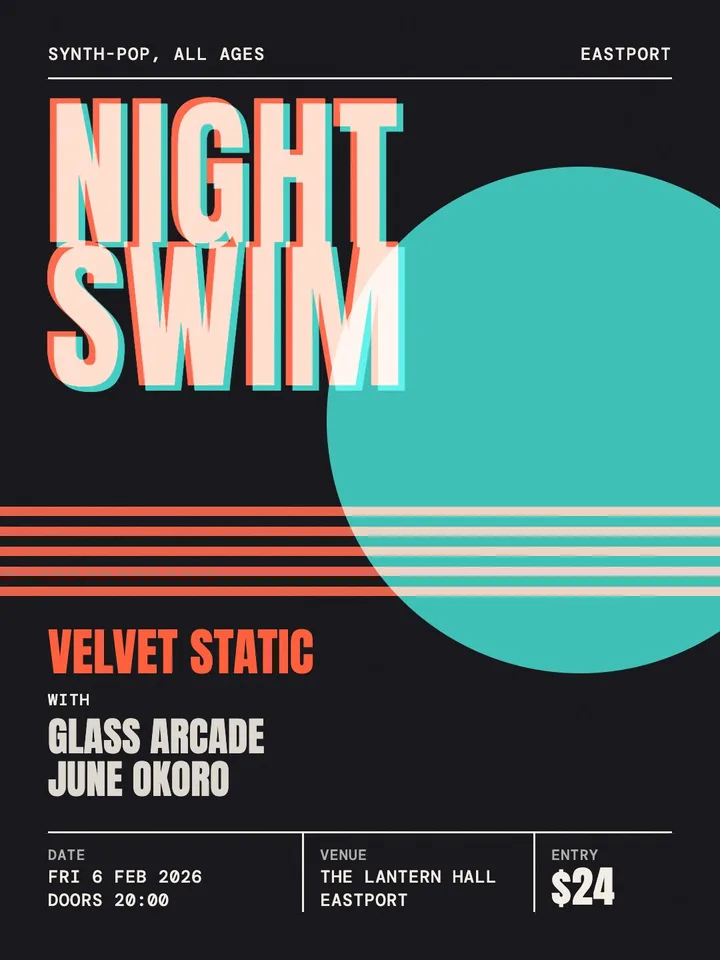
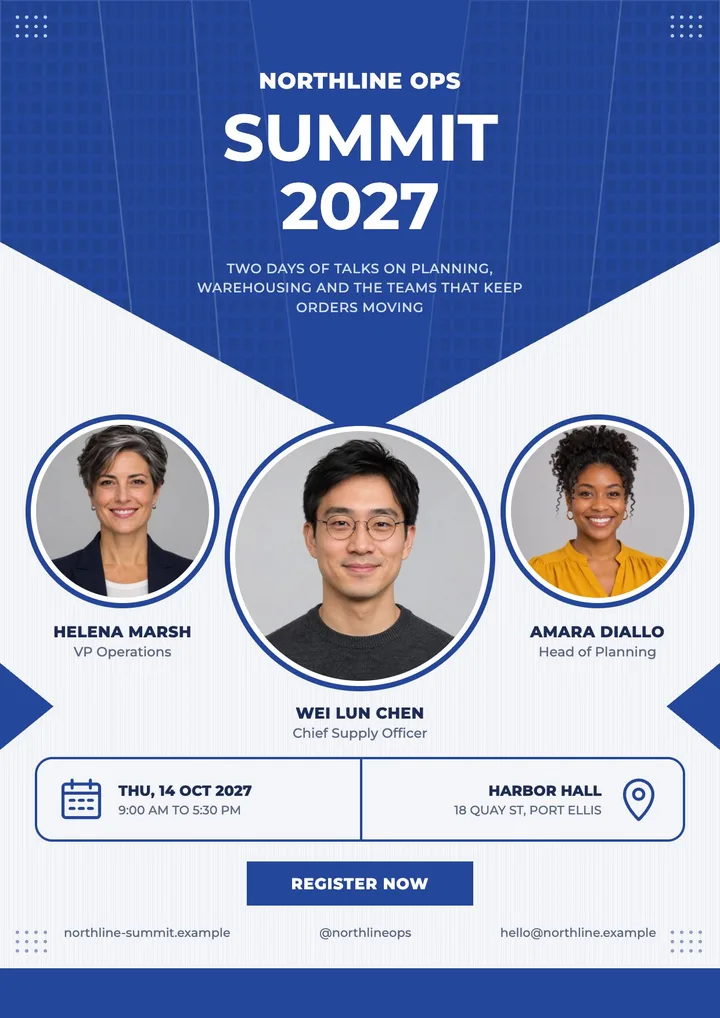
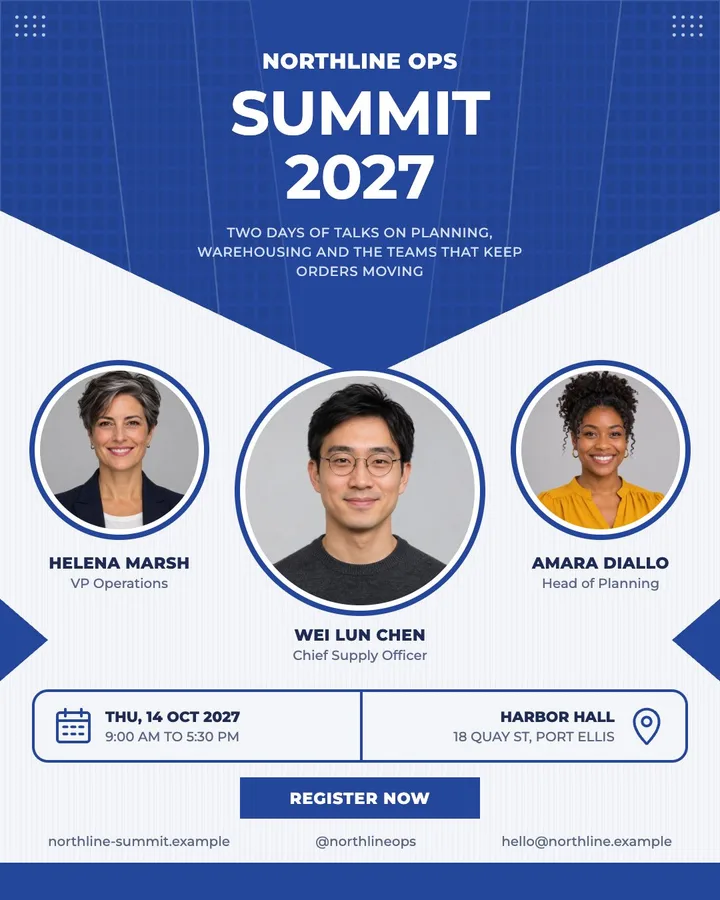
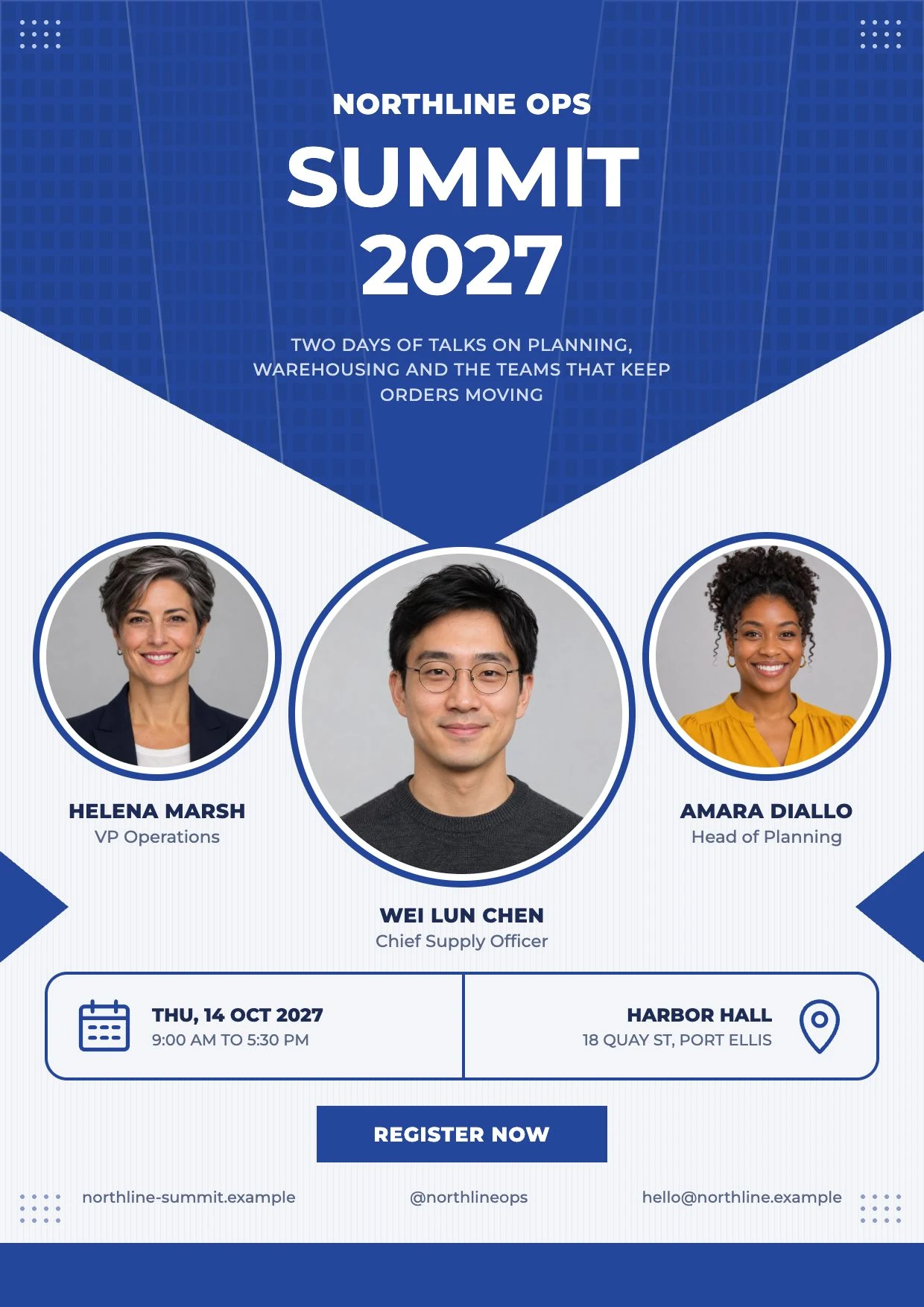
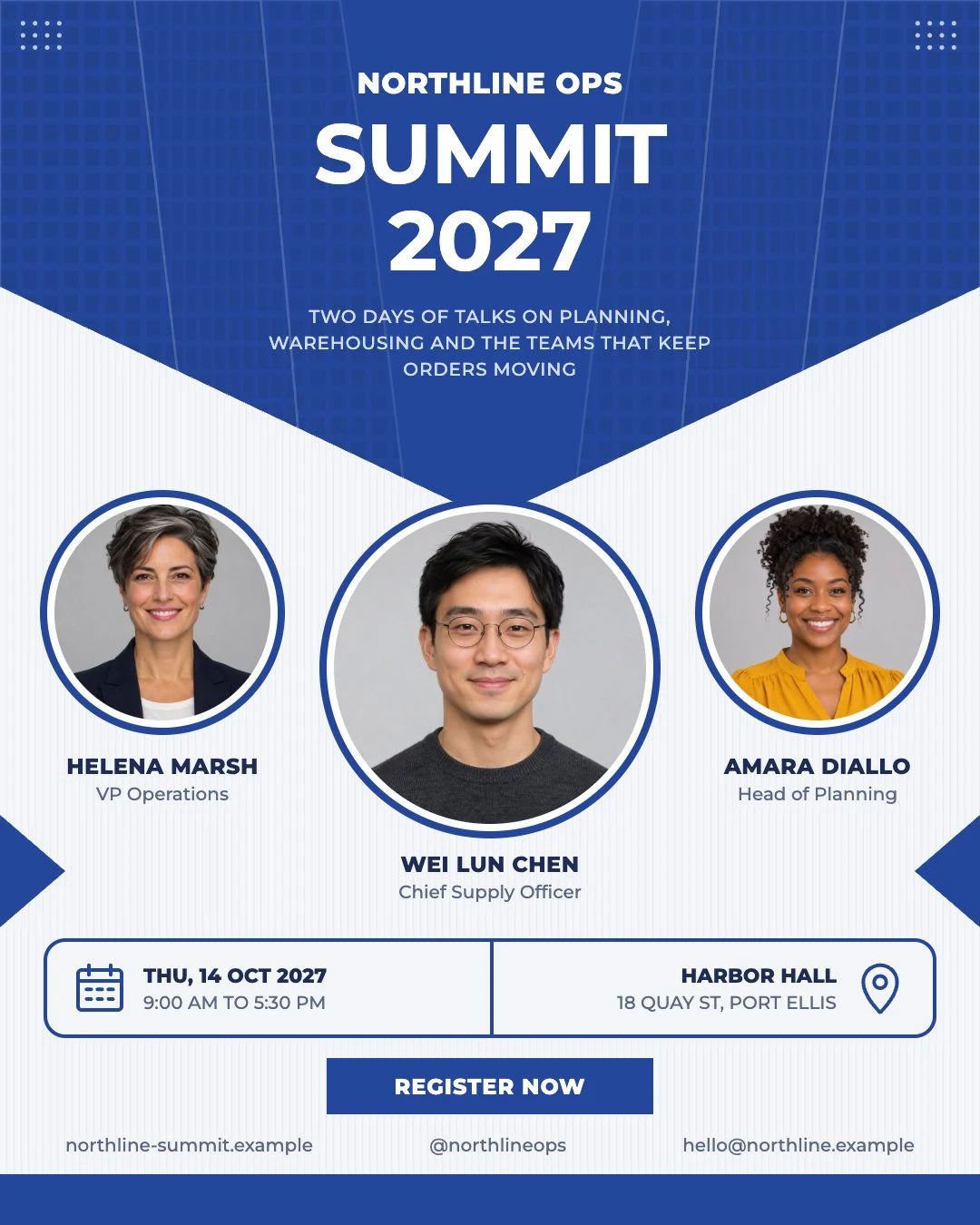
Get a conference poster with a deep blue V panel, a huge title and year, three round speaker portraits with the keynote in the middle, date and venue in an outlined bar and a register button. It renders as an A-series print poster and a 4:5 social post from eighteen text slots and three photos, in three themes or your brand color.
How it works
- Install the skill · Install guides
- Run your request ·
/speaker-conference-poster - Review the result
Review the workflow in SKILL.md and use the bundled commands below.
node -vnode scripts/check-setup.mjsnode scripts/page.mjs slots references/template.htmlnode scripts/page.mjs fill references/template.html --content content.json --out out/index.htmlnode scripts/page.mjs check out/index.html --canvasnode scripts/page.mjs shoot out/index.html --canvas --out out/images
Workspace
references/fill-in.jsonreferences/template.htmlscripts/check-setup.mjsscripts/page.mjs
What you get
- A 1240x1754 A-series poster for print and a matching 1080x1350 social post
- Three round speaker portraits with your photos, plus date, venue, register button and contacts
- Three themes (royal, midnight, emerald) plus any brand color, with enforced text limits and a checker
Requirements
- Required · Node.js 22 or newer
- Required · Google Chrome, Chromium or Edge
Tips
A corporate event poster with three speaker portraits, in print and social sizes.
Make the emerald version and change the button to "Save your seat".
Use my supplied brand color.
Before you start
| You provide |
|
|---|---|
| Dependencies |
|
| External costs | No external service cost |
| Last updated | v1.0.2 · |
No additional scope beyond the supplied workflow.