Your prompt
Replace the brackets with your own content; leave optional ones out.
/coca-cola-2026-dynamic-ribbon-poster-style
Use and size = 〔Use and size — red poster 4:5 / white poster 4:5 / big-word square 1:1 / badge square 1:1 / story 9:16 / all five — optional〕
Brand name = 〔Brand name — your brand name — max 12 chars〕
Badge second line = 〔Badge second line — e.g. Soda Co. — max 16 chars〕
Headline line 1 = 〔Headline line 1 — short line ending in a period — max 16 chars〕
Headline line 2 = 〔Headline line 2 — short line ending in a period — max 16 chars〕
Big word = 〔Big word — one word with a period — max 10 chars〕
Product line = 〔Product line — one sentence — max 60 chars〕
Offer = 〔Offer — e.g. 2 for $5 — max 14 chars〕
Offer details = 〔Offer details — where or when — max 34 chars〕
Small line = 〔Small line — one short line — max 44 chars〕
Name on the can = 〔Name on the can — name on the can — max 10 chars — optional〕
Style = 〔Style — classic red / zero black / citrus orange — optional〕
Field color = 〔Field color — #RRGGBB — optional〕
Not sure? Say: show me an example first
Example
/coca-cola-2026-dynamic-ribbon-poster-style
Use and size = all five
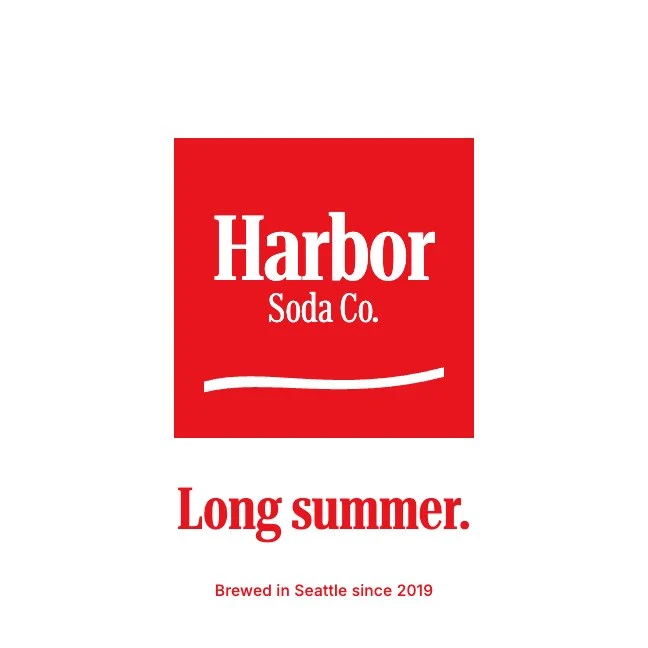
Brand name = Harbor
Badge second line = Soda Co.
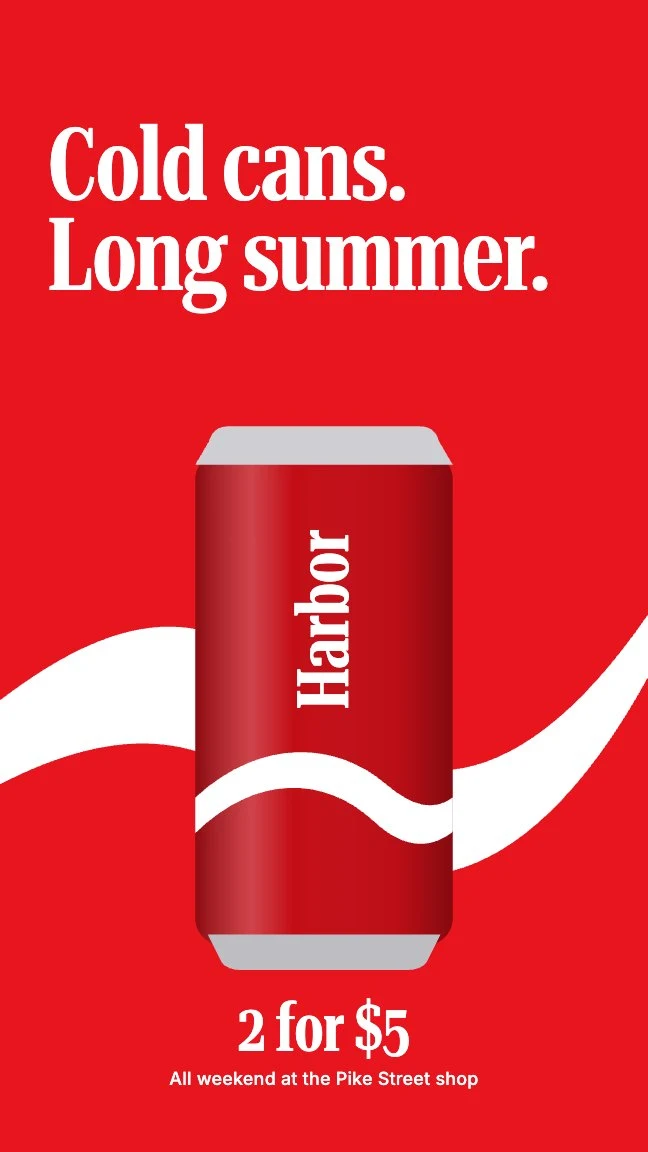
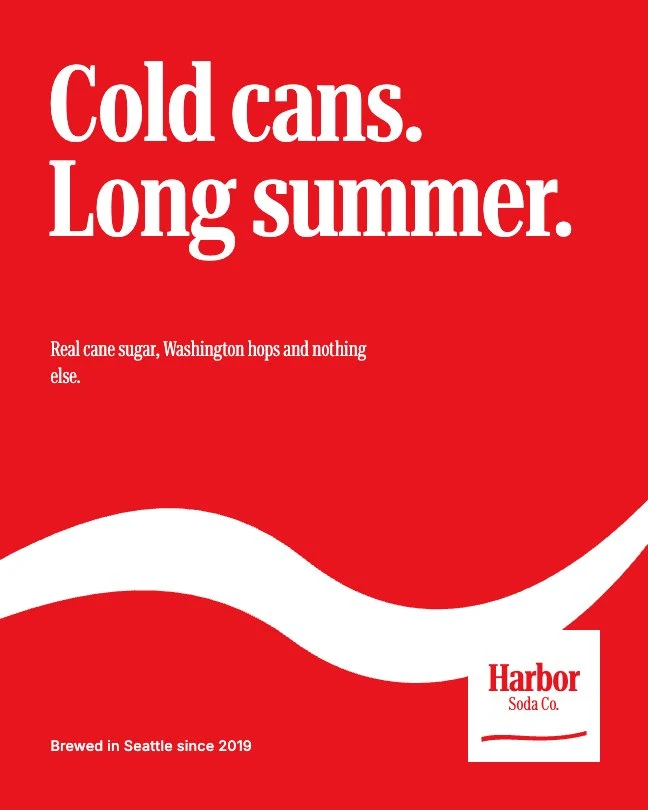
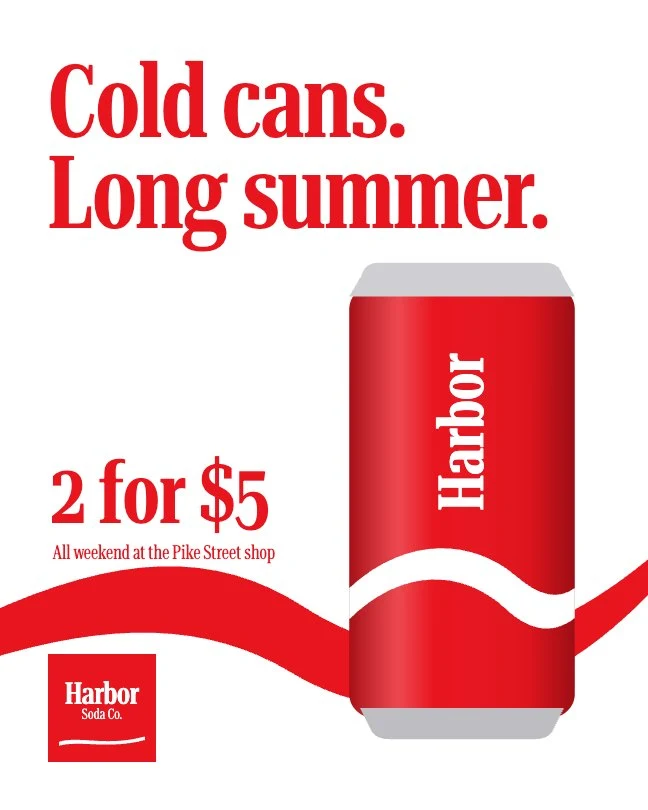
Headline line 1 = Cold cans.
Headline line 2 = Long summer.
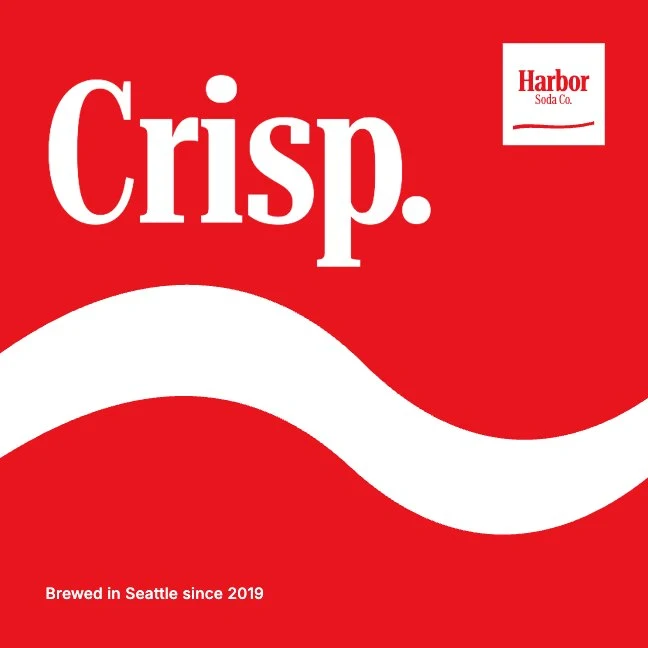
Big word = Crisp.
Product line = Real cane sugar, Washington hops and nothing else.
Offer = 2 for $5
Offer details = All weekend at the Pike St shop
Small line = Brewed in Seattle since 2019
Name on the can = Harbor
Style = classic red
Field color = #1E3A8A
Coca-Cola 2026 Dynamic Ribbon Poster Style
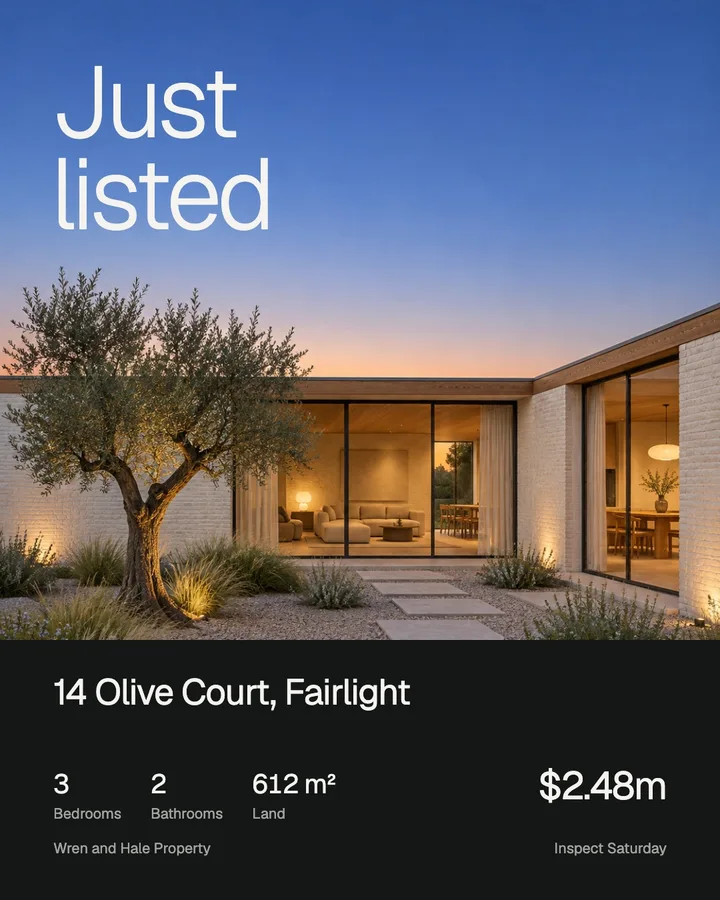
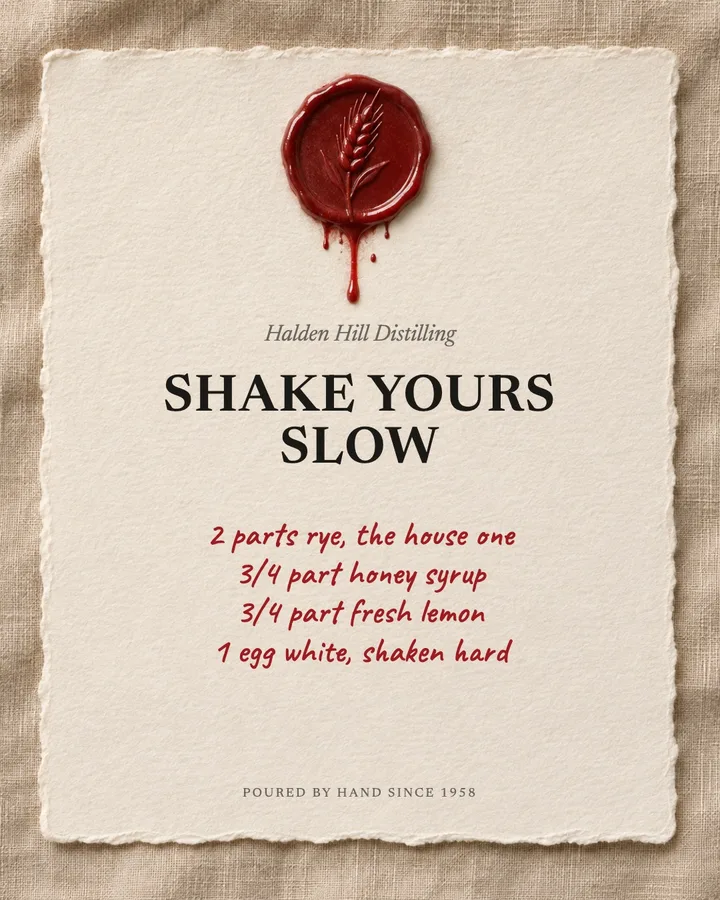
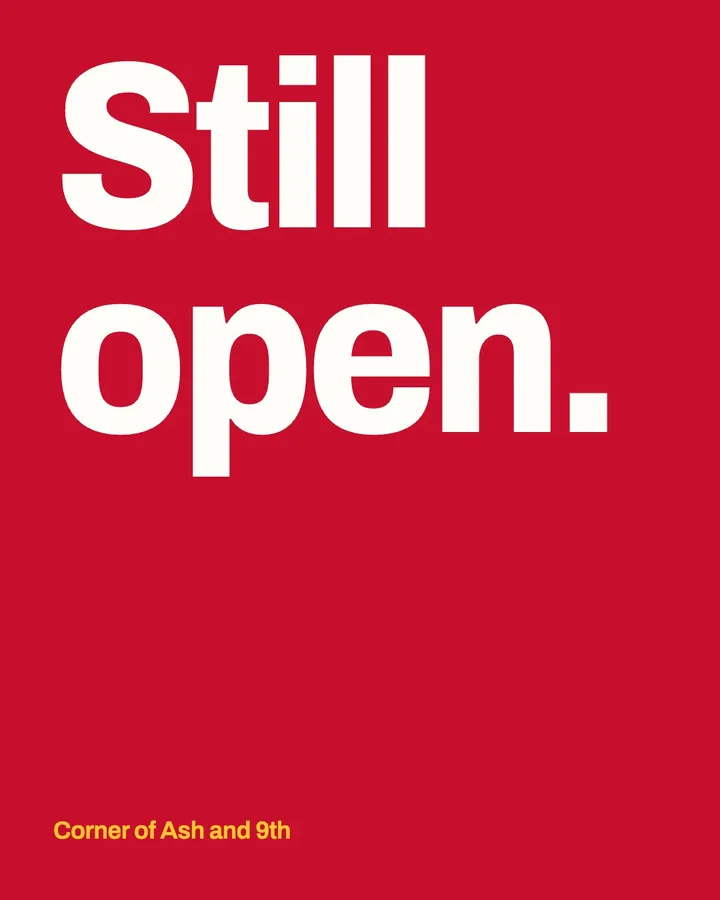
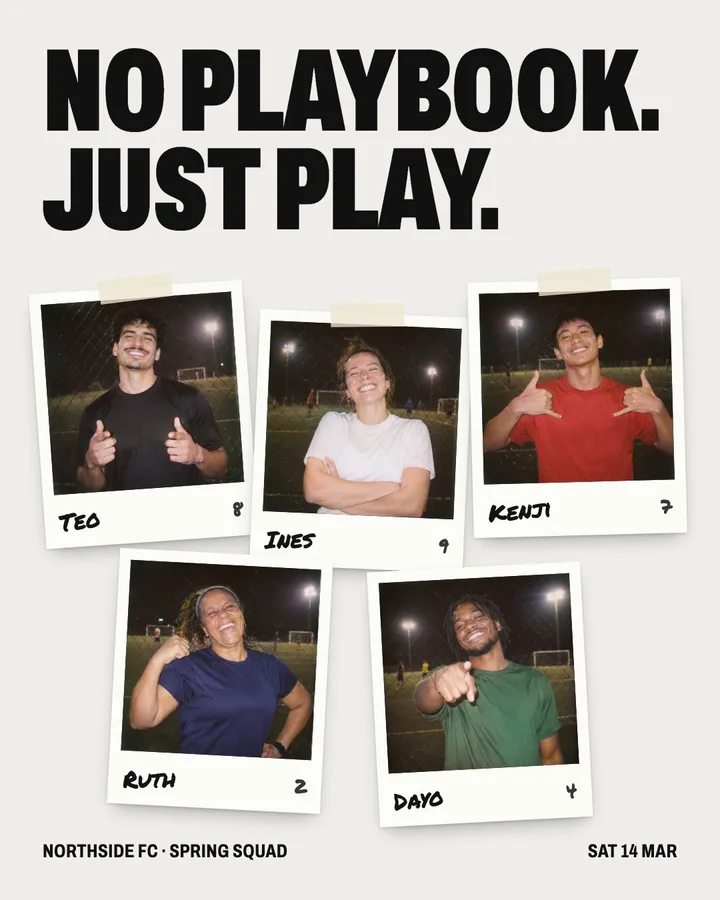
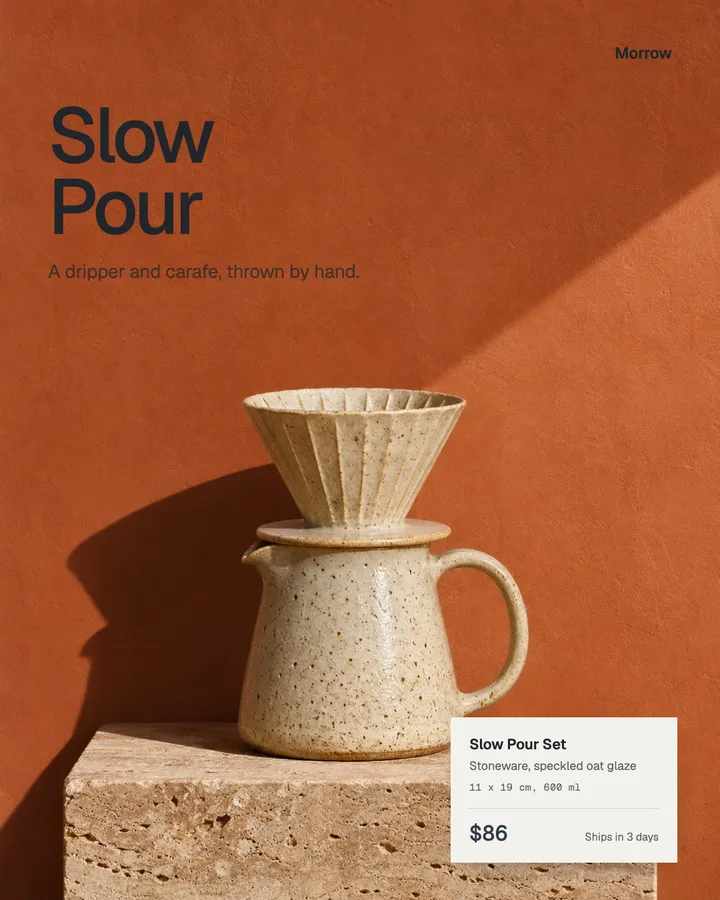
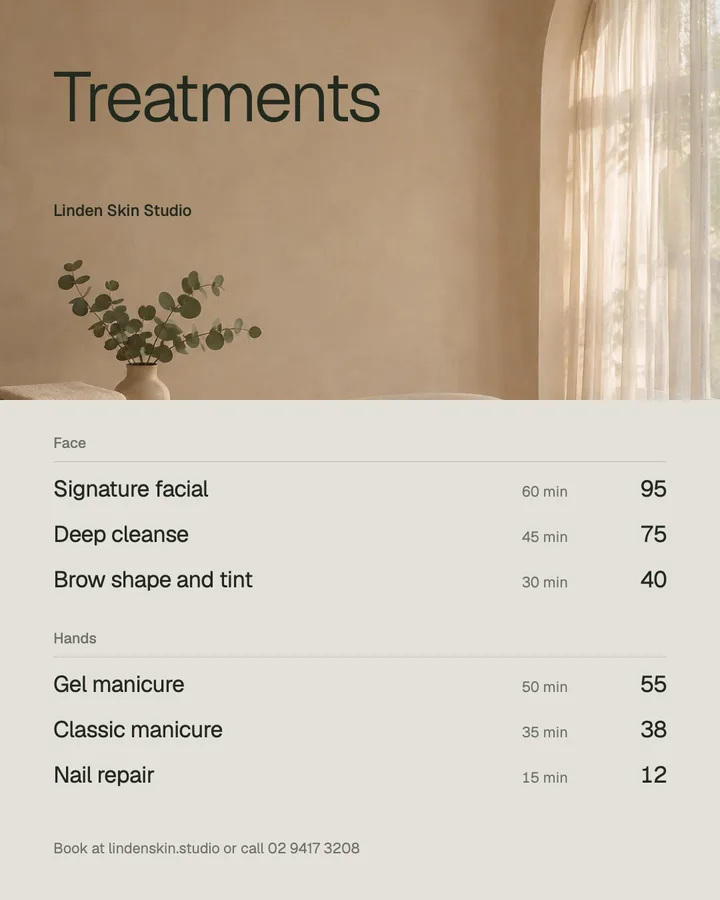
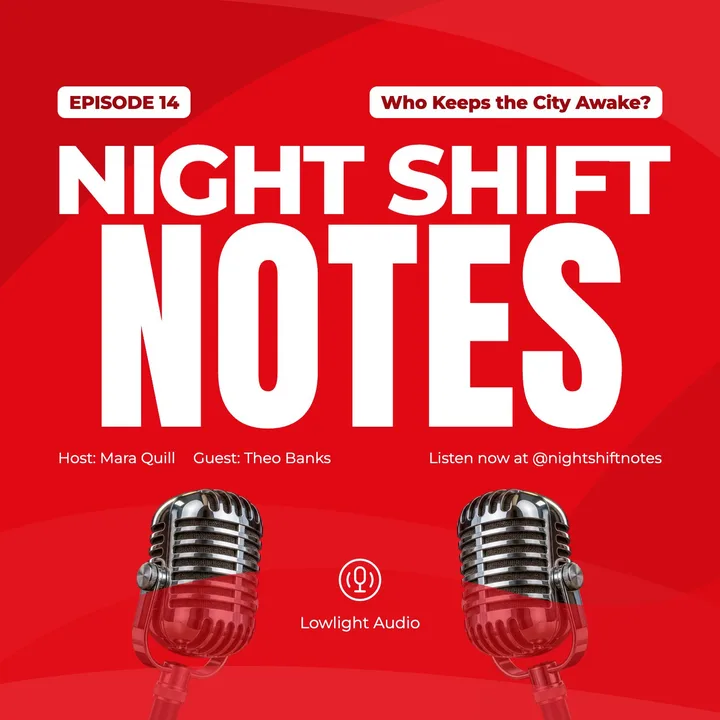
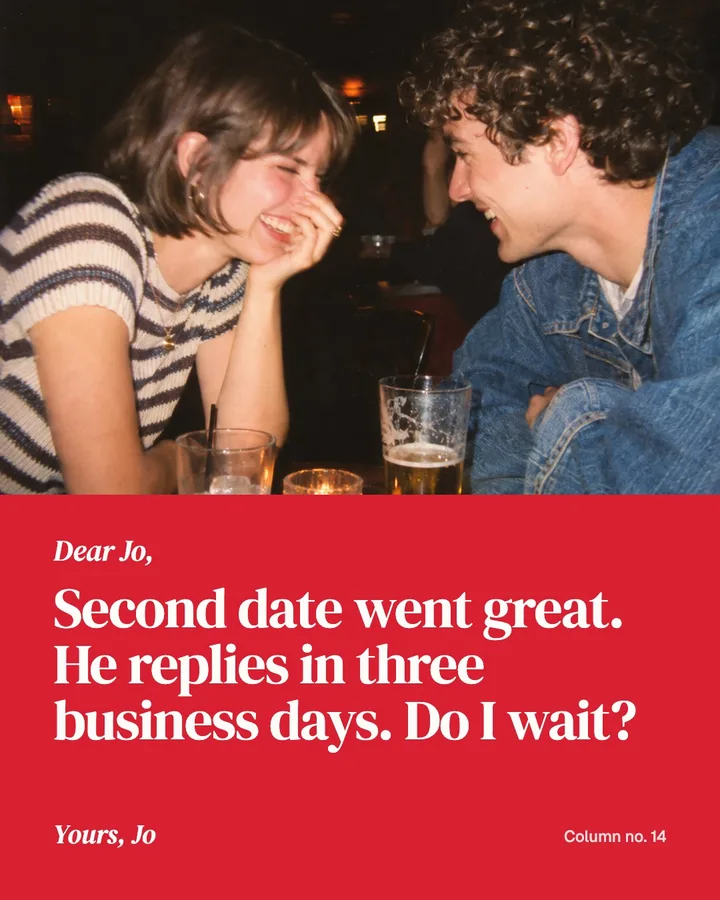
Five images for a drinks or food promo: a red poster, a white poster with a drawn can and an offer, a one-word square, a badge square and a story. Big condensed serif headlines end in a period, a white wave ribbon sweeps through the frame and your name sits in a solid square badge. Independent style study, not affiliated with or endorsed by The Coca-Cola Company. Independent style study, not affiliated with or endorsed by Coca-Cola.
How it works
- Install the skill · Install guides
- Run your request ·
/coca-cola-2026-dynamic-ribbon-poster-style - Review the result
Review the workflow in SKILL.md and use the bundled commands below.
node -vnode scripts/check-setup.mjsnode scripts/page.mjs fill references/template.html --out out/index.htmlnode scripts/page.mjs shoot out/index.html --canvas --out out/imagesnode scripts/page.mjs fill references/template.html --content content.json --out out/index.htmlnode scripts/page.mjs check out/index.html --canvas
Workspace
references/fill-in.jsonreferences/template.htmlscripts/check-setup.mjsscripts/page.mjs
What you get
- Two 1080 x 1350 promo posters (red field, and white with a drawn can and an offer)
- Two 1080 x 1080 social squares and a 1080 x 1920 story, all drawn with code
- Three themes (classic red, zero black, citrus orange), any field color, and a text-limit checker
Requirements
- Required · Node.js 22 or newer
- Required · Google Chrome, Chromium or Edge
Tips
Promo posters and social squares in bold red, a sweeping white ribbon and a square badge.
Switch to the zero theme for our sugar-free line and change the word square to Zero.
Make the field our brand green
Before you start
| You provide |
|
|---|---|
| Dependencies |
|
| External costs | No external service cost |
| Last updated | v1.0.2 · |
No additional scope beyond the supplied workflow.