Your prompt
Replace the brackets with your own content; leave optional ones out.
/studio-service-price-list
Studio name = 〔Studio name — studio name — max 18 chars〕
First category = 〔First category — category — max 12 chars〕
Service 1 (name, time, price) = 〔Service 1 (name, time, price) — service, time, price — max 16 chars〕
Service 2 (name, time, price) = 〔Service 2 (name, time, price) — service, time, price — max 12 chars〕
Service 3 (name, time, price) = 〔Service 3 (name, time, price) — service, time, price — max 19 chars〕
Second category = 〔Second category — category — max 12 chars〕
Service 4 (name, time, price) = 〔Service 4 (name, time, price) — service, time, price — max 12 chars〕
Service 5 (name, time, price) = 〔Service 5 (name, time, price) — service, time, price — max 16 chars〕
Service 6 (name, time, price) = 〔Service 6 (name, time, price) — service, time, price — max 12 chars〕
How to book = 〔How to book — website and phone — max 46 chars〕
Color = 〔Color — night — optional〕
Studio photo = 〔Studio photo — your photo — short side at least 1080 px〕
Service close-up = 〔Service close-up — your photo — short side at least 1080 px〕
Not sure? Say: show me an example first
Example
/studio-service-price-list
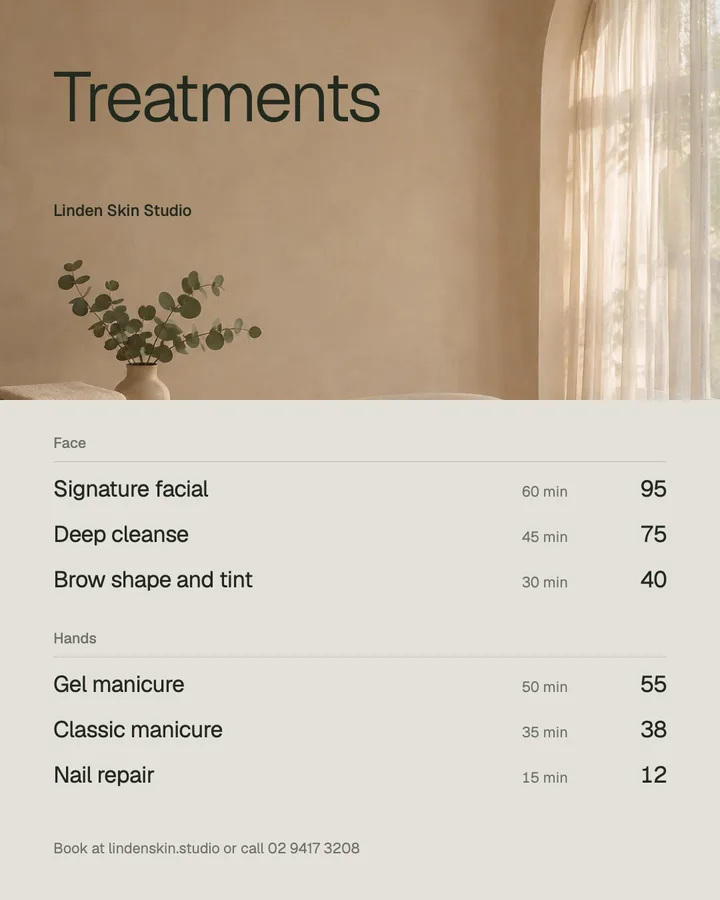
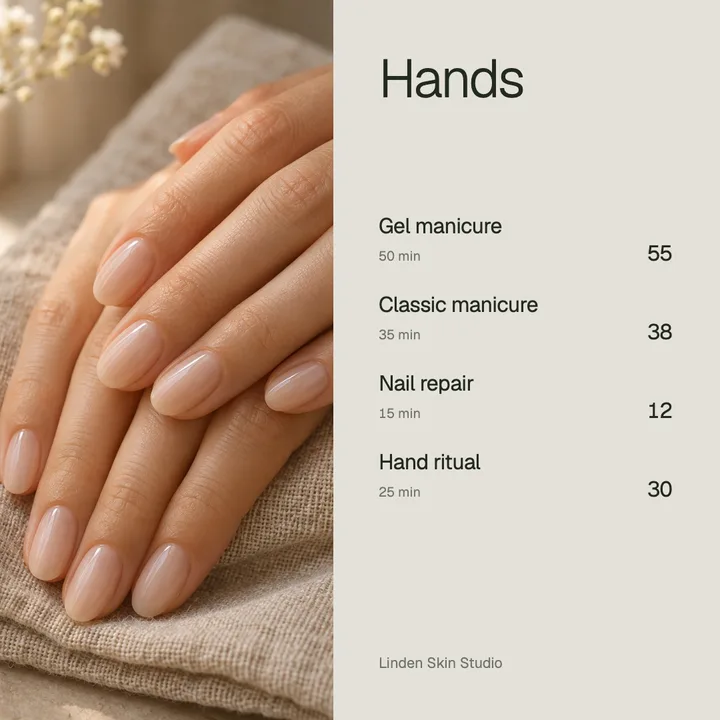
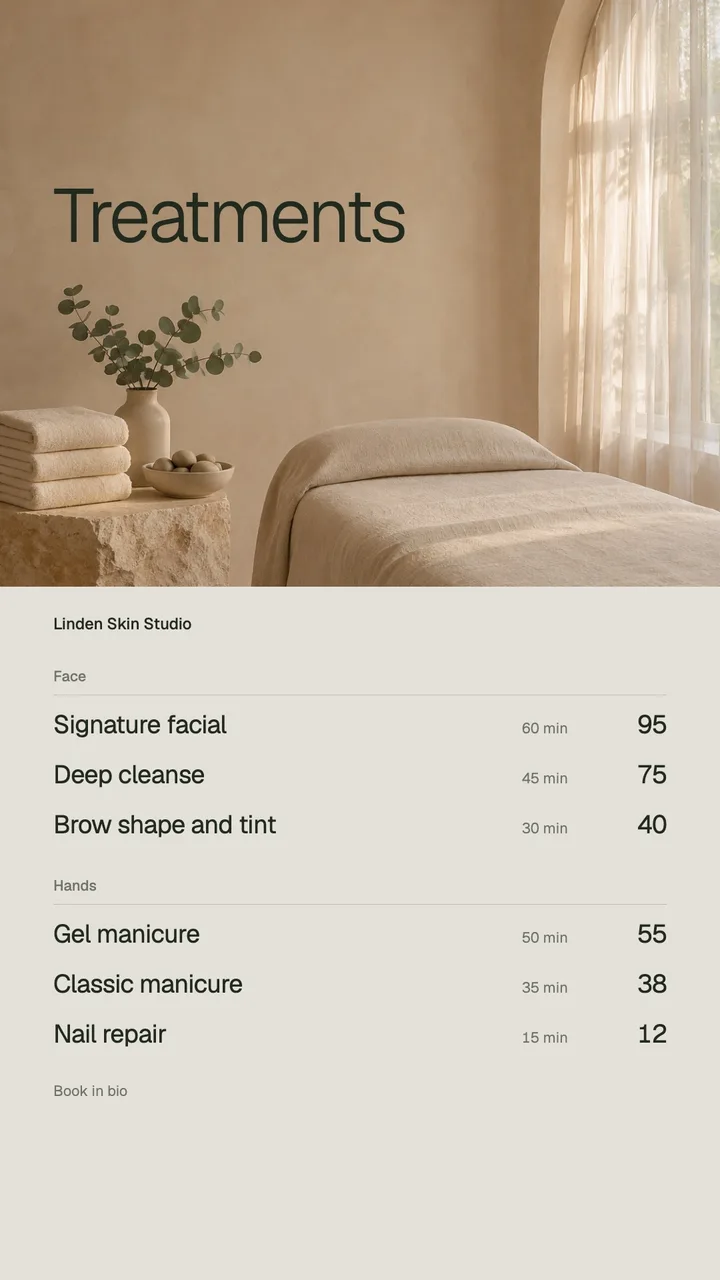
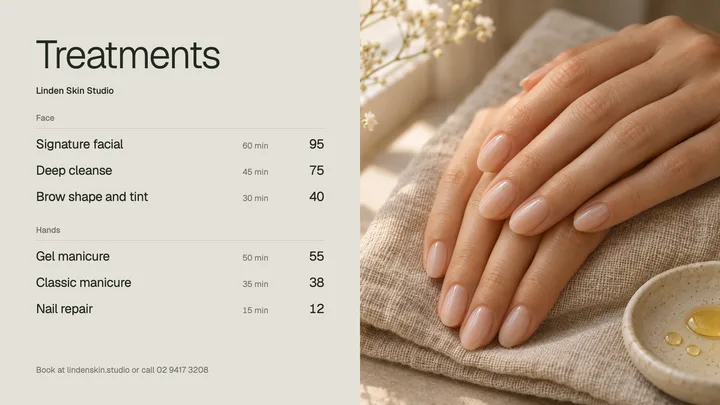
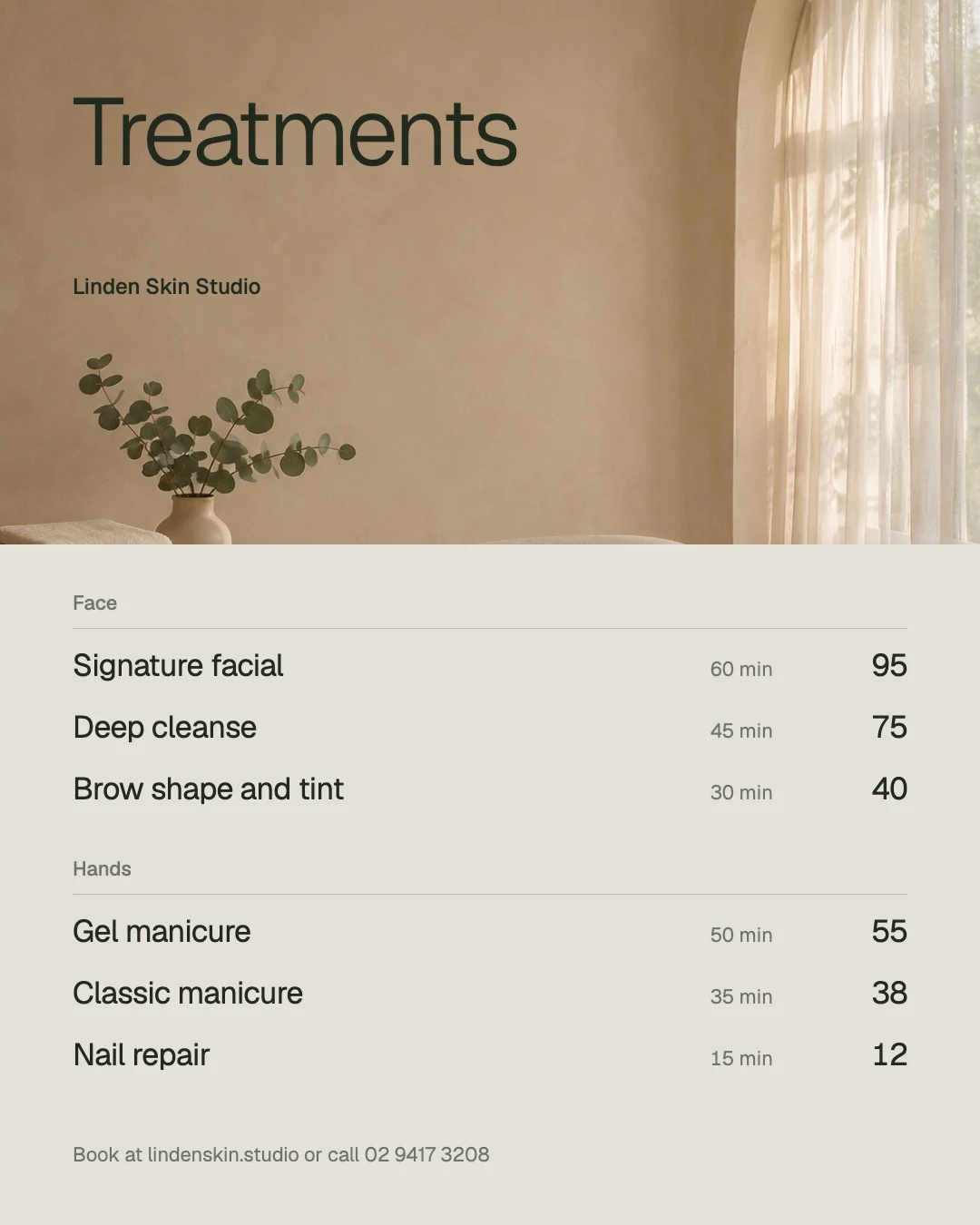
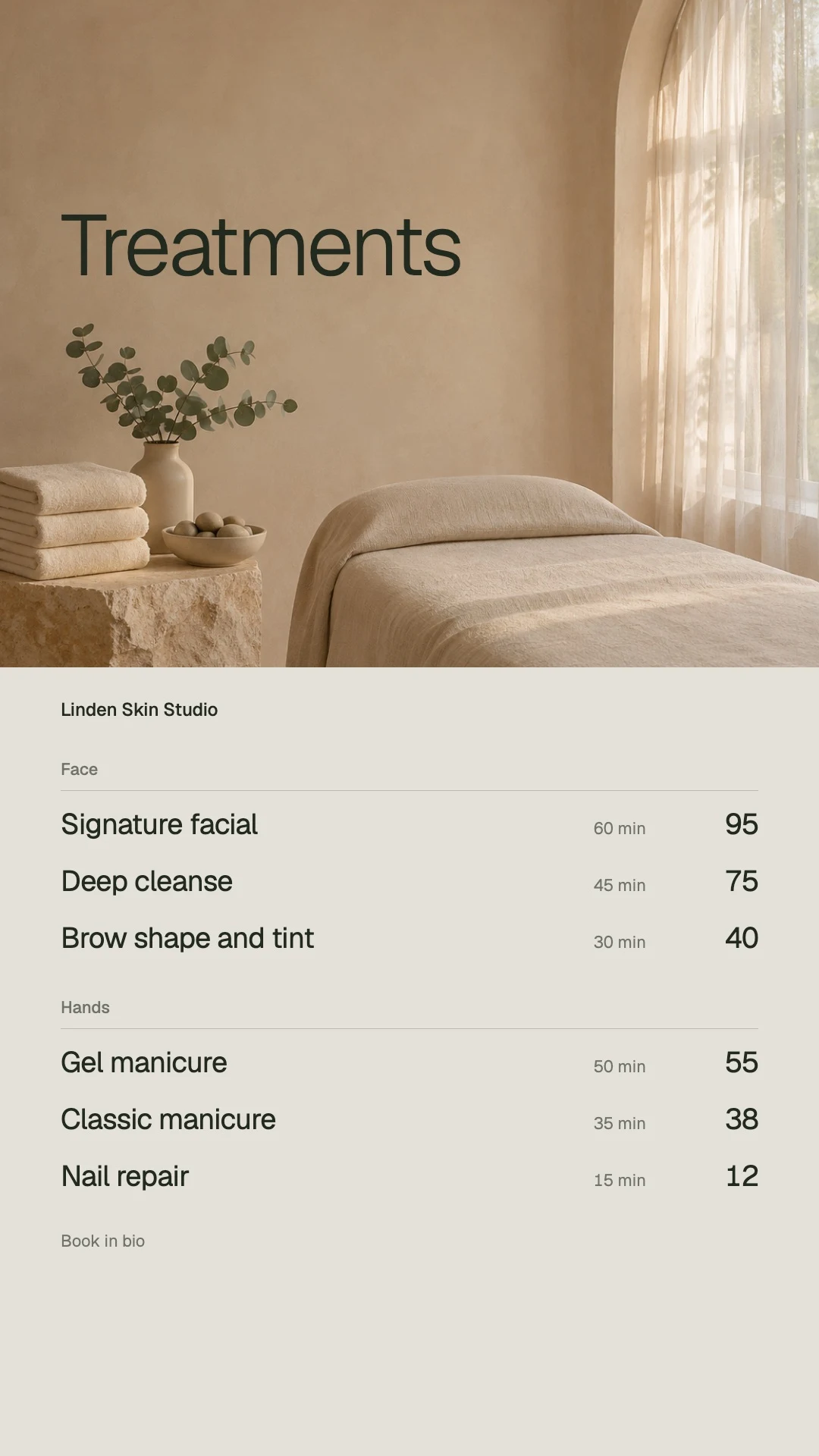
Studio name = Linden Skin Studio
First category = Face
Service 1 (name, time, price) = Signature facial
Service 2 (name, time, price) = Deep cleanse
Service 3 (name, time, price) = Brow shape and tint
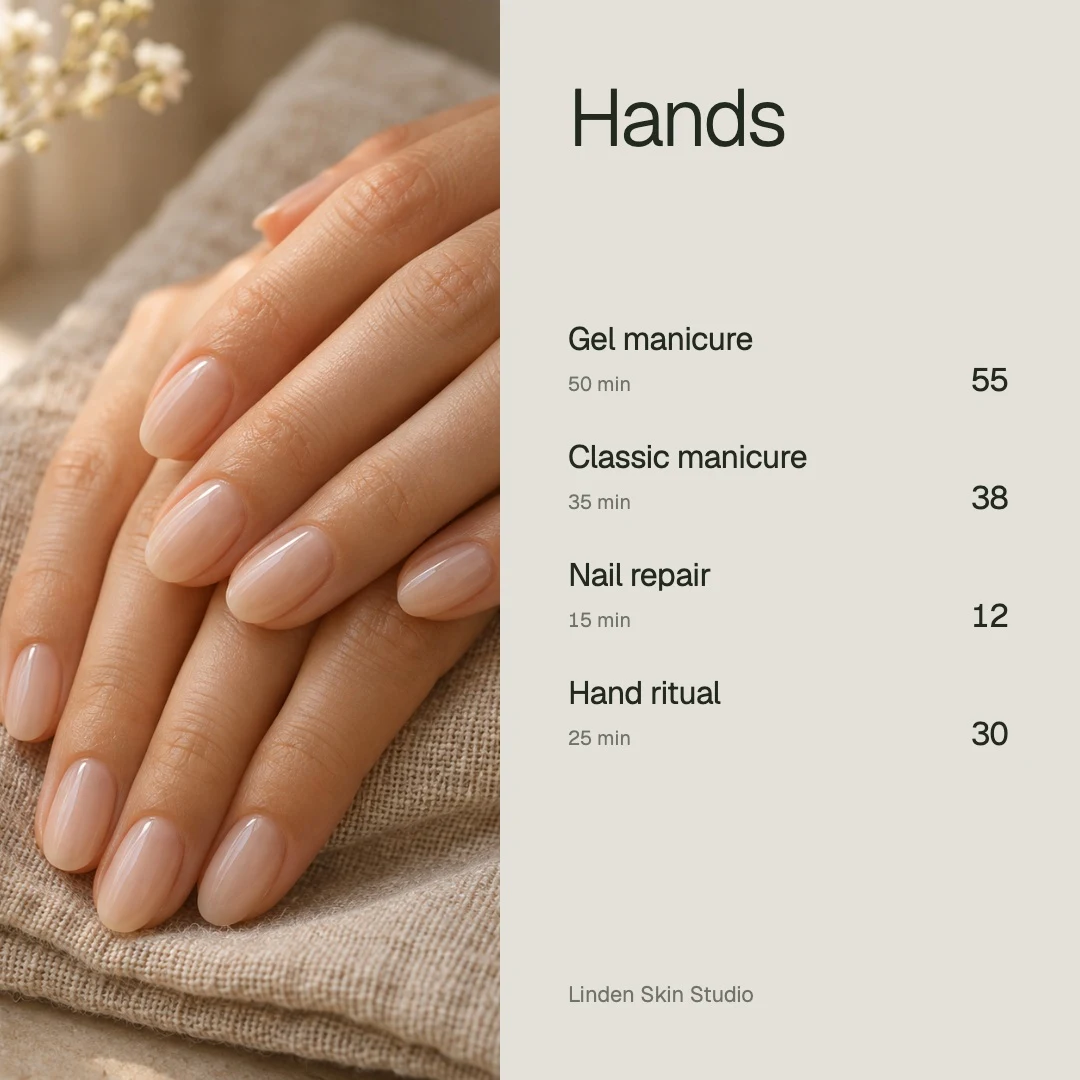
Second category = Hands
Service 4 (name, time, price) = Gel manicure
Service 5 (name, time, price) = Classic manicure
Service 6 (name, time, price) = Nail repair
How to book = Book at lindenskin.studio or call 02 9417 3208
Color = night
Studio photo = the sample photo in the pack
Service close-up = the sample photo in the pack
Studio Service Price List
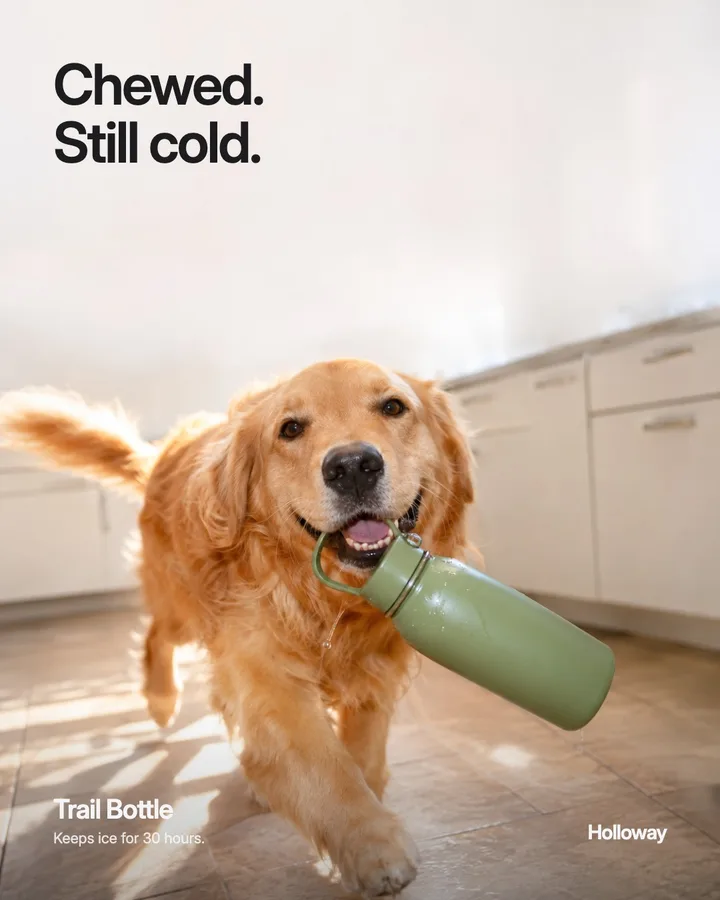
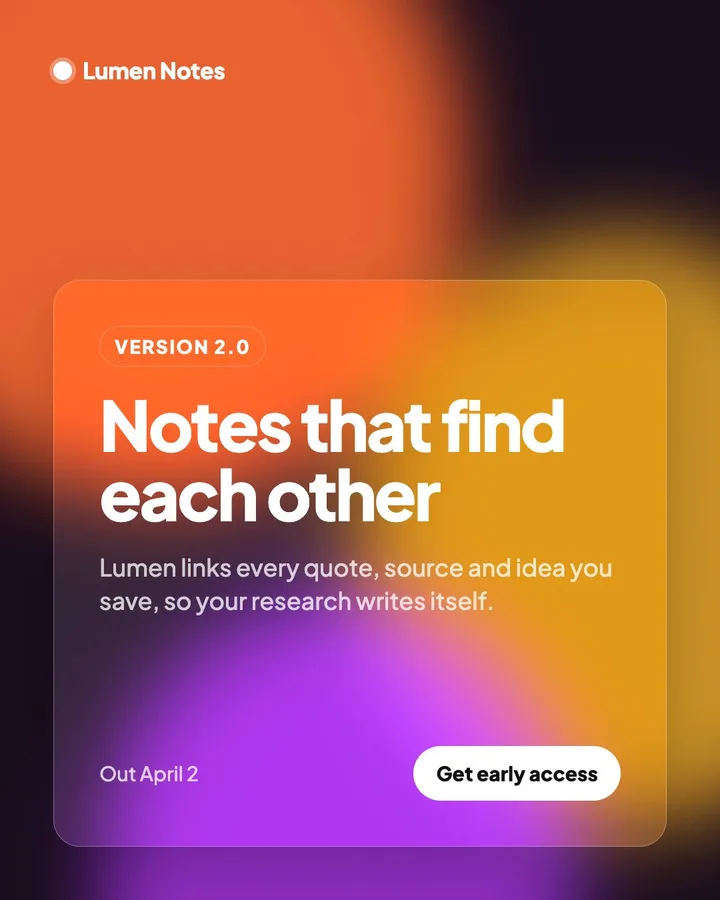
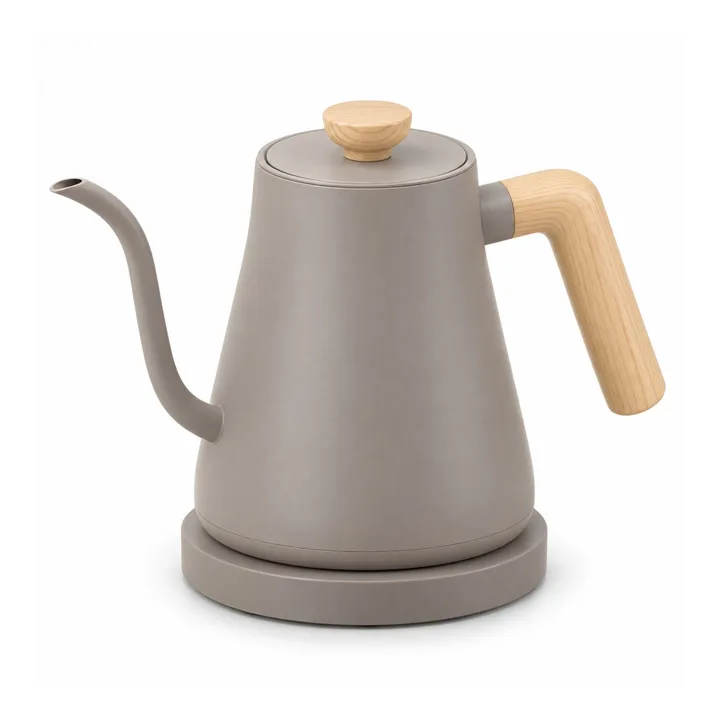
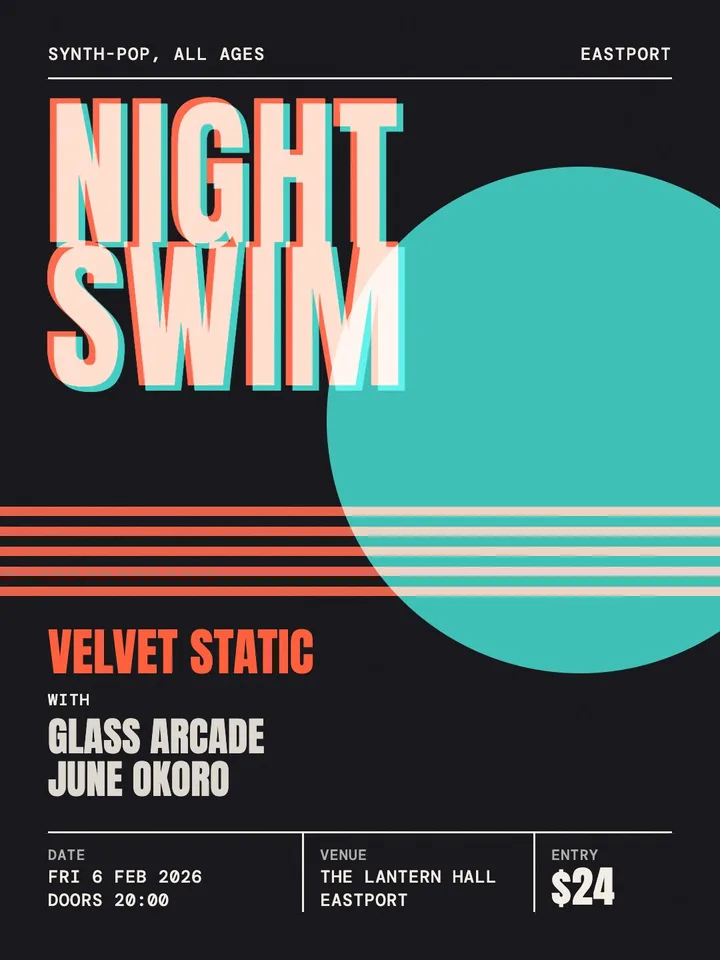
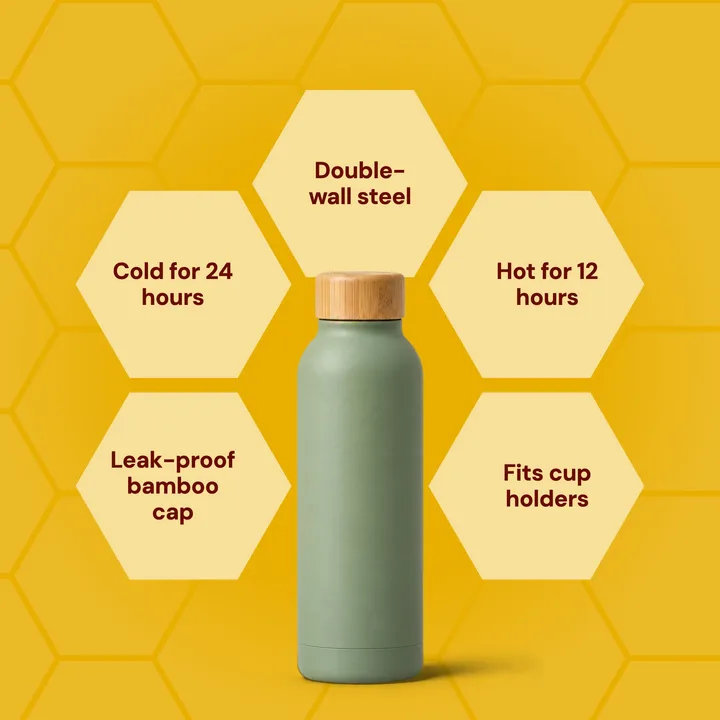
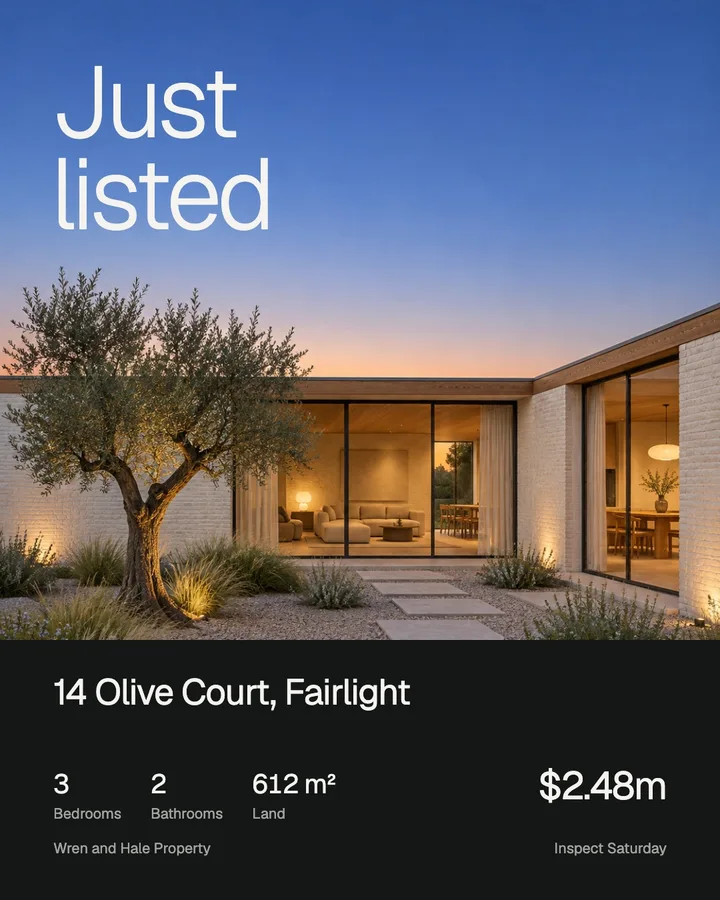
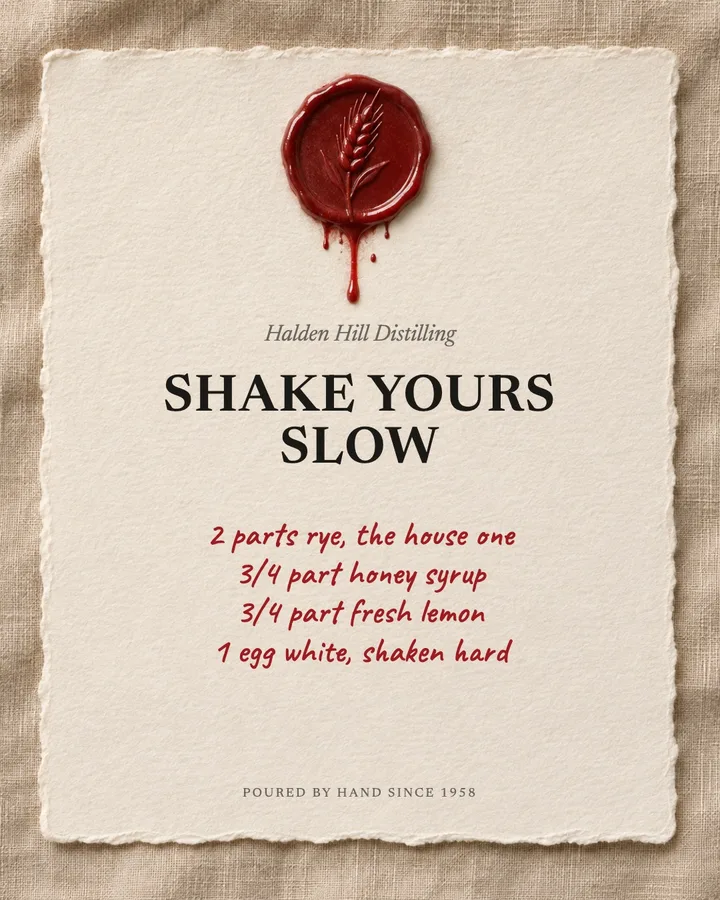
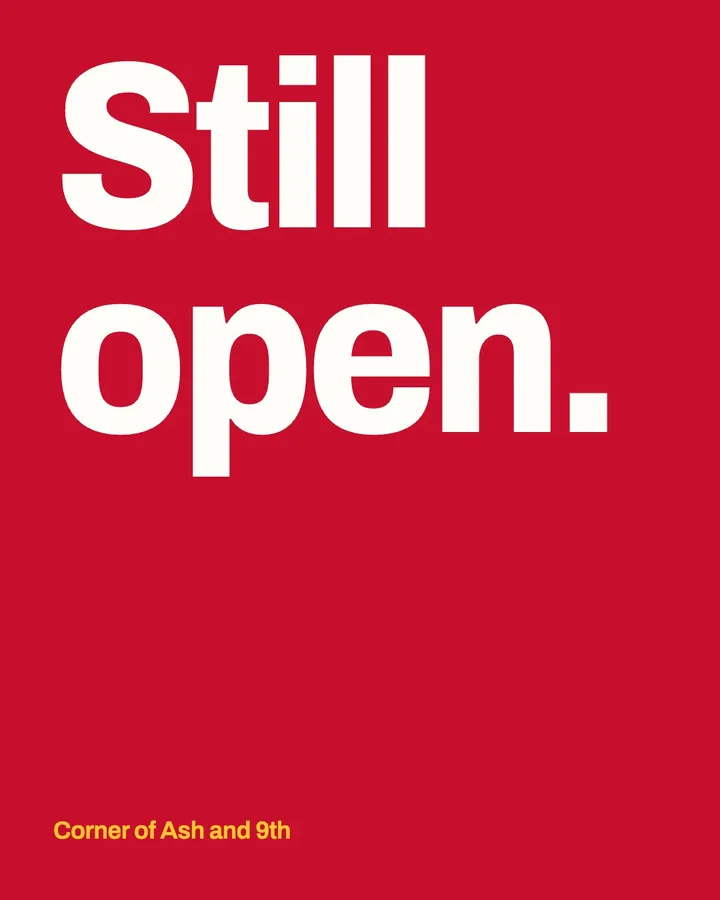
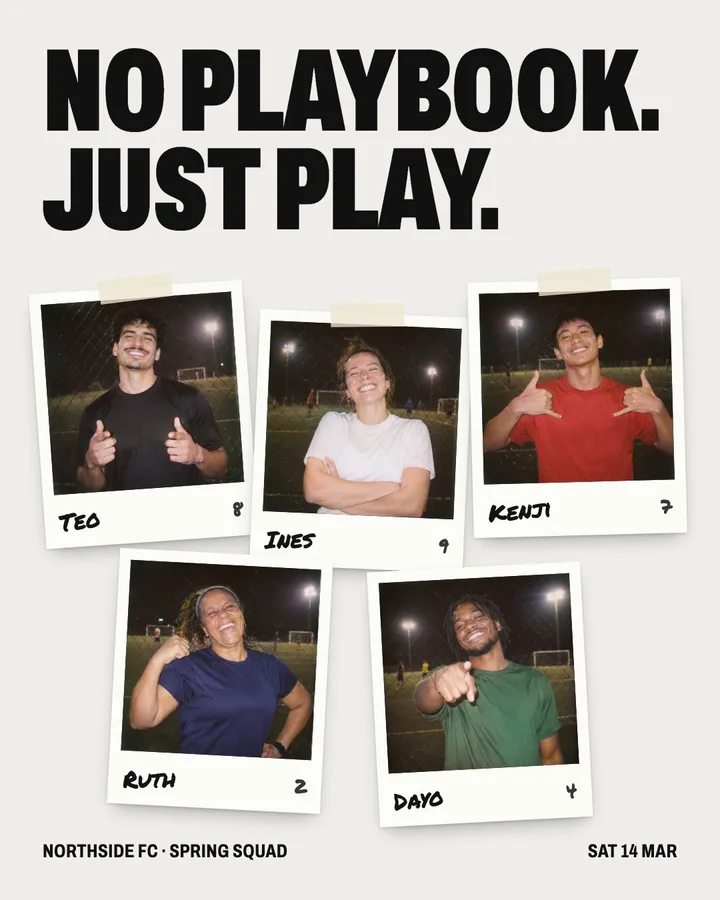
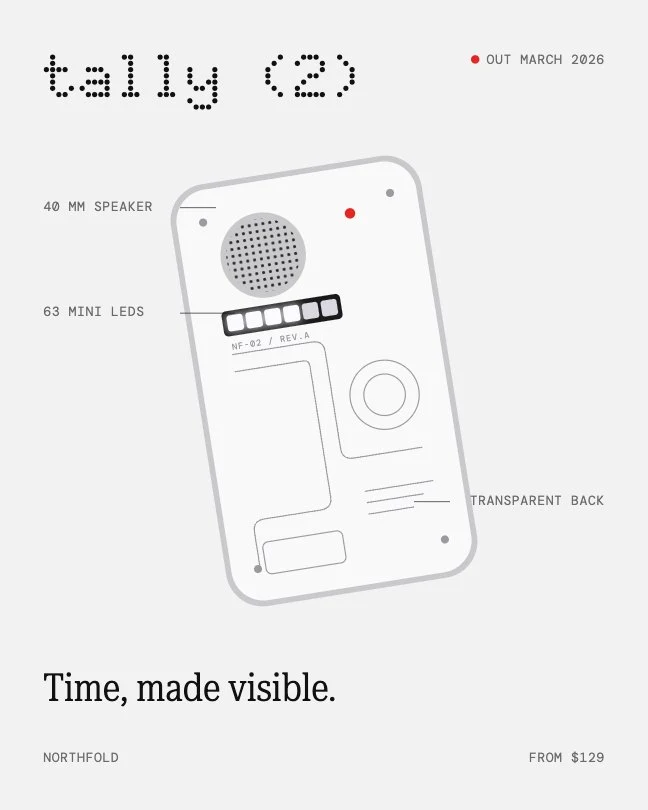
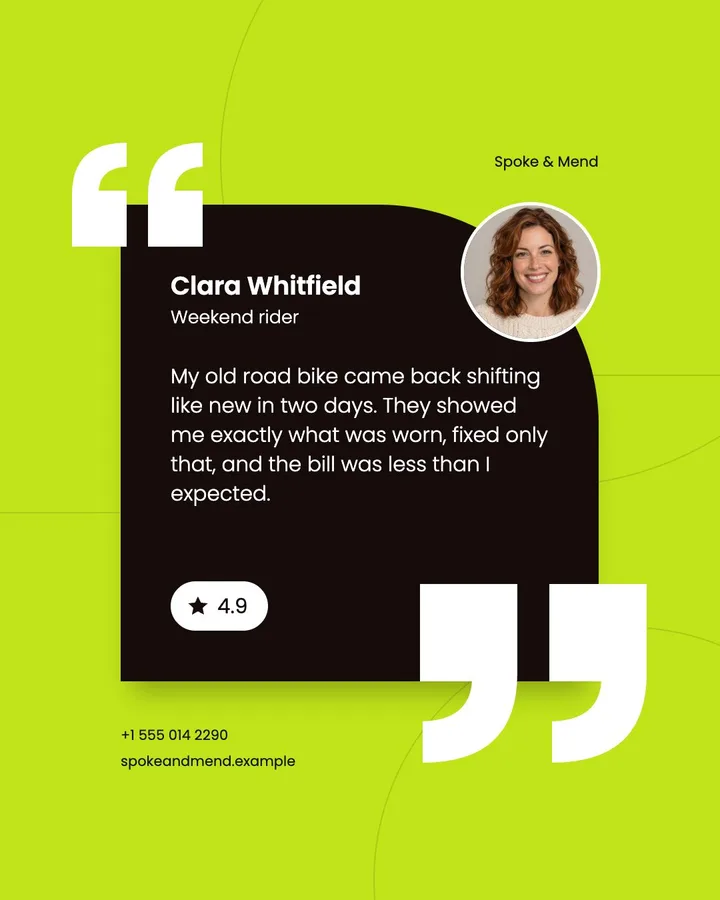
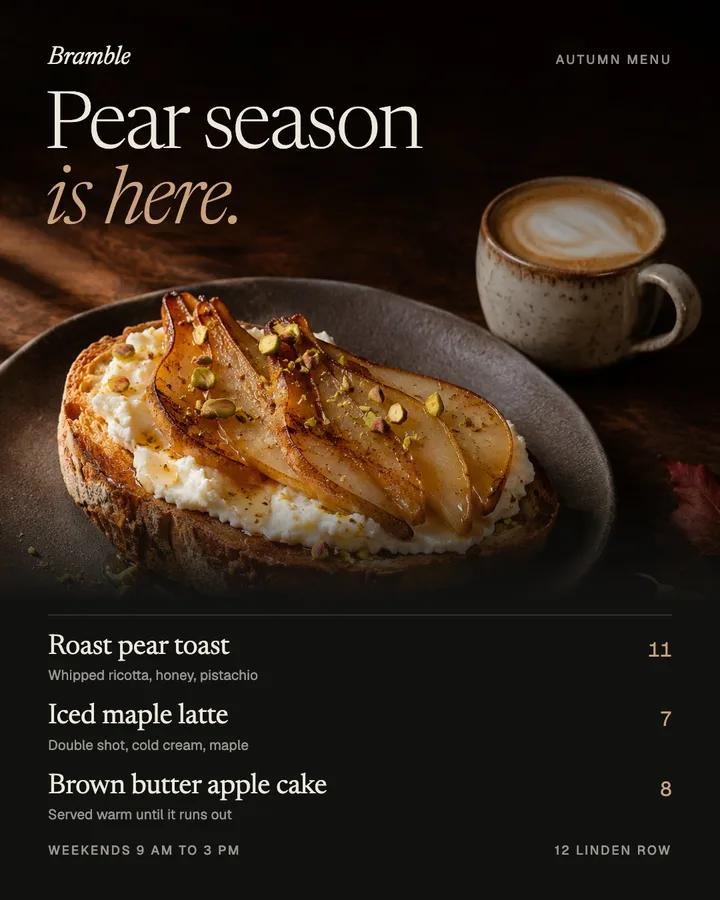
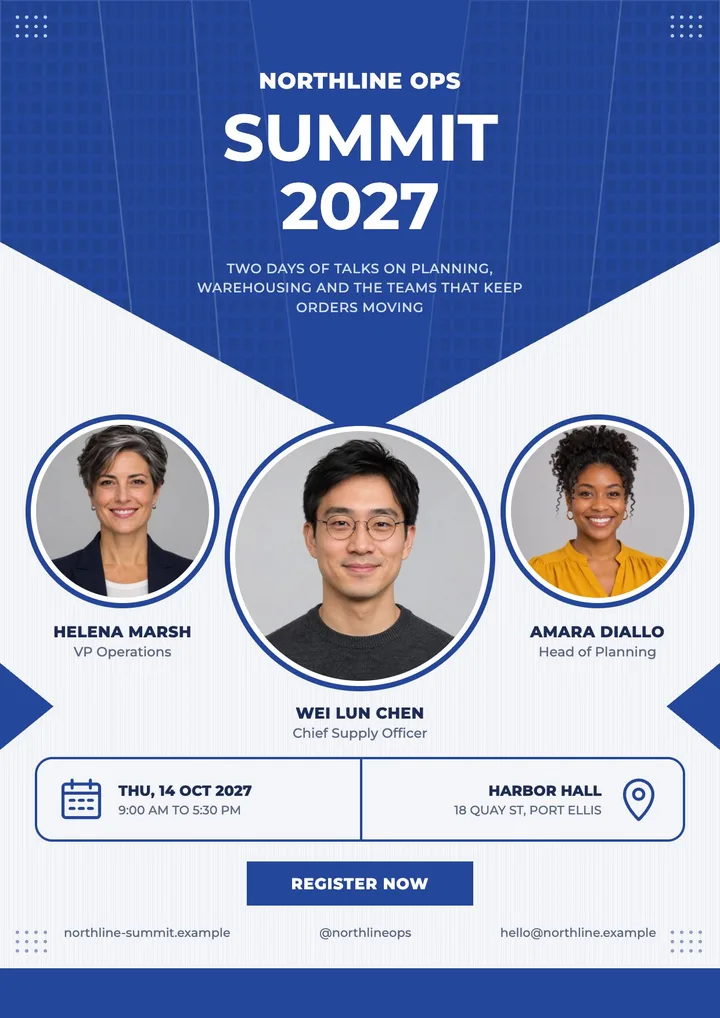
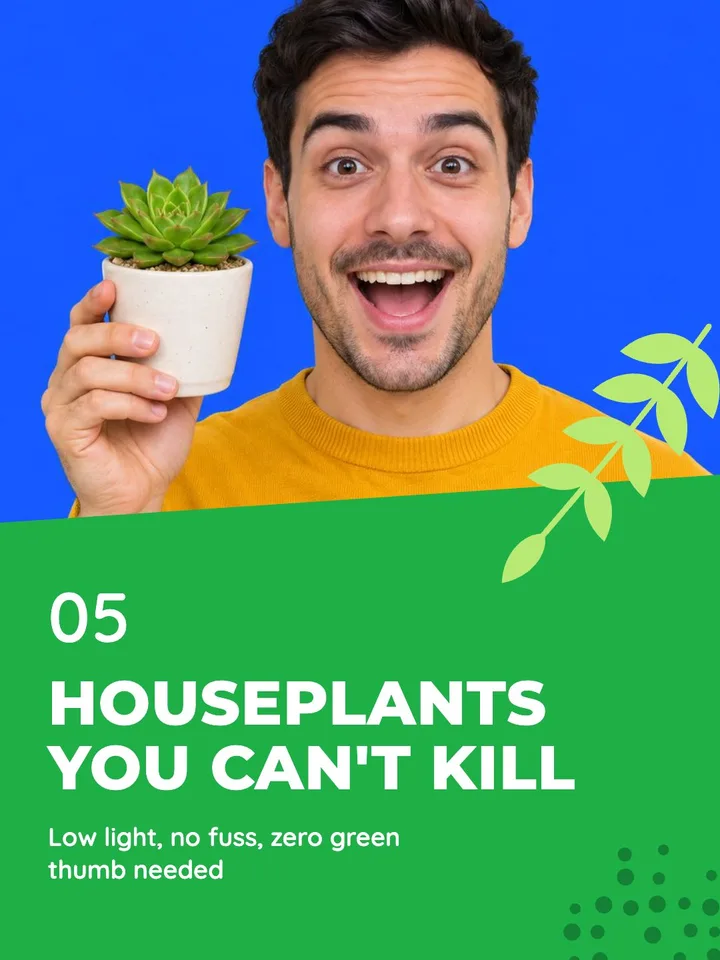
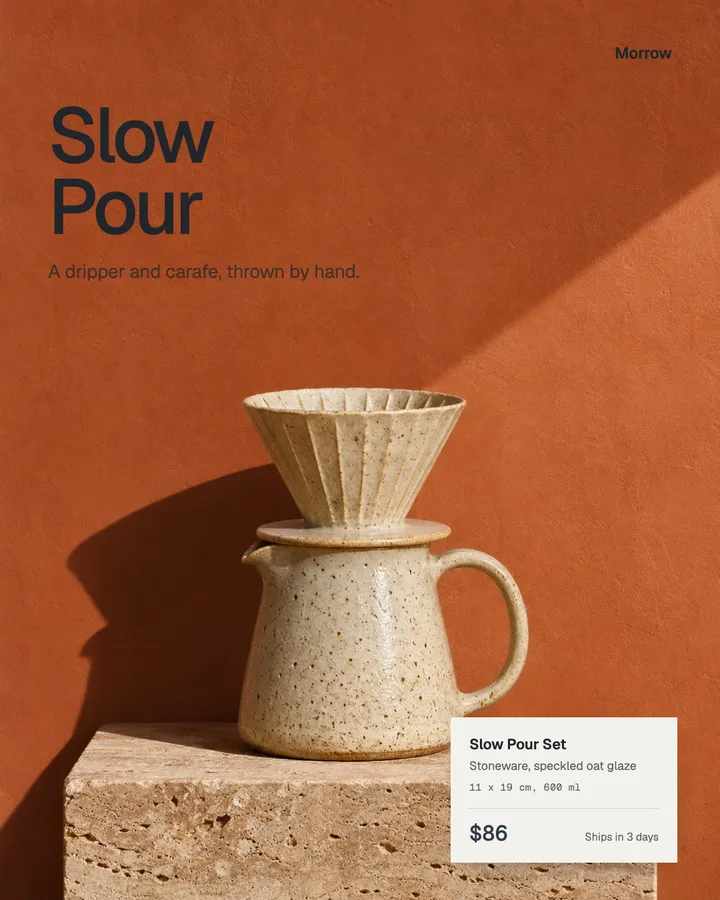
Create four coordinated still images. Replace approved copy, colors and licensed photographs, then render and check locally.
How it works
- Install the skill · Install guides
- Run your request ·
/studio-service-price-list - Review the result
Review the workflow in SKILL.md and use the bundled commands below.
node -vnode scripts/check-setup.mjsnpx playwright install chromiumnode scripts/create.cjs --helpnode scripts/studio.cjsnode scripts/create.cjs --out out
Workspace
studio.htmlreferences/check.jsonreferences/defaults.jsonreferences/fill-in.jsonreferences/renders.jsonreferences/template.htmlscripts/check-output.mjsscripts/check-setup.mjs
What you get
- Four JPEG compositions
- Editable text, colors and licensed photographs
- Local rendering and checking scripts
Requirements
- Required · Node.js 22+
- Required · Google Chrome
Tips
Four coordinated images with editable text, colors and local photographs.
Replace the demo copy with our approved text.
Render all four compositions with our licensed photos.
Before you start
| You provide |
|
|---|---|
| Dependencies |
|
| External costs | No external service cost |
| Last updated | v1.0.1 · |
No additional scope beyond the supplied workflow.