Featured · Social posts
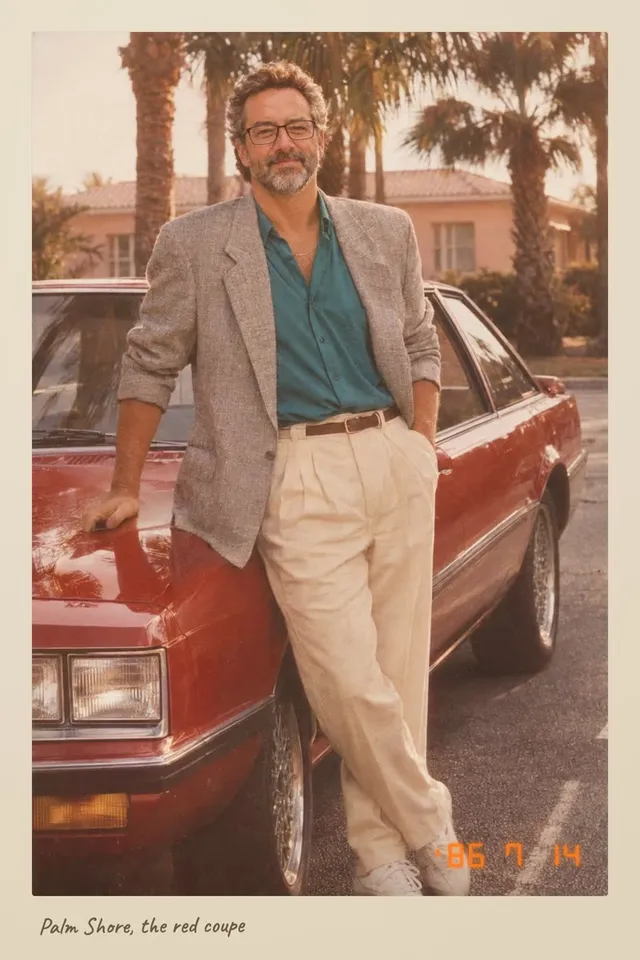
80s Flashback Portrait
Turn one photo of yourself into a mid-80s portrait on warm faded film, by a red coupe, in a portrait studio or under a party flash, then mount it as a dated paper print and an album-page post. Change the year, scene, caption, date stamp, page theme and stamp color.
Social posts skills to start with

Apple Surprise and Shine Event Invite Style

Art Deco Marquee

Art History Speedrun
Aurora Launch Set

Bauhaus Beat Poster
Caution Tape Reveal
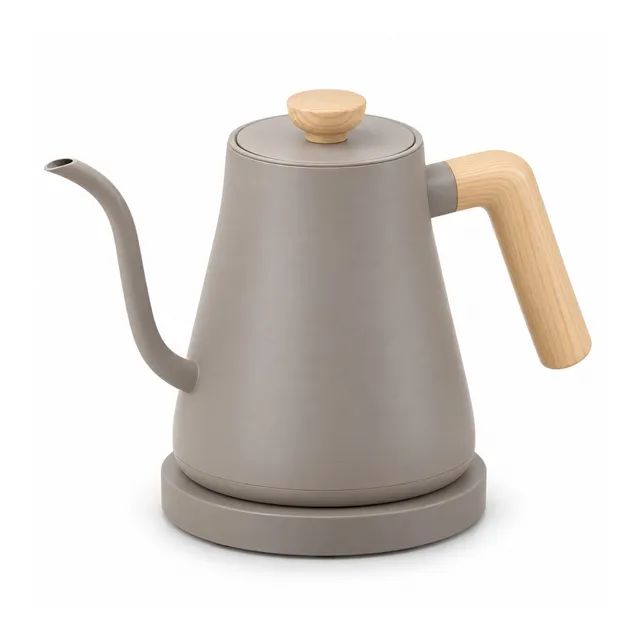
Clean Spec Callout Listing Set
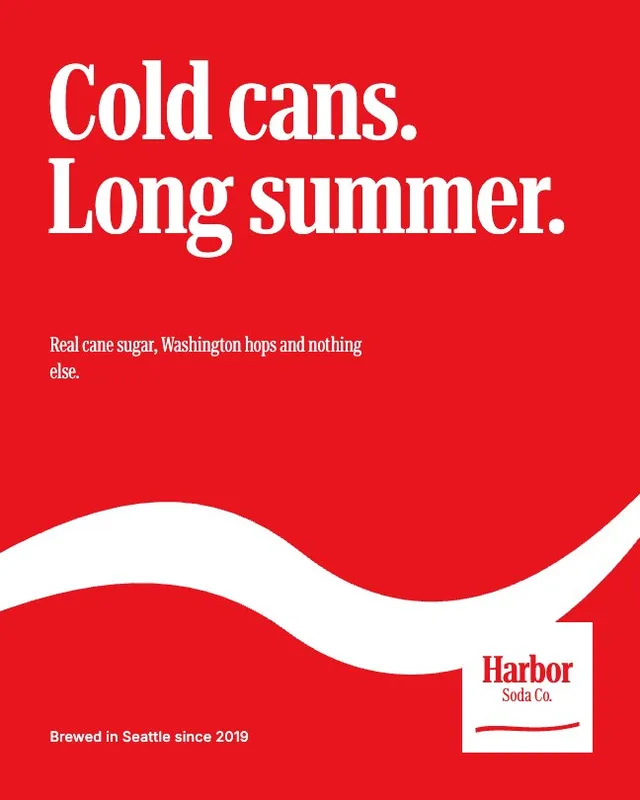
Coca-Cola 2026 Dynamic Ribbon Poster Style
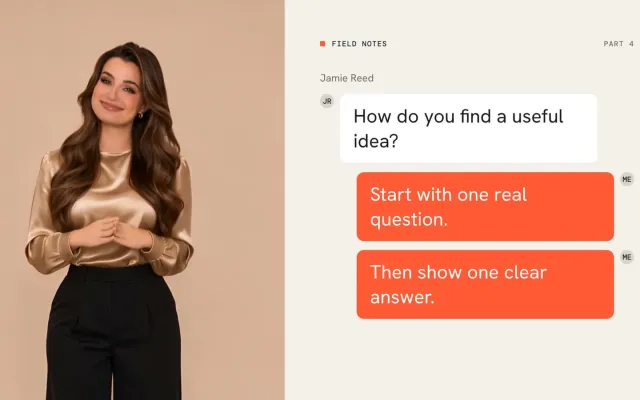
Chat Reply
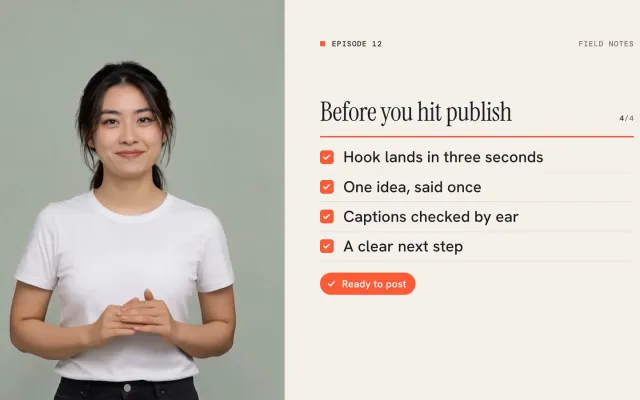
Presenter Checklist
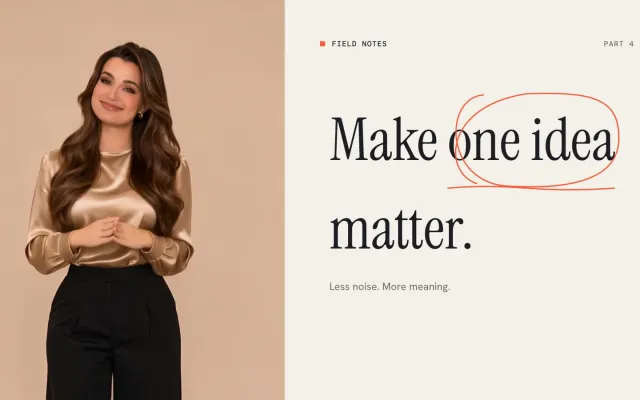
Circle Keyword
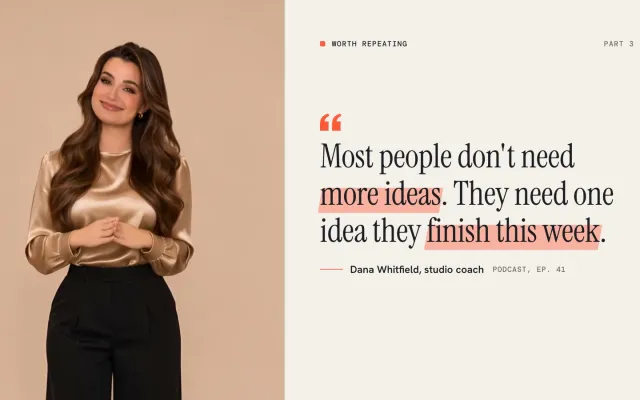
Marker Quote
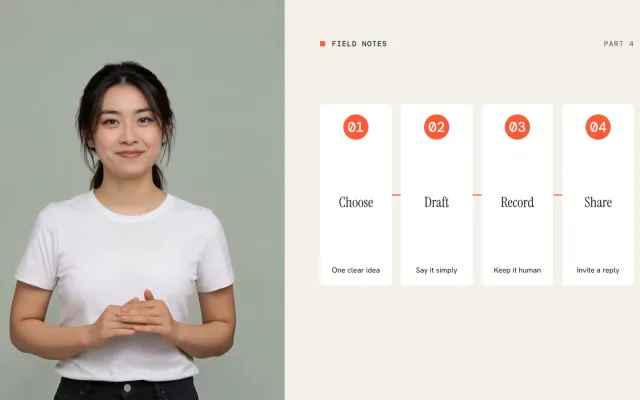
Step Path
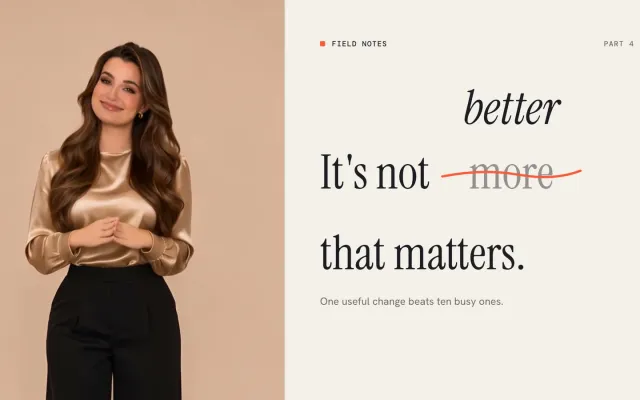
Strike & Rewrite
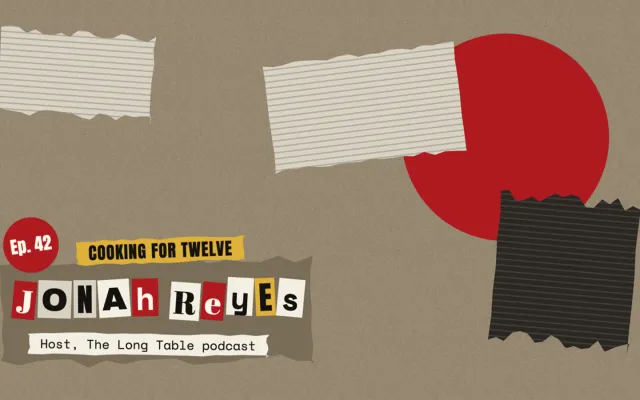
Cutout Lower Third
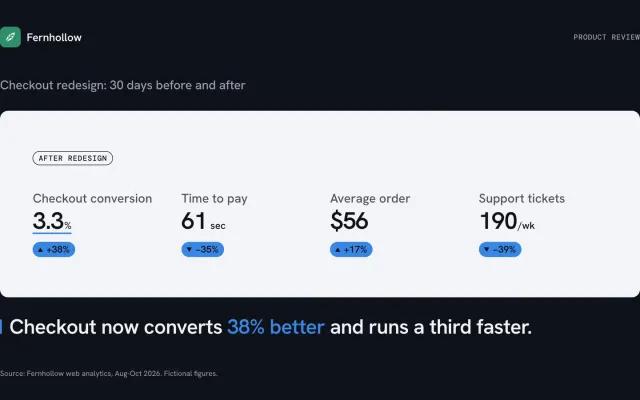
Before After Wipe
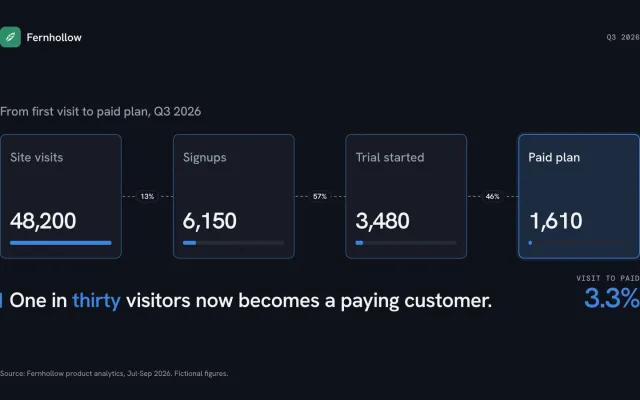
Flow Funnel
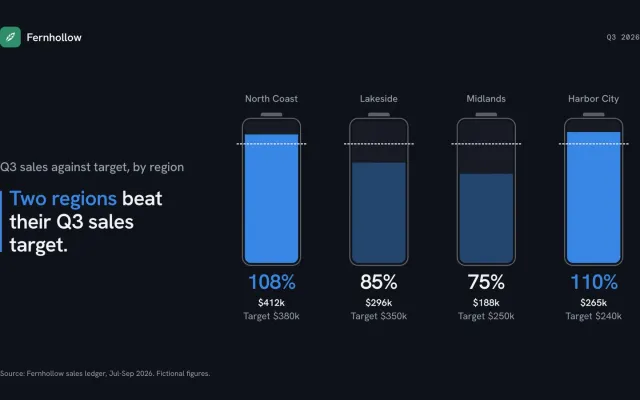
Goal Fill Gauges
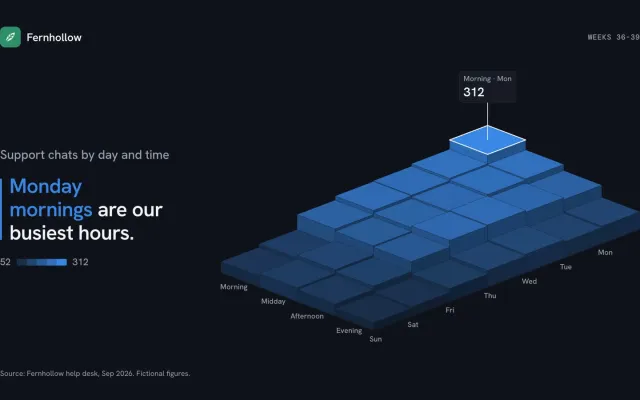
Isometric Heat Grid
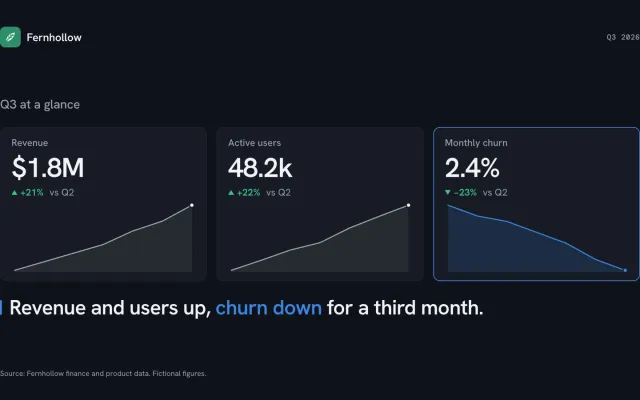
KPI Cards Panel
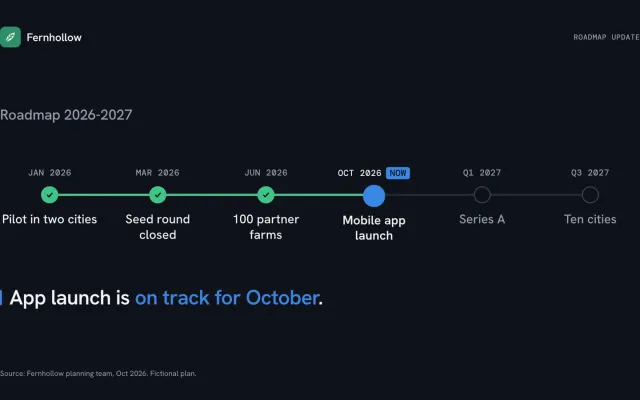
Milestone Track
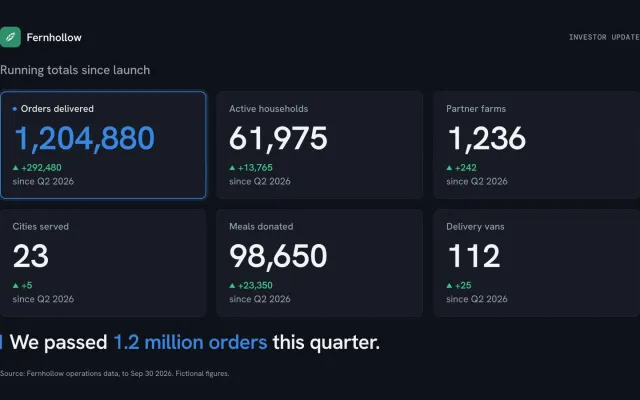
Odometer Counter Wall
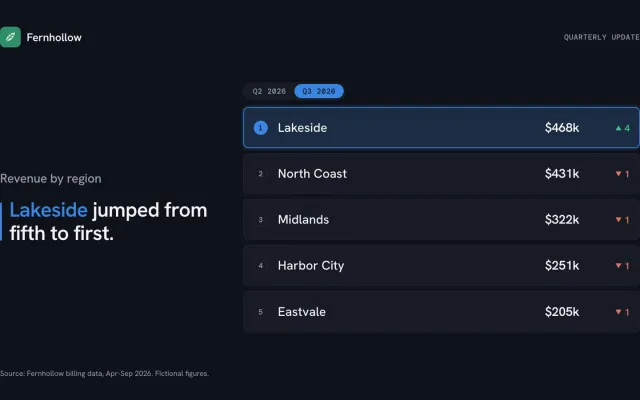
Rank Shuffle Report

Region Pin Map
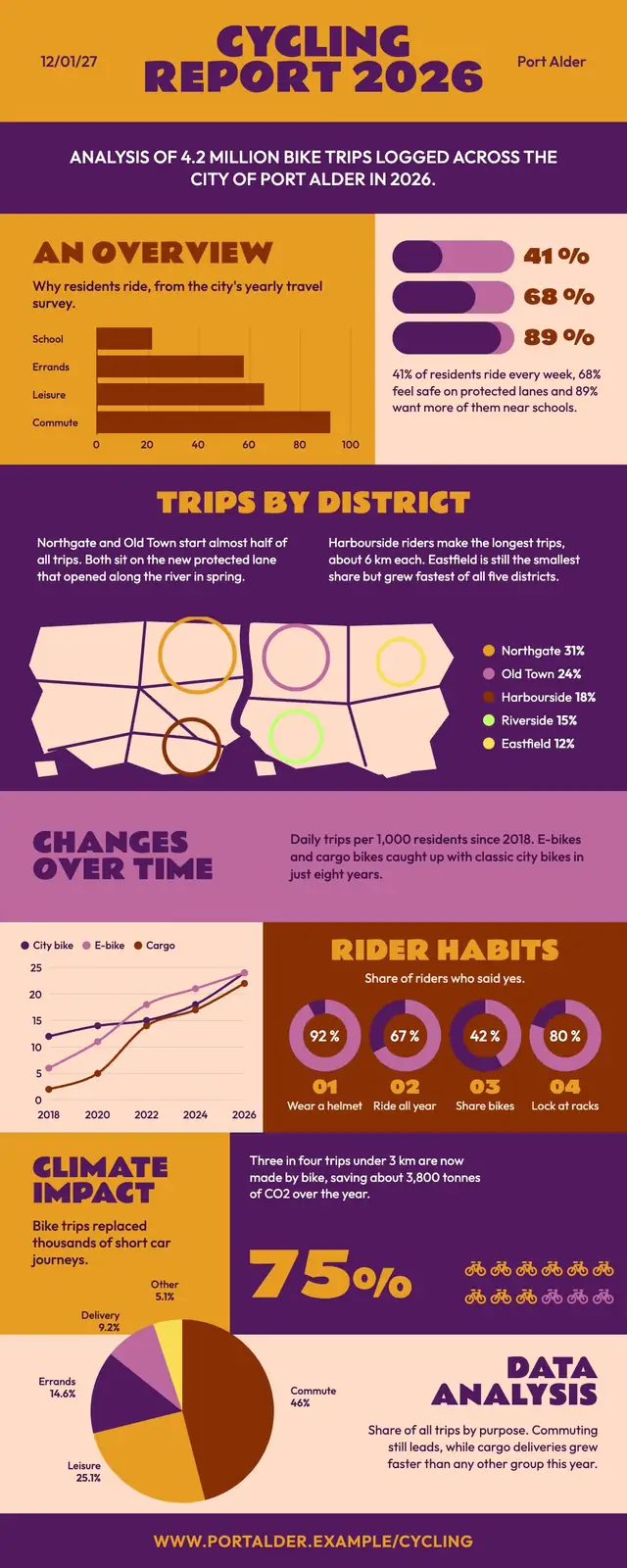
Data Sheet Infographic
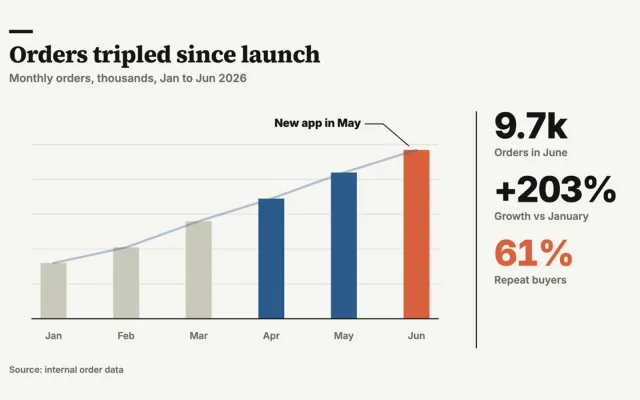
Data Story Chart
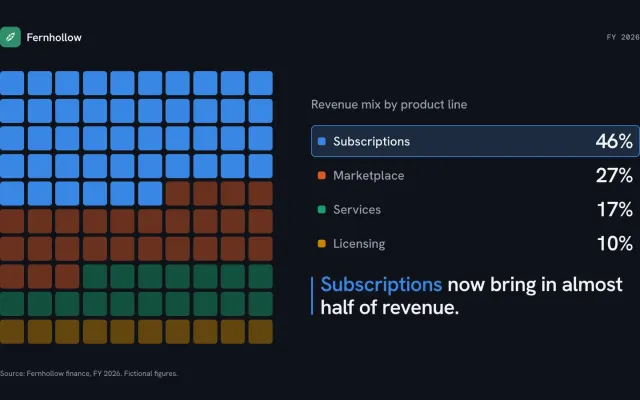
Waffle Flip Share
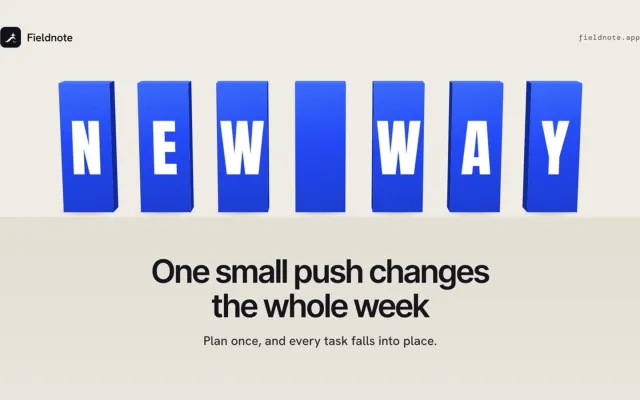
Domino Letter Topple
80s Flashback Portrait
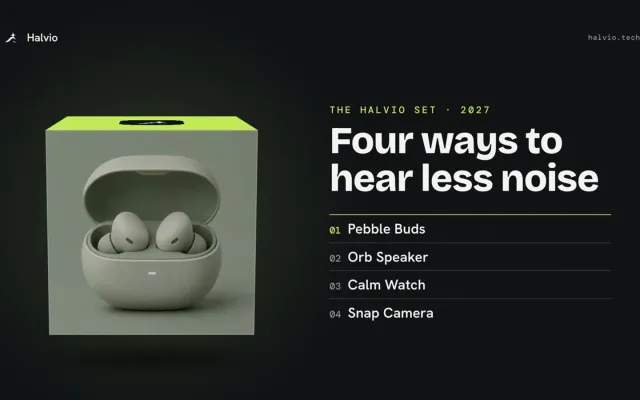
Feature Cube Roll
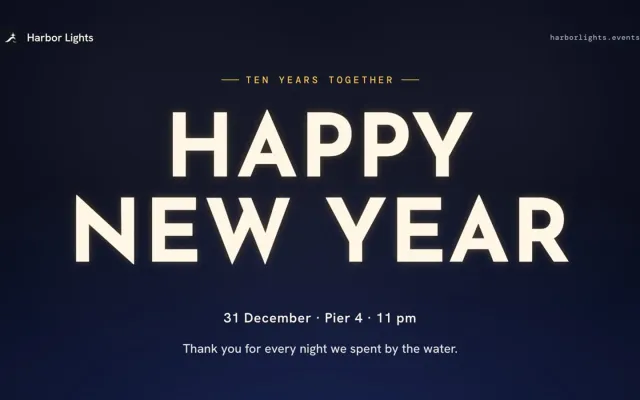
Fireworks Finale
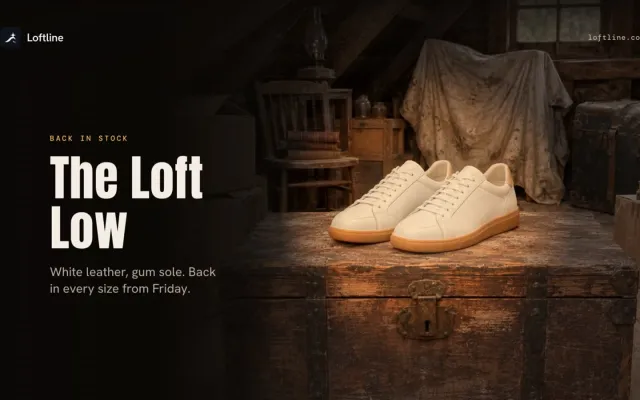
Flashlight Search Reveal
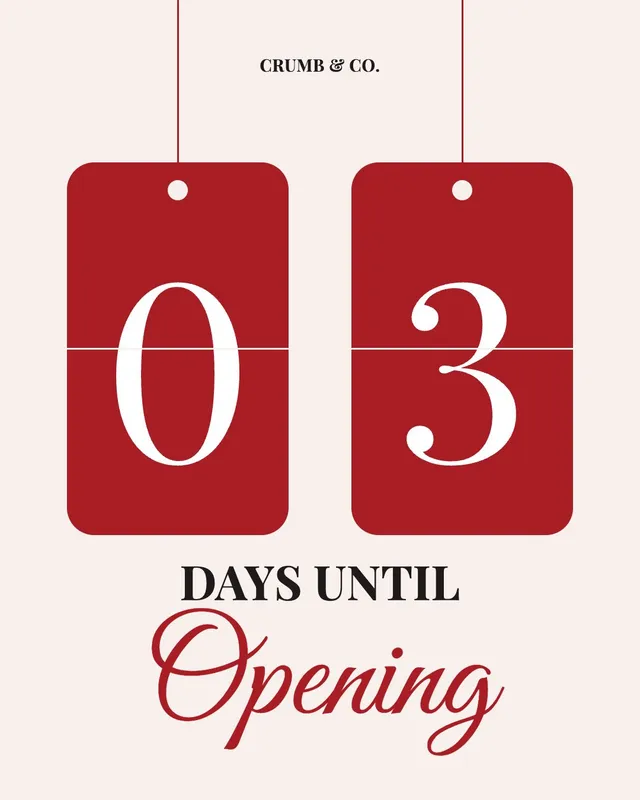
Flip Day Countdown
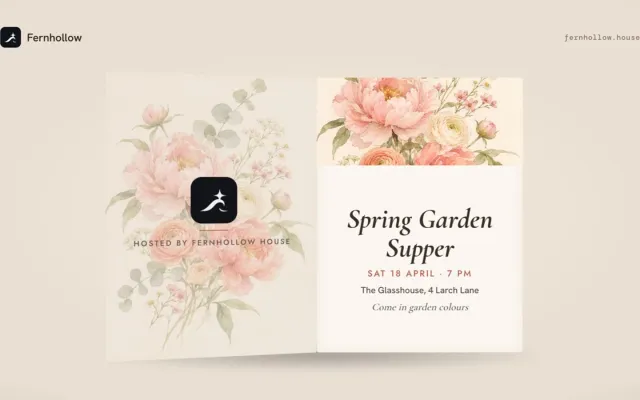
Fold Open Invite
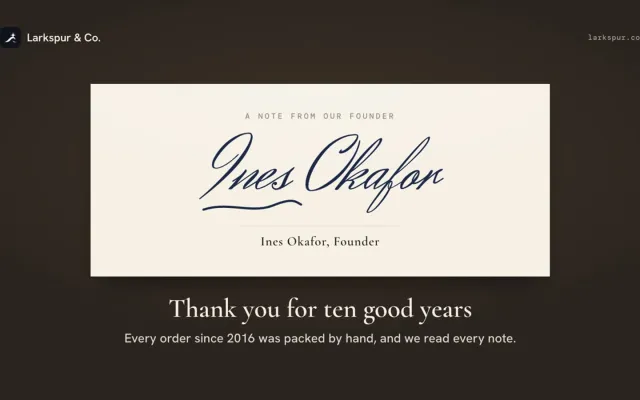
Fountain Pen Signature
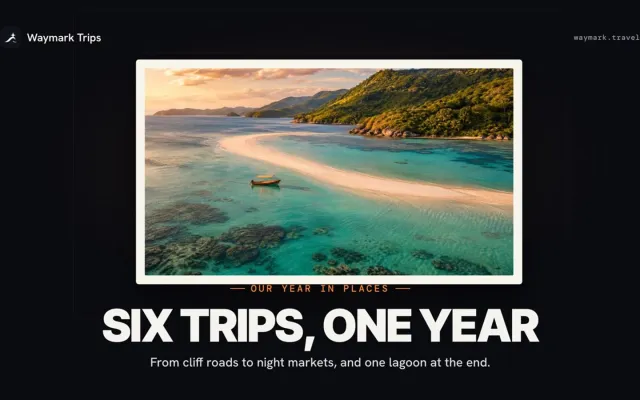
Frame Tunnel Dive
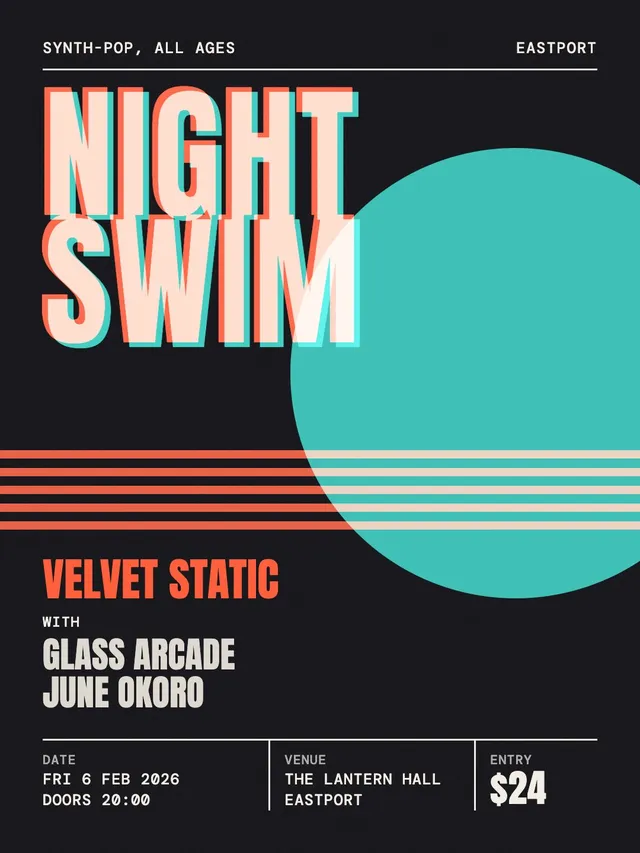
Gig Poster and Ticket

Google I/O 2026 Gradient Icon Launch Graphic Style

Halftone Mascot Promo
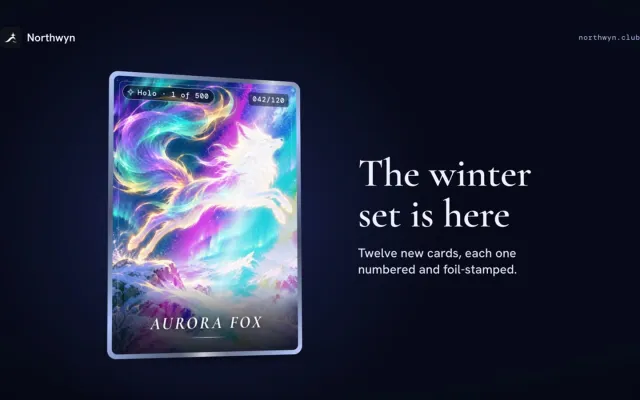
Holo Foil Card
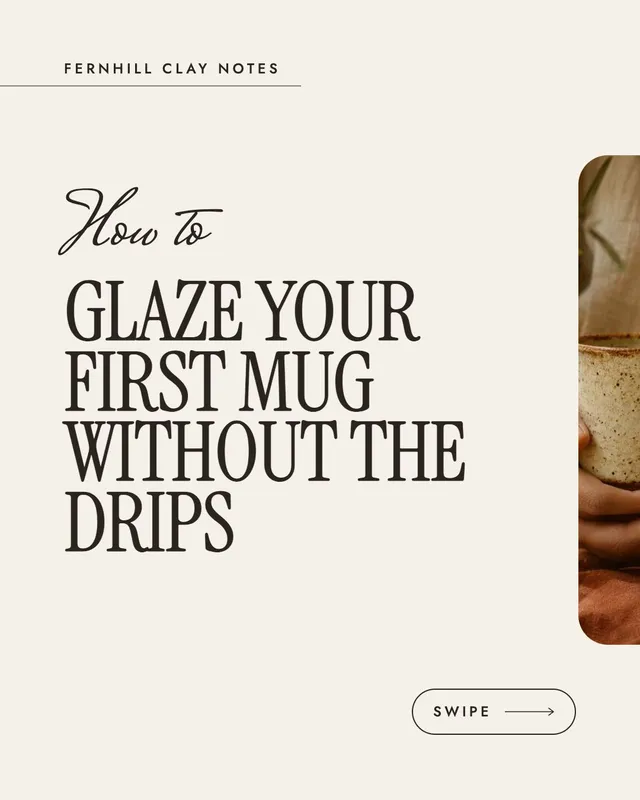
How-To Carousel Set

Instagram 2026 Brand Refresh Carousel Style
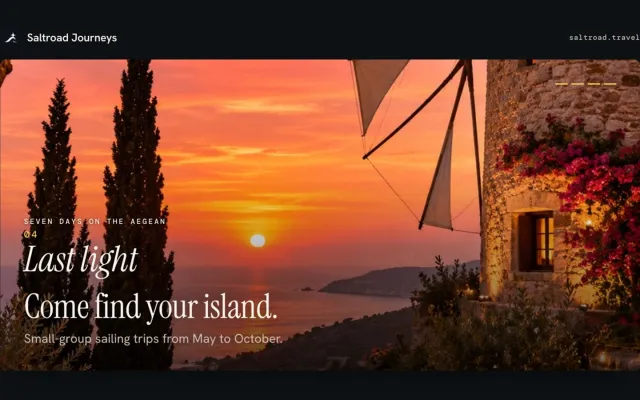
Iris Chapter Story
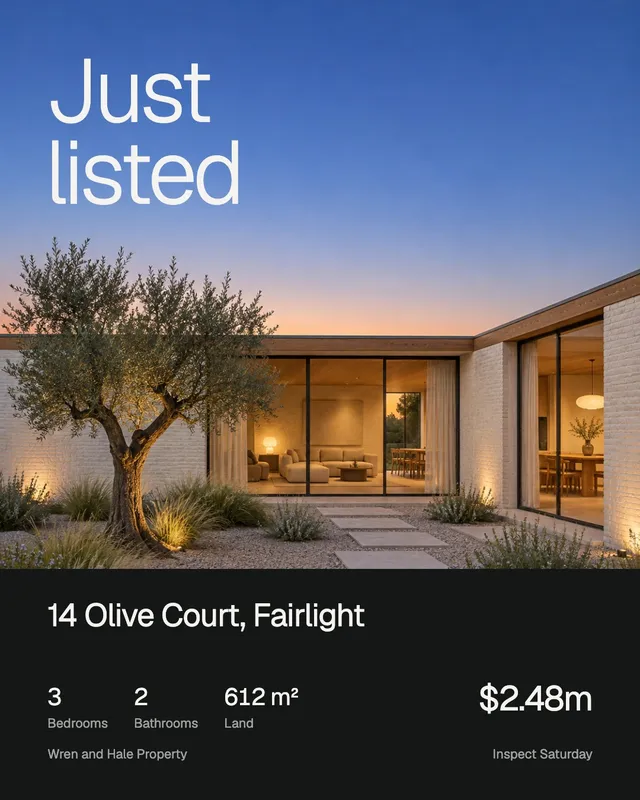
Just Listed Property Posts
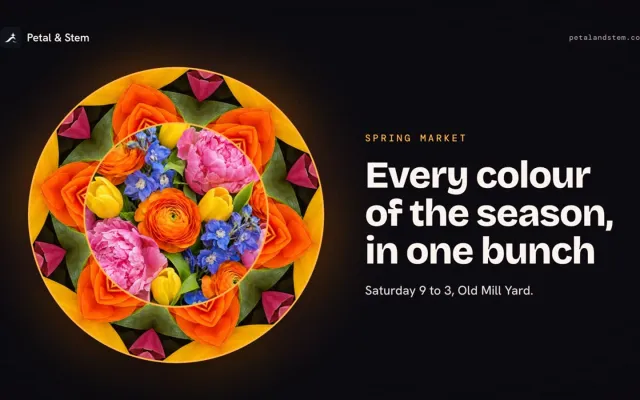
Kaleidoscope Photo Bloom
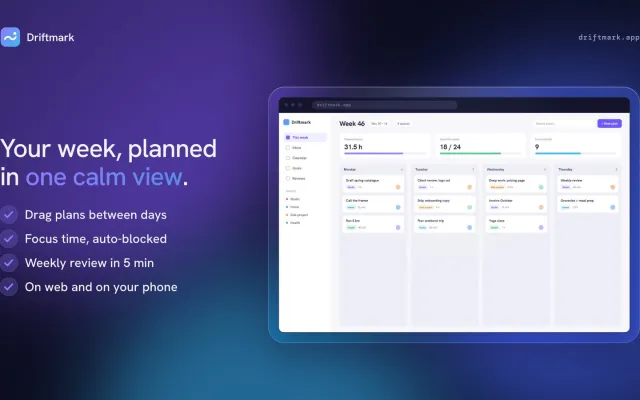
Aurora Glass Launch
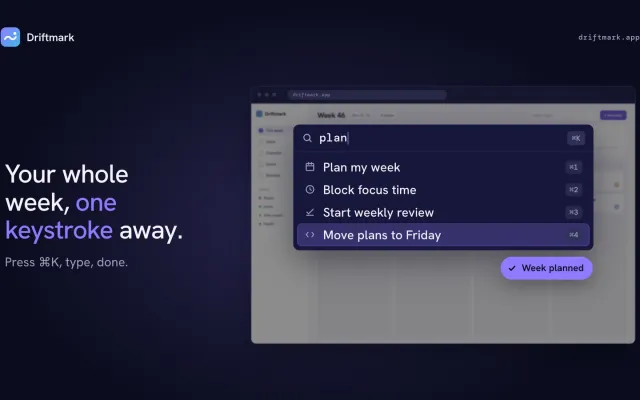
Command Palette Launch
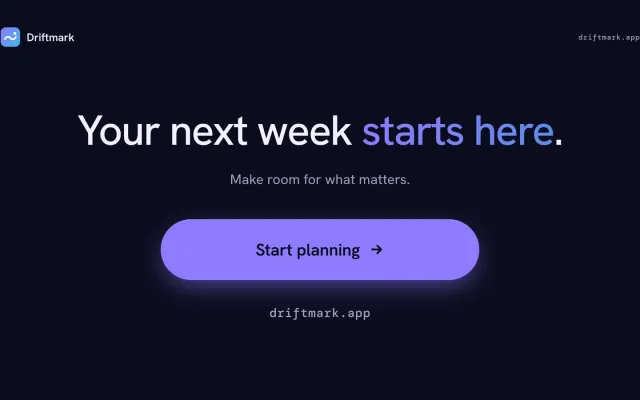
CTA Pulse Launch
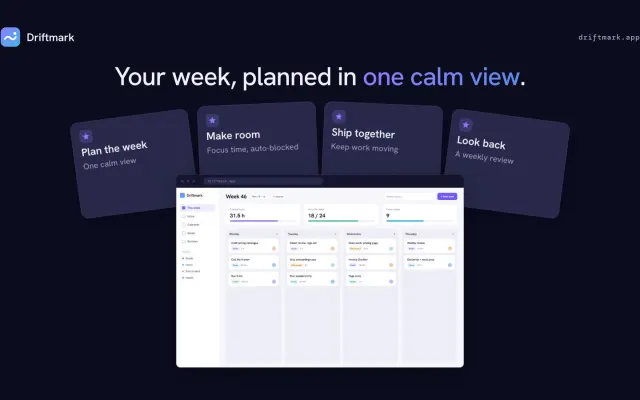
Feature Fan Launch
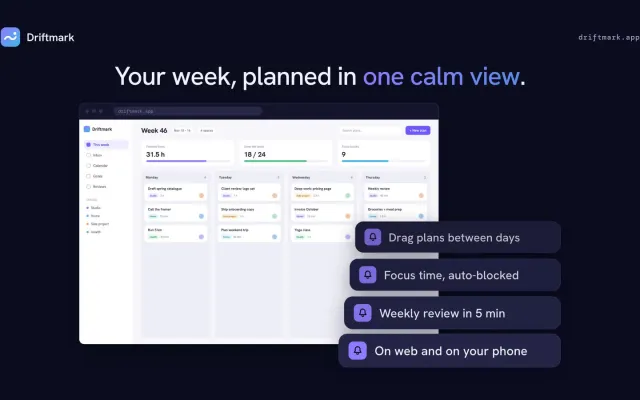
Feature Toasts Launch

Logo Lockup Launch

Pricing Toggle Launch
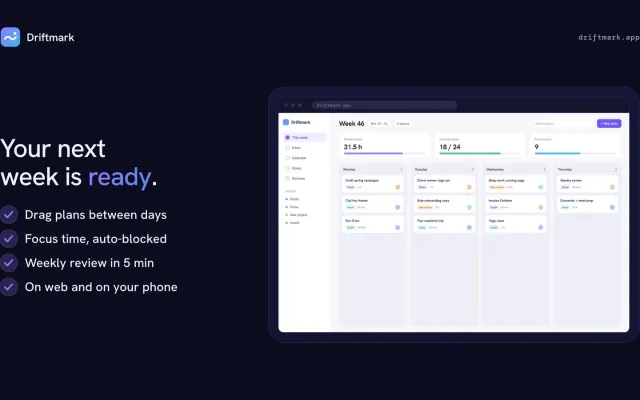
Skeleton Reveal Launch
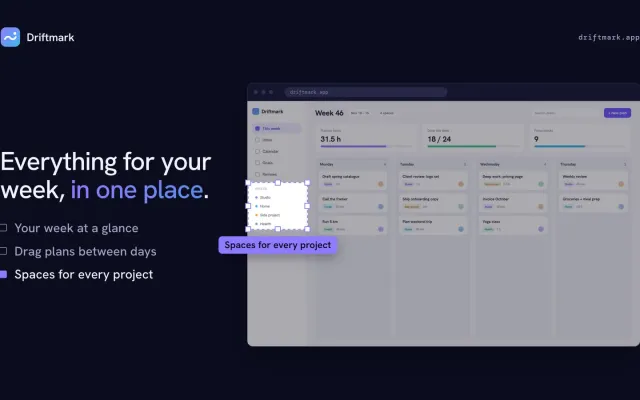
UI Marquee Launch
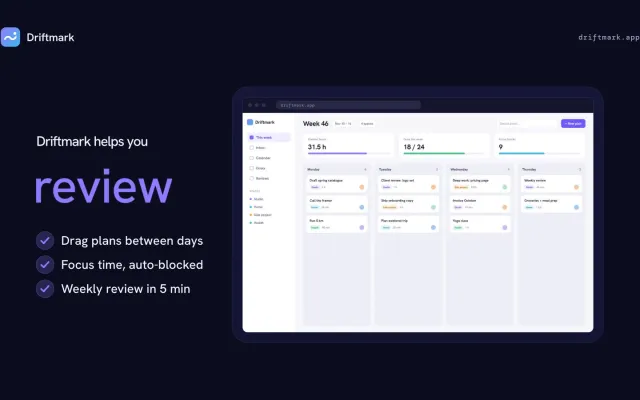
Word Drum Launch
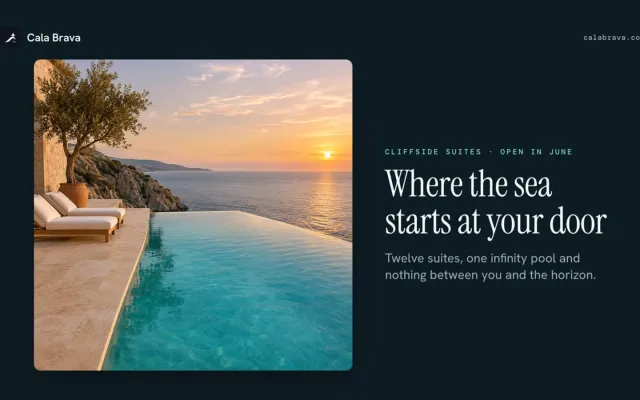
Letter Portal Flythrough
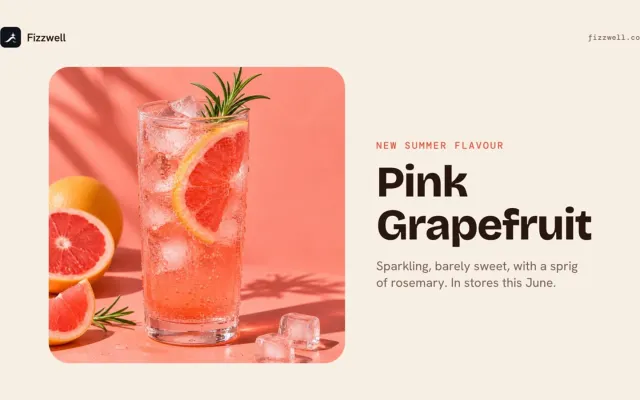
Liquid Blob Merge
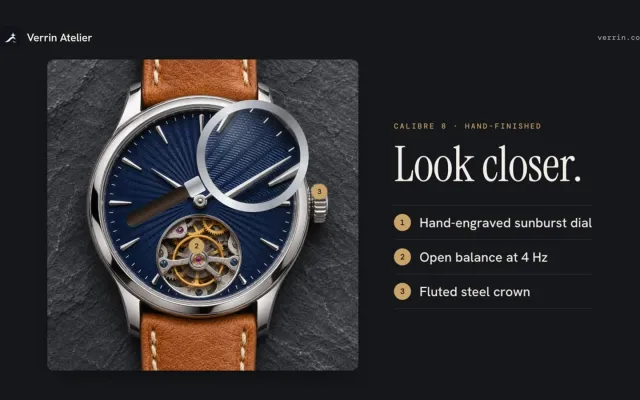
Magnifier Detail Tour
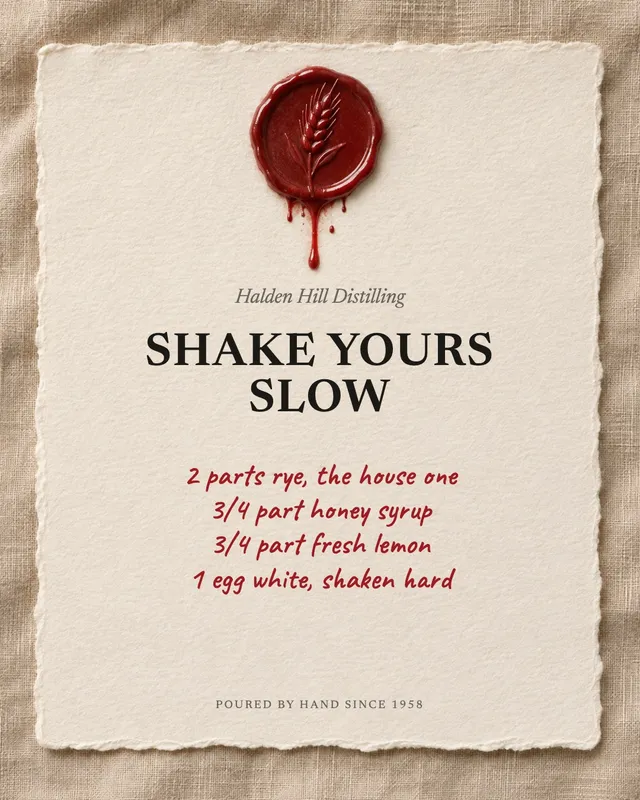
Red Wax Handwritten Recipe Cards
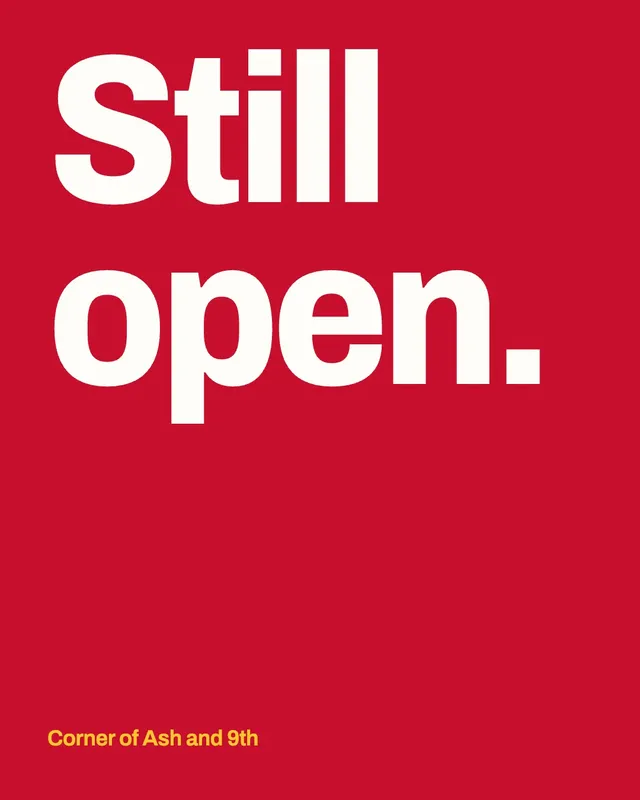
Logo-free Moment Billboards

Mega Sale Slam

Minted Coin Flip

Neon Bird Bike Run
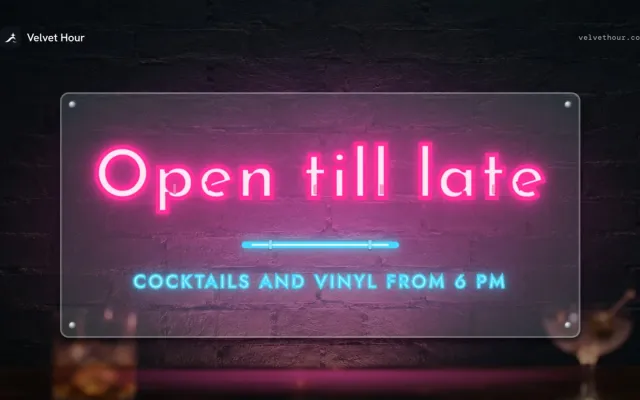
Neon Sign Power On
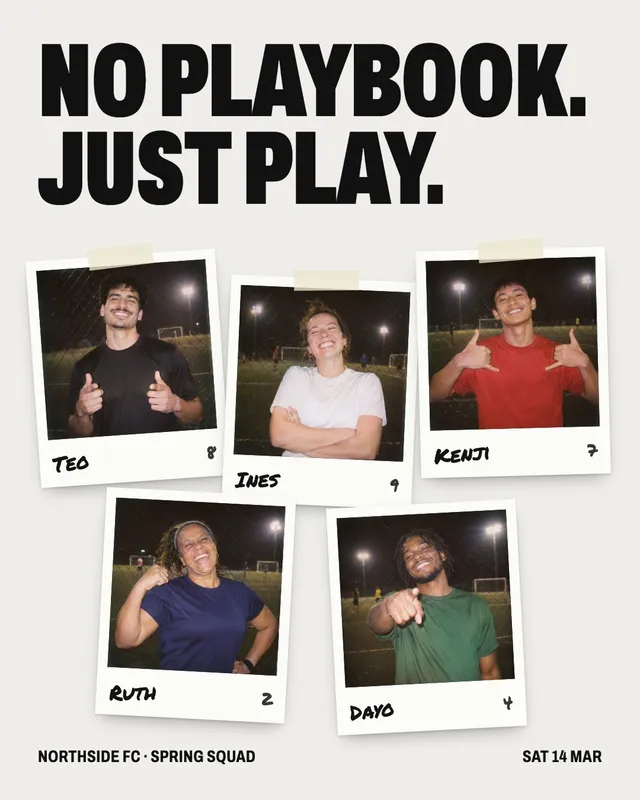
Nike 2026 Signed Instant Film Roster Style
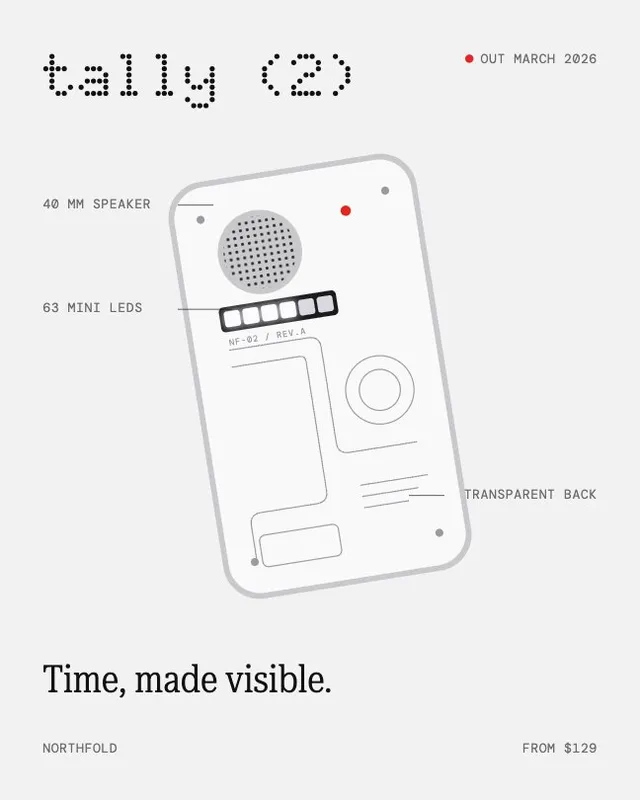
Nothing Phone (4a) Glyph Bar Product Poster Style
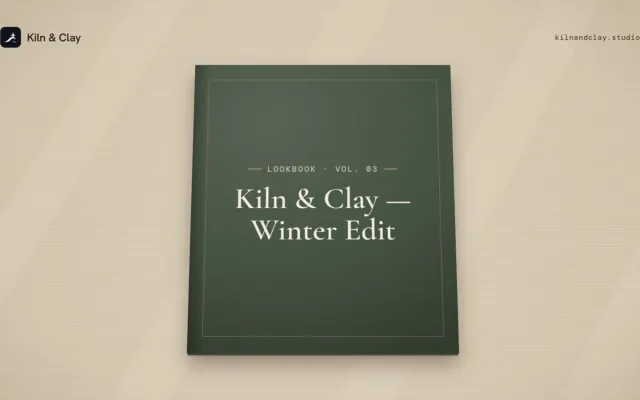
Page Flip Lookbook
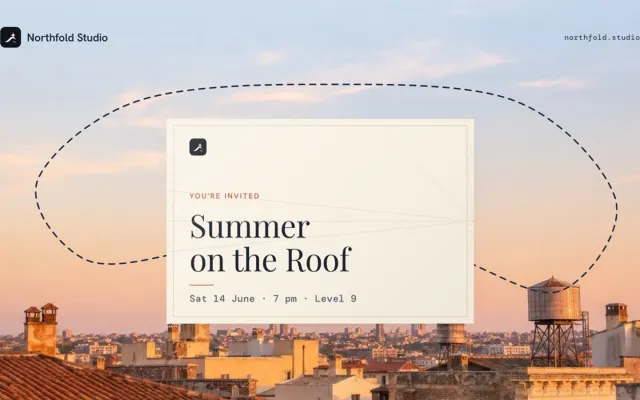
Paper Plane Message
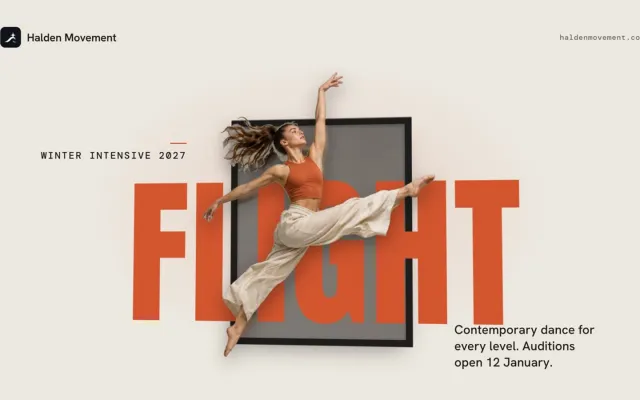
Pop-Out Frame
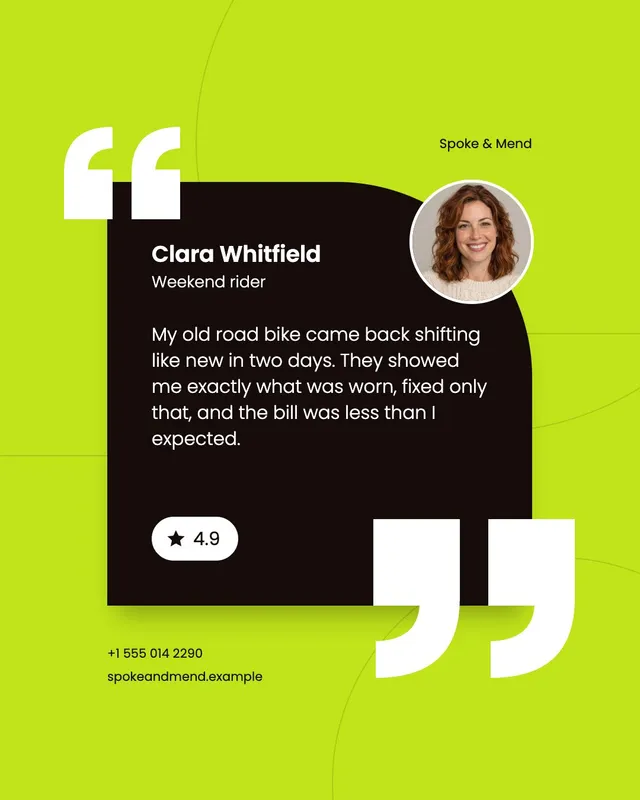
Quote Bubble Testimonial
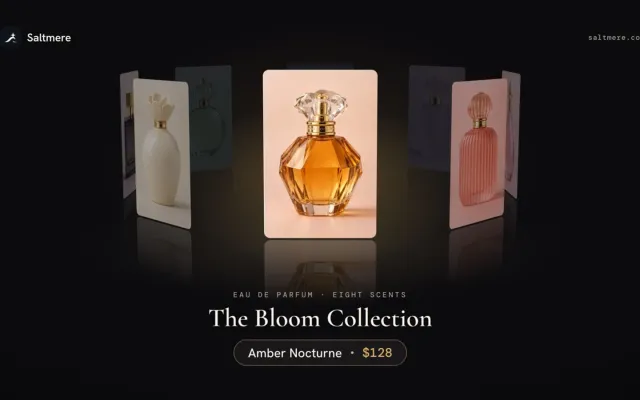
Ring Carousel Lineup
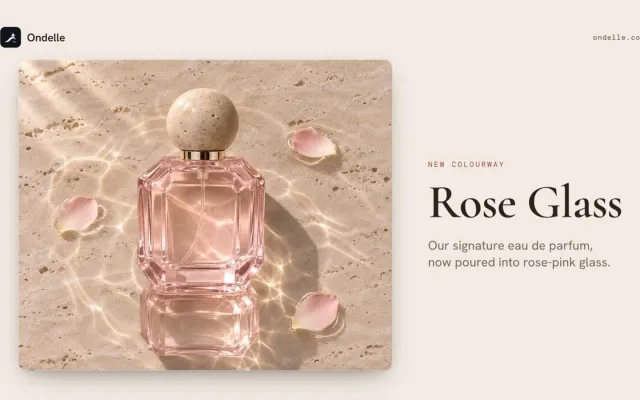
Ripple Drop Reveal
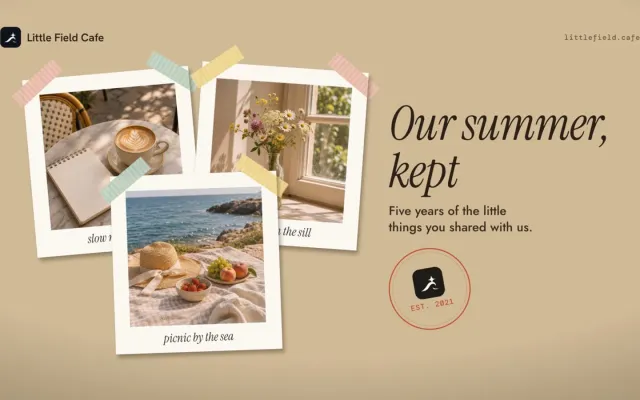
Scrapbook Paste-Up
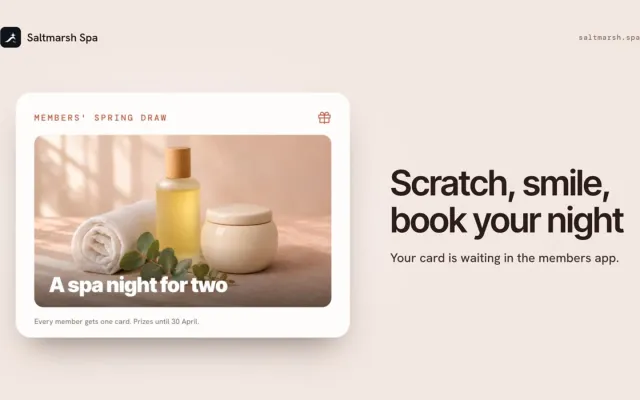
Scratch Card Reveal
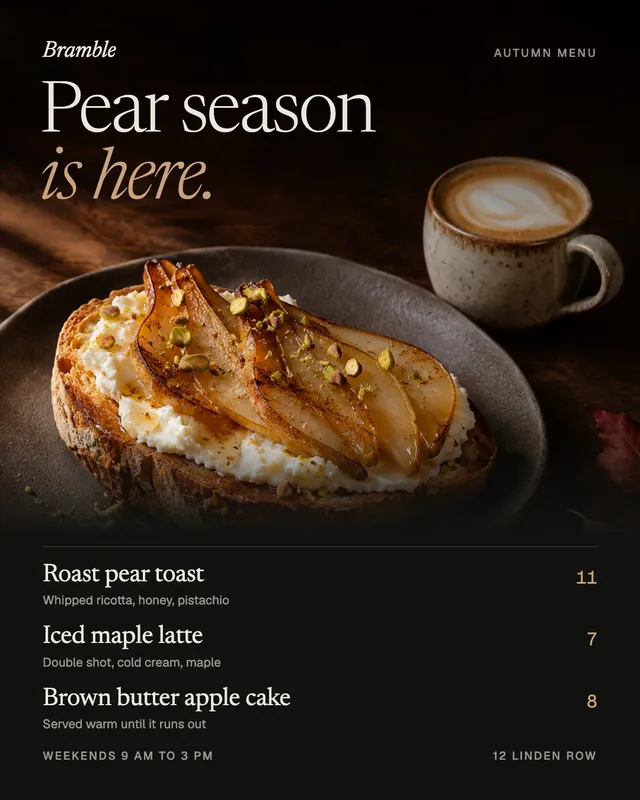
Seasonal Cafe Menu
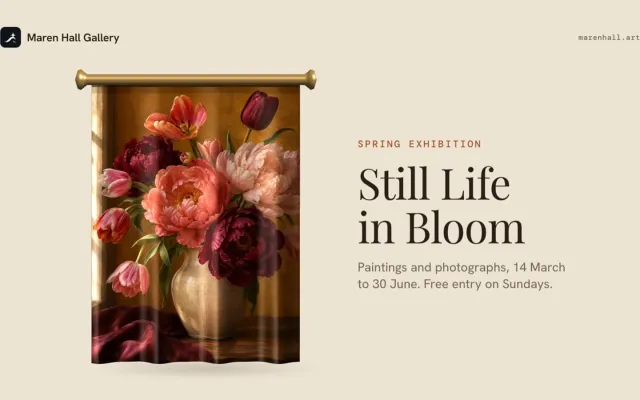
Silk Banner Wave
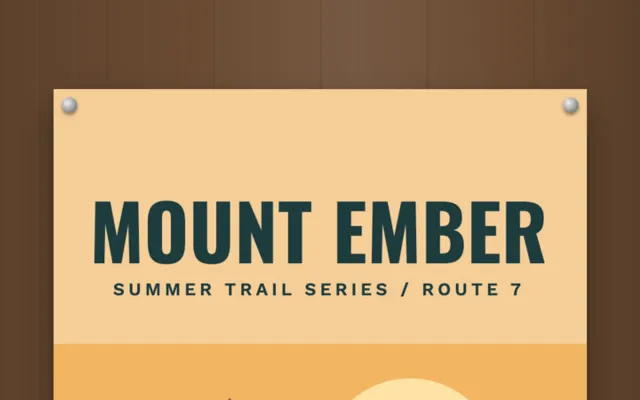
Silkscreen Poster Story
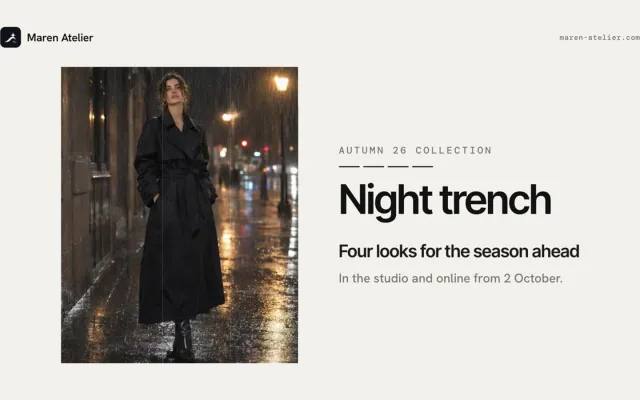
Slice Shutter Gallery
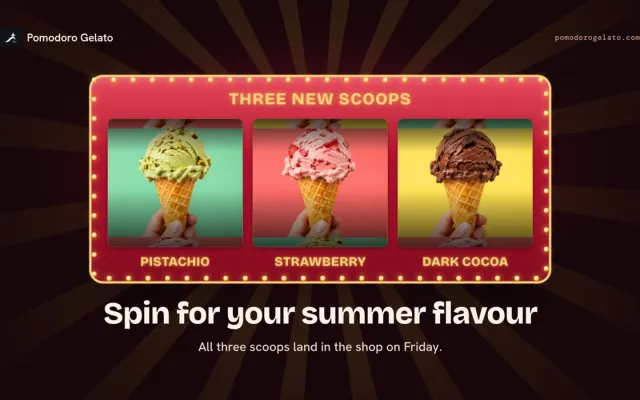
Slot Reel Jackpot

Speaker Conference Poster
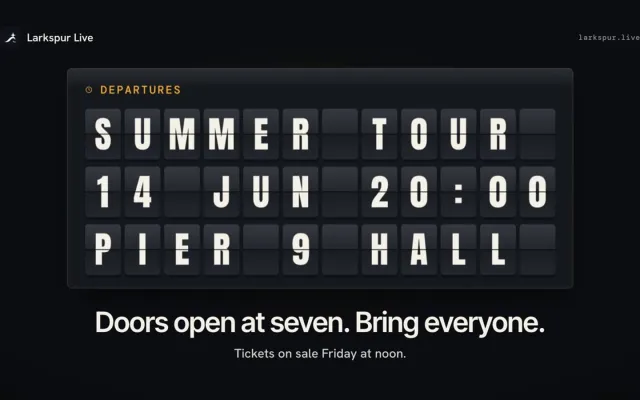
Split-Flap Departures

Split Panel Cover
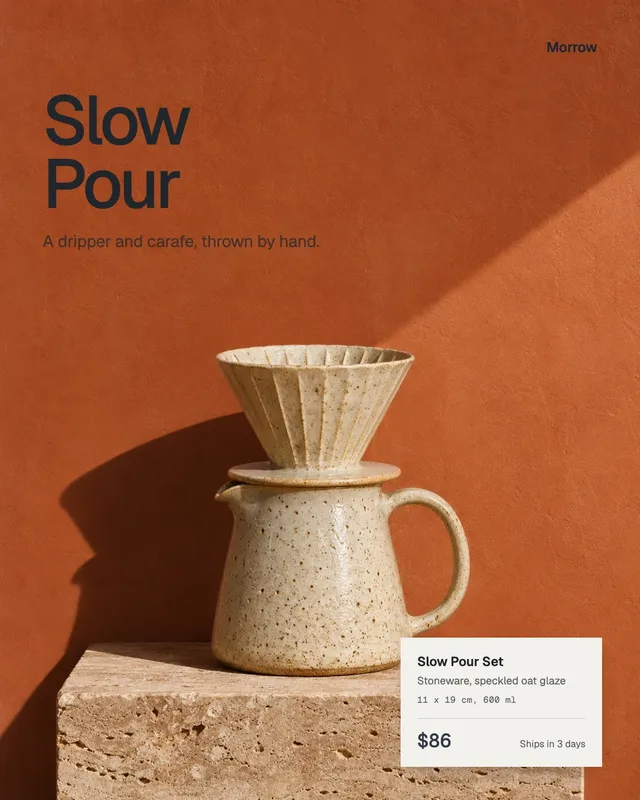
Still Life Product Hero
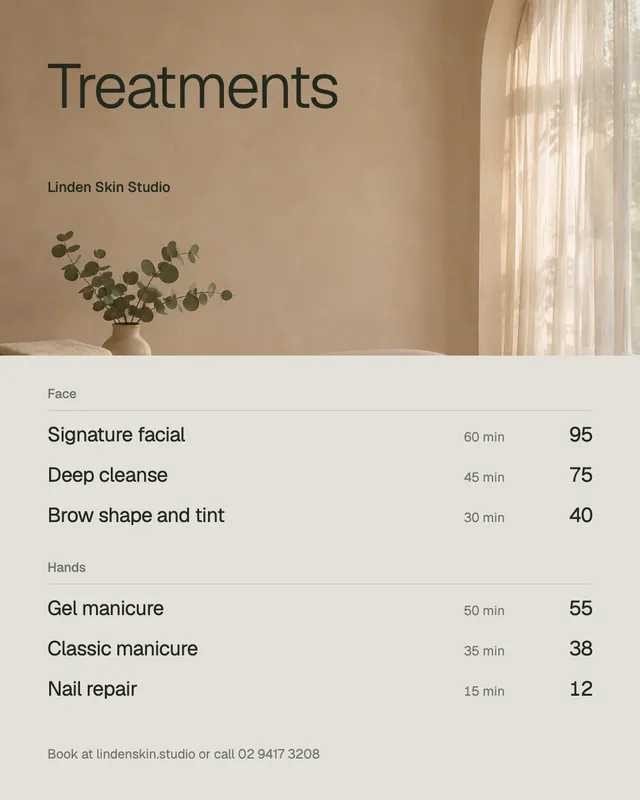
Studio Service Price List
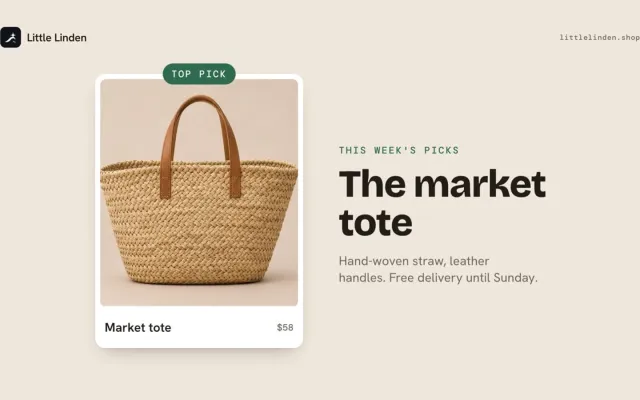
Swipe Card Picks
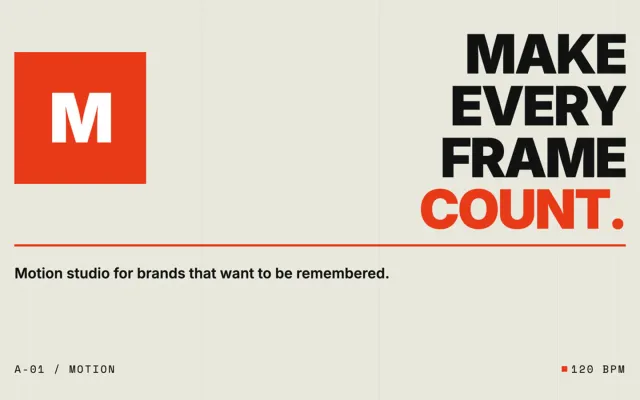
Swiss Type Slam
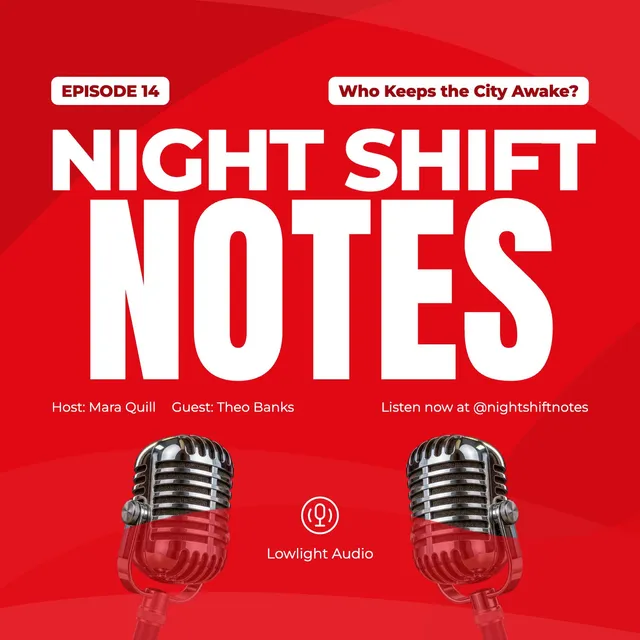
Talk Show Podcast Cover
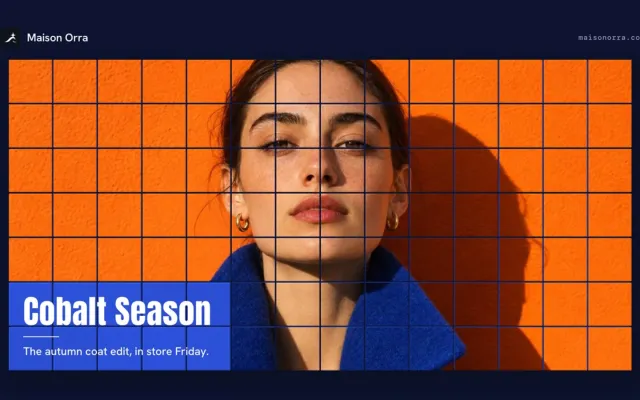
Tile Flip Mosaic
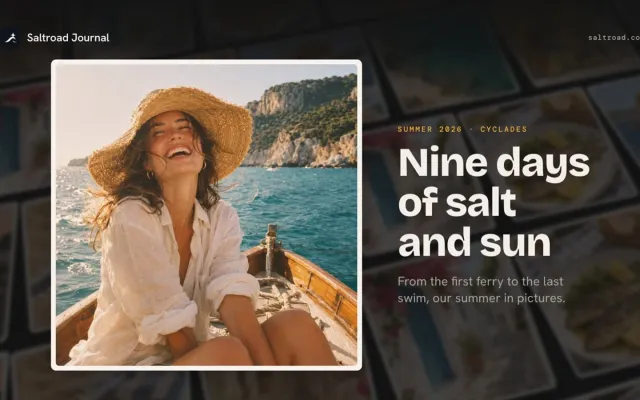
Tilted Photo Wall
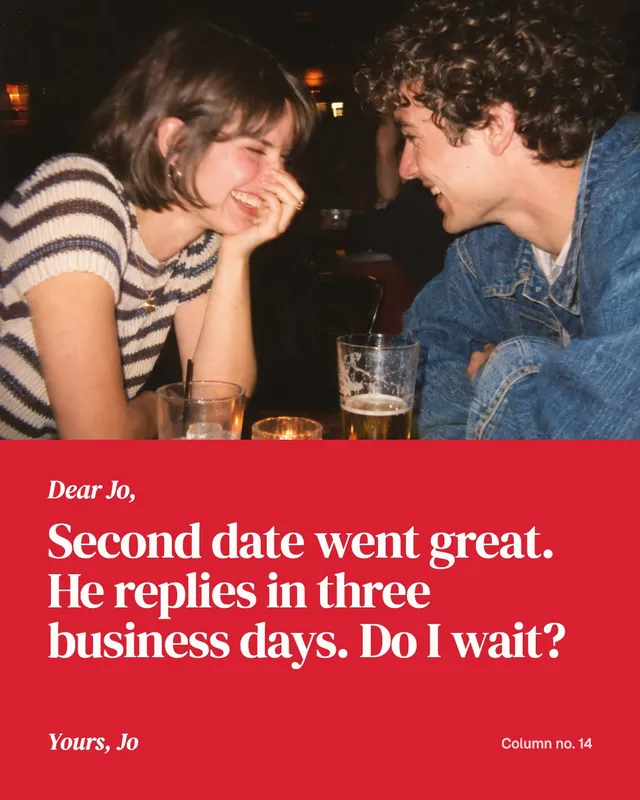
Dear Columnist Editorial Posts
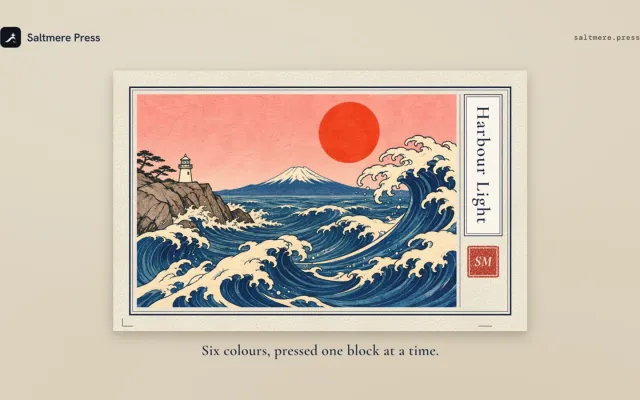
Woodblock Print Reveal
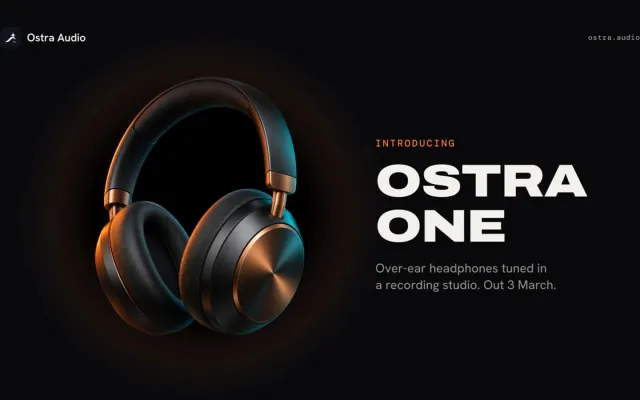
Word Vortex Reveal
What Social posts skills give your agent
A clear starting point
Keep the message concise
A repeatable workflow
Review the mobile crop
A result you can inspect
Use captions that match the artwork
Find Social posts skills for your industry
How Social posts skills work
Paste the install prompt
Use the pack’s install prompt in your agent; sign in when asked.
CLI / MCP: Coming soon
Call it with a slash
In agents that support slash commands, call the installed skill by name.
/eighties-flashback-portraitReview and ship
Check the output against your brief, then export or publish it yourself.
Copy prompt
Install the eighties-flashback-portrait skill (version 1.0.3). Download the ZIP from https://hotkit.dev/skills/eighties-flashback-portrait after signing in, then extract it. Verify SHA-256: a5d1abd7a832e81ac76aef0d4e1d78e33dfb7cf99a10227d267ebb1d8363bde3. Review SKILL.md and any scripts before running them. Place the skill folder in your agent's skills directory, or upload it using the agent's skill menu. Do not run scripts without reviewing dependencies. Ask the user for permission to write to the skills directory. If access is still blocked, output one ready-to-run copy command using the actual extracted folder and the correct skills path, for the user to run. Start a new chat after installing so your agent loads the skill. First task: read SKILL.md and help me create my first result with this skill.
Replace the brackets with your own content; leave optional ones out.
/eighties-flashback-portrait
Use and size = 〔Use and size — album-page post 4:5 / photo print 2:3 / both — optional〕
Your face photo = 〔Your face photo — your face photo file〕
Caption = 〔Caption — a short handwritten caption — max 22 chars〕
Note = 〔Note — place or scene, in a few words — max 34 chars〕
Date stamp = 〔Date stamp — e.g. '86 7 14 — max 11 chars — optional〕
Page style = 〔Page style — cream paper / tan album page / dark page — optional〕
Stamp color = 〔Stamp color — #RRGGBB — optional〕
Not sure? Say: show me an example first
Why a skill instead of a prompt
| Social posts | Plain prompt | Skill |
|---|---|---|
| Layout | Chosen again each run | References supplied by the pack |
| Typography | Depends on the wording | Type guidance included |
| Consistency | Must be restated | Reusable instructions |
| Output | Needs manual inspection | Workflow and review checks |
Pricing
Pricing
Cancel anytime
Monthly
$12.90per month
Subscribe to Pro- Every premium pack
- Pack updates
- New packs included
- 50 different pack downloads per day
- Resets at 00:00 UTC. Same-day re-downloads do not count again.
Save 36% a year
Yearly
$99.00per year
Subscribe to Pro- Every premium pack
- Pack updates
- New packs included
- 50 different pack downloads per day
- Resets at 00:00 UTC. Same-day re-downloads do not count again.
Pay once · Founding price
Founding Lifetime
$129.00one-time
Get lifetime access- Every premium pack
- Pack updates
- New packs included
- 50 different pack downloads per day
- Resets at 00:00 UTC. Same-day re-downloads do not count again.
Price rises $20.00 for every 20 new packs, capped at $249.00.
Cancel anytime. Payments are non-refundable, except as required by law. · Privacy