Your prompt
Replace the brackets with your own content; leave optional ones out.
/creator-split-progress-ring
Small label on top = 〔Small label on top — small top label — max 28 chars — optional〕
Tag on the right = 〔Tag on the right — short tag (e.g. part / episode) — max 18 chars〕
Title = 〔Title — title — max 28 chars〕
Percentage = 〔Percentage — a percentage like 72% — max 6 chars〕
What the percentage is = 〔What the percentage is — what it measures — max 37 chars〕
Note = 〔Note — small note or source — max 59 chars — optional〕
Color = 〔Color — ink (near-black, mint) / paper (warm paper, coral) / sky (pale blue, cobalt) — optional〕
Brand color = 〔Brand color — #RRGGBB — optional〕
Video shape = 〔Video shape — landscape 16:9 (YouTube, screens) / vertical 9:16 (Reels, Shorts, TikTok) / square 1:1 / 4:5 (Instagram feed) — optional〕
Your talking-head clip = 〔Your talking-head clip — your talking-head video or photo〕
Video size = 〔Video size — 1080p / 4K — optional〕
Not sure? Say: show me an example first
Example
/creator-split-progress-ring
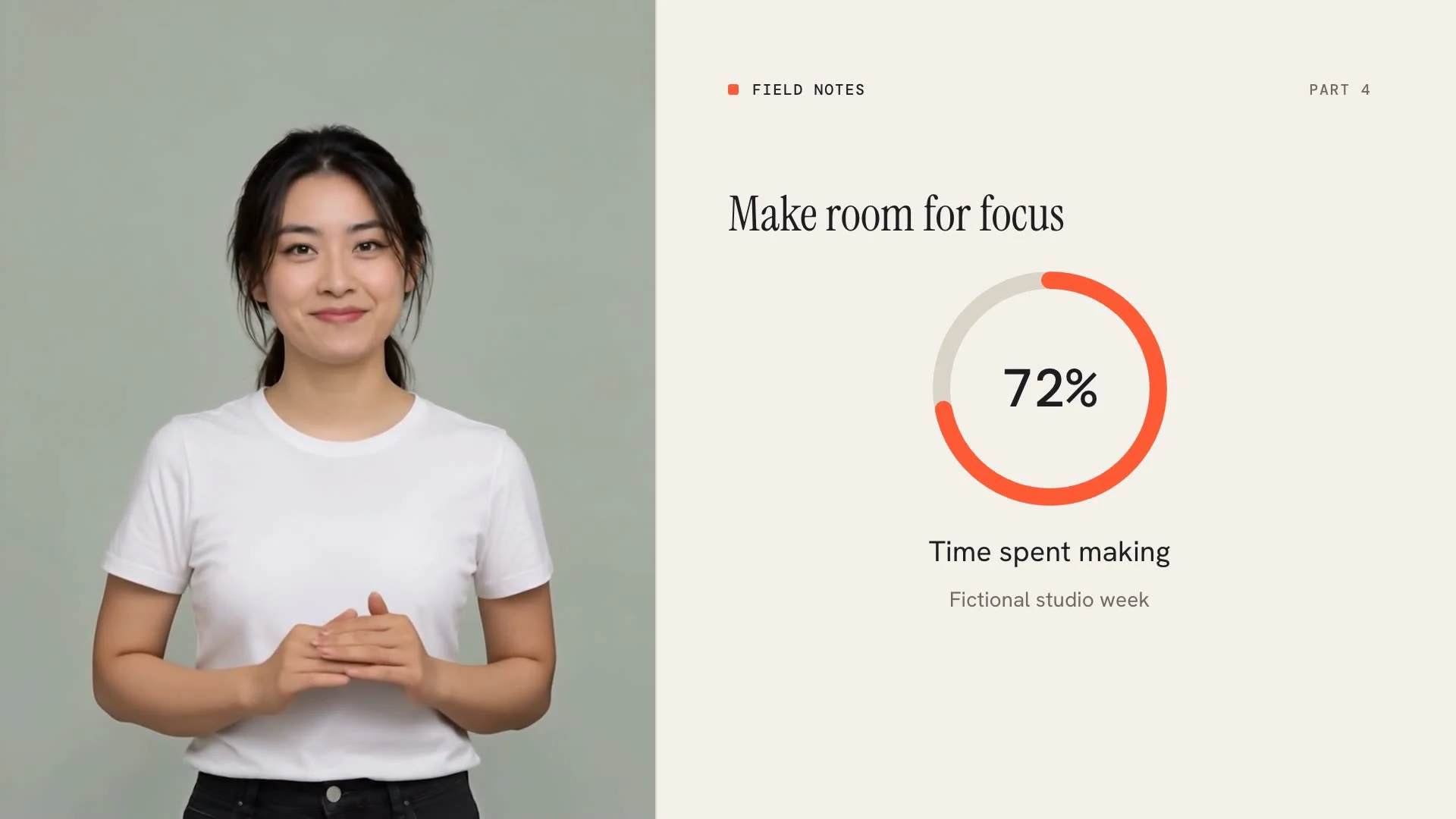
Small label on top = Field notes
Tag on the right = Part 4
Title = Make room for focus
Percentage = 72%
What the percentage is = Time spent making
Note = Fictional studio week
Color = paper-coral
Brand color = #1E3A8A
Video shape = 16:9
Your talking-head clip = the sample presenter photo in the pack
Video size = 4K
Progress Ring
A ring draws clockwise from noon, its number counts up, the endpoint glows once, and an explanation lands. Four layouts, three palettes, local 4K, and your own presenter photo or footage with original sound.
How it works
- Install the skill · Install guides
- Run your request ·
/creator-split-progress-ring - Review the result
Review the workflow in SKILL.md and use the bundled commands below.
node -vnode scripts/check-setup.mjsnode scripts/create.mjs --out ./demonode scripts/render.mjs ./demo --output ./demo.mp4node scripts/create.mjs --out ./my-scene --data content.json --aspect 16:9 --theme paper-coral --host ./me.jpgnode scripts/render.mjs ./my-scene --check
Workspace
references/defaults.jsonreferences/fill-in.jsonreferences/layout-rules.jsonreferences/project/index.htmlscripts/check-setup.mjsscripts/compose.mjsscripts/create.mjsscripts/host-frame.mjs
What you get
- A ring draws clockwise from noon, its number counts up, the endpoint glows once, and an explanation lands.
- Four aspect layouts, three palettes, local 4K render and presenter footage compositing
- Named slots, text fit checks and visual review checklist
Requirements
- Required · Node.js 22 or newer
- Required · Google Chrome, Chromium or Microsoft Edge
- Required · FFmpeg
- Optional · HyperFrames CLI (via npx)
Tips
Progress Ring beside the presenter, in one clear eight-second insert.
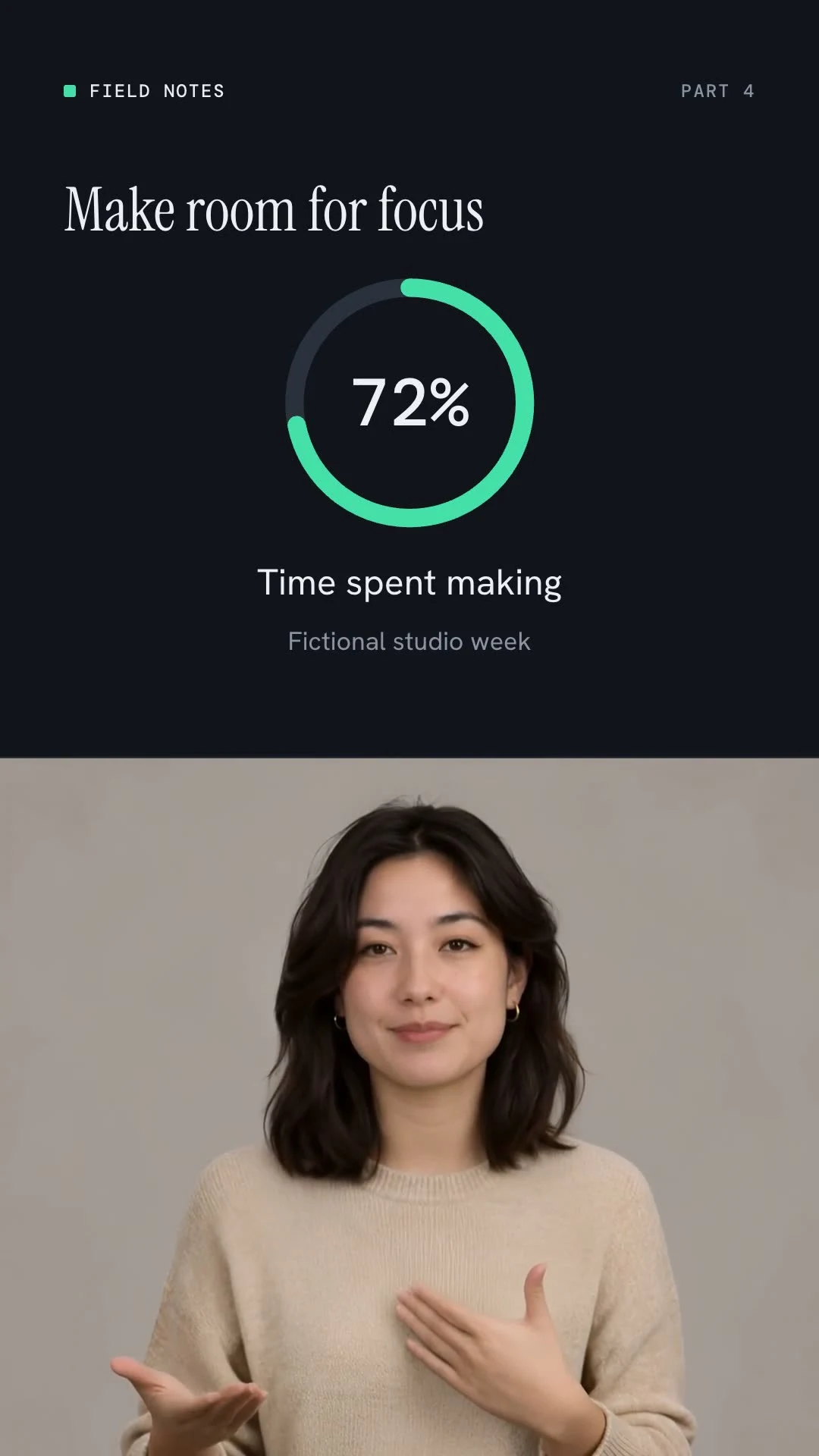
Make the same clip in 9:16 with ink-mint
Put my recording into the presenter panel and keep its sound
Before you start
| You provide |
|
|---|---|
| Dependencies |
|
| External costs | No external service cost |
| Last updated | v1.0.2 · |
No additional scope beyond the supplied workflow.



























































































