Your prompt
Replace the brackets with your own content; leave optional ones out.
/neon-sign-power-on
Brand name = 〔Brand name — your brand name — max 22 chars〕
Website = 〔Website — your website — max 28 chars — optional〕
Neon words = 〔Neon words — neon words — max 24 chars〕
Second neon line = 〔Second neon line — second line — max 34 chars — optional〕
Color = 〔Color — green (acid green, magenta line) / amber (amber, red line) / pink (pink, ice-blue line) / blue (cold blue, white line) — optional〕
Brand color = 〔Brand color — #RRGGBB — optional〕
Video shape = 〔Video shape — landscape 16:9 (YouTube, screens) / vertical 9:16 (Reels, Shorts, TikTok) / 4:3 / vertical 3:4 (feed posts) — optional〕
Wall picture (optional) = 〔Wall picture (optional) — dark wall picture — optional〕
Video size = 〔Video size — 1080p / 4K — optional〕
Not sure? Say: show me an example first
Example
/neon-sign-power-on
Brand name = Velvet Hour
Website = velvethour.co
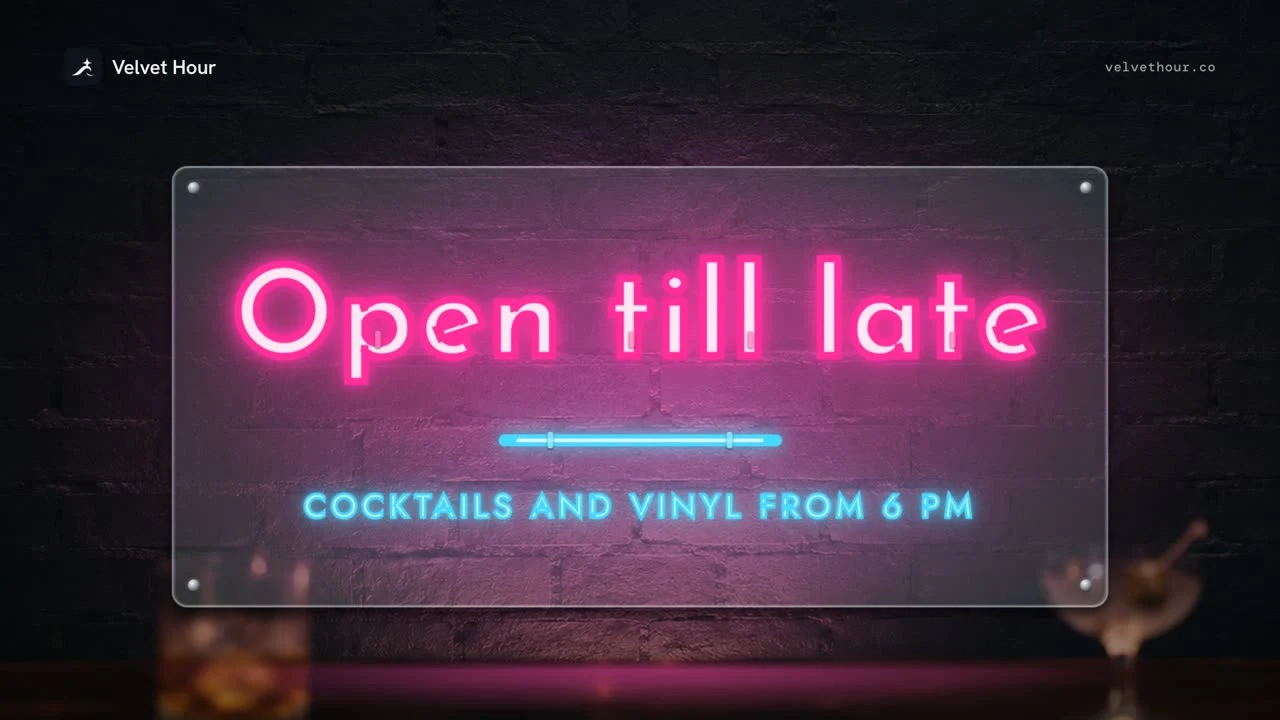
Neon words = Open till late
Second neon line = Cocktails and vinyl from 6 pm
Color = hot-pink
Brand color = #1E3A8A
Video shape = 16:9
Wall picture (optional) = the sample wall in the pack
Video size = 4k
Neon Sign Power On
A 10-second clip: a clear acrylic sign carrying your words as unlit glass tubes floats onto a dark brick wall, turns one full circle and settles; the tubes flicker irregularly and power on section by section, the glow washing over the bricks and the bar top, and your second line lights last. Change the words, wall picture, palette or brand colour and render 16:9, 9:16, 4:3 or 3:4 in 4K locally.
How it works
- Install the skill · Install guides
- Run your request ·
/neon-sign-power-on - Review the result
Review the workflow in SKILL.md and use the bundled commands below.
node -vnode scripts/check-setup.mjsnode scripts/create.mjs --out ./demonode scripts/render.mjs ./demo --output ./demo.mp4node scripts/studio.mjs --out .node scripts/create.mjs --out ./my-scene --brand brand/brand.json --data content.json --image wall=./wall.jpg --aspect 16:9 --theme hot-pink
Workspace
references/check.jsonreferences/defaults.jsonreferences/fill-in.jsonreferences/layout-rules.jsonreferences/studio.htmlreferences/project/index.htmlreferences/studio/shell.htmlscripts/check-output.mjs
What you get
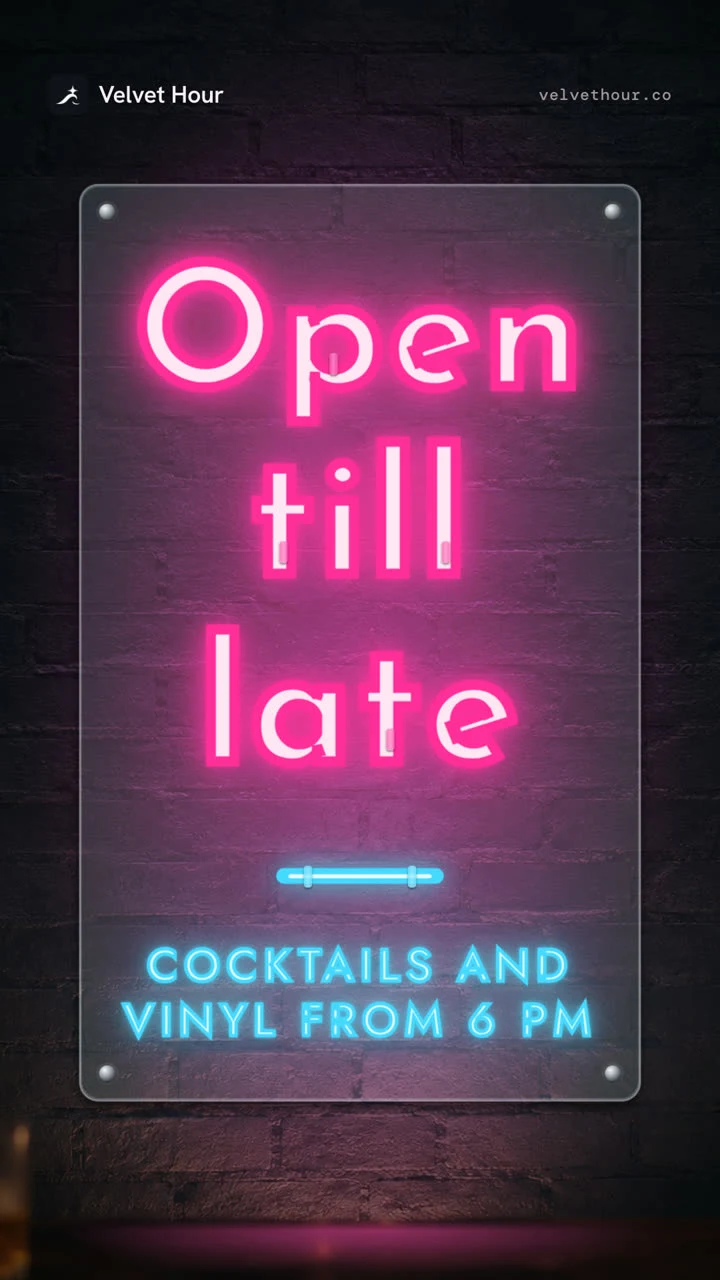
- A 10-second 4K MP4 of your neon sign powering on, in 16:9, 9:16, 4:3 or 3:4
- Four palettes (hot pink, ice blue, amber, acid green) plus your brand colour for the main tubes
- An editable scene folder, a local Studio page and an automatic fit and layout check
Requirements
- Required · Node.js 22 or newer
- Required · Google Chrome, Chromium or Microsoft Edge
- Required · FFmpeg
Tips
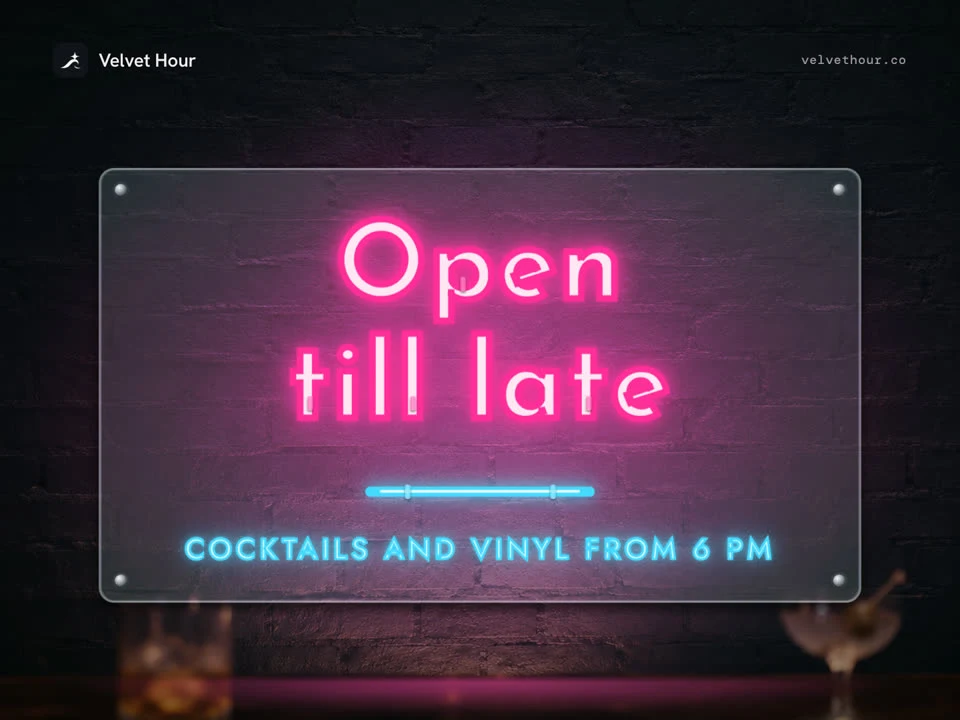
Your words as glass neon tubes that flicker on, section by section, and light the wall.
Make a 9:16 version in ice blue for Stories
Use our brand colour and the headline Happy hour 5-7
Before you start
| You provide |
|
|---|---|
| Dependencies |
|
| External costs | No external service cost |
| Last updated | v1.0.1 · |
No additional scope beyond the supplied workflow.



























































































