Your prompt
Replace the brackets with your own content; leave optional ones out.
/halftone-mascot-promo
Headline, first line = 〔Headline, first line — plain first line — max 13 chars〕
Headline, punchline = 〔Headline, punchline — short punchline — max 20 chars〕
Product 1 name = 〔Product 1 name — product 1 — max 7 chars〕
Product 1 detail = 〔Product 1 detail — detail or price — max 12 chars〕
Product 2 name = 〔Product 2 name — product 2 — max 7 chars〕
Product 2 detail = 〔Product 2 detail — detail or price — max 12 chars〕
Product 3 name = 〔Product 3 name — product 3 — max 7 chars〕
Product 3 detail = 〔Product 3 detail — detail or price — max 12 chars〕
Closing, first line = 〔Closing, first line — plain closing line — max 24 chars〕
Closing, punchline = 〔Closing, punchline — short punchline — max 28 chars〕
Brand line = 〔Brand line — brand name / call to action — max 30 chars〕
Speech bubble = 〔Speech bubble — bubble text — max 14 chars — optional〕
Small line on top = 〔Small line on top — small line on top — max 30 chars — optional〕
Color = 〔Color — blue / green / red — optional〕
Brand color for the panel = 〔Brand color for the panel — #RRGGBB — optional〕
Video size = 〔Video size — 1080p / 4K — optional〕
Not sure? Say: show me an example first
Example
/halftone-mascot-promo
Headline, first line = Got something
Headline, punchline = to sell?
Product 1 name = Courses
Product 1 detail = 12 lessons
Product 2 name = E-books
Product 2 detail = PDF and EPUB
Product 3 name = Members
Product 3 detail = $9 / month
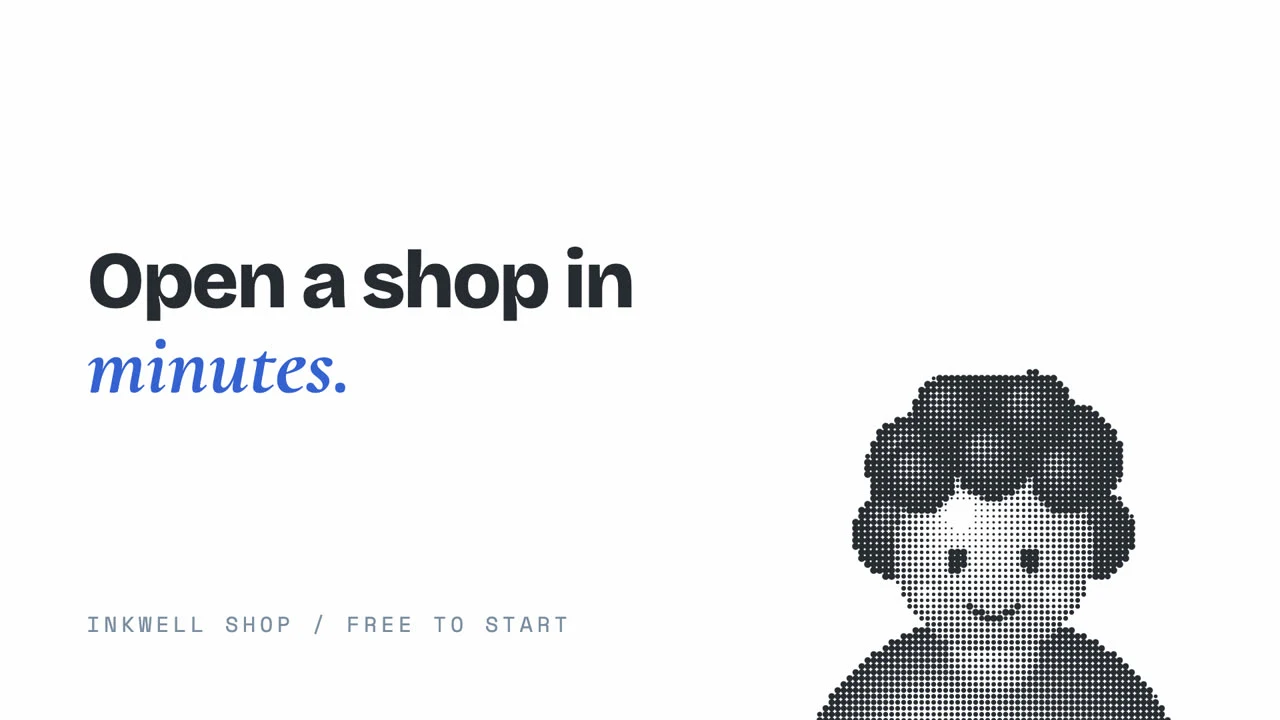
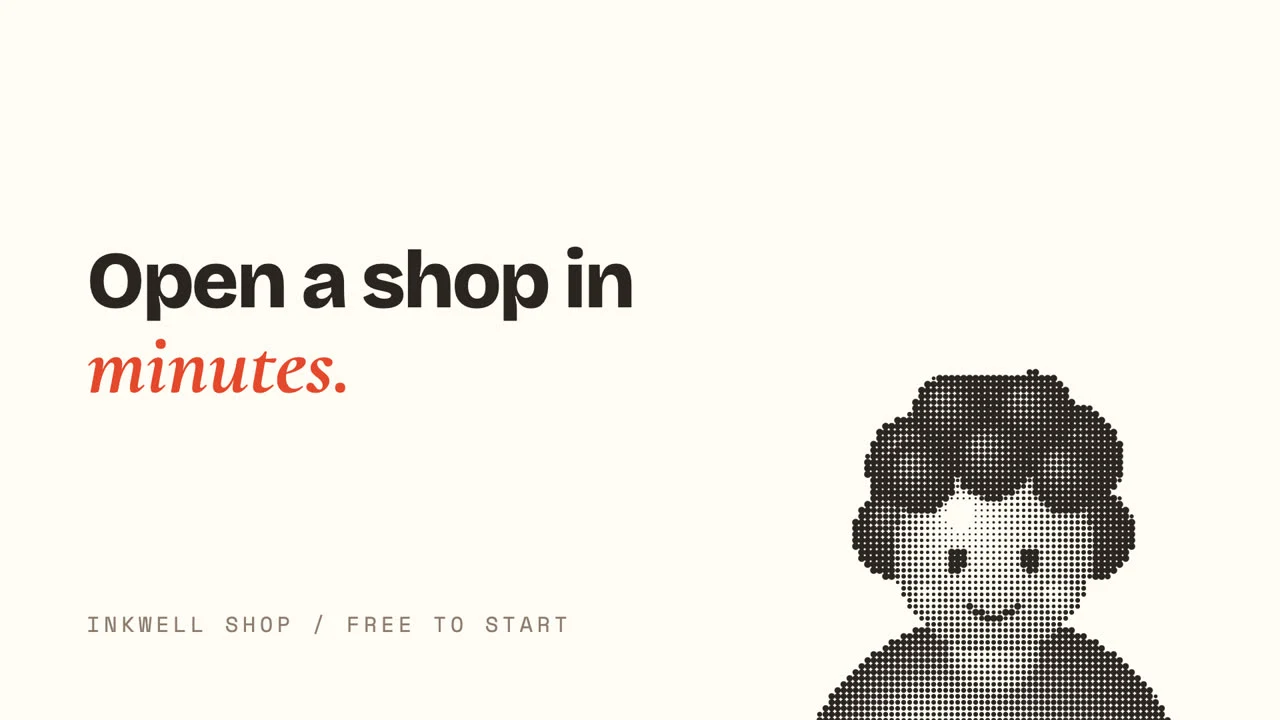
Closing, first line = Open a shop in
Closing, punchline = minutes.
Brand line = Studio Shop / free to start
Speech bubble = psst...
Small line on top = // for creators
Color = cobalt
Brand color for the panel = #1E3A8A
Video size = 1080p
Halftone Mascot Promo
A dotted mascot pops up with a speech bubble, your headline lands, a brand panel wipes in with three product cards, then a closing line and your brand. Rewrite every line and card, pick a theme or brand color, and render a 1080p or 4K MP4 with the built-in renderer or HyperFrames.
How it works
- Install the skill · Install guides
- Run your request ·
/halftone-mascot-promo - Review the result
Review the workflow in SKILL.md and use the bundled commands below.
node -vnode scripts/check-setup.mjsnpx hyperframesnpx hyperframes rendernode scripts/render.mjs ./promo-scene --checknode scripts/render.mjs ./promo-scene --frames 3200,5600,8600
Workspace
references/defaults.jsonreferences/fill-in.jsonreferences/project/index.htmlscripts/check-setup.mjsscripts/create.mjsscripts/hyperframes.mjsscripts/render.mjs
What you get
- An editable 9-second 1920x1080 scene folder with your words and theme
- A rendered MP4 at 1080p or 4K, from the built-in renderer or HyperFrames
- An automatic check that every line fits in all four beats before rendering
Requirements
- Required · Node.js 22 or newer
- Required · Google Chrome, Chromium or Microsoft Edge
- Required · FFmpeg
- Optional · HyperFrames CLI (npx hyperframes)
Tips
A 9-second playful promo with a halftone mascot, product cards and a punchy close.
Switch to the tomato theme and render it in 4K.
Use my brand color #0F7A4A and render it with HyperFrames.
Before you start
| You provide |
|
|---|---|
| Dependencies |
|
| External costs | No external service cost |
| Last updated | v1.0.4 · |
No additional scope beyond the supplied workflow.



























































































