Your prompt
Replace the brackets with your own content; leave optional ones out.
/launch-word-drum
Product name = 〔Product name — your product name — max 24 chars〕
Website = 〔Website — your website — max 30 chars — optional〕
Selling point 1 = 〔Selling point 1 — selling point 1 — max 24 chars — optional〕
Selling point 2 = 〔Selling point 2 — selling point 2 — max 24 chars — optional〕
Selling point 3 = 〔Selling point 3 — selling point 3 — max 24 chars — optional〕
Lead-in = 〔Lead-in — lead-in words — max 20 chars〕
Drum word 1 = 〔Drum word 1 — word 1 — max 7 chars〕
Drum word 2 = 〔Drum word 2 — word 2 — max 7 chars〕
Drum word 3 = 〔Drum word 3 — word 3 (stays) — max 7 chars〕
Color = 〔Color — graphite (dark neutral, lime) / midnight (dark violet-blue) / porcelain (light, cobalt) — optional〕
Brand color = 〔Brand color — #RRGGBB — optional〕
Video shape = 〔Video shape — landscape 16:9 (YouTube, screens) / vertical 9:16 (Reels, Shorts, TikTok) / square 1:1 / 4:5 (Instagram feed) — optional〕
Product picture = 〔Product picture — your product screenshot or cut-out photo〕
Video size = 〔Video size — 1080p / 4K — optional〕
Not sure? Say: show me an example first
Example
/launch-word-drum
Product name = Driftmark
Website = driftmark.app
Selling point 1 = Drag plans between days
Selling point 2 = Focus time, auto-blocked
Selling point 3 = Weekly review in 5 min
Lead-in = Driftmark formats
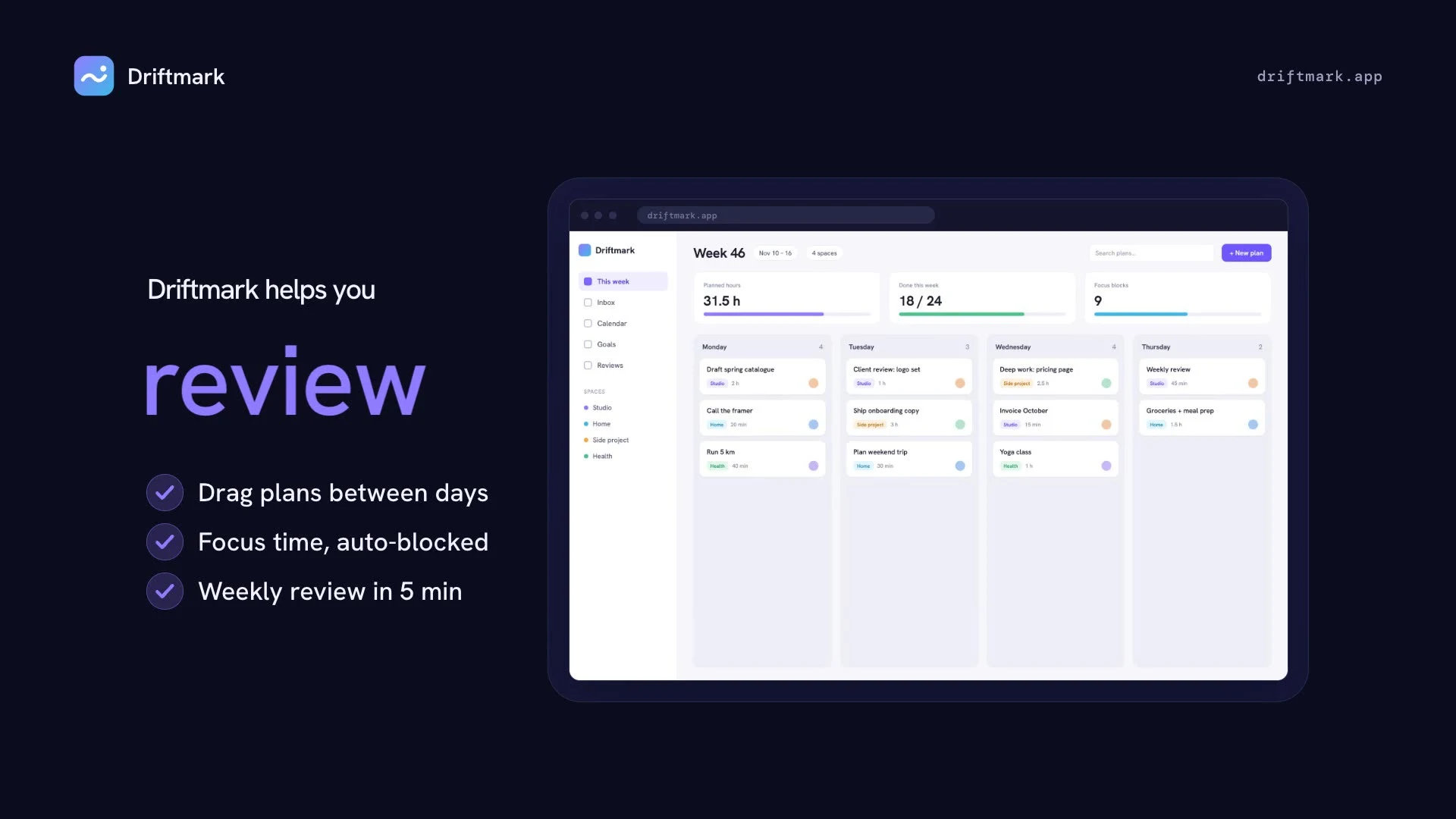
Drum word 1 = Desktop
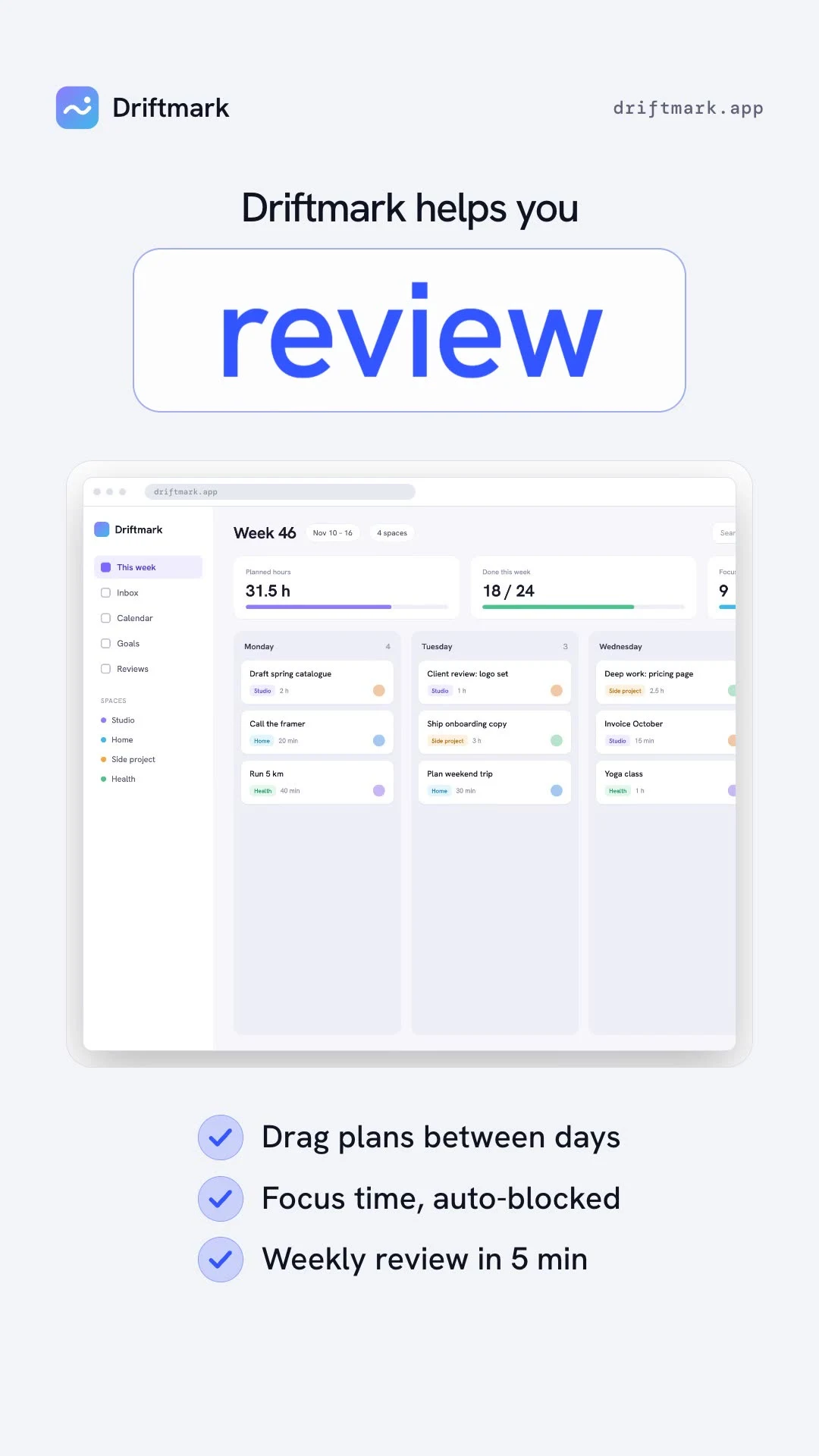
Drum word 2 = Mobile
Drum word 3 = Cutout
Color = midnight-aurora
Brand color = #1E3A8A
Video shape = 16:9
Product picture = the sample screenshot in the pack
Video size = 4K
Word Drum Launch
An 8-second launch clip that says what the product does in one line: a fixed lead-in plus a 3D word drum that turns through three words and lands on the last, with your screenshot beside it pushing in on every turn and up to three selling points at the end. Add your picture, logo, name, address and words, pick a palette or brand colour and render 16:9, 9:16, 1:1 or 4:5 in 4K.
How it works
- Install the skill · Install guides
- Run your request ·
/launch-word-drum - Review the result
Review the workflow in SKILL.md and use the bundled commands below.
node -vnode scripts/check-setup.mjsnode scripts/create.mjs --out ./demonode scripts/render.mjs ./demo --output ./demo.mp4node scripts/create.mjs --out ./my-scene --data content.json --product ./shot.png --logo ./logo.svg --aspect 16:9 --theme midnight-auroranode scripts/render.mjs ./my-scene --check
Workspace
references/defaults.jsonreferences/fill-in.jsonreferences/layout-rules.jsonreferences/project/index.htmlscripts/check-setup.mjsscripts/create.mjsscripts/hyperframes.mjsscripts/layout-guard.mjs
What you get
- An editable 8-second sentence scene in 16:9, 9:16, 1:1 and 4:5, each with its own layout; lead-in, three drum words and up to three selling points in named slots
- A drum that sizes itself to the widest word and shows only the front face
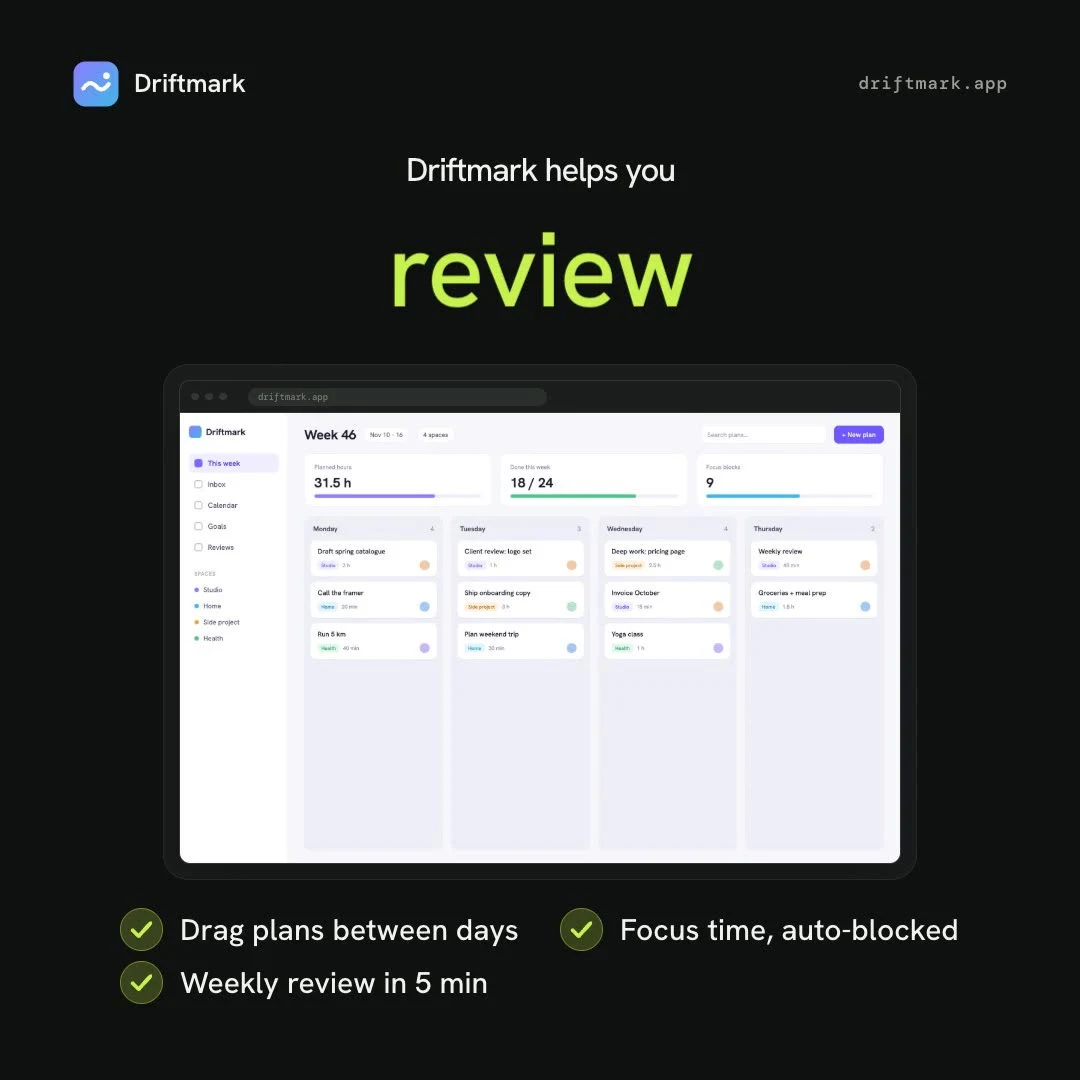
- 4K MP4 by default (or 1080p), stills of any moment, three palettes plus any brand colour, a text-fit and layout check and a visual review checklist
Requirements
- Required · Node.js 22 or newer
- Required · Google Chrome, Chromium or Microsoft Edge
- Required · FFmpeg
- Optional · HyperFrames CLI (via npx)
Tips
One sentence, three verbs: a 3D drum turns through them while your product pushes in.
Make the same clip in 9:16 with the graphite-lime palette
Use the words plan / track / win and drop the selling point
Before you start
| You provide |
|
|---|---|
| Dependencies |
|
| External costs | No external service cost |
| Last updated | v1.0.2 · |
No additional scope beyond the supplied workflow.



























































































