Your prompt
Replace the brackets with your own content; leave optional ones out.
/data-heat-grid
Company or team name = 〔Company or team name — your company or team — max 20 chars〕
Report period = 〔Report period — report period — max 24 chars — optional〕
Title = 〔Title — what is measured, over what period — max 40 chars〕
Column 1 name = 〔Column 1 name — column 1 name — max 5 chars〕
Column 2 name = 〔Column 2 name — column 2 name — max 5 chars〕
Column 3 name = 〔Column 3 name — column 3 name — max 5 chars〕
Column 4 name = 〔Column 4 name — column 4 name — max 5 chars〕
Column 5 name = 〔Column 5 name — column 5 name — max 5 chars — optional〕
Column 6 name = 〔Column 6 name — column 6 name — max 5 chars — optional〕
Column 7 name = 〔Column 7 name — column 7 name — max 5 chars — optional〕
One-line takeaway = 〔One-line takeaway — your one-sentence conclusion — max 60 chars〕
Source note = 〔Source note — where the numbers come from — max 72 chars — optional〕
Color = 〔Color — dark amber (graphite, amber) / dark blue (ink, cobalt) / light (paper, cobalt) — optional〕
Brand color = 〔Brand color — #RRGGBB — optional〕
Video shape = 〔Video shape — landscape 16:9 (YouTube, screens) / vertical 9:16 (Reels, Shorts, TikTok) / square 1:1 / 4:5 (Instagram feed) — optional〕
The grid values (3-5 rows) = 〔The grid values (3-5 rows) — 3-5 rows: name and one value per column〕
Video size = 〔Video size — 1080p / 4K — optional〕
Not sure? Say: show me an example first
Example
/data-heat-grid
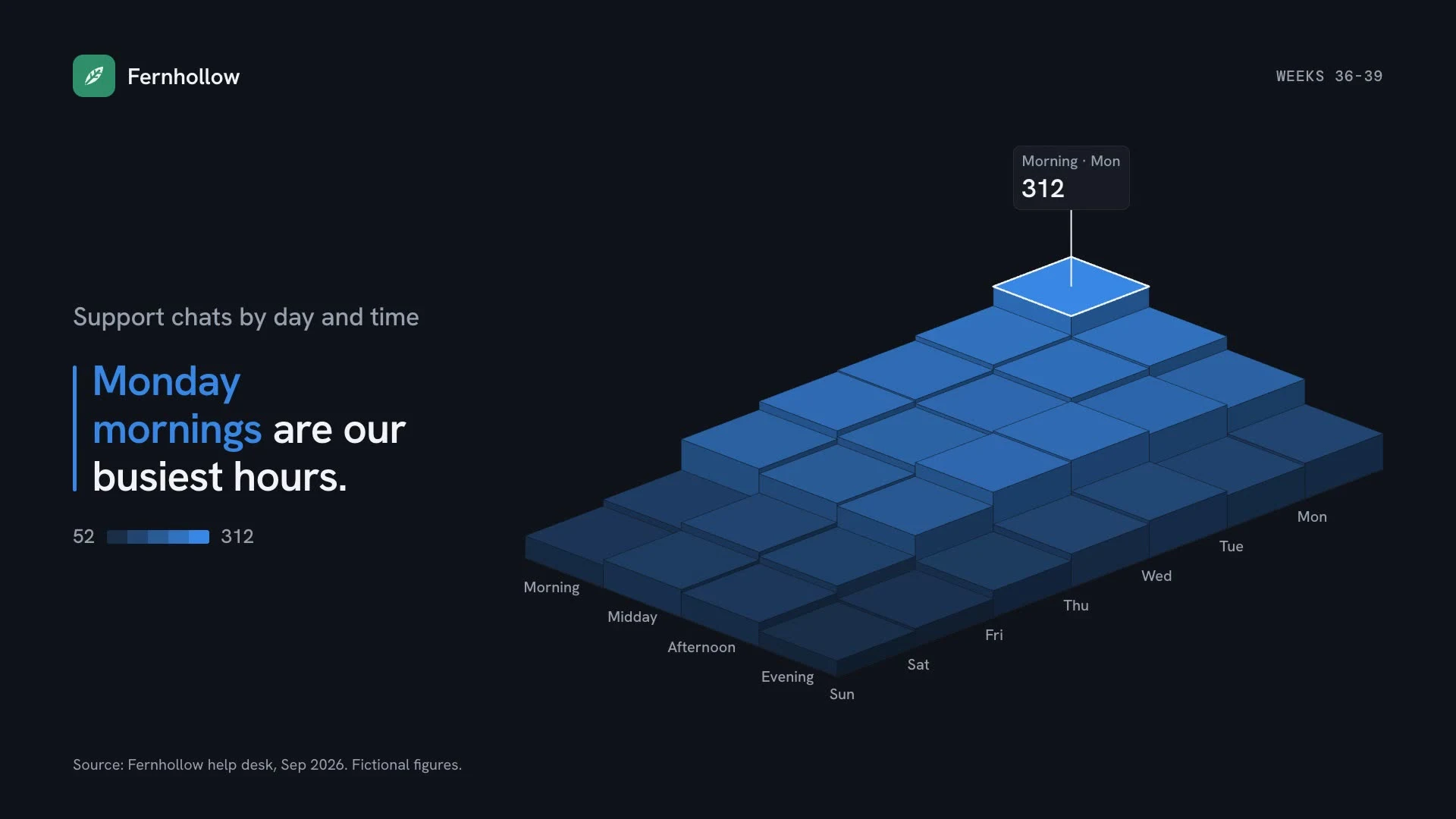
Company or team name = Fernhollow
Report period = Weeks 36-39
Title = Support chats by day and time
Column 1 name = Mon
Column 2 name = Tue
Column 3 name = Wed
Column 4 name = Thu
Column 5 name = Fri
Column 6 name = Sat
Column 7 name = Sun
One-line takeaway = [[Monday mornings]] are our busiest hours.
Source note = Source: Fernhollow help desk, Sep 2026. Fictional figures.
Color = ink-cobalt
Brand color = #1E3A8A
Video shape = 16:9
The grid values (3-5 rows) = Morning 312, 248, 231, 226, 198, 96, 74; Midday 244, 236, 219, 207, 182, 118, 92; Afternoon ...; Evening ... (Mon-Sun)
Video size = 4k
Isometric Heat Grid
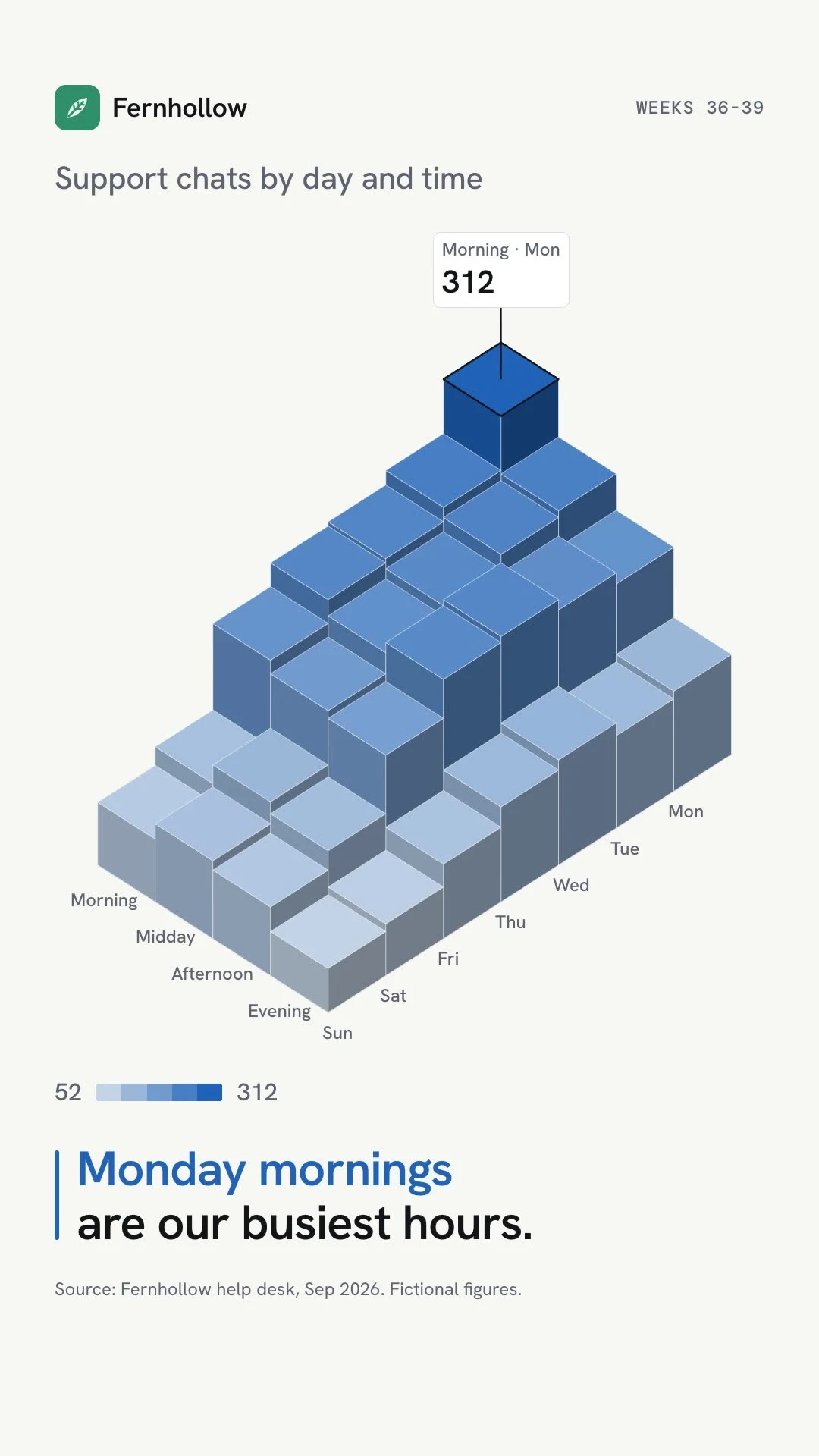
An 8-second data clip for two-way distributions: three to five rows by four to seven columns of isometric blocks rise in a diagonal wave to their values, shaded on a one-hue ramp of your accent; the peak cell is outlined and labelled, a legend shows the range and your takeaway lands. Add rows, column names, title, source and logo; render 16:9, 9:16, 1:1 or 4:5 in 4K.
How it works
- Install the skill · Install guides
- Run your request ·
/data-heat-grid - Review the result
Review the workflow in SKILL.md and use the bundled commands below.
node -vnode scripts/check-setup.mjsnode scripts/create.mjs --out ./demonode scripts/render.mjs ./demo --output ./demo.mp4node scripts/create.mjs --out ./my-scene --data content.json --logo ./logo.svg --aspect 16:9 --theme ink-cobaltnode scripts/render.mjs ./my-scene --check
Workspace
references/defaults.jsonreferences/fill-in.jsonreferences/layout-rules.jsonreferences/project/index.htmlscripts/check-setup.mjsscripts/create.mjsscripts/hyperframes.mjsscripts/layout-guard.mjs
What you get
- An editable 8-second isometric heat grid clip in 16:9, 9:16, 1:1 and 4:5, each with its own layout; 3-5 rows by 4-7 columns from your numbers
- Heights and a one-hue colour ramp computed from your data, the peak cell found and labelled, a legend with the range; your unit, decimals, thousands separator and compact format applied
- 4K MP4 by default (or 1080p), stills of any moment, three palettes plus any brand colour, a text-fit and layout check and a visual review checklist
Requirements
- Required · Node.js 22 or newer
- Required · Google Chrome, Chromium or Microsoft Edge
- Required · FFmpeg
- Optional · HyperFrames CLI (via npx)
Tips
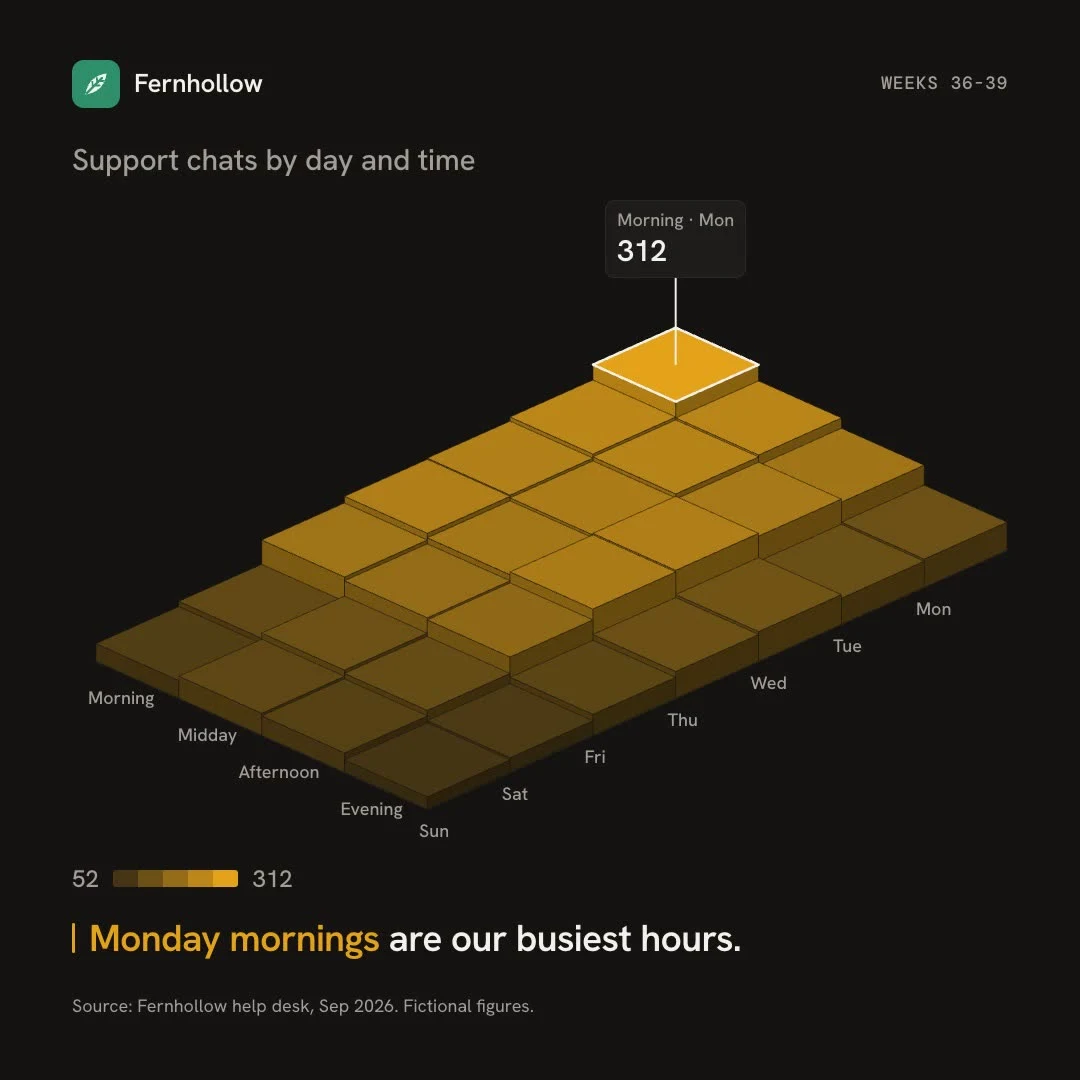
A rows-by-columns heatmap rises as isometric blocks; the peak cell is called out.
Make the same clip in 9:16 and 1:1 with the graphite-amber palette
Switch the accent to #12B886 and show the numbers as compact (1.2k)
Before you start
| You provide |
|
|---|---|
| Dependencies |
|
| External costs | No external service cost |
| Last updated | v1.0.2 · |
No additional scope beyond the supplied workflow.



























































































