Your prompt
Replace the brackets with your own content; leave optional ones out.
/ring-carousel-lineup
Brand name = 〔Brand name — your brand name — max 22 chars〕
Website = 〔Website — your website — max 28 chars — optional〕
Small line on top = 〔Small line on top — small line on top — max 35 chars — optional〕
Collection title = 〔Collection title — collection name — max 40 chars〕
Featured product name = 〔Featured product name — product name — max 26 chars〕
Featured product price = 〔Featured product price — price — max 10 chars〕
Color = 〔Color — noir (near-black, gold) / pearl (light warm grey, bronze) / plum (deep plum, rose) / ocean (deep teal, aqua) — optional〕
Brand color = 〔Brand color — #RRGGBB — optional〕
Video shape = 〔Video shape — landscape 16:9 (YouTube, screens) / vertical 9:16 (Reels, Shorts, TikTok) / 4:3 / vertical 3:4 (feed posts) — optional〕
Product photo 1 = 〔Product photo 1 — photo 1〕
Product photo 2 = 〔Product photo 2 — photo 2〕
Product photo 3 = 〔Product photo 3 — photo 3〕
Product photo 4 = 〔Product photo 4 — photo 4〕
Product photo 5 = 〔Product photo 5 — photo 5〕
Product photo 6 = 〔Product photo 6 — photo 6〕
Product photo 7 = 〔Product photo 7 — photo 7 — optional〕
Product photo 8 = 〔Product photo 8 — photo 8 — optional〕
Video size = 〔Video size — 1080p / 4K — optional〕
Not sure? Say: show me an example first
Example
/ring-carousel-lineup
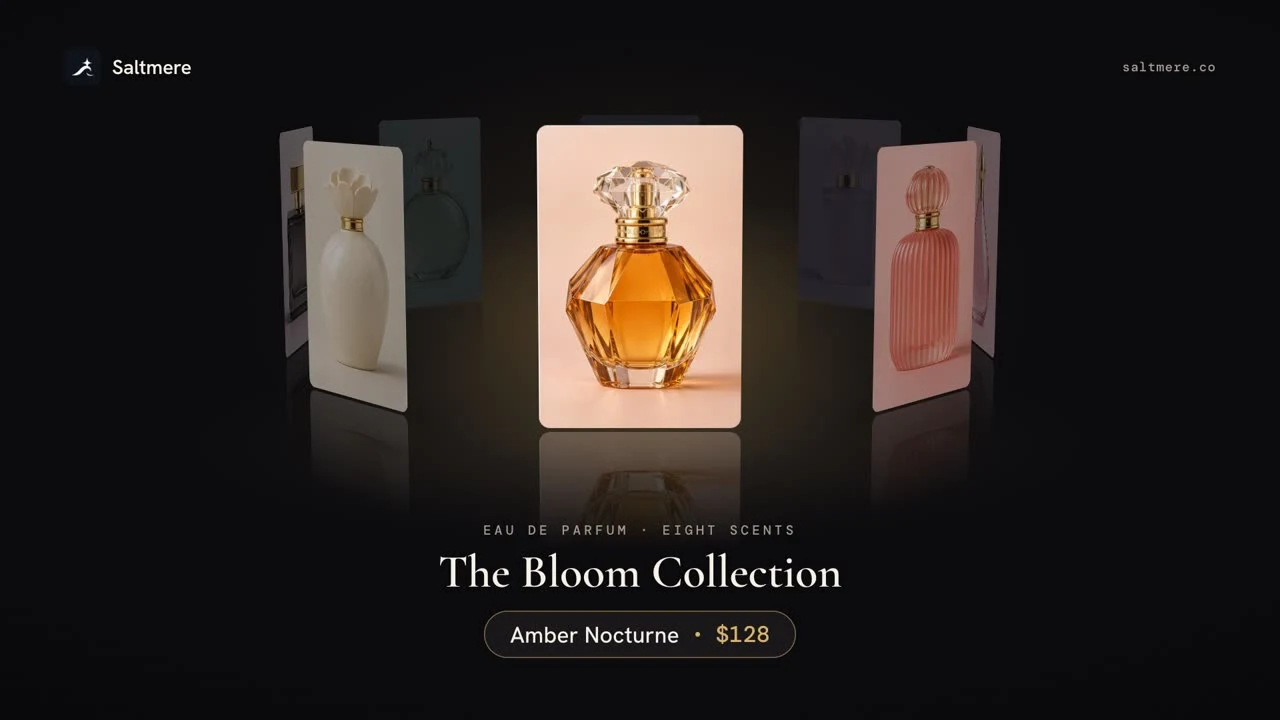
Brand name = Saltmere
Website = saltmere.co
Small line on top = Eau de parfum · Eight scents
Collection title = The Bloom Collection
Featured product name = Amber Nocturne
Featured product price = $128
Color = noir-showroom
Brand color = #1E3A8A
Video shape = 16:9
Product photo 1 = the sample perfume photo in the pack
Product photo 2 = the sample perfume photo in the pack
Product photo 3 = the sample perfume photo in the pack
Product photo 4 = the sample perfume photo in the pack
Product photo 5 = the sample perfume photo in the pack
Product photo 6 = the sample perfume photo in the pack
Product photo 7 = the sample perfume photo in the pack
Product photo 8 = the sample perfume photo in the pack
Video size = 4K
Ring Carousel Lineup
An 11-second lineup clip: six to eight of your product photos snap into a 3D ring on a glossy floor, turn one full circle and stop on your hero product, which lifts into a spotlight while the collection title, name and price land. Swap the photos, the stop, text, palette or brand colour and render 16:9, 9:16, 4:3 or 3:4 in 4K on your own computer.
How it works
- Install the skill · Install guides
- Run your request ·
/ring-carousel-lineup - Review the result
Review the workflow in SKILL.md and use the bundled commands below.
node -vnode scripts/check-setup.mjsnode scripts/create.mjs --out ./demonode scripts/render.mjs ./demo --output ./demo.mp4node scripts/studio.mjs --out .node scripts/render.mjs ./my-scene --check
Workspace
references/check.jsonreferences/defaults.jsonreferences/fill-in.jsonreferences/layout-rules.jsonreferences/studio.htmlreferences/project/index.htmlreferences/studio/shell.htmlscripts/check-output.mjs
What you get
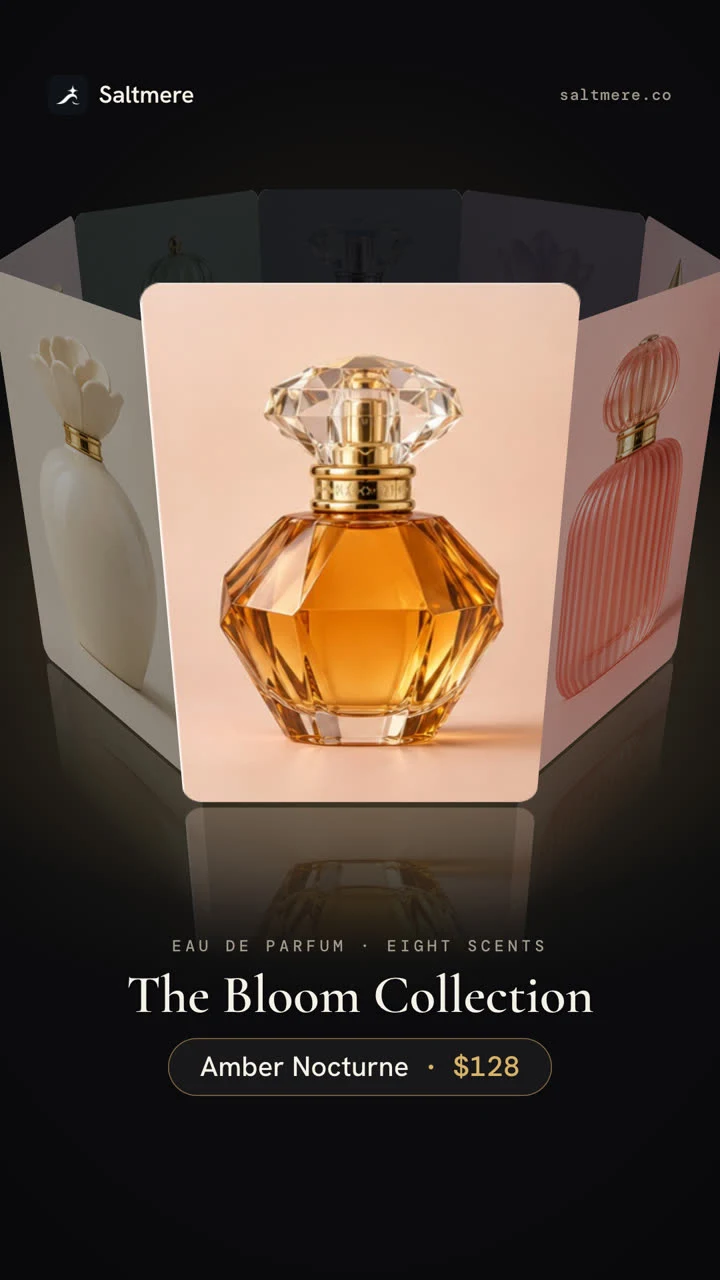
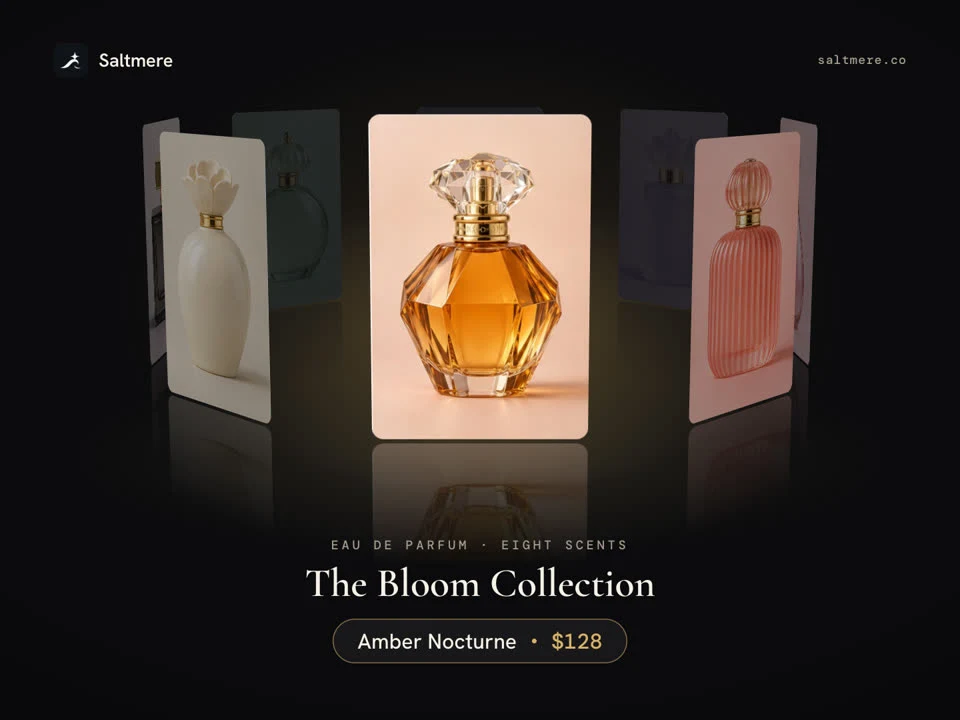
- An 11-second 4K MP4 of your collection as a turning 3D showroom ring, in 16:9, 9:16, 4:3 or 3:4
- Your choice of 6-8 products and the one the ring stops on, four palettes plus your brand colour
- An editable scene folder, a local Studio page and an automatic fit and layout check
Requirements
- Required · Node.js 22 or newer
- Required · Google Chrome, Chromium or Microsoft Edge
- Required · FFmpeg
Tips
Your products in a 3D showroom ring that turns once and stops on the one you choose.
Make a 9:16 version for Reels with only six products, stopping on the third one
Switch to the pearl palette and use our brand colour
Before you start
| You provide |
|
|---|---|
| Dependencies |
|
| External costs | No external service cost |
| Last updated | v1.0.1 · |
No additional scope beyond the supplied workflow.



























































































