Your prompt
Replace the brackets with your own content; leave optional ones out.
/data-waffle-flip
Company or team name = 〔Company or team name — your company or team — max 20 chars〕
Report period = 〔Report period — report period — max 24 chars — optional〕
Title = 〔Title — what is measured, over what period — max 40 chars〕
One-line takeaway = 〔One-line takeaway — your one-sentence conclusion — max 60 chars〕
Source note = 〔Source note — where the numbers come from — max 72 chars — optional〕
Color = 〔Color — dark amber (graphite, amber) / dark blue (ink, cobalt) / light (paper, cobalt) — optional〕
Brand color = 〔Brand color — #RRGGBB — optional〕
Video shape = 〔Video shape — landscape 16:9 (YouTube, screens) / vertical 9:16 (Reels, Shorts, TikTok) / square 1:1 / 4:5 (Instagram feed) — optional〕
The shares (2-4) = 〔The shares (2-4) — 2-4 categories: name and %〕
Video size = 〔Video size — 1080p / 4K — optional〕
Not sure? Say: show me an example first
Example
/data-waffle-flip
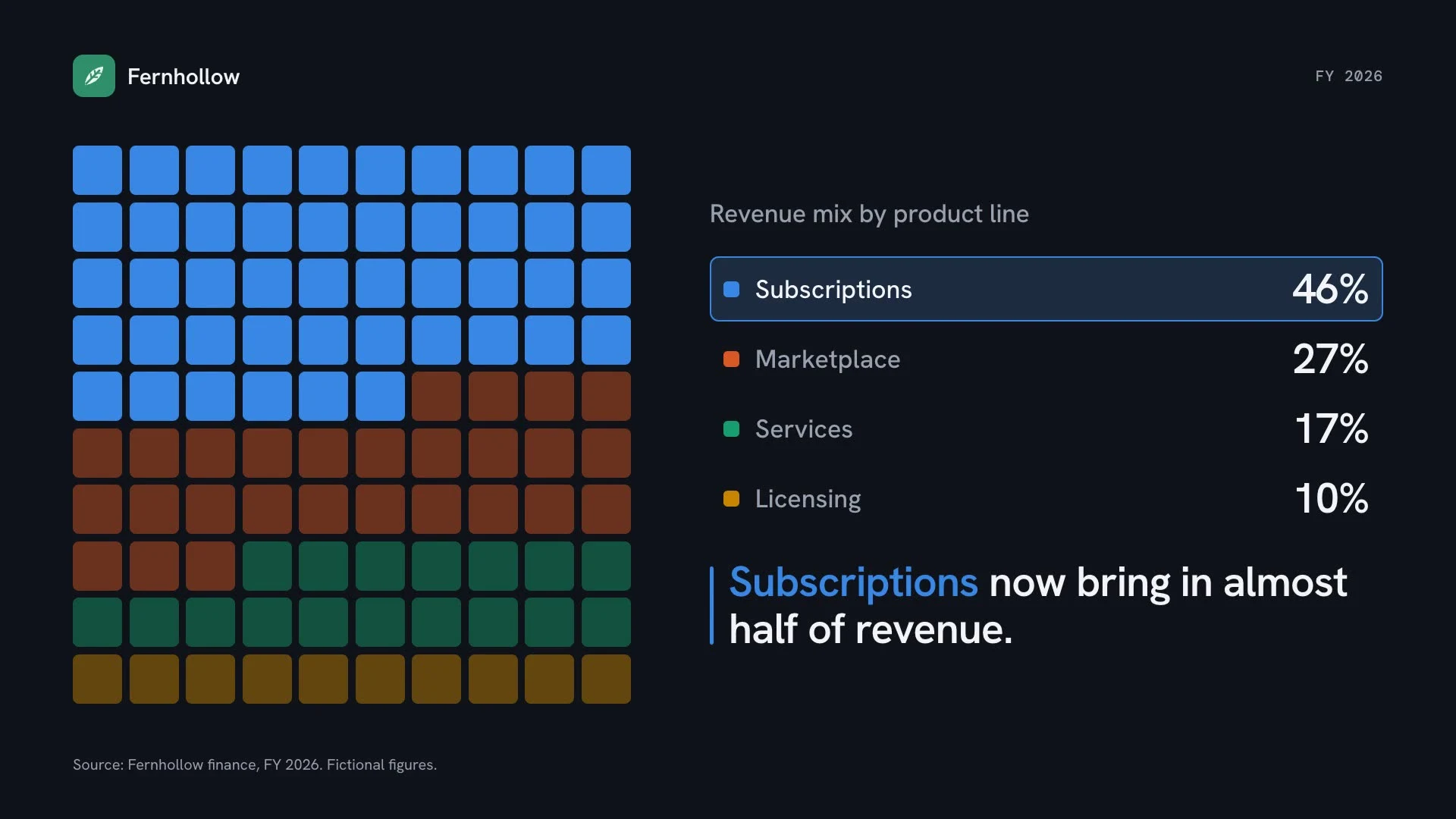
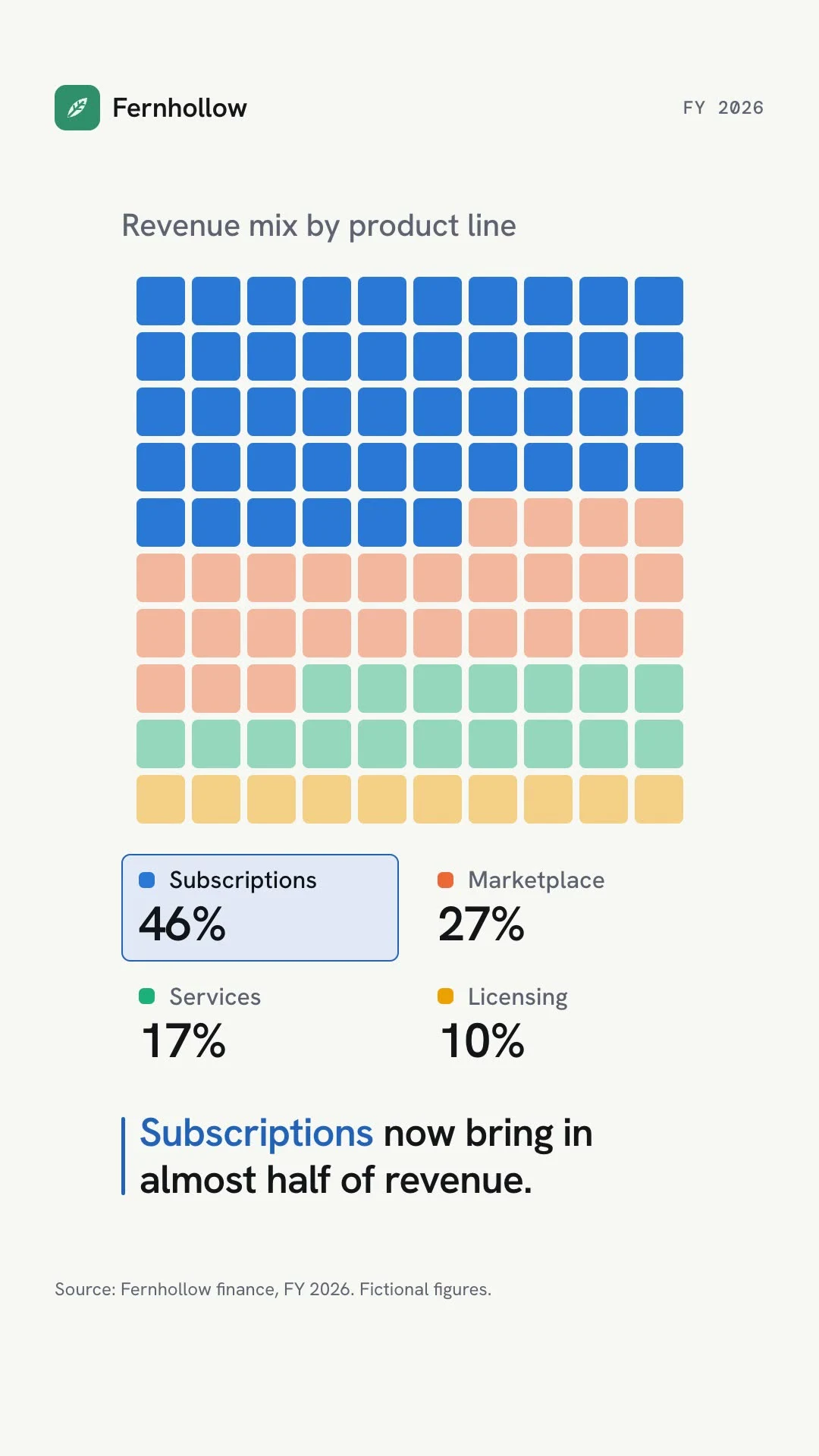
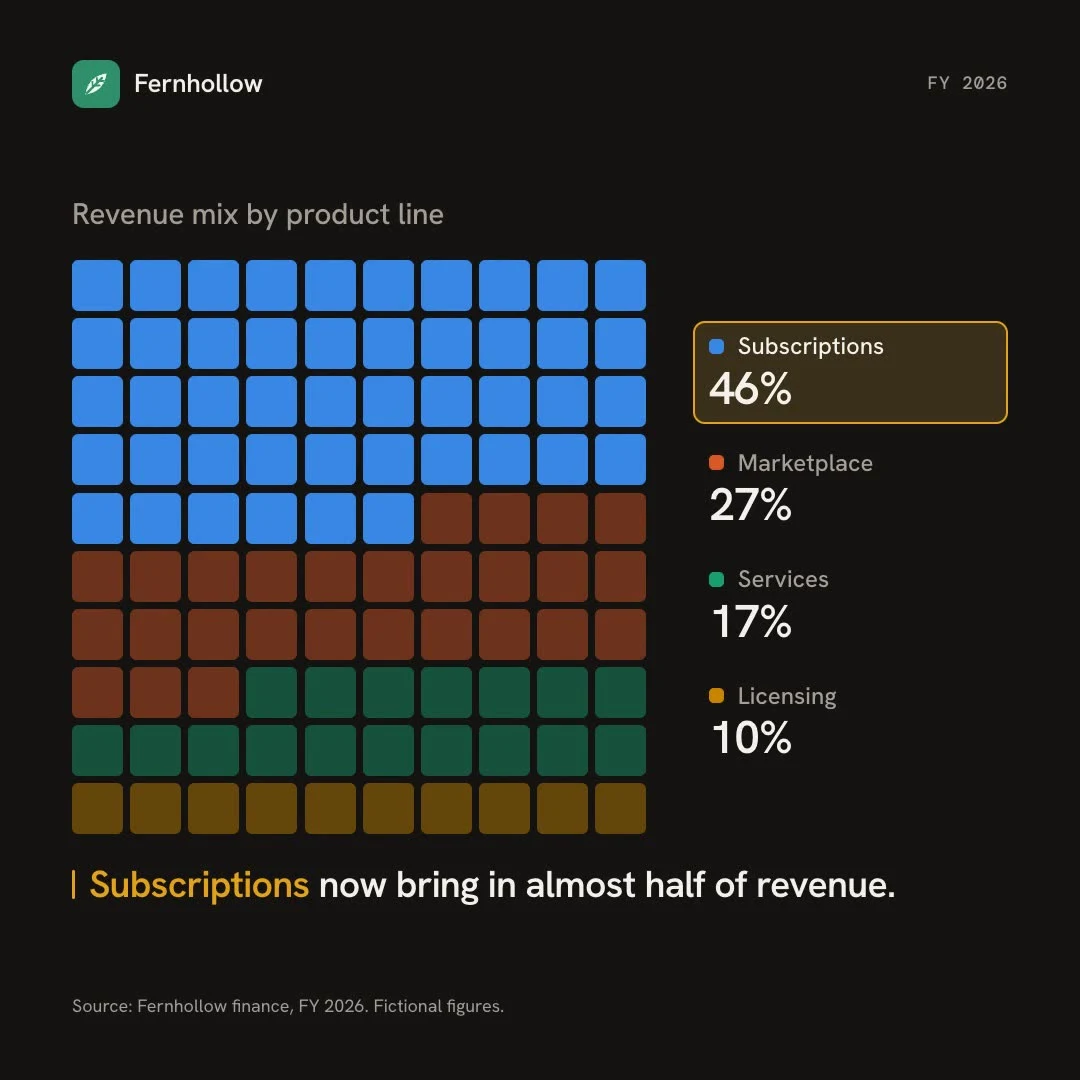
Company or team name = Fernhollow
Report period = FY 2026
Title = Revenue mix by product line
One-line takeaway = [[Subscriptions]] now bring in almost half of revenue.
Source note = Source: Fernhollow finance, FY 2026. Fictional figures.
Color = ink-cobalt
Brand color = #1E3A8A
Video shape = 16:9
The shares (2-4) = Subscriptions 46%, Marketplace 27%, Services 17%, Licensing 10%
Video size = 4k
Waffle Flip Share
An 8-second clip for a share of the whole: a hundred face-down tiles flip row by row into two to four colours, one tile per percent, while each legend share counts up with its tiles. The rest dim, the highlighted share stays bright and your takeaway lands. Add your shares, title, source note and logo, pick a palette or brand colour and render 16:9, 9:16, 1:1 or 4:5 in 4K.
How it works
- Install the skill · Install guides
- Run your request ·
/data-waffle-flip - Review the result
Review the workflow in SKILL.md and use the bundled commands below.
node -vnode scripts/check-setup.mjsnode scripts/create.mjs --out ./demonode scripts/render.mjs ./demo --output ./demo.mp4node scripts/create.mjs --out ./my-scene --data content.json --logo ./logo.svg --aspect 16:9 --theme ink-cobaltnode scripts/render.mjs ./my-scene --check
Workspace
references/defaults.jsonreferences/fill-in.jsonreferences/layout-rules.jsonreferences/project/index.htmlscripts/check-setup.mjsscripts/create.mjsscripts/hyperframes.mjsscripts/layout-guard.mjs
What you get
- An editable 8-second share clip in 16:9, 9:16, 1:1 and 4:5, each with its own layout; two to four categories from your numbers
- Tile counts computed from your shares (always 100 tiles); your suffix and decimals applied to every share
- 4K MP4 by default (or 1080p), stills of any moment, three palettes plus any brand colour, a text-fit and layout check and a visual review checklist
Requirements
- Required · Node.js 22 or newer
- Required · Google Chrome, Chromium or Microsoft Edge
- Required · FFmpeg
- Optional · HyperFrames CLI (via npx)
Tips
A 10x10 grid of tiles flips over into your shares, one tile per percent.
Make the same clip in 9:16 and 4:5 with the paper-cobalt palette
Show one decimal (41.5%) and switch the accent to #12B886
Before you start
| You provide |
|
|---|---|
| Dependencies |
|
| External costs | No external service cost |
| Last updated | v1.0.2 · |
No additional scope beyond the supplied workflow.



























































































